Wordmark logos
Text-based logos with custom typography treatment — clean, bold, or ornate depending on your brief.
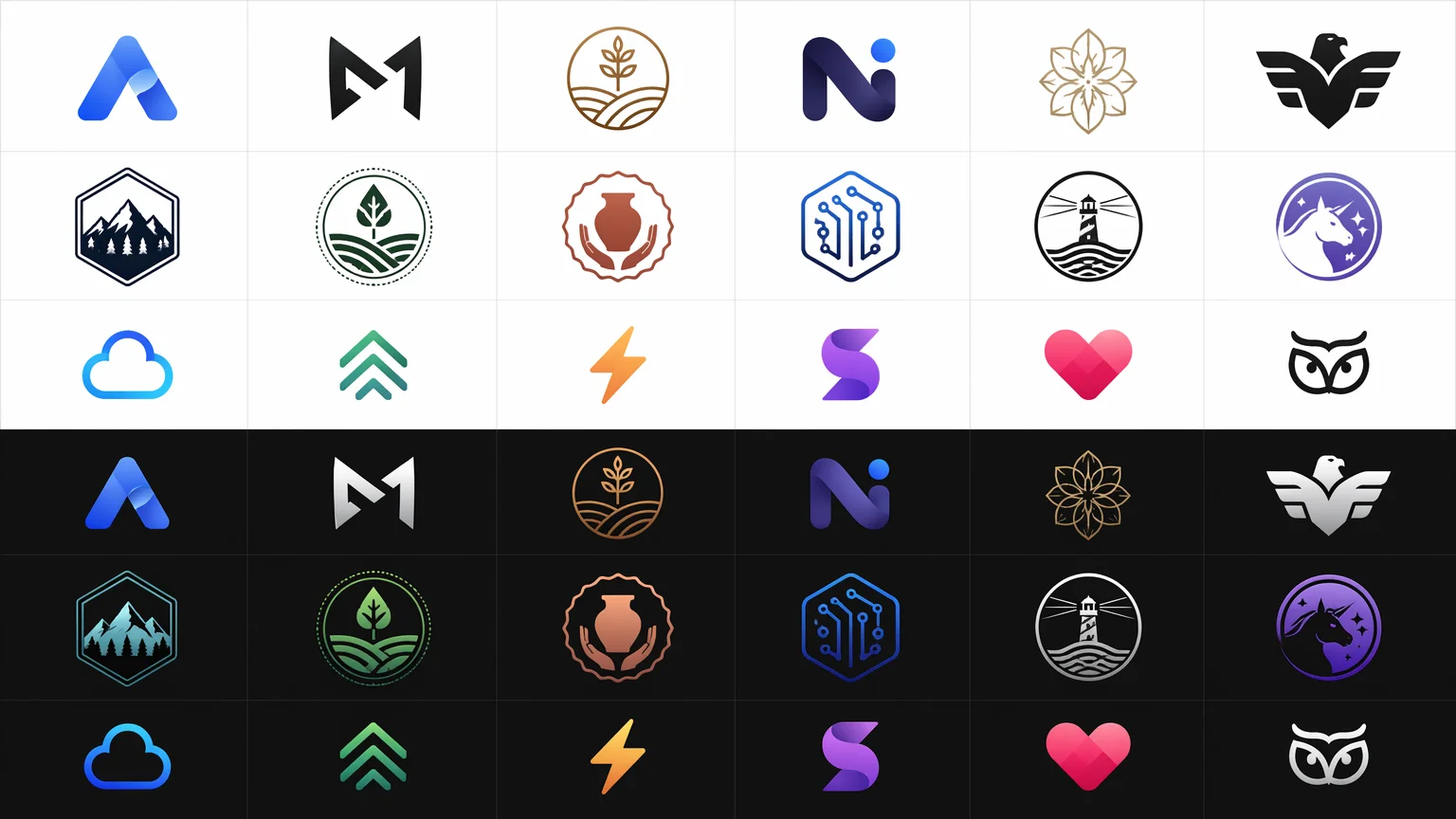
Describe your brand, pick a style, and generate polished logo concepts in seconds — no design skills needed.
Open Renoise Canvas, describe your brand — name, style, industry, and any visual direction — then pick GPT Image 2 for photorealistic or illustrative output, Midjourney V7 for artistic and stylized concepts, or Nano Banana Pro for bold, punchy designs. The model generates full logo compositions from your prompt. Iterate by refining the prompt or generating multiple variations side by side.
Need a full brand kit — posters, banners, and artwork? See the AI Art Generator guide
Professional logo concepts for any brand, style, or industry.
Text-based logos with custom typography treatment — clean, bold, or ornate depending on your brief.
Symbolic icon paired with your brand name — the classic two-part logo format.
Initial-letter marks, letterform logos, and abstract geometric identities.
Mascots, emblems, badge logos, and hand-crafted-style marks from a single prompt.
From brand brief to logo concept — all in Renoise Canvas.

Type your brand name, industry, style direction, and any color or vibe preferences. The more specific the prompt, the better the output.

Select GPT Image 2 for clean illustrative output, Midjourney V7 for artistic and editorial styles, or Nano Banana Pro for bold, graphic-heavy concepts.
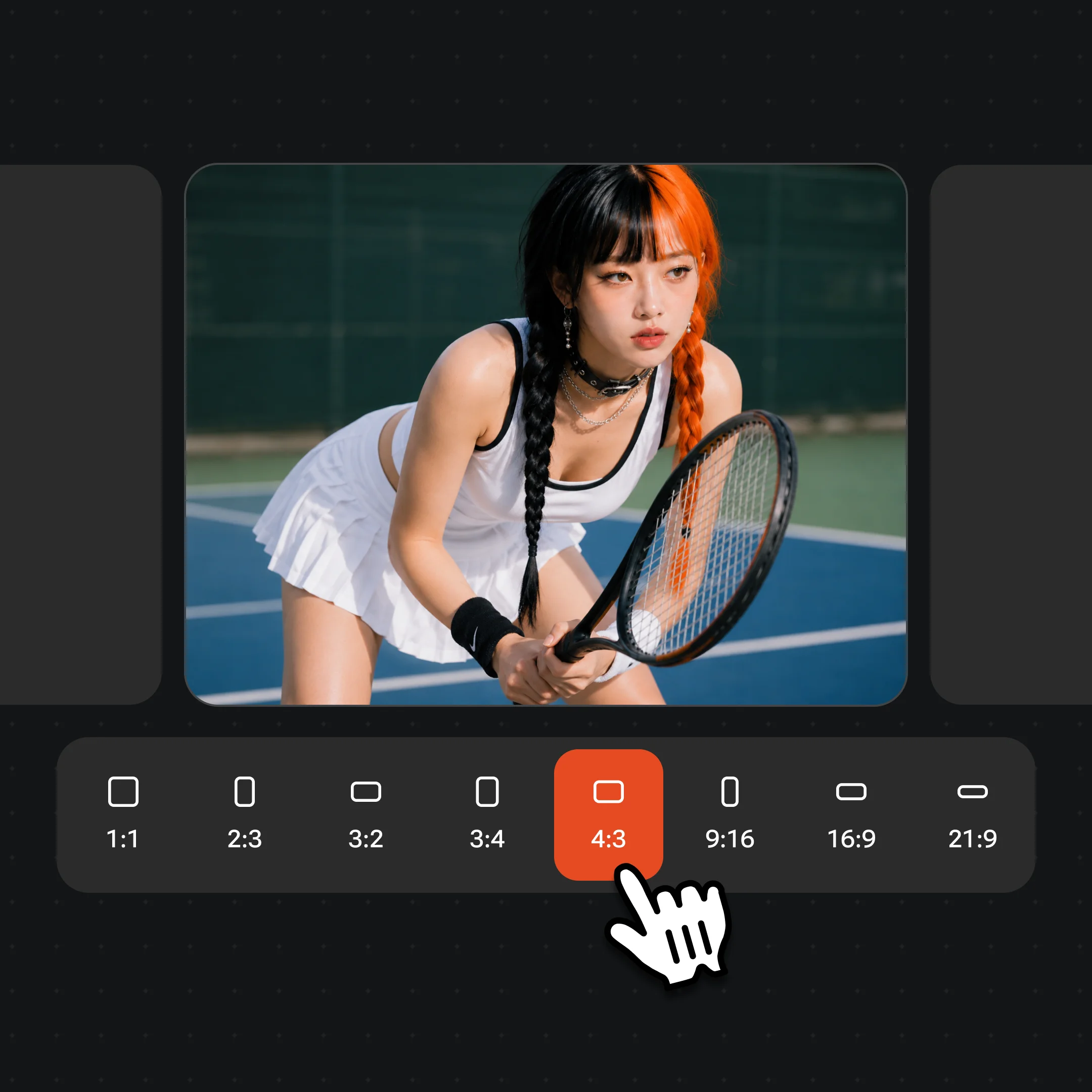
Generate multiple variations, compare them side by side, and refine with follow-up prompts. Export watermark-free on paid plans.
Logo designs across styles — wordmarks, icon combos, emblems, and illustrative marks.
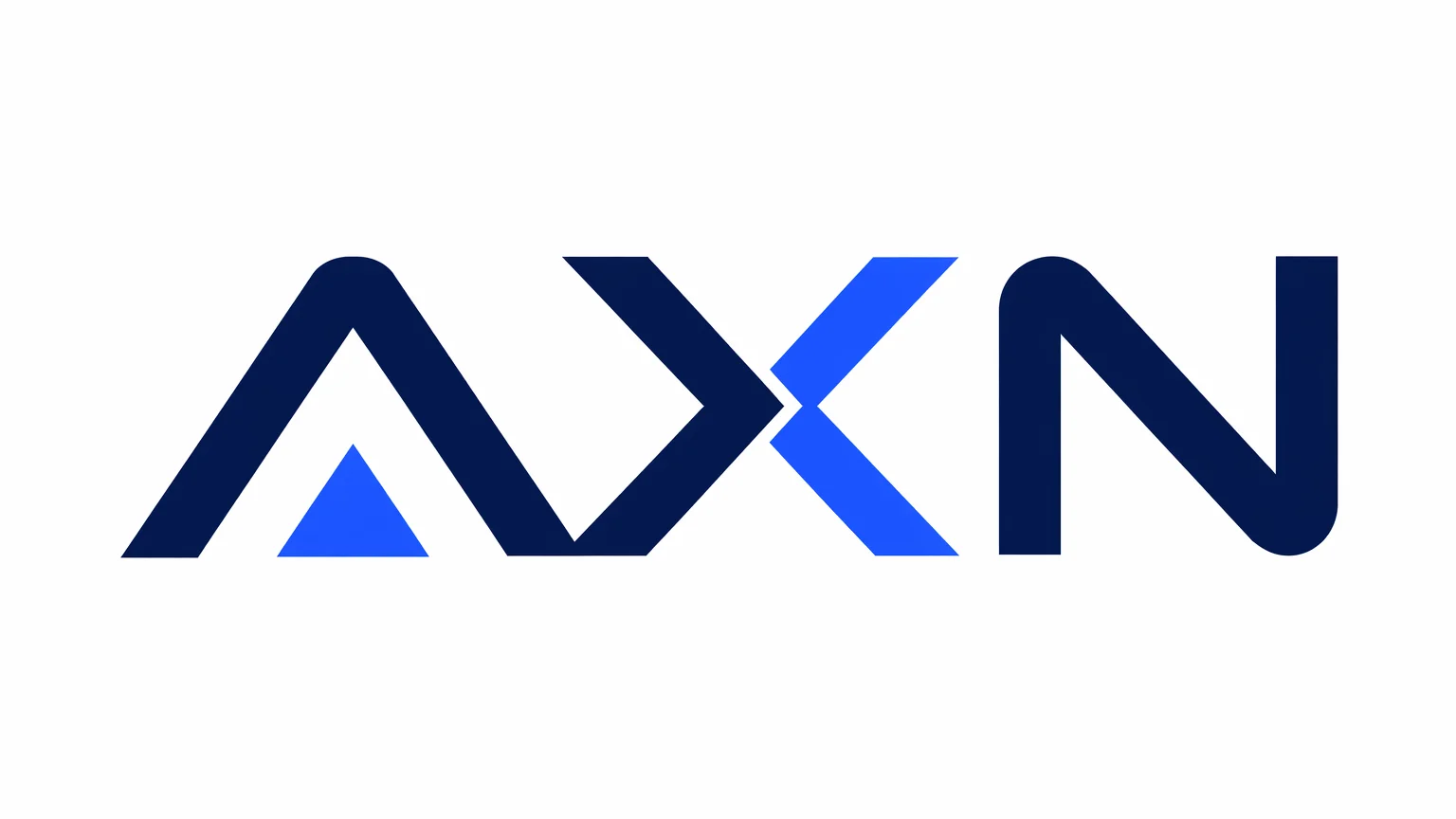
Clean sans-serif wordmark with geometric accent — modern SaaS brand identity.
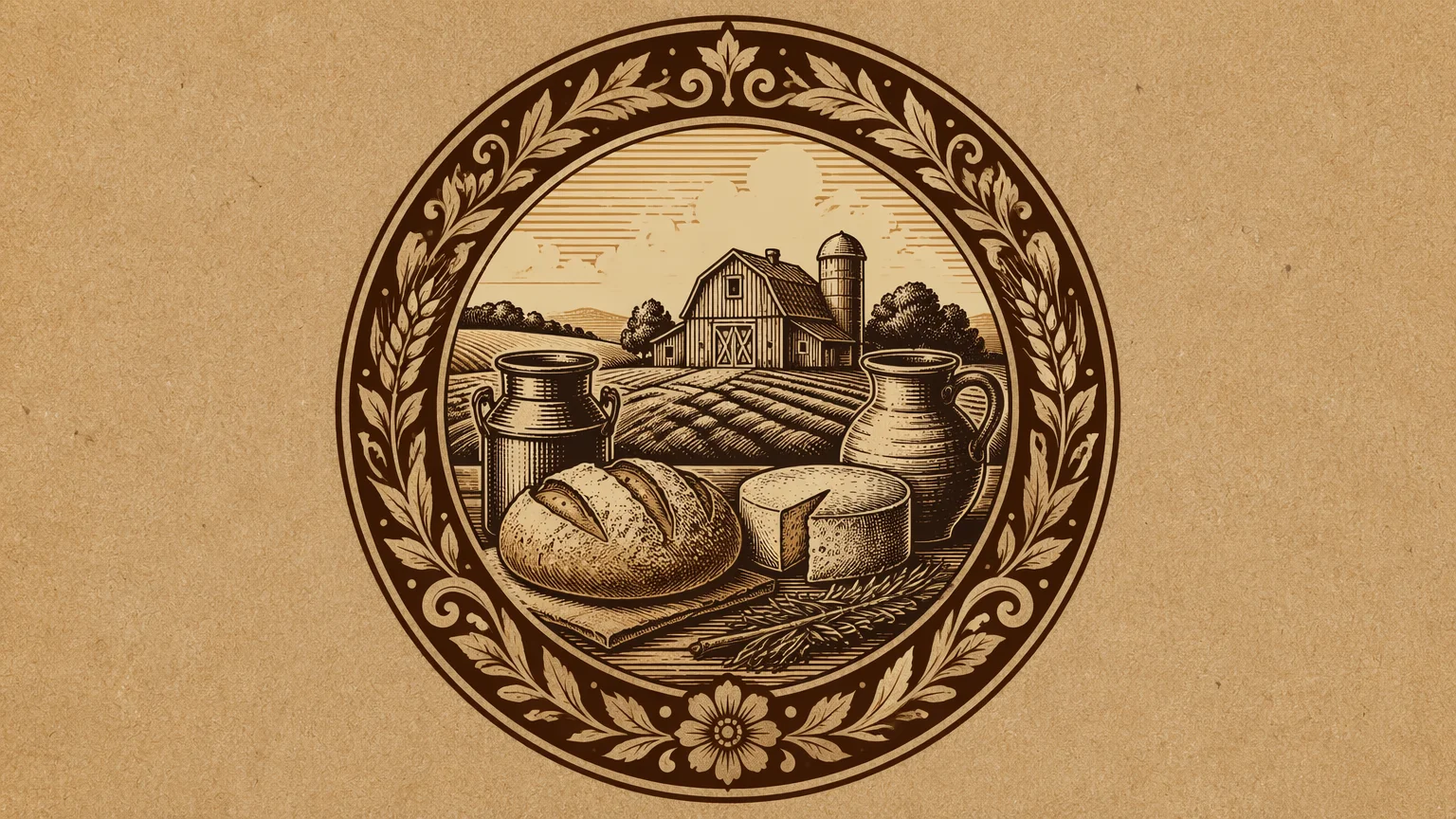
Hand-crafted badge-style emblem for a premium food or beverage brand.
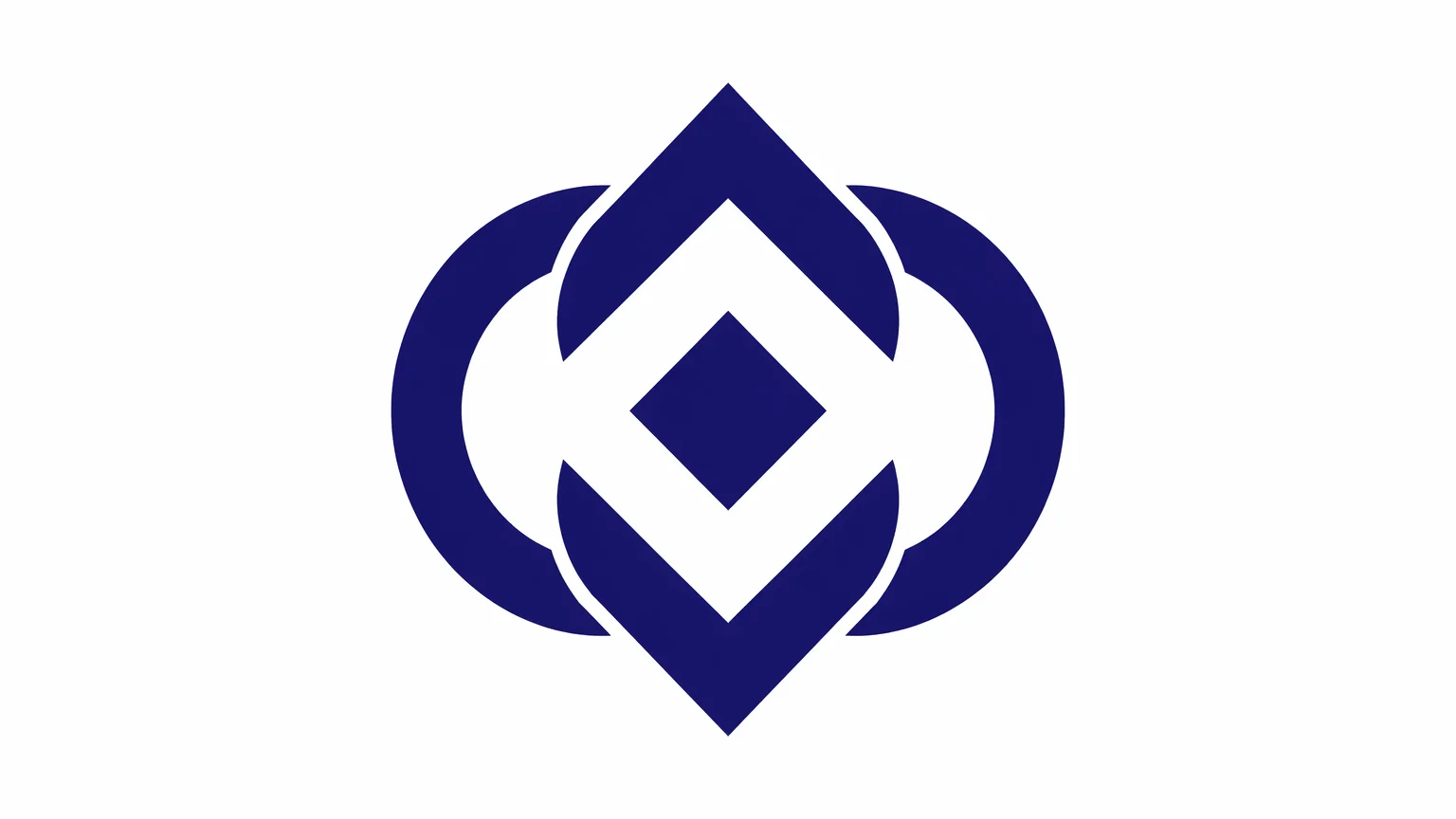
Geometric icon mark — minimal, scalable, and versatile for a digital-first brand.
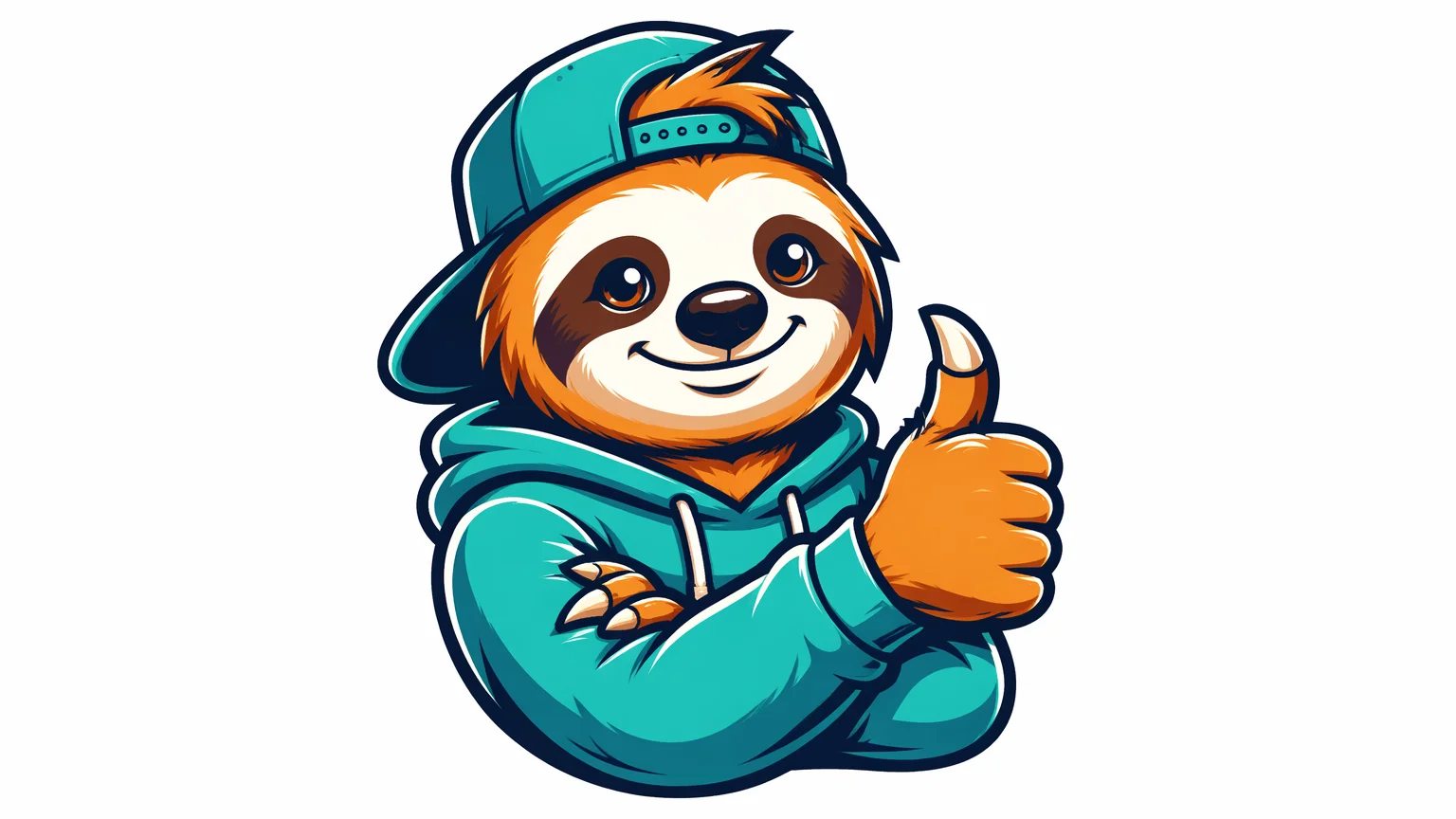
Character mascot logo with bold colors — perfect for gaming, food, or lifestyle brands.
Both models run in Renoise Canvas — pick by the aesthetic you need.
| For logo generation | GPT Image 2 (Recommended) | Midjourney V7 |
|---|---|---|
| Best for | Clean, precise, instruction-following designs | Artistic, editorial, and stylized aesthetics |
| Typography accuracy | High — follows brand name closely | Medium — may stylize or alter letterforms |
| Photorealistic elements | ✓ | ✓ |
| Abstract / artistic styles | ✓ | ✓✓ (stronger) |
| Iteration from text | Excellent prompt following | Strong aesthetic interpretation |
AI logo generators work very differently from traditional design tools. Instead of placing shapes and editing nodes, you describe the outcome in natural language and the model synthesizes a visual composition from that description. The results are raster images — high-quality PNG or JPEG — not scalable vector files. If you need a vector (SVG) for print or large-format use, you will need to auto-trace or manually recreate the design in a vector tool.
The most effective logo prompts include four things: (1) the brand name or initials, (2) the industry or audience, (3) the style direction (minimal, bold, vintage, playful, luxury), and (4) any specific color or symbol preferences. For example: "wordmark logo for NOVA, a fintech startup, clean minimal sans-serif, navy and gold, no icons, white background."
Midjourney V7 excels at artistic and editorial aesthetics — hand-lettered scripts, illustrated emblems, textured vintage marks. GPT Image 2 follows instructions more precisely and handles clean, typographically-accurate designs better. Nano Banana Pro delivers bold, graphic-heavy output well-suited for streetwear, gaming, or food brands.
For production use, generate multiple variations, pick the strongest concept, and iterate. Many designers use AI logo tools for concepting and client presentations before moving to vector refinement in a dedicated design tool.
Logo generation draws on three image models and Canvas in one workflow.
OpenAI image model: precise, instruction-following, excellent for clean typographic logos.
Leading artistic model: rich aesthetics, illustrated styles, and editorial mark-making.
Bold, graphic-heavy output for brands that want punchy and distinctive marks.
Prompt, generate, compare, and iterate on logo concepts all in one visual workspace.
One plan unlocks GPT Image 2, Midjourney V7, Nano Banana Pro, and every image and video model in Renoise.
For first-time AI content creators
Billed $168 annually
Upgrade PlanSave $72/year
For creators shipping content every week.
Billed $504 annually
Upgrade PlanSave $216/year
For studios and pros producing at commercial scale.
Billed $1680 annually
Upgrade PlanSave $720/year
For first-time AI content creators
Billed monthly
Upgrade PlanFor creators shipping content every week.
Billed monthly
Upgrade PlanFor studios and pros producing at commercial scale.
Billed monthly
Upgrade PlanRenews automatically each year until canceled.
Renews automatically each month until canceled.
Describe your brand — get polished logo concepts in seconds. Watermark-free on paid plans.
Renoise generates raster images (PNG/JPEG) — not SVG vector files. For production logos at large scale, export the high-resolution PNG and use a vector auto-tracing tool (like Adobe Illustrator's Image Trace) to convert it to a scalable vector. The AI output is best used for concepting and direction-finding.
GPT Image 2 is the strongest choice for clean, minimal, and typographically accurate logos. It follows specific instructions well — brand name, color, no-icons — and produces precise compositions. Midjourney V7 is better for artistic or illustrated styles.
Yes — include your brand name in the prompt and specify the typography style you want (e.g., "bold sans-serif", "elegant serif", "hand-lettered script"). GPT Image 2 tends to render brand names most accurately. Results may vary; regenerating a few times usually improves accuracy.
Renoise does not restrict commercial use of outputs. You should review the terms of service and confirm your intended use — standard paid plan outputs can be used for brand and commercial purposes. For high-stakes brand identity, consult a designer to refine and finalize.
Renoise generates at up to 1536×1536px (square). For logos, a square output works well. Specify "white background" in your prompt if you want a clean, isolated mark that is easy to place on any background.
Generate the first version, identify what you want to keep and change, then refine the prompt accordingly. You can also generate multiple outputs in the same Canvas session and compare them side by side to pick the strongest direction.
Your privacy is important to us
We use cookies to improve your experience and for marketing. Read our Cookie Notice.