Legible headline text
Nano Banana Pro renders headline and detail copy at ~94% accuracy — quote exact words in the prompt.
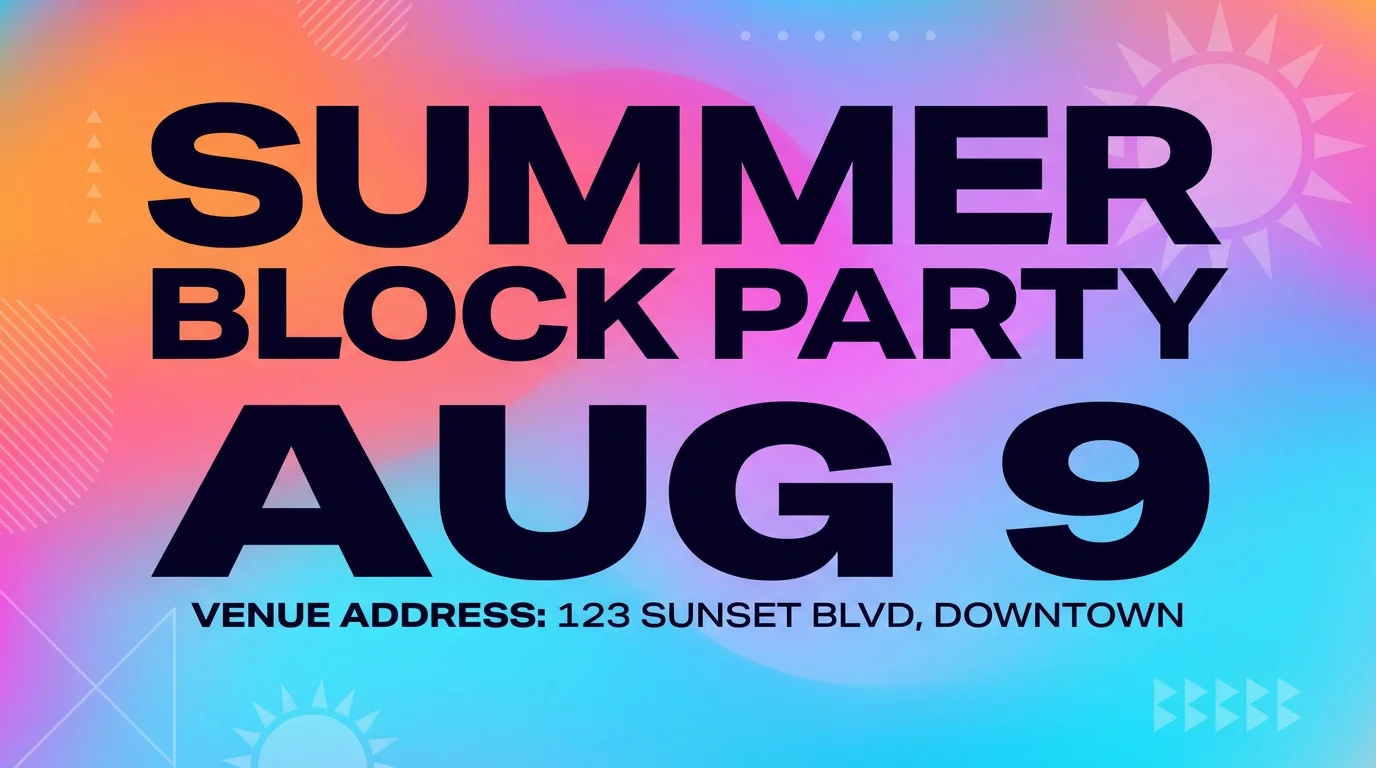
Design event and promo flyers with headline text that renders legibly.
Describe the flyer — put the headline in quotes, name the event details, and set the layout — then generate on Nano Banana Pro in Renoise Canvas. Nano Banana Pro renders in-image text at ~94% accuracy (Studio-grade), so words stay legible instead of garbled. Still proofread the output before you print or post: AI text rendering is reliable but not infallible.
Designing a larger print poster instead? See the poster guide
What flyer design looks like in Renoise.
Nano Banana Pro renders headline and detail copy at ~94% accuracy — quote exact words in the prompt.
Event, promo, menu, or club night — set portrait, landscape, or square in the brief.
Text rendering is strong but not perfect — check all dates, names, and copy before distributing.
From a brief to a print- or share-ready flyer with legible text.

Describe the layout and put headline text in quotes — "SUMMER BLOCK PARTY", date, address line.
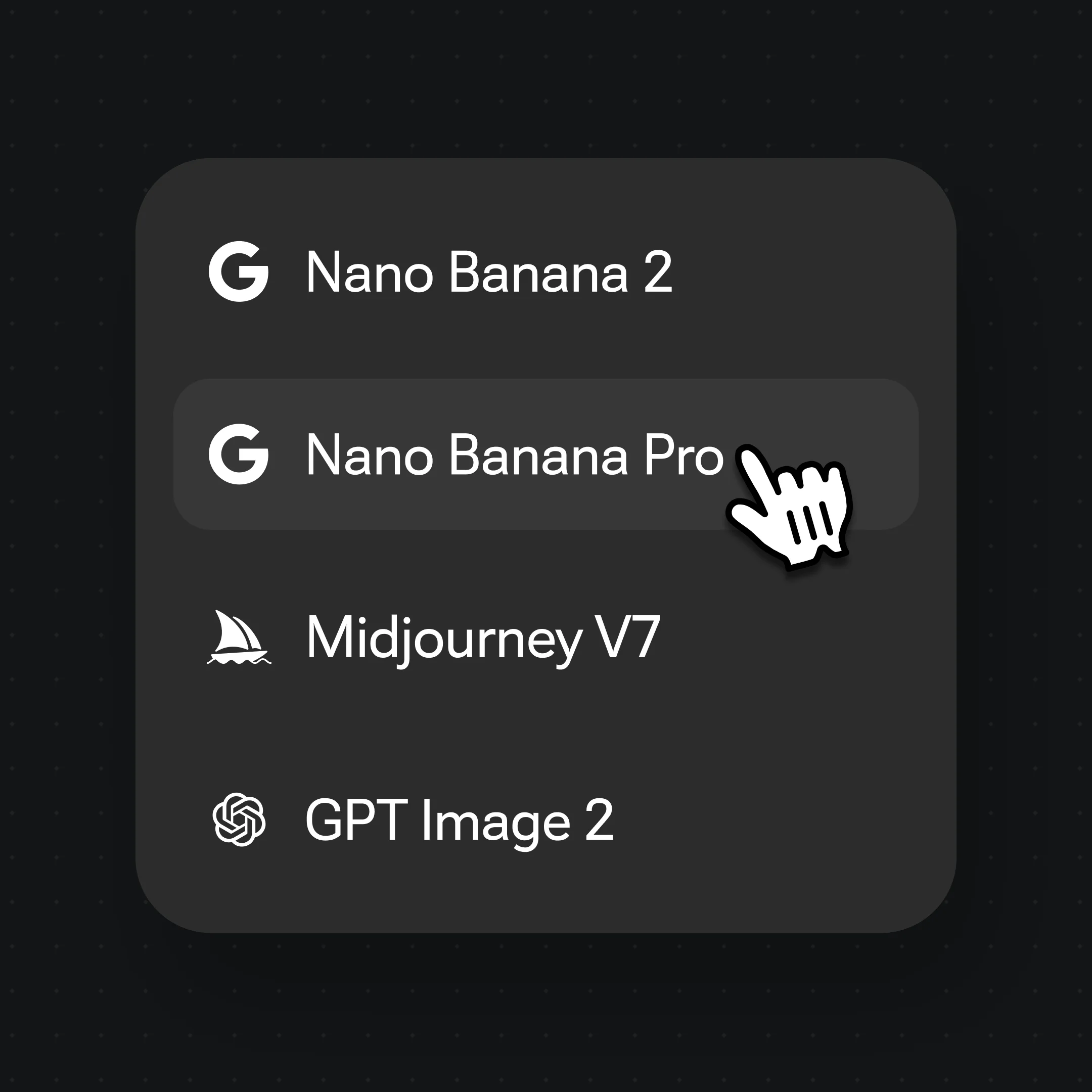
Choose Nano Banana Pro for Studio-grade text rendering and a clean, sharp flyer aesthetic.
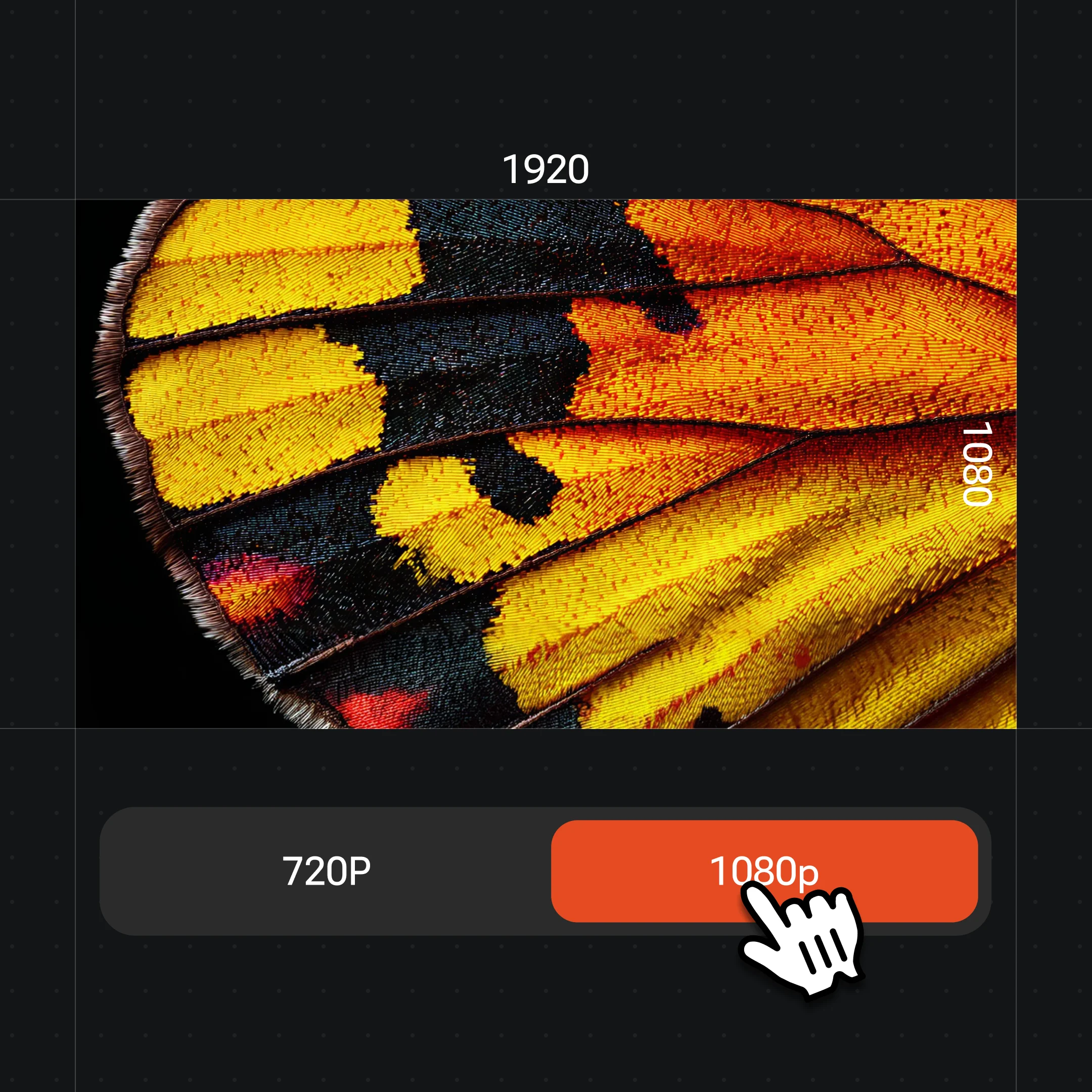
Generate the flyer, proofread every word and date, then export at up to 4K.
Event, club night, promo sale, or neighborhood notice — all in one canvas.
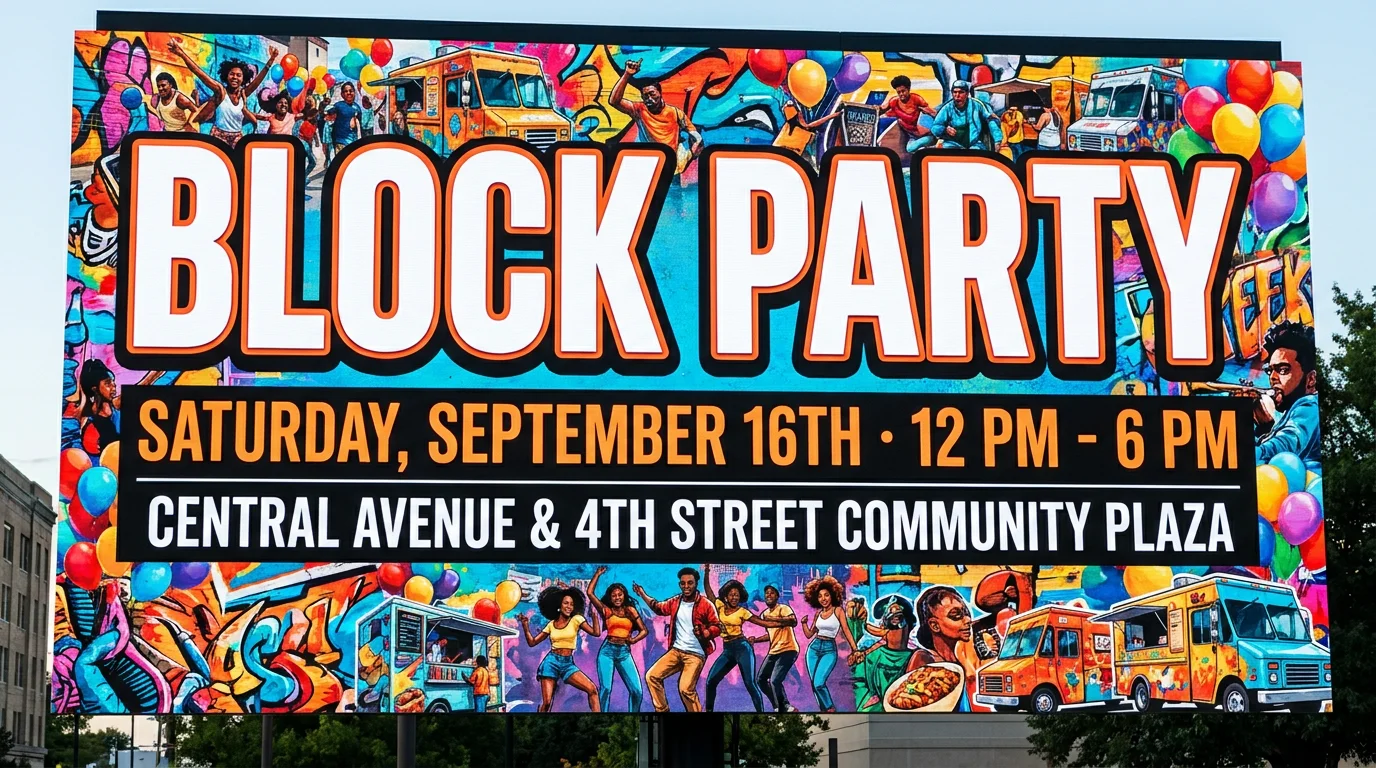
A bold community event flyer with a big headline, date line, and venue details.
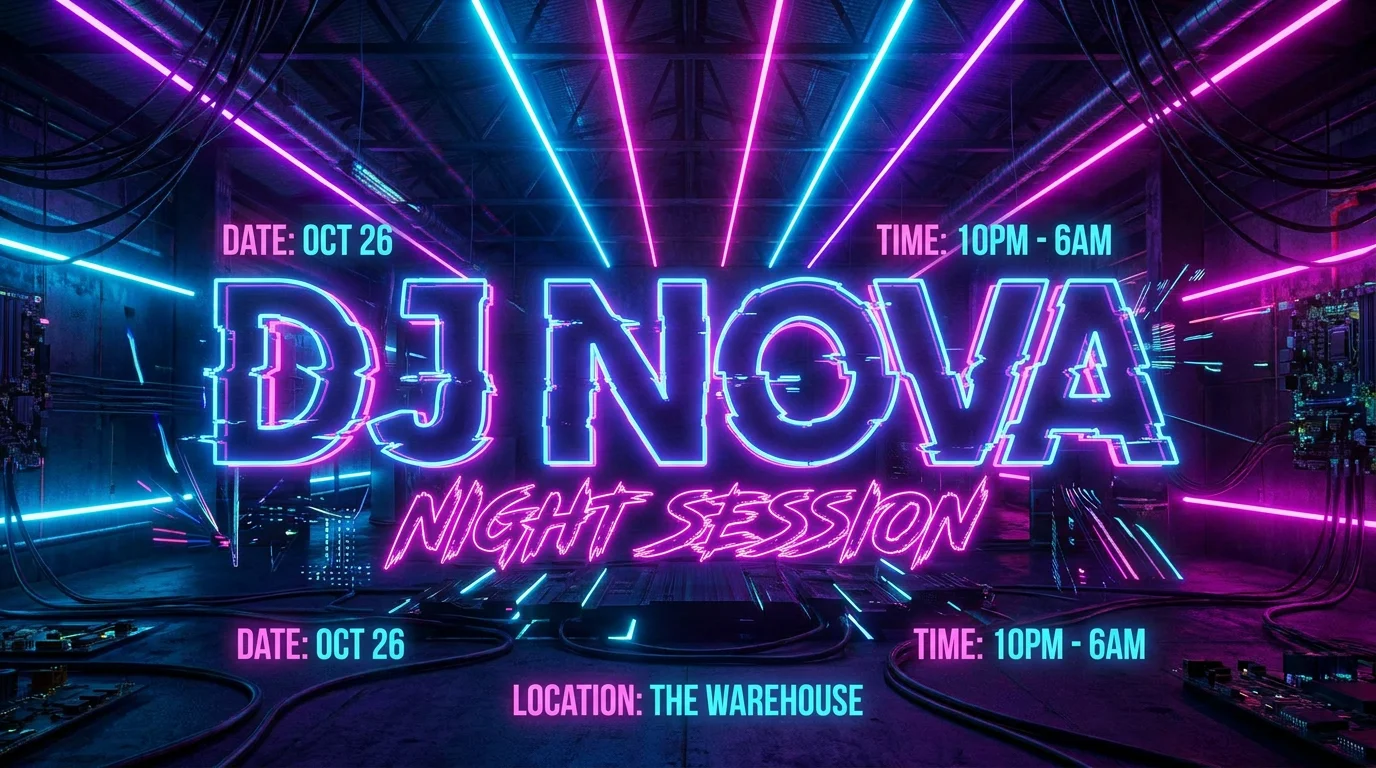
A neon-accented DJ night flyer with artist names and a strong typographic layout.

A retail promotion flyer with a discount headline, product visual, and call to action.
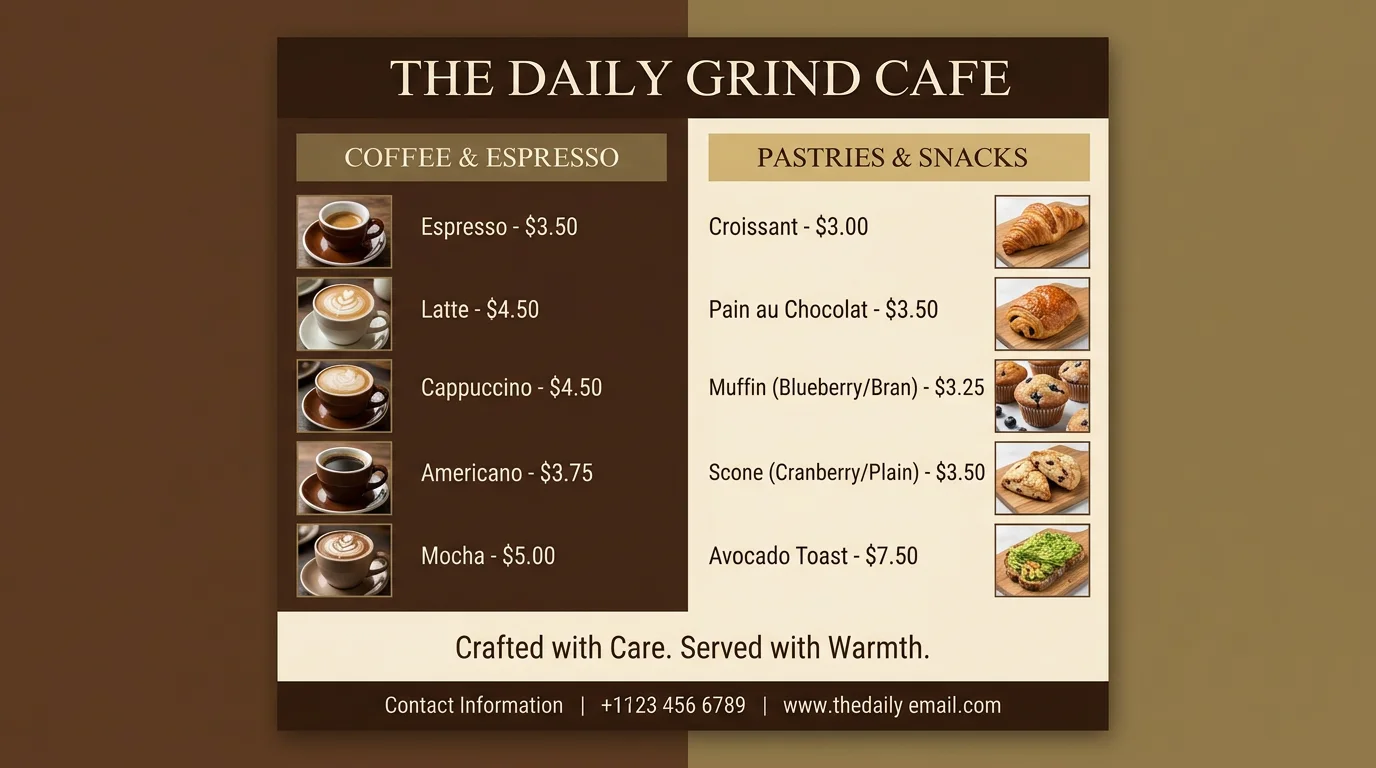
A clean café menu flyer with food items, prices, and a warm color palette.
Both live in the same Renoise Canvas. Nano Banana Pro for flyers that need clean in-image text and a polished Studio look; GPT Image 2 when the brief is instruction-heavy or you fuse multiple reference images.
| For flyers | Nano Banana Pro (Recommended) | GPT Image 2 |
|---|---|---|
| Best for | Headline text + Studio finish | Instruction-heavy or multi-ref briefs |
| In-image text | ~94% accuracy | Good |
| Photoreal imagery | Best | Good |
| Reference images | Image-to-image | Up to 16 |
| Up to 4K export | ✓ | ✓ |
| Same canvas | ✓ | ✓ |
A flyer lives or dies on whether the text is readable. Dates, venue names, prices, and headlines all need to be exact — and that is where most AI image generators stumble. Nano Banana Pro is Google's Studio-grade image model and renders in-image text at around 94% accuracy, which is high enough that most words come out legible on the first or second generate. Quoting the exact words in the prompt — 'reading "SUMMER BLOCK PARTY"' — is the single most effective technique for keeping the lettering correct.
That said, 94% means roughly 1 in 17 characters can drift, especially in long detail lines or at small sizes. Proofread every flyer before you print or share it. Check dates, phone numbers, addresses, and prices first — those are the mistakes people actually act on. Iterate on one or two more generations if something is off; most corrections land within a couple of tries.
Flyer design in Renoise is generative image-to-image: you describe the layout, choose the model, and the model builds the whole visual from your brief. There is no dedicated DTP canvas with locked text layers. For a finished piece that needs pixel-perfect typography, use the generated image as a base and overlay the final copy in a design tool. The workflow is fast: Renoise gets you 80% of the way with the look and the layout; a quick text overlay in Figma or Canva locks the last details. Either way, the visual foundation — the mood, the imagery, the color — comes from Renoise in one session.
Flyer design leans on Nano Banana Pro and GPT Image 2 in one Canvas.
Studio-grade image model with ~94% text rendering accuracy — the anchor for flyer work.
Precise instruction-following and up to 16 reference images for complex briefs.
Export print-ready flyers at 1K, 2K, or 4K — watermark-free on paid plans.
Iterate on multiple flyer variations or hop to a poster on the same canvas session.
One plan unlocks Nano Banana Pro, GPT Image 2, and every other image model.
For first-time AI content creators
Billed $168 annually
Upgrade PlanSave $72/year
For creators shipping content every week.
Billed $504 annually
Upgrade PlanSave $216/year
For studios and pros producing at commercial scale.
Billed $1680 annually
Upgrade PlanSave $720/year
For first-time AI content creators
Billed monthly
Upgrade PlanFor creators shipping content every week.
Billed monthly
Upgrade PlanFor studios and pros producing at commercial scale.
Billed monthly
Upgrade PlanRenews automatically each year until canceled.
Renews automatically each month until canceled.
Generate event and promo flyers with legible text — watermark-free exports on paid plans.
Describe the flyer in a prompt, put the headline in quotes, and generate on Nano Banana Pro in Renoise Canvas. The model renders in-image text at ~94% accuracy, so words come out legible. Proofread the result, iterate if needed, then export up to 4K.
Nano Banana Pro renders at ~94% accuracy — strong for an image model but not 100%. Short headlines in quotes do best; long detail lines and small-size type drift most. Proofread every date, name, address, and price before distributing.
A flyer is typically a small, single-sheet handout or shareable digital card — compact layout, quick read, event or promo focus. A poster is a larger print or display piece with more compositional space. If you are designing a larger print piece, see the poster guide instead.
Yes. Name the ratio in the prompt — portrait for a physical flyer, square for an Instagram post, landscape for a Facebook event header. Nano Banana Pro supports up to 21:9 in ten ratios, so most formats are covered.
Nano Banana Pro for most flyer work — its text rendering and Studio-grade finish make layouts look polished. Switch to GPT Image 2 if the brief needs precise instruction-following or fuses multiple reference images. Both live in the same Canvas.
Yes — just proofread every detail before distributing, and keep all branding original. Do not prompt for real brand logos or copyrighted material. Exports are watermark-free on paid plans.
Flyers target print handouts and event promotion — portrait format, event details, venue, dates. Social media posts are sized for specific platform feeds and optimized for scroll-stopping copy and on-brand visuals. For platform-sized social posts, see the social media post generator guide.