Die-cut look
Thick white borders and clean shapes that read as real stickers.
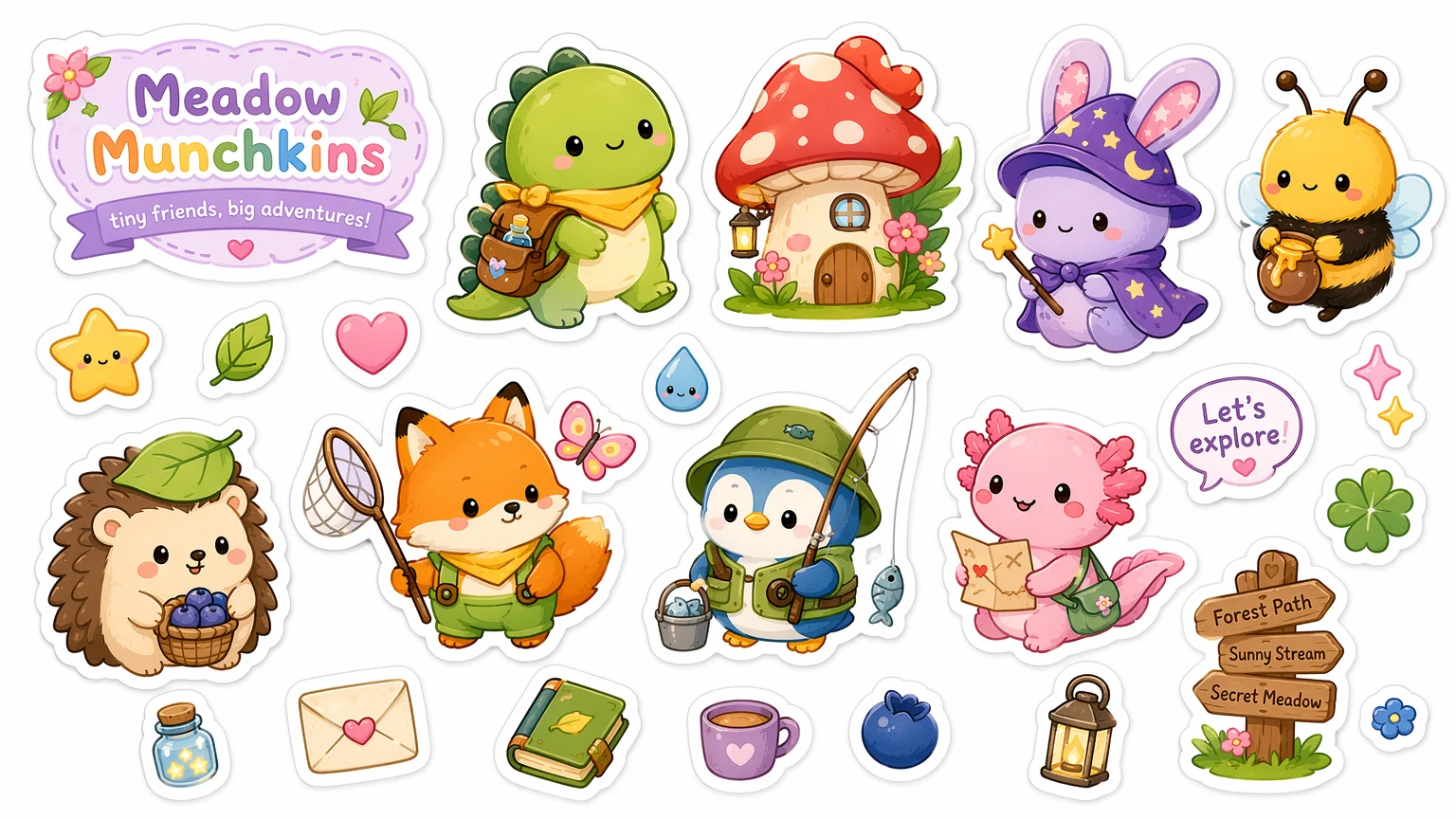
Make die-cut stickers and full sets with clean white borders.
Describe the character and style, and ask for a die-cut sticker — "bold clean shapes, thick white border, on a plain background". Generate on GPT Image 2 in Renoise Canvas, then iterate poses for a full set. Export and remove the background for transparent stickers ready to print or send.
Want a captioned reaction image instead of a die-cut graphic? See the meme guide
What sticker design looks like in Renoise.
Thick white borders and clean shapes that read as real stickers.
Generate a character in many poses for a cohesive sticker pack.
Export up to 4K, then remove the background for transparent cuts.
From an idea to a cohesive die-cut pack you can print or send.

Write the character and the die-cut cue — "cute round mascot, bold flat colors, thick white border, plain background".
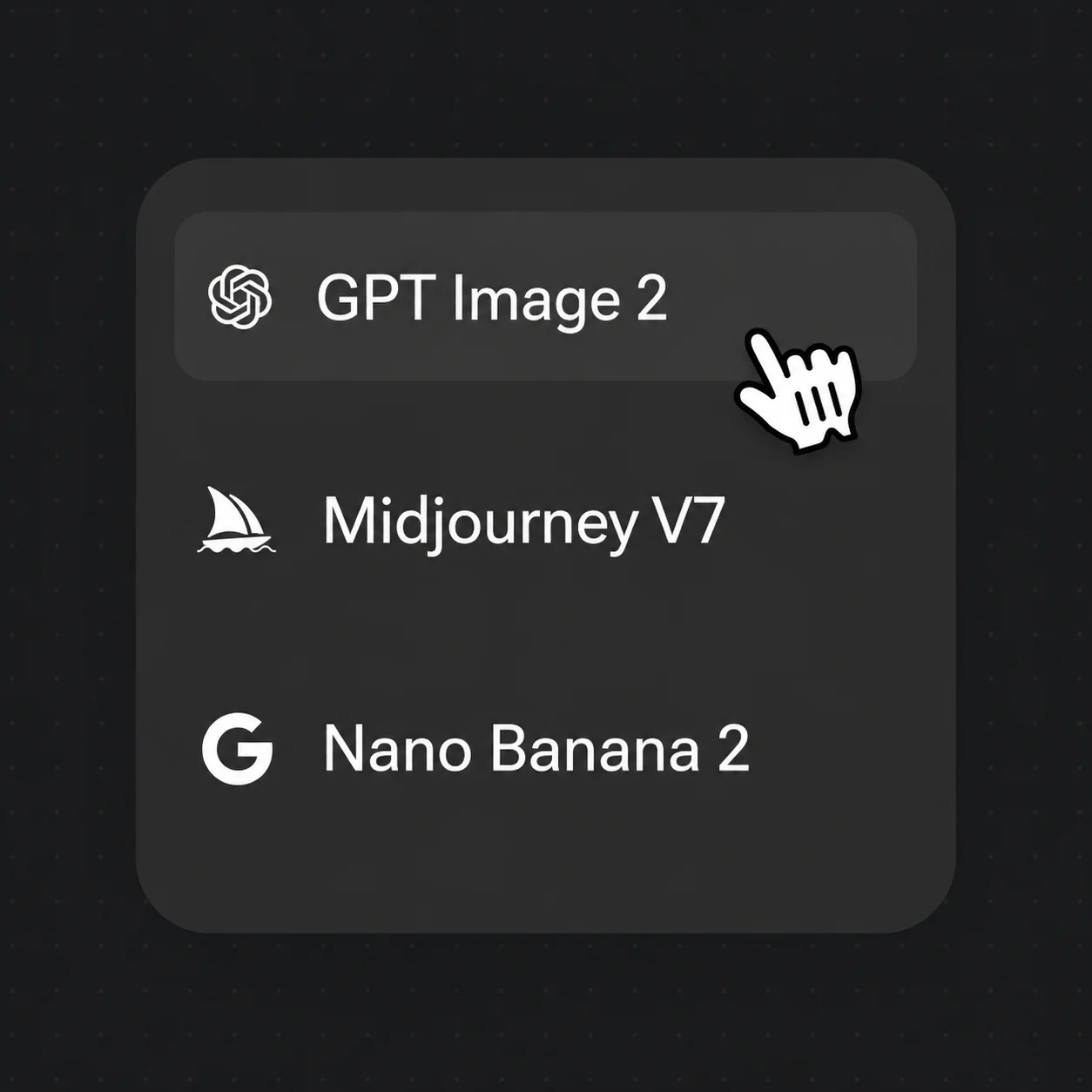
Pick GPT Image 2 for clean shapes and any lettering, then generate the first sticker.
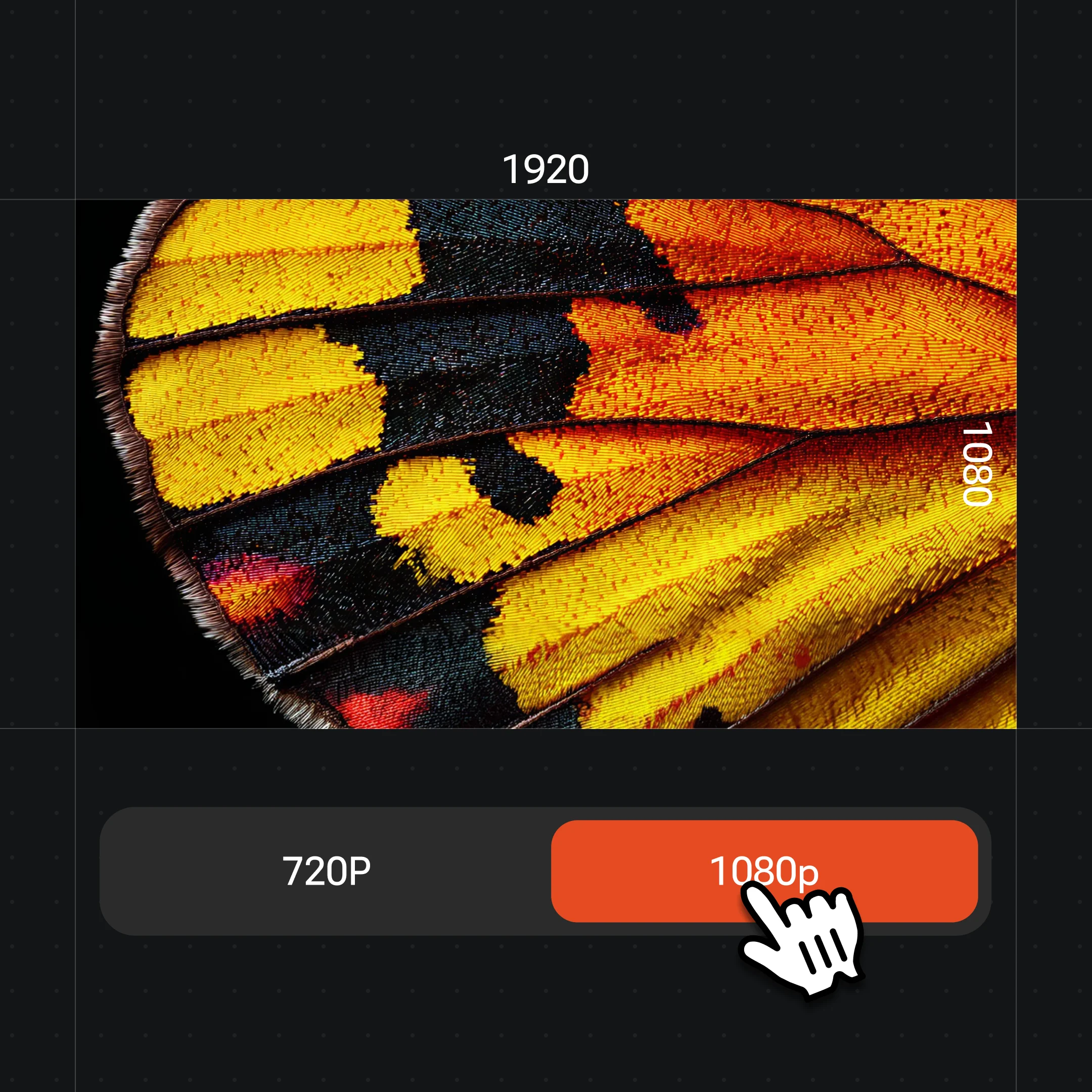
Reuse the same style to make more poses, then export at up to 4K and cut out the background.
Kawaii packs, emoji faces, brand mascots, or laptop vinyl — all die-cut in one canvas.
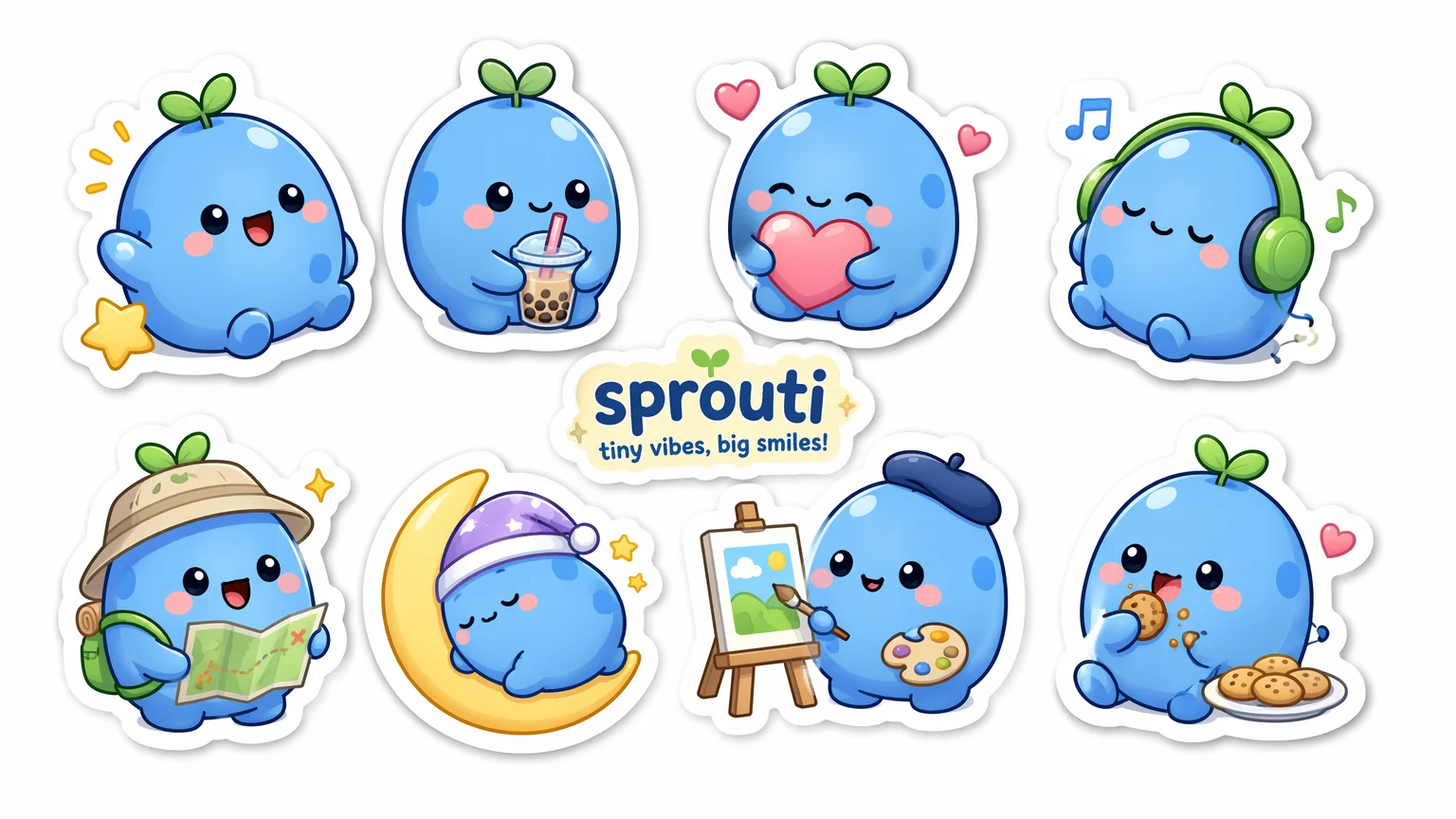
A cute original mascot in several poses, thick white borders, glossy finish.
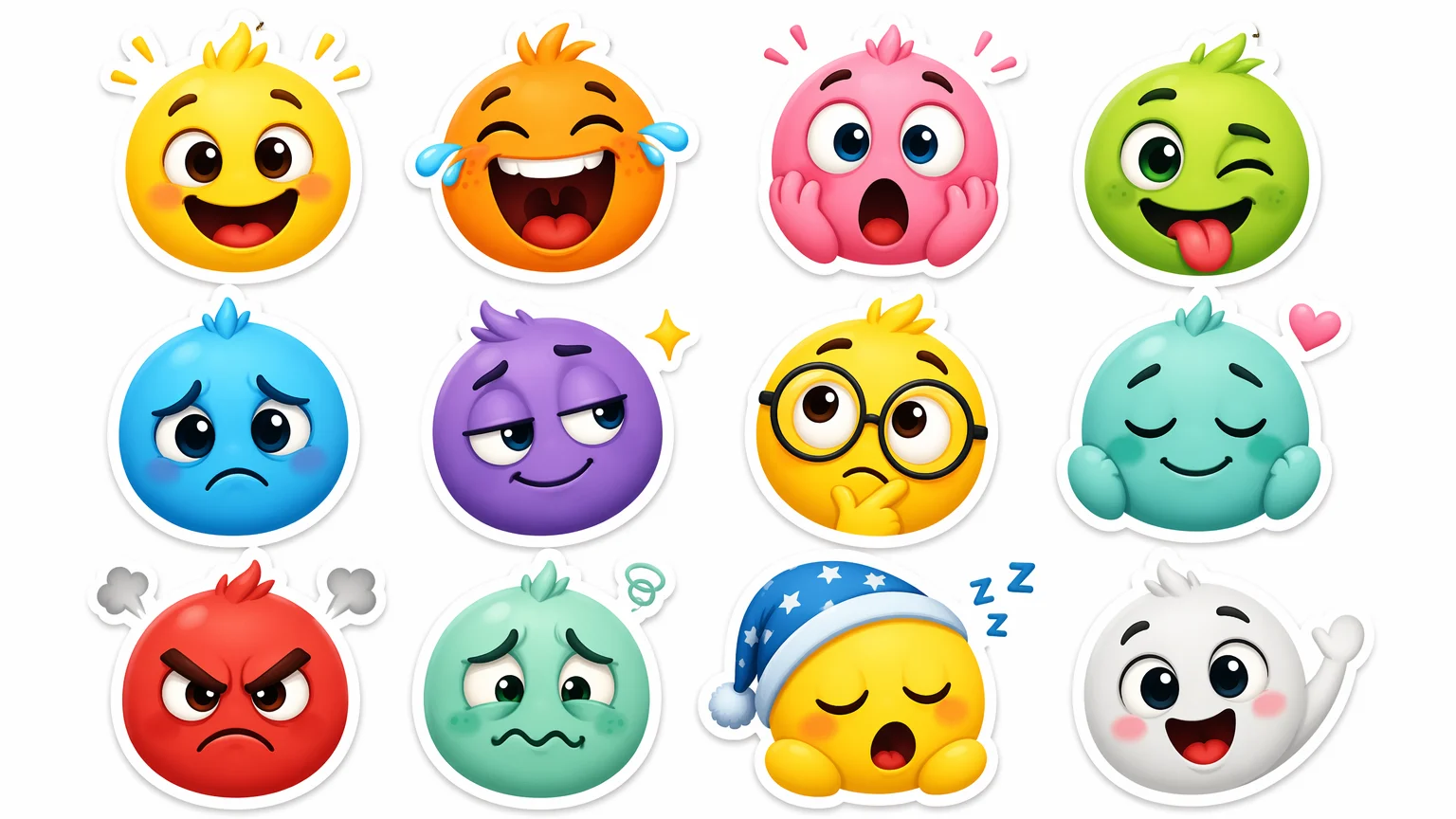
A set of expressive original faces — happy, laughing, surprised, sleepy.
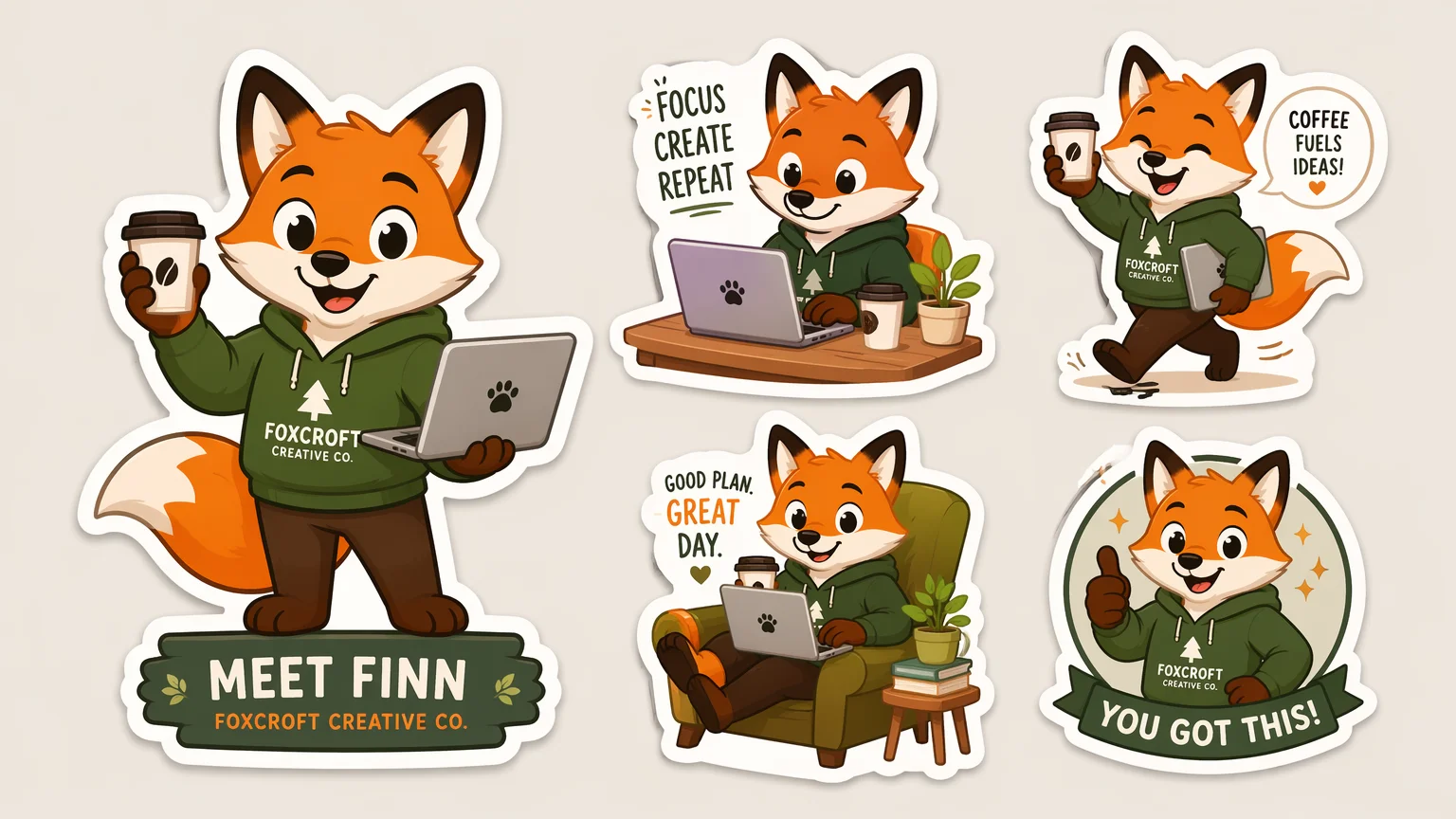
An original mascot character for product, packaging, or community stickers.
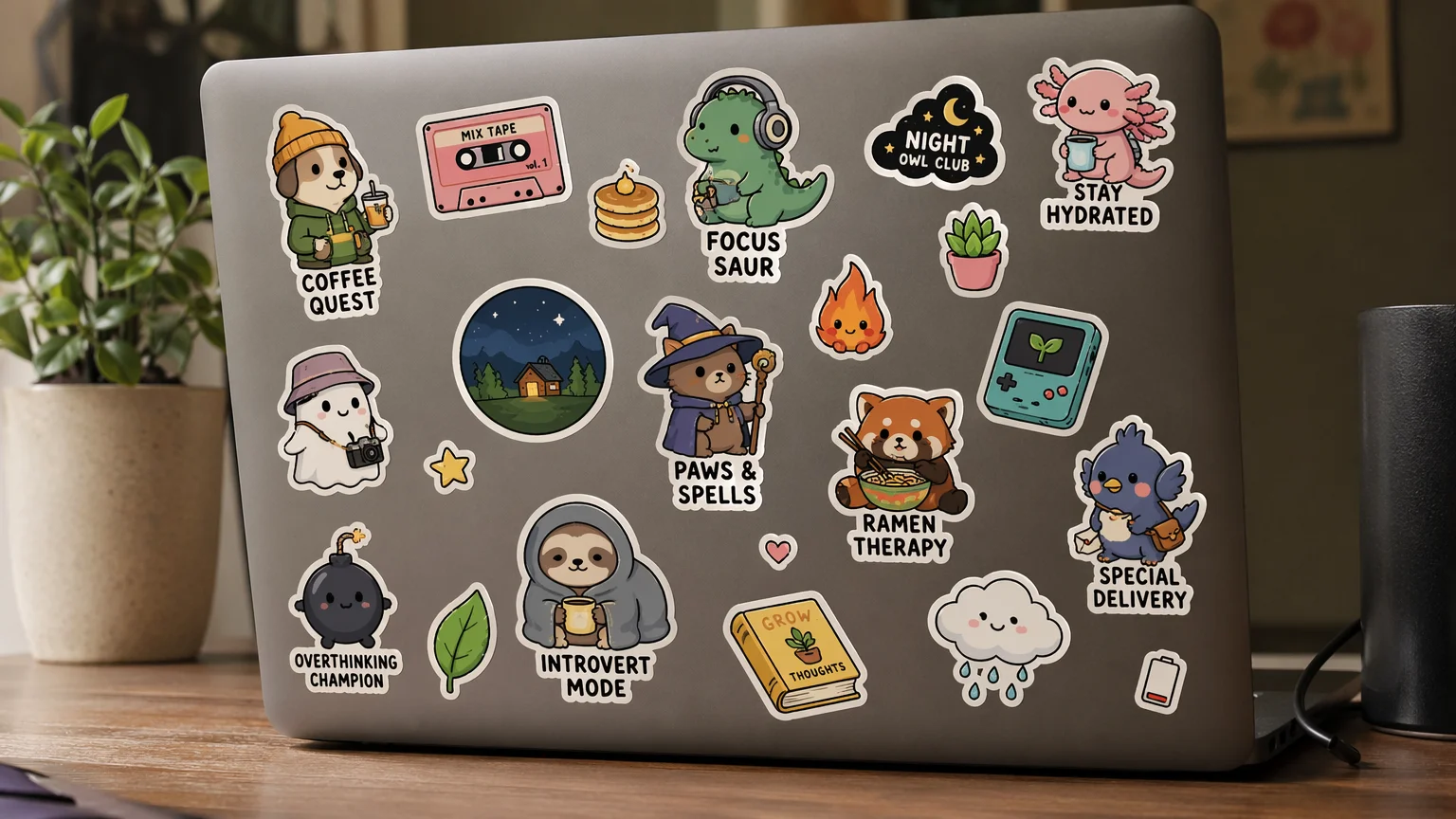
A laptop lid covered in die-cut vinyl stickers — the real-world product look.
Both live in the same Renoise canvas. GPT Image 2 for clean die-cut shapes and any text; Nano Banana Pro when you want a more rendered or photoreal sticker.
| For stickers | GPT Image 2 (Recommended) | Nano Banana Pro |
|---|---|---|
| Best for | Clean flat shapes | Rendered detail |
| Die-cut borders | Best | Good |
| Text on stickers | Best | Good |
| Up to 4K export | ✓ | ✓ |
| Same canvas | ✓ | ✓ |
A sticker is not just a small picture — it is a graphic built for cutting, and three things separate one that looks right from a cropped illustration. The first is the die-cut border: that thick white outline tracing the subject is what signals "sticker" and what a cutting machine follows. Prompt for it explicitly — "thick white die-cut border, clean silhouette" — and keep the subject as one compact shape so the cut line reads cleanly.
The second is the background. Real stickers sit on transparency, so generate on a plain, flat background you can knock out cleanly after export, and avoid busy scenes that bleed into the subject. GPT Image 2 handles bold flat shapes and lettering well, which is why it anchors sticker work — and if your sticker has a word on it ("OK!", "NICE"), quote it in the prompt so it renders crisp.
The third is set consistency. Stickers ship in packs, and a pack works when every sticker shares one character and one style. Generate the first one, then reuse the same description — character, palette, line weight, border — for each new pose, so the set reads as a family rather than a pile of one-offs. Keep designs original; build your own character instead of prompting for an existing franchise. Export at up to 4K, cut the background, and the pack is ready to print or drop into a chat app.
One plan unlocks GPT Image 2, Nano Banana Pro, and every other image model.
Generate die-cut sets with watermark-free exports on paid plans.
Describe the character and ask for a die-cut look — "thick white border, clean shapes, plain background". Generate on GPT Image 2 in Renoise, reuse the style for more poses, then export and remove the background for transparent stickers.
Prompt for it directly: "thick white die-cut border, clean silhouette, plain background". Keep the subject as one compact shape so the outline reads cleanly. That white outline is what makes the image look like a real sticker rather than a cropped picture.
Generate on a plain, flat background, then knock it out after export to get transparency. Avoid busy scenes that blend into the subject. A clean silhouette on a simple background is the easiest to cut out for use in chat apps or printing.
Yes. Generate the first sticker, then reuse the same character, palette, line weight, and border description for each new pose. Keeping those cues verbatim makes the pack read as one cohesive family instead of unrelated one-offs.
GPT Image 2 for most stickers — it renders clean flat shapes, die-cut borders, and any lettering reliably. Switch to Nano Banana Pro when you want a more rendered or photoreal sticker. Both live in the same canvas.
Generally yes, and outputs are watermark-free on paid plans — but design original characters. Do not prompt for copyrighted characters, logos, or trademarked mascots. Verify licensing terms in your account before selling or commercial printing.
A sticker is a decorative die-cut graphic with a transparent background, used to decorate or react. A meme is a captioned image that makes a joke. The format and intent differ — see the meme guide if you want captioned reaction images instead.
