App icons
iOS, Android, and web app icons — generated in multiple styles and sizes from a single text description.
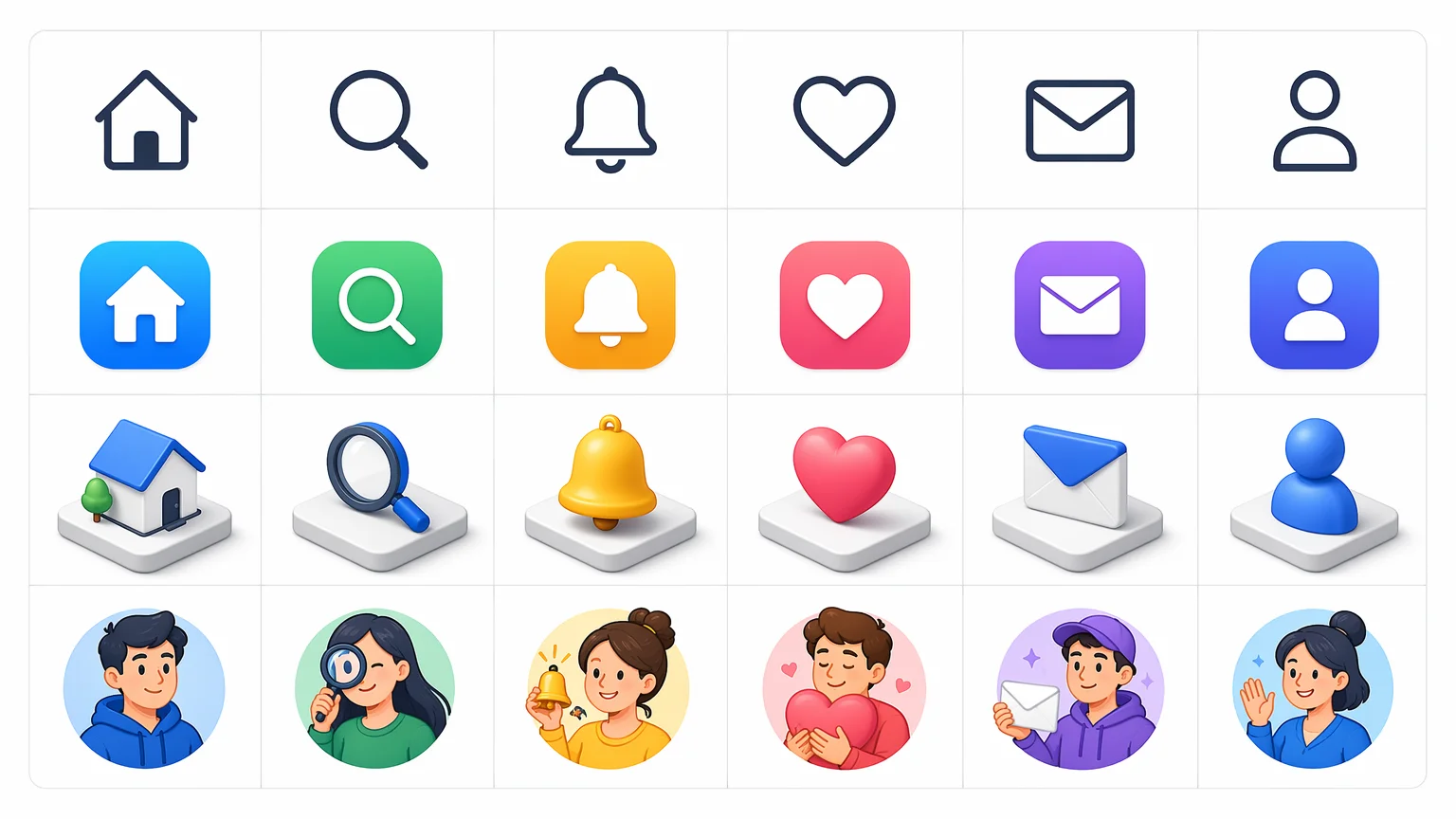
Generate app icons, UI icon sets, and symbol designs from text — consistent style, production-ready PNG exports.
Open Renoise Canvas, describe the icon — style (flat, outlined, 3D, illustrated), subject (gear, heart, home), and visual language (minimal, playful, corporate). GPT Image 2 handles precise flat and outlined icons with strong compositional control. Nano Banana Pro produces stylized and illustrated sets with consistent character. Midjourney V7 generates premium illustrated app icons with strong aesthetic cohesion. Generate multiple variations, refine the prompt, and export.
Every icon type — from app store icons to full UI symbol sets.
iOS, Android, and web app icons — generated in multiple styles and sizes from a single text description.
Cohesive sets of navigation, action, and status icons for product and web interfaces — consistent visual weight and style.
Custom icons that match a brand's visual identity — describe the brand personality and generate matching icon language.
Premium illustrated icon packs in playful, editorial, or 3D styles — generated from prompts with style direction.
From a prompt to a production-ready icon — all on Renoise Canvas.

Specify the icon subject, visual style (flat, outlined, 3D, isometric), color palette, and intended use. Mention icon size context — "app store icon" reads differently from "12px UI glyph".

GPT Image 2 for precise flat and outlined icons. Nano Banana Pro for illustrated and stylized character icon sets. Midjourney V7 for premium, aesthetically polished app icons.
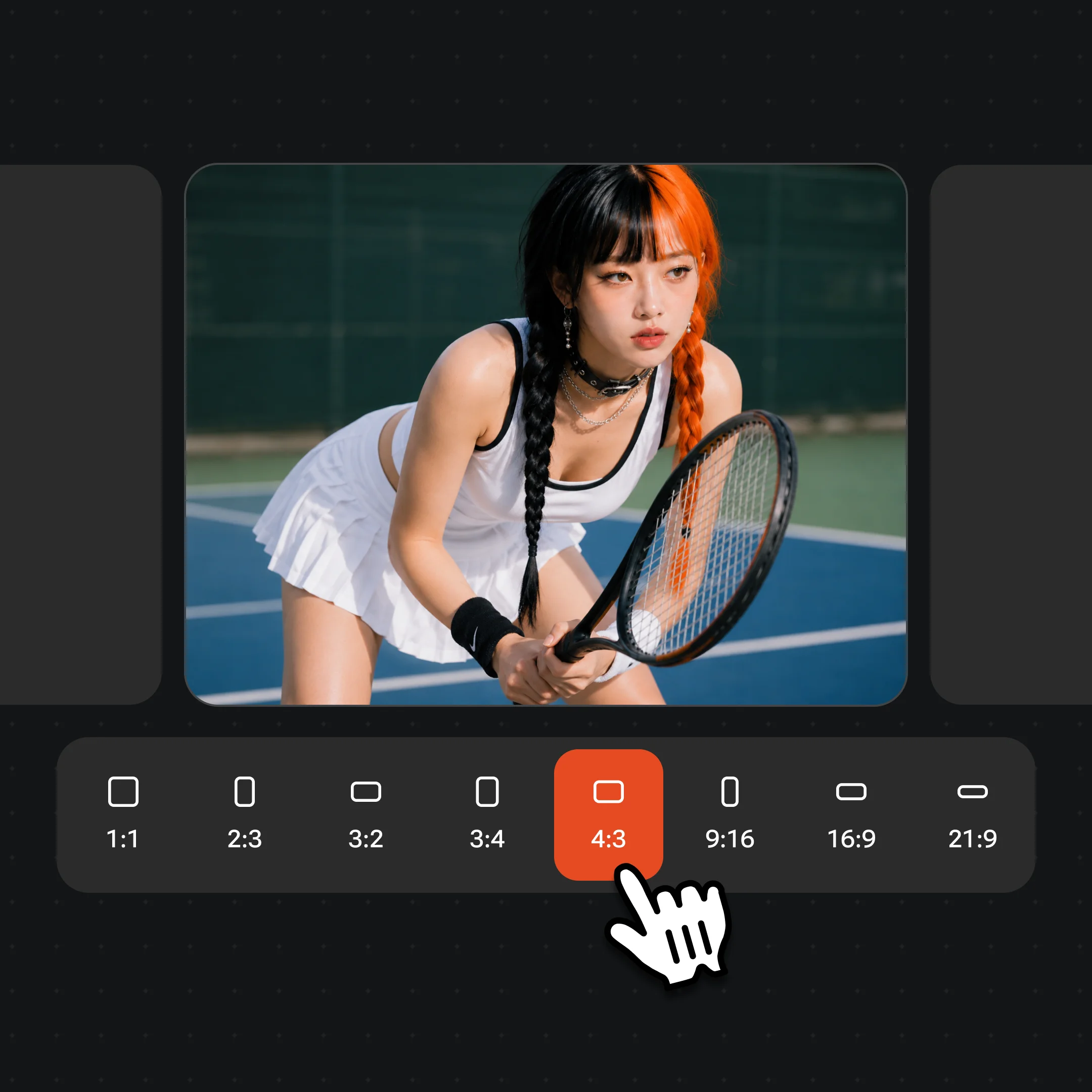
Generate multiple variations of the icon, compare styles, and refine the prompt for tighter consistency. Export at high resolution — watermark-free on paid plans.
App icons, UI sets, and illustrated icon packs from GPT Image 2, Midjourney V7, and Nano Banana Pro.
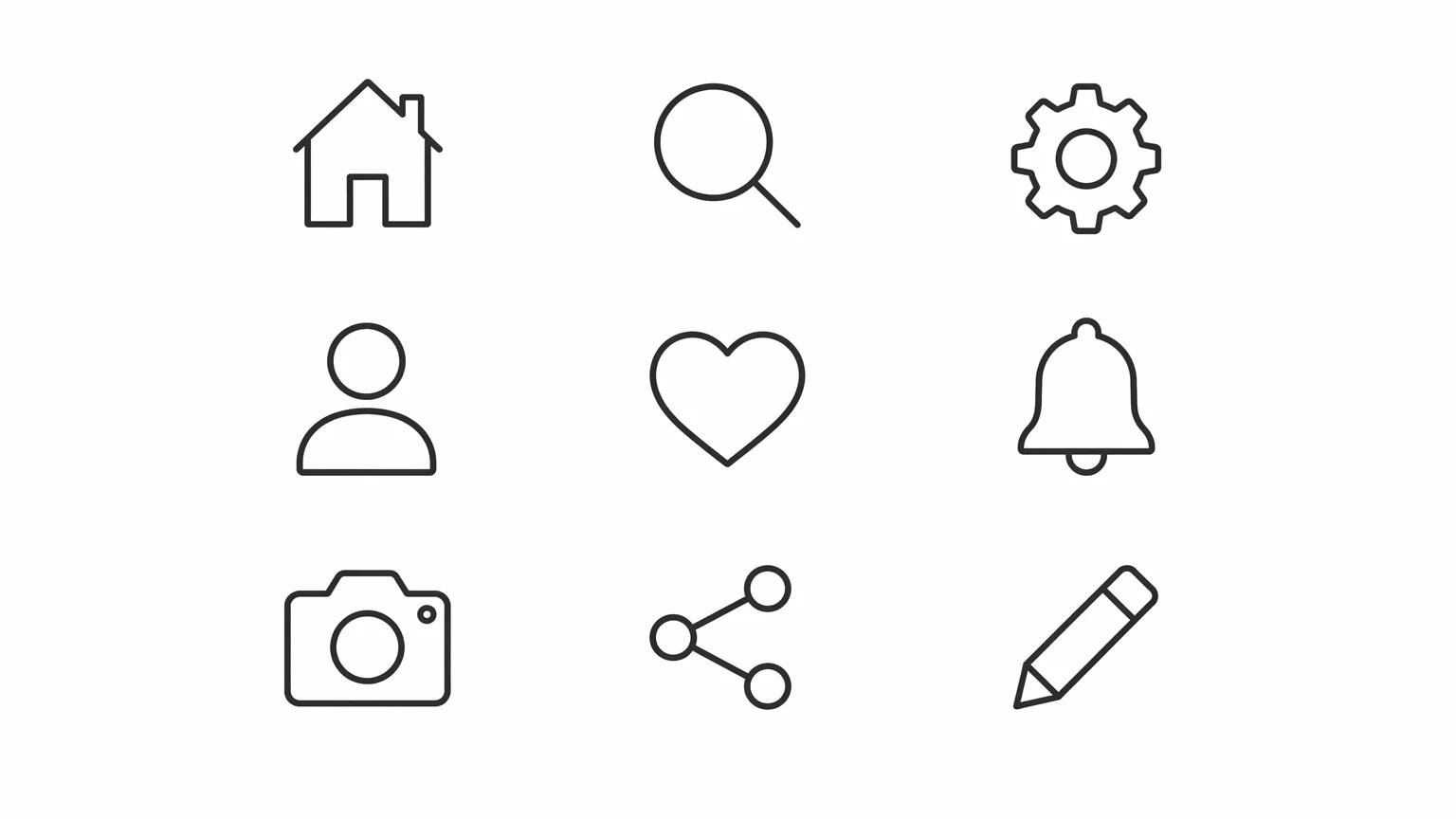
Clean flat icons for a SaaS product UI — consistent stroke weight, unified color palette, 24px grid-aligned.
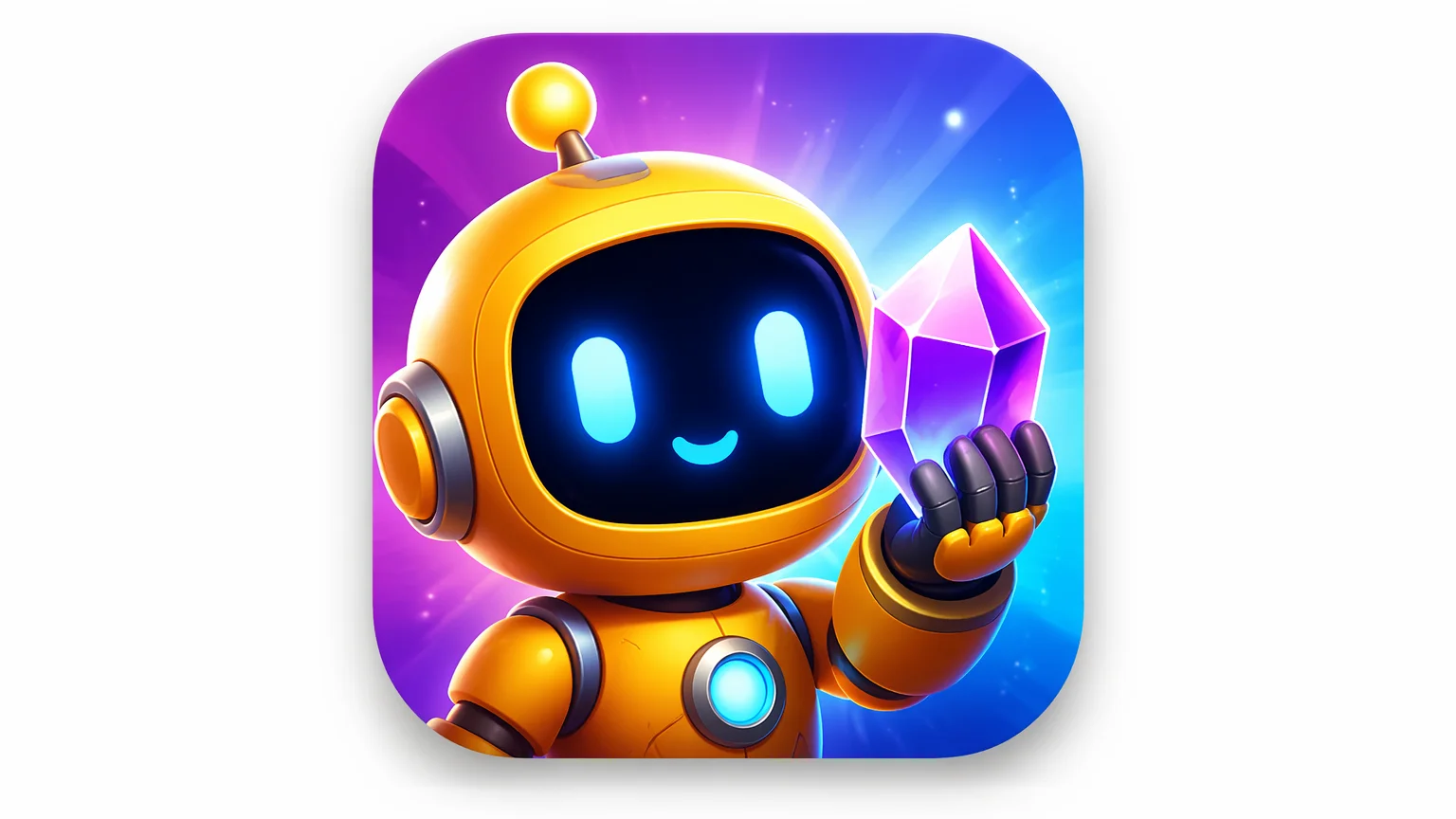
A premium illustrated app icon for an iOS app — rich detail, vibrant color, store-ready composition.
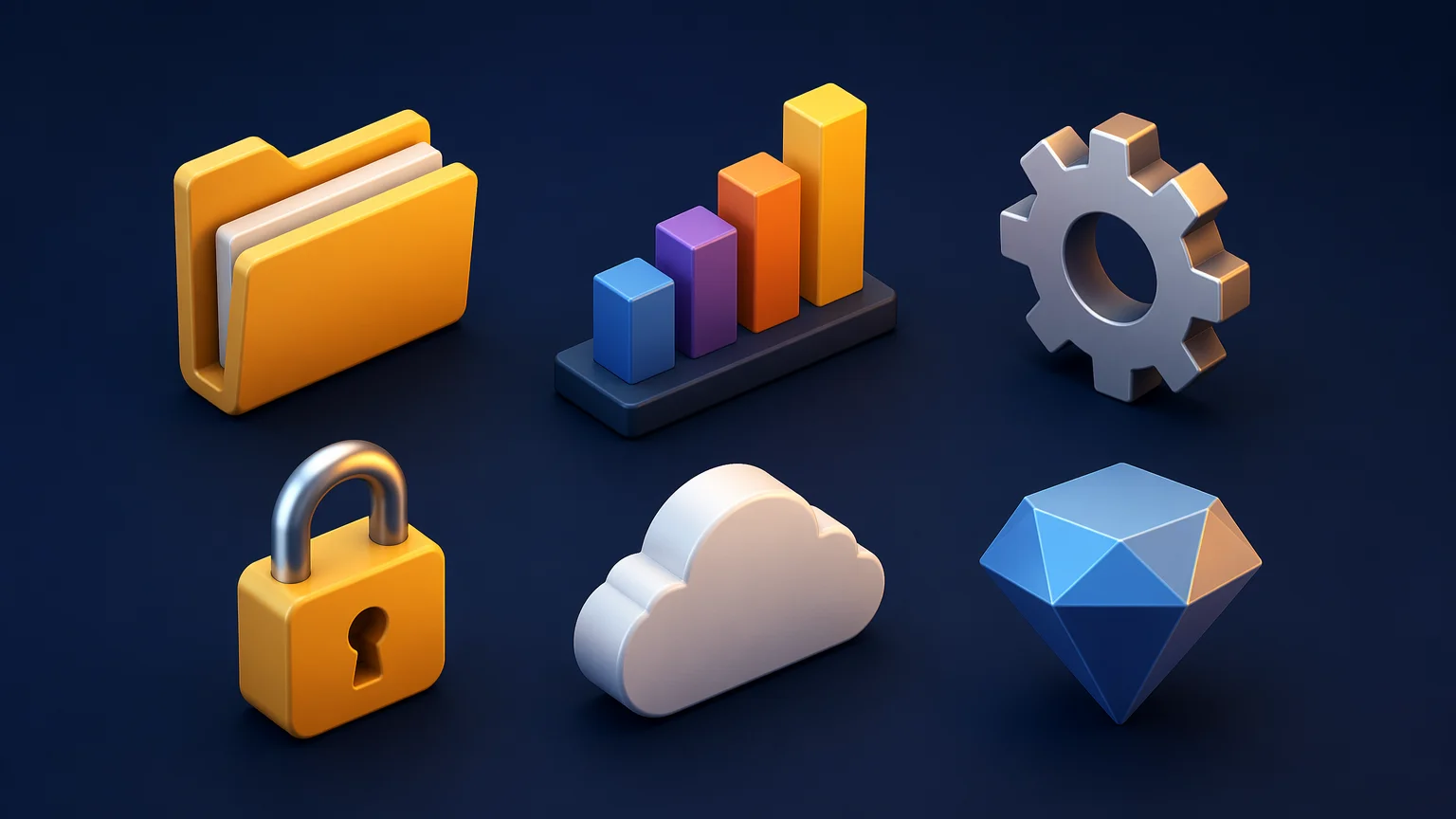
Isometric 3D icons with consistent light source and depth — suitable for dashboards, landing pages, and feature sections.
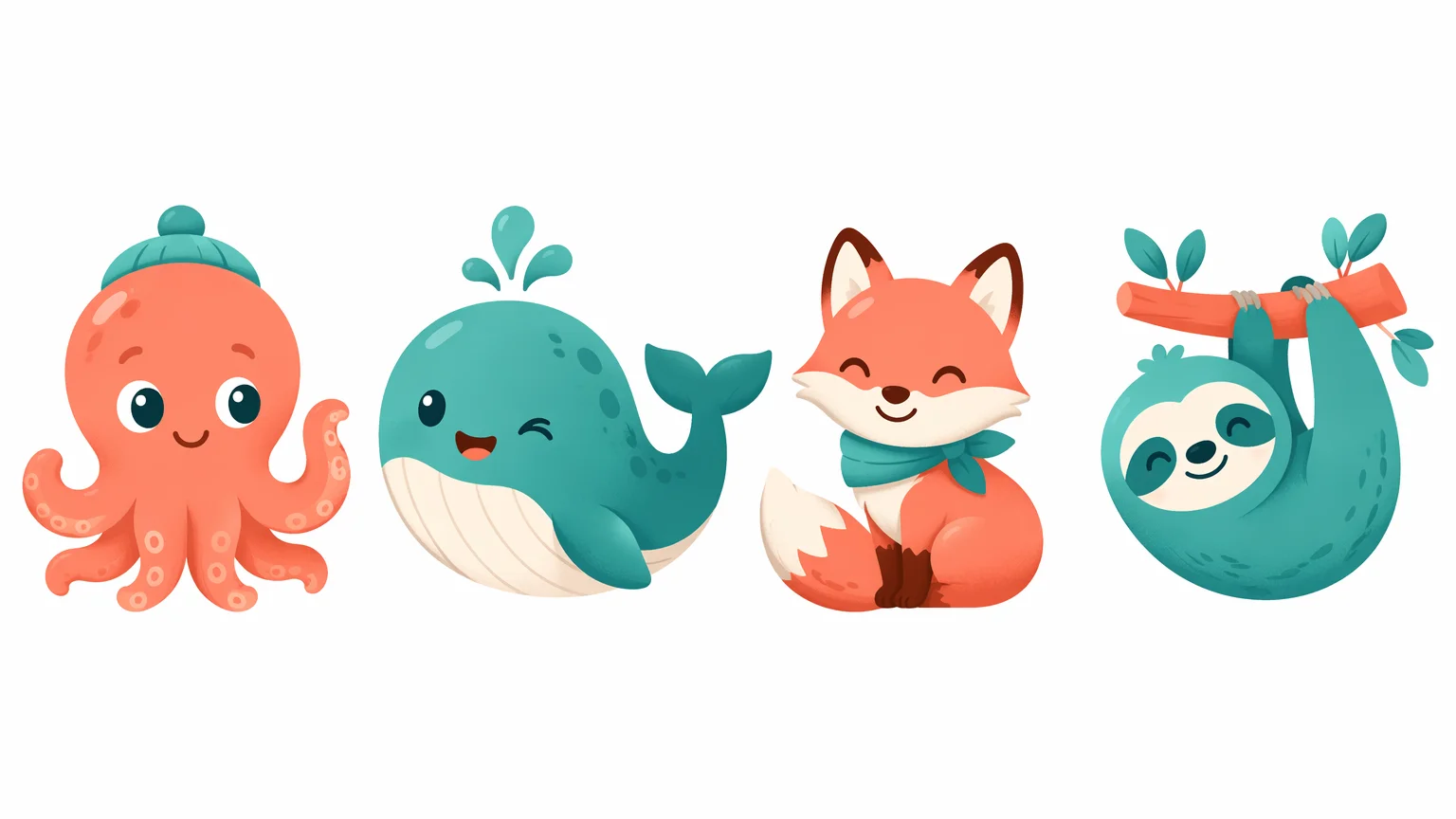
A cohesive illustrated icon set built around a playful brand identity — mascot-adjacent characters with consistent visual personality.
Three models, three icon styles — run all of them on Renoise and compare.
| For icon generation | GPT Image 2 (Recommended) | Midjourney V7 |
|---|---|---|
| Best for | Flat, outlined, and precise UI icons | Premium illustrated and artistic app icons |
| Instruction-following | Very strong | Good |
| Consistency across variants | Strong | Strong aesthetic cohesion |
| Illustrated / 3D style | Capable | Excellent |
| Minimal/flat icons | Excellent | Good |
The hardest part of AI icon generation is consistency: generating a single icon is easy, but generating a cohesive set of 30 icons that share the same visual language is much harder. Here are the approaches that work best on Renoise.
For flat and outlined icon sets, use GPT Image 2 with a system prompt that anchors the visual rules: stroke weight, corner radius, color palette, and whether the icons are filled or outlined. Lock these parameters in the prompt and repeat them for each icon in the set. "Flat icon, 2px stroke, rounded corners, #2563EB blue, white background, outlined style" is more consistent than a vague style description.
For illustrated and character-based icon sets, Nano Banana Pro tends to produce stronger cohesion across a stylized set. Describe the art direction clearly: "cute 3D icon, soft pastel colors, round shapes, white background, [subject]" and the model will maintain that visual language across generations.
For app store icons — iOS, Android, macOS — Midjourney V7 produces the most premium, artistically polished results. The aesthetic quality is high, though precise instruction-following varies. Use it for the hero icon concept, then iterate on the prompt to explore variations.
A practical note: AI-generated icons are PNG rasters, not SVG vectors. If your pipeline requires vector source files, you will need to auto-trace the PNG output in a vector tool (Figma, Illustrator, or an SVG auto-tracer). For simple flat icons this works well; illustrated icons with gradients and detail are better kept as high-resolution PNGs.
Three best-in-class image models on one canvas.
OpenAI image model: strong instruction-following for precise flat, outlined, and minimal icon styles.
Stylized and illustrated icon sets with consistent character across a full symbol vocabulary.
Premium illustrated app icons with strong aesthetic cohesion and artistic polish.
Prompt, compare models, iterate, and export — all on one visual workspace.
One plan unlocks GPT Image 2, Midjourney V7, Nano Banana Pro, and every other model on Renoise.
For first-time AI content creators
Billed $168 annually
Upgrade PlanSave $72/year
For creators shipping content every week.
Billed $504 annually
Upgrade PlanSave $216/year
For studios and pros producing at commercial scale.
Billed $1680 annually
Upgrade PlanSave $720/year
For first-time AI content creators
Billed monthly
Upgrade PlanFor creators shipping content every week.
Billed monthly
Upgrade PlanFor studios and pros producing at commercial scale.
Billed monthly
Upgrade PlanRenews automatically each year until canceled.
Renews automatically each month until canceled.
App icons, UI symbols, and illustrated sets from text — production-ready PNG exports on paid plans.
GPT Image 2 is the strongest for flat, outlined, and minimal UI icon styles. It follows compositional instructions precisely — specify stroke weight, corner radius, color, and whether icons are filled or outlined.
Yes — use a consistent style description as a prefix for every icon prompt in the set. Lock parameters like stroke weight, corner radius, color, and background. GPT Image 2 handles flat sets well; Nano Banana Pro handles illustrated sets well.
Renoise generates PNG raster images. For vector formats, export the PNG and auto-trace it in Figma, Illustrator, or an online SVG tracer. Simple flat icons trace cleanly; illustrated icons are better kept as high-resolution PNGs.
Midjourney V7 produces the most premium, artistically polished app icons — strong color, depth, and visual presence at the sizes used in app store listings. GPT Image 2 is a good alternative if you need precise stylistic control.
Use 1:1 square for all app icons and most UI icons. App stores (iOS, Android, macOS) all require square icon submissions. Select 1:1 in the Renoise Canvas ratio picker before generating.
Yes — images generated on Renoise are yours to use in commercial products. Review the terms of service for specific usage rights.
Your privacy is important to us
We use cookies to improve your experience and for marketing. Read our Cookie Notice.