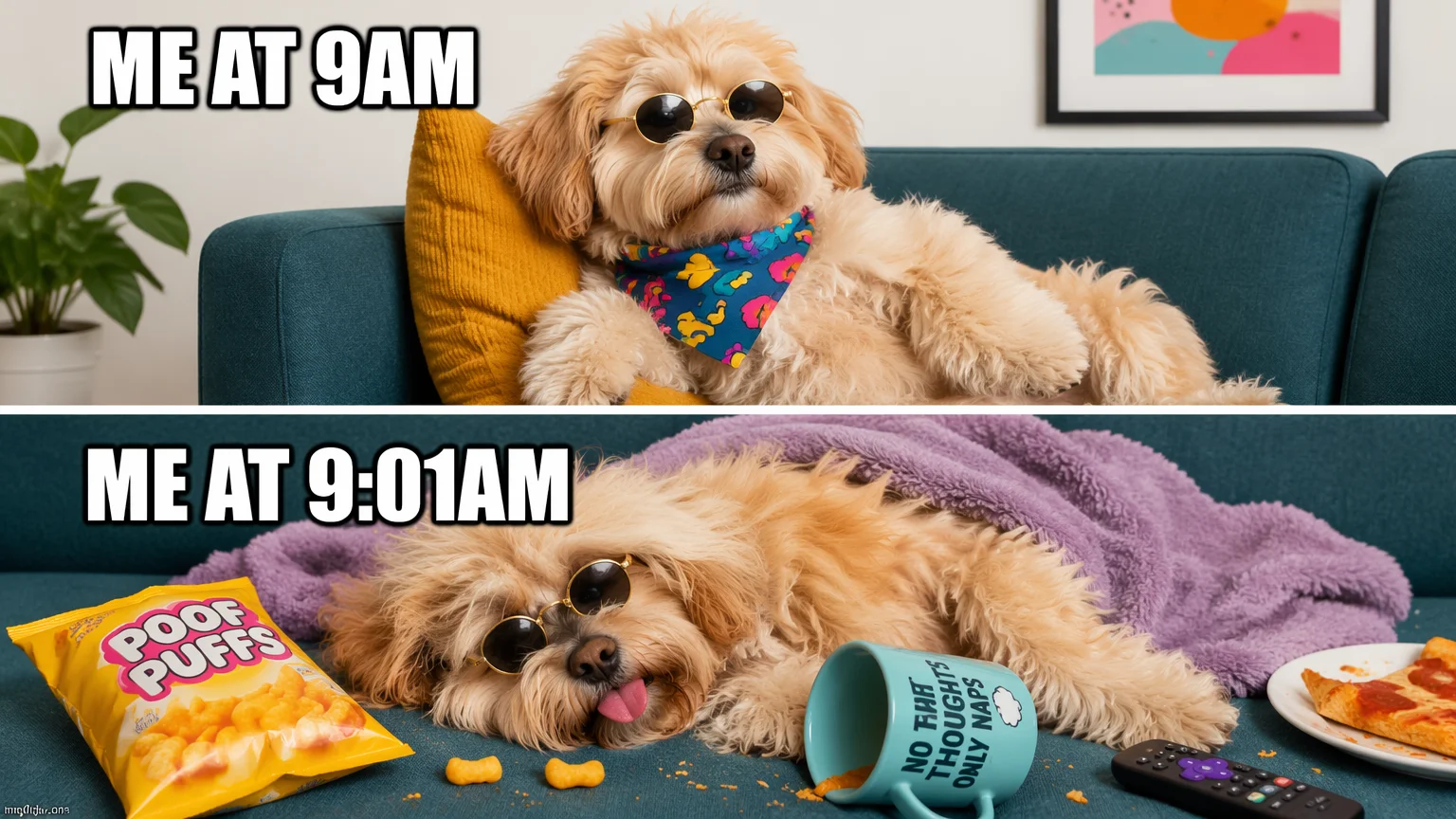
Top and bottom
The classic caption layout — bold Impact-style text top and bottom, spelled right, on an original subject.
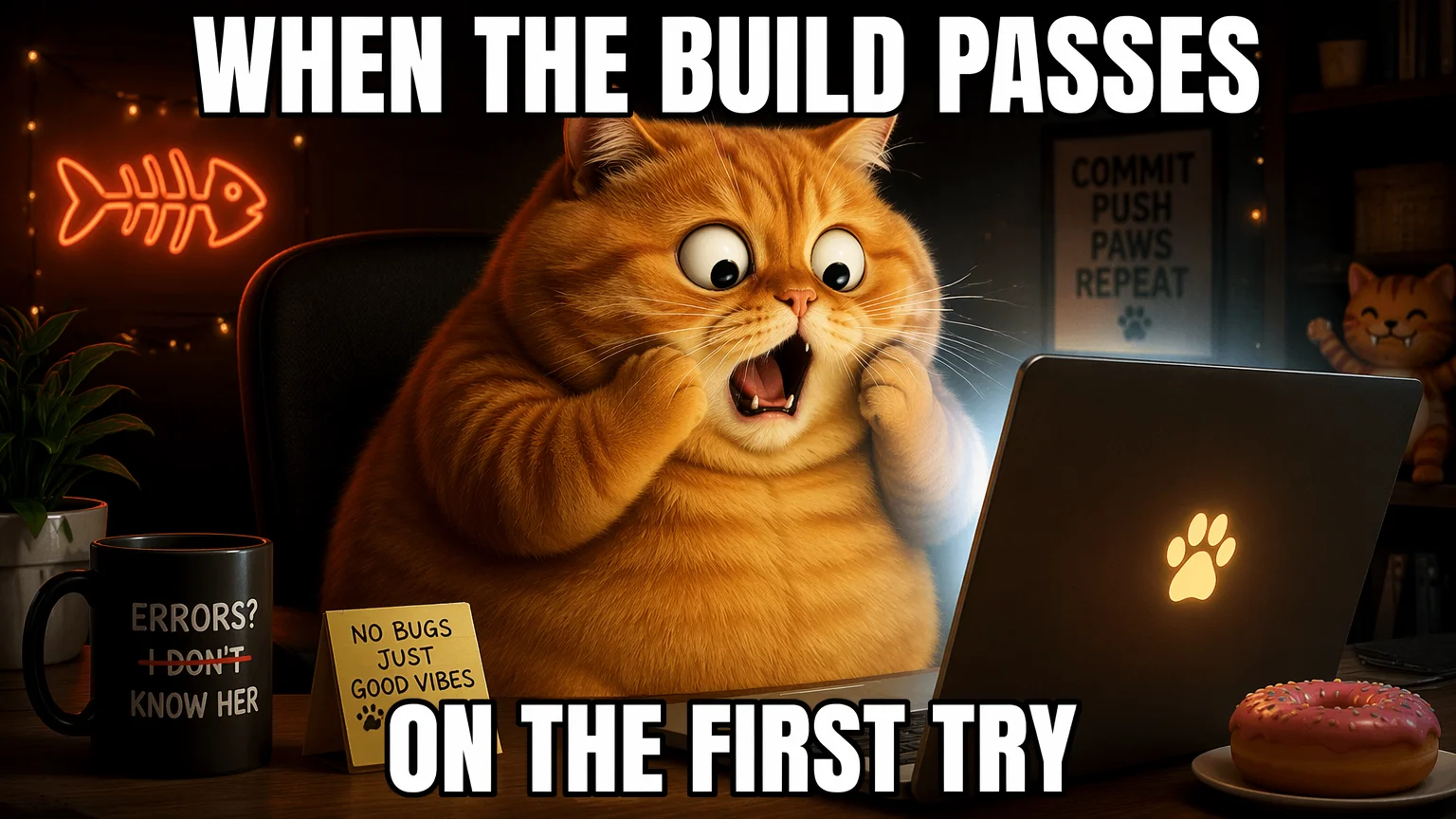
Bold top and bottom captions rendered right in the image — spelled correctly.
Describe an original subject and put your caption in quotes inside the prompt so it renders verbatim. In Renoise, Nano Banana 2 and GPT Image 2 render bold top and bottom meme text directly in the image, spelled correctly, then you reword and regenerate in seconds.
Three steps to a captioned meme with text rendered straight into the image.
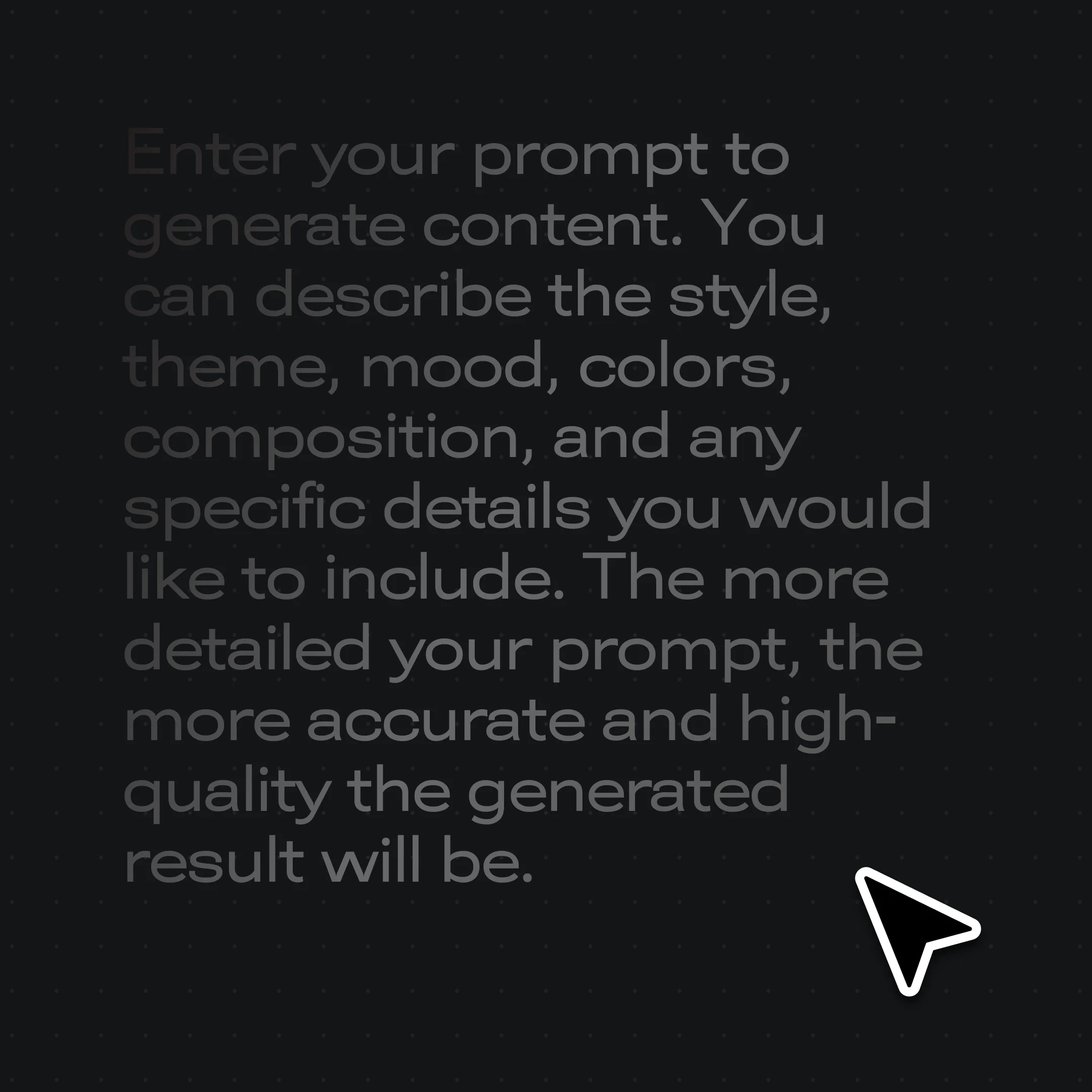
Type a prompt for an original subject — a funny animal or mascot — plus the exact caption text in quotes so it renders verbatim.
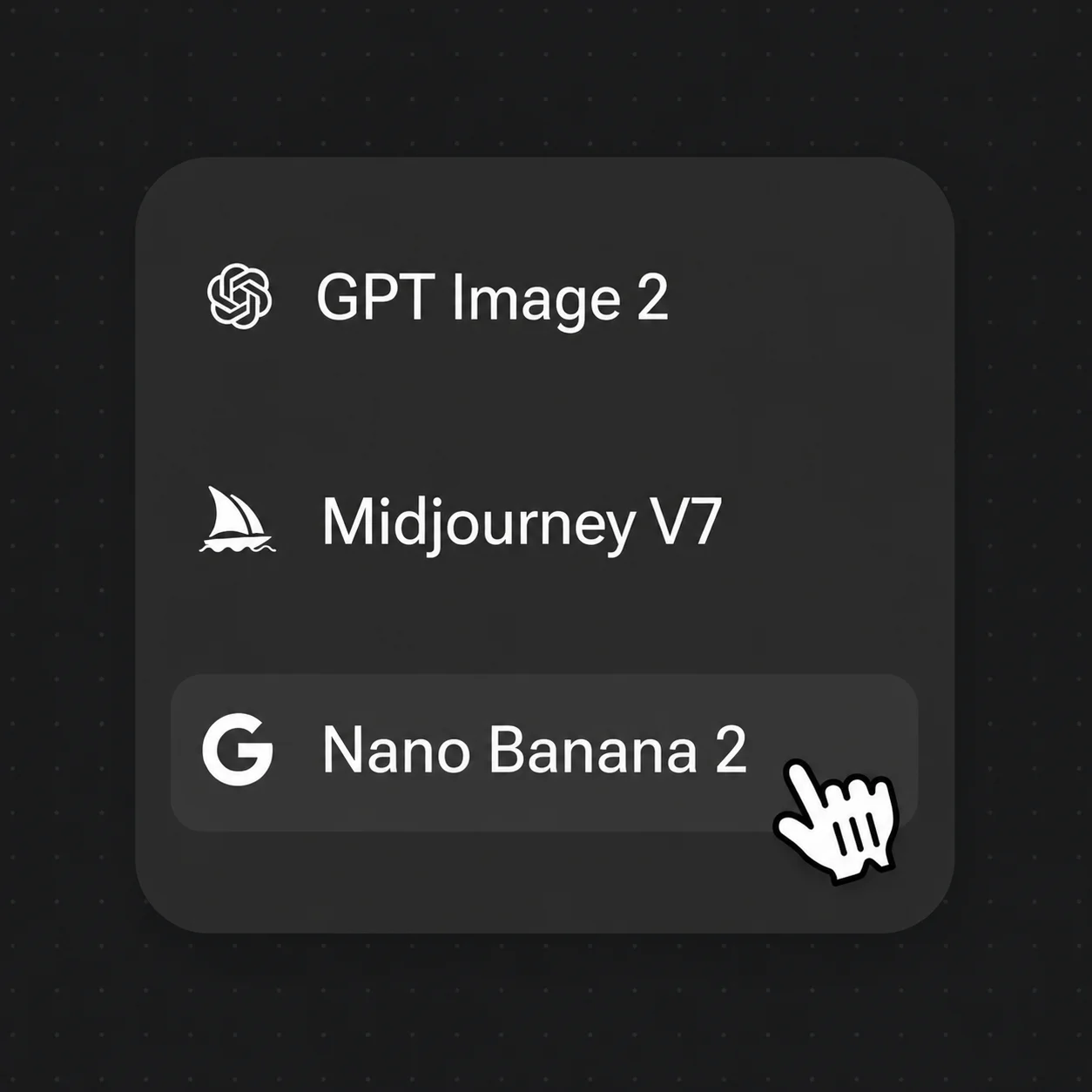
Select Nano Banana 2 or GPT Image 2 — both render bold meme font. Set 16:9 or 1:1 aspect.
Reword the quoted caption or swap the subject and regenerate. Iterate in seconds until the joke lands.
Top/bottom captions, reaction shots, before/after panels, and text-on-image — all with crisp, correctly-spelled text.
The classic caption layout — bold Impact-style text top and bottom, spelled right, on an original subject.
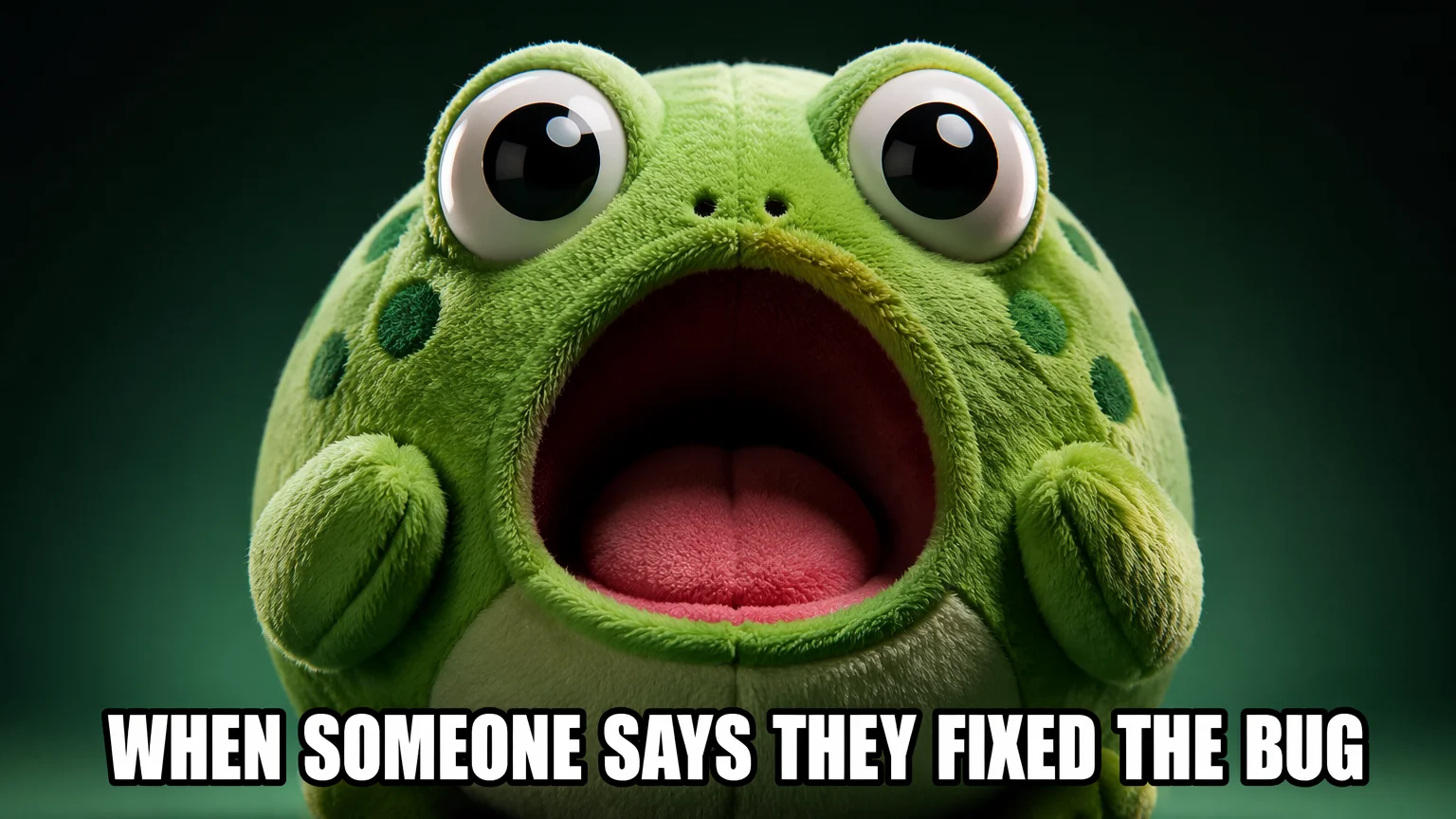
A single punchy caption over an expressive original subject — the reaction format for replies and threads.
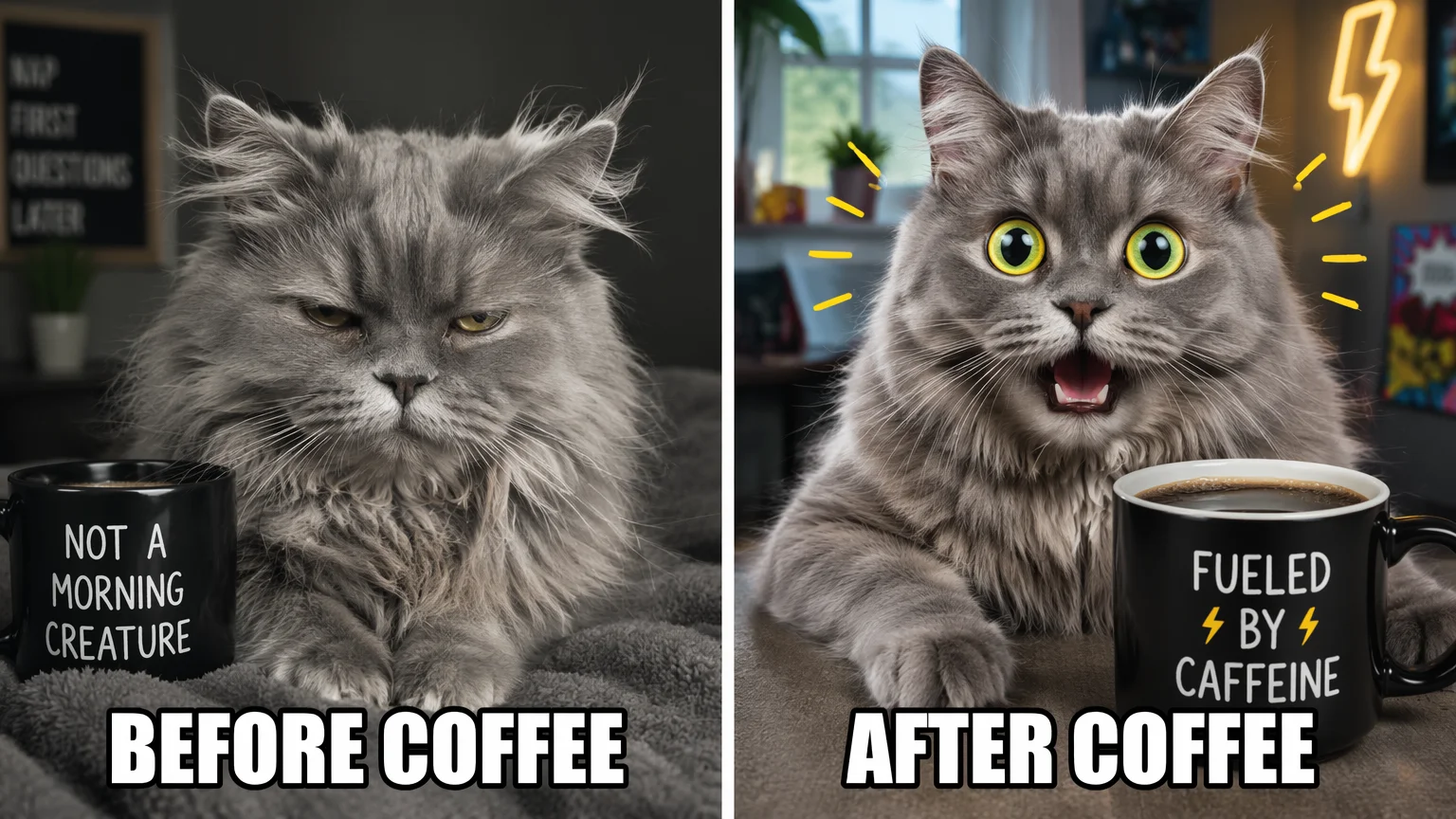
A two-panel layout with captions on each side — the same original character, two states.
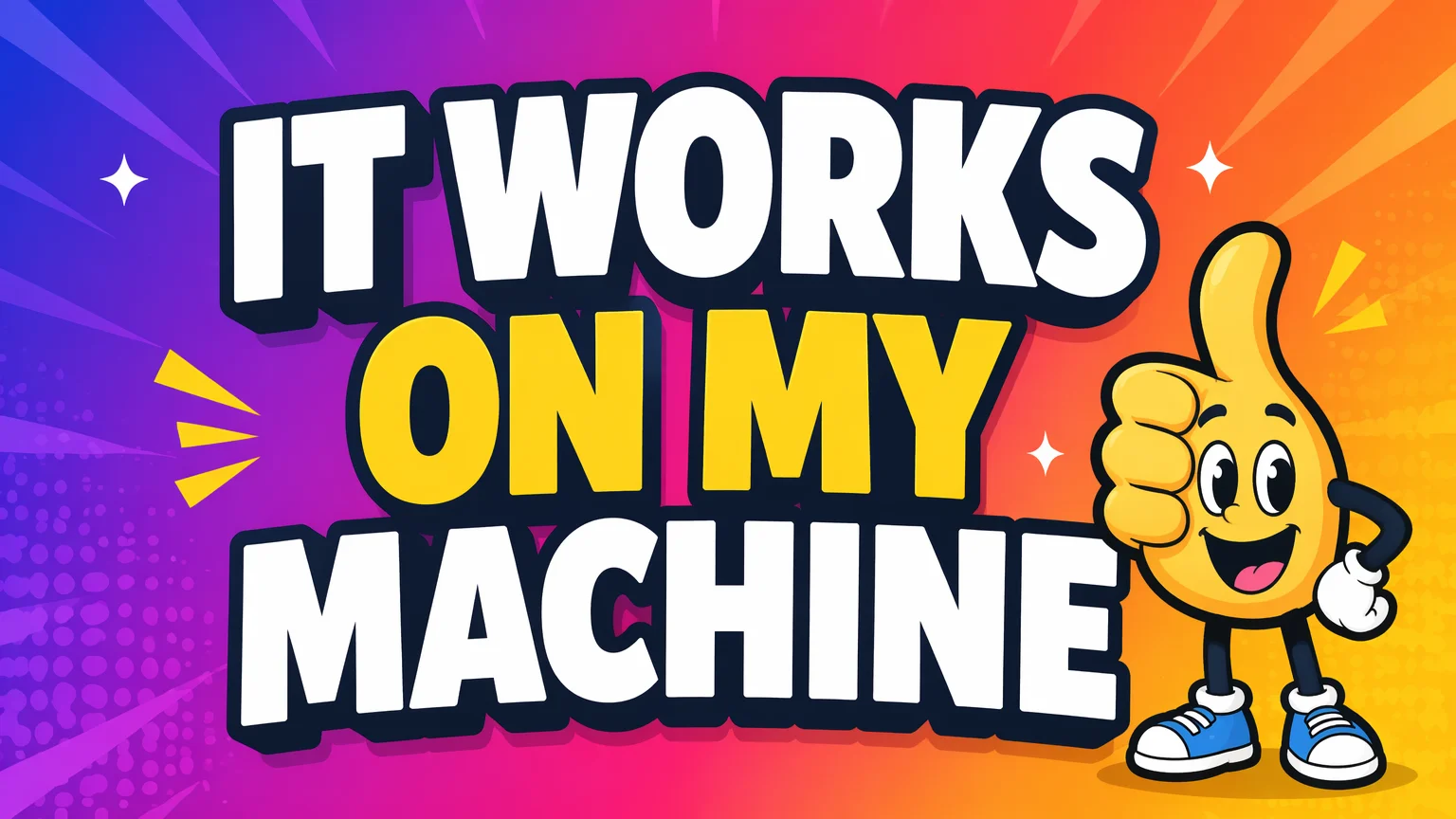
Bold typography over a clean background — poster-style memes with strong kerning and contrast.
Both render bold caption text and live in the same Renoise canvas — pick by the job. Nano Banana 2 for fast iteration on expressive subjects, GPT Image 2 for longer text and clean typography.
| For memes | Nano Banana 2 (Recommended) | GPT Image 2 |
|---|---|---|
| Best for | Fast caption iteration | Longer text + typography |
| In-image caption text | Good | Best |
| Iteration speed | Best | Good |
| Original subjects | ✓ | ✓ |
| Same canvas | ✓ | ✓ |
A meme is mostly format plus caption, and choosing the right pairing is half the joke. The classic top/bottom layout — bold Impact-style text across the top and bottom of the frame — sets up a premise and pays it off, and it stays the most reliable because the eye knows exactly where to look. Reaction memes drop a single punchy line over an expressive subject for replies and threads; before/after splits the frame into two captioned states; text-on-image goes poster-style with one bold typographic statement.
What makes any of them land is legibility: short captions in a heavy, high-contrast font with enough kerning to read at thumbnail size, placed where they do not crowd the subject. One short line top and one bottom beats a paragraph every time.
In Renoise, you steer all of this from the prompt — describe an original subject, then quote the exact words ("top text: ...", "bottom text: ...") so they render verbatim. Nano Banana 2 turns these around fast for quick iteration, while GPT Image 2 holds up on longer captions and cleaner typography layouts. Reword the quoted line and regenerate until the timing reads right.
Meme work hinges on in-image text — and Renoise gives you Nano Banana 2, GPT Image 2, and many other image models in one canvas.
Quote the caption in your prompt and the model renders bold meme font, correctly spelled, in the right spot.
Renders clean in-image text and expressive original subjects fast — built for quick meme iteration.
Reword the caption or swap the subject and regenerate in seconds until the joke lands.
Switch freely between Nano Banana 2, GPT Image 2, and other image models per meme.
One plan unlocks Nano Banana 2, GPT Image 2, and every other image model.
For first-time AI content creators
Billed $168 annually
Upgrade PlanSave $72/year
For creators shipping content every week.
Billed $504 annually
Upgrade PlanSave $216/year
For studios and pros producing at commercial scale.
Billed $1680 annually
Upgrade PlanSave $720/year
For first-time AI content creators
Billed monthly
Upgrade PlanFor creators shipping content every week.
Billed monthly
Upgrade PlanFor studios and pros producing at commercial scale.
Billed monthly
Upgrade PlanRenews automatically each year until canceled.
Renews automatically each month until canceled.
Render crisp captions on original subjects. Watermark-free on paid plans.
Yes. Put the caption in quotes inside your prompt, like top text: "WHEN THE BUILD PASSES". Nano Banana 2 and GPT Image 2 render it as bold meme font directly in the image, spelled correctly and placed top or bottom as you specify.
Yes, when you quote the exact words. Nano Banana 2 and GPT Image 2 are strong at in-image text and reproduce short captions accurately. Keep captions concise — one short line top and bottom is the most reliable.
Both render crisp caption text. Nano Banana 2 is fast and great for quick iteration on expressive subjects; GPT Image 2 shines on longer text and clean typography layouts. They live in the same canvas, so try both per meme.
Yes. Specify both in your prompt: top text: "..." and bottom text: "...". The model renders bold Impact-style captions in the classic positions on an original subject you describe.
Yes. Describe an original subject — a funny animal, mascot, or object — instead of copying a known template. You get a unique image you control, with captions baked in, so it is yours to post and reuse.
Yes. Ask for a two-panel before/after layout with a caption on each side, or a single bold caption over an expressive subject for reaction memes. Both render in one generation.
Yes, under the same general AI-output licensing terms. Renoise outputs are watermark-free on paid plans and commercially licensable. Verify the specific terms in your account before using memes in ads or paid campaigns.