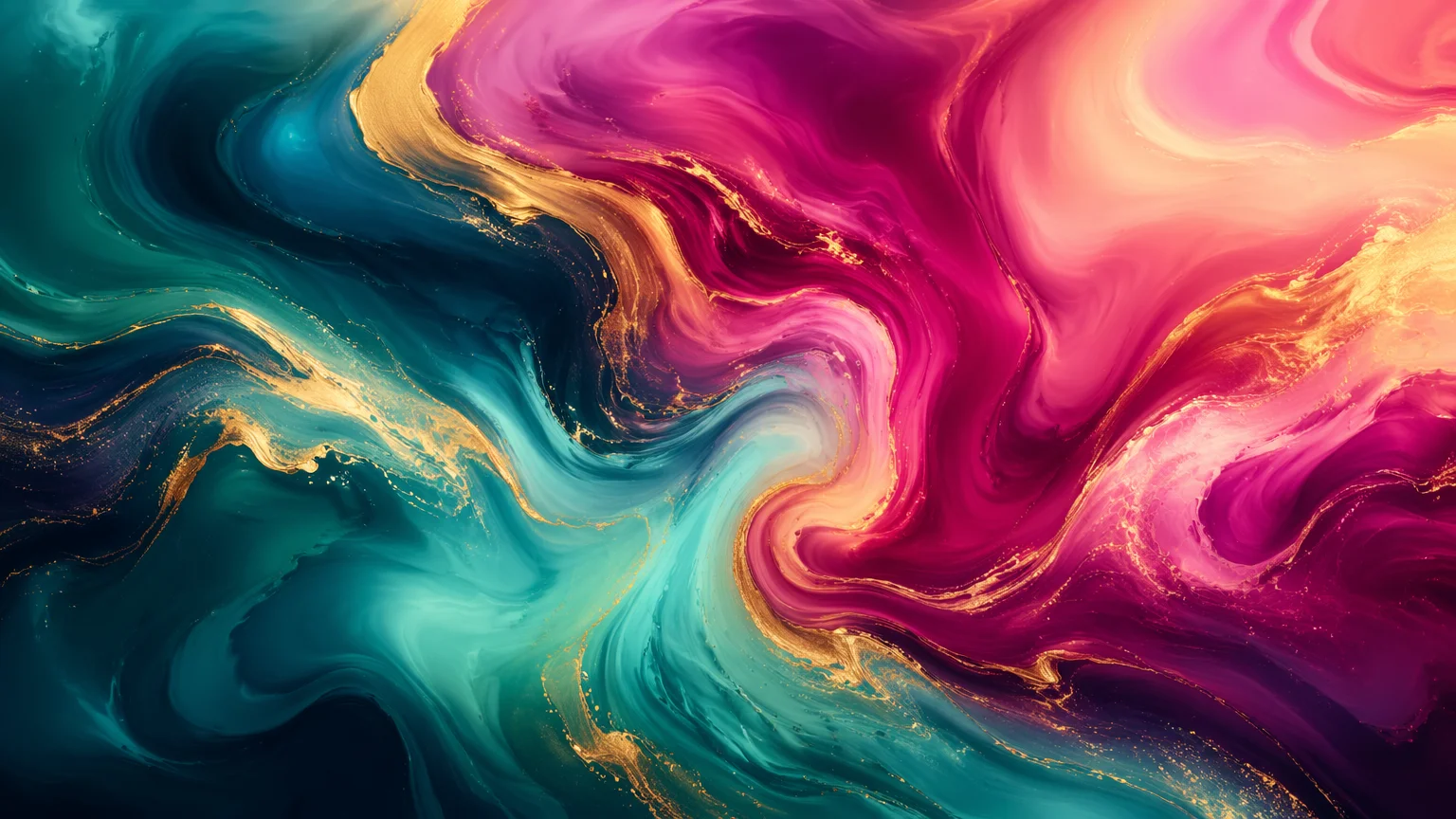
Abstract gradient
Flowing liquid-marble swirls of teal, magenta, and gold — a calm, vibrant abstract for any screen.
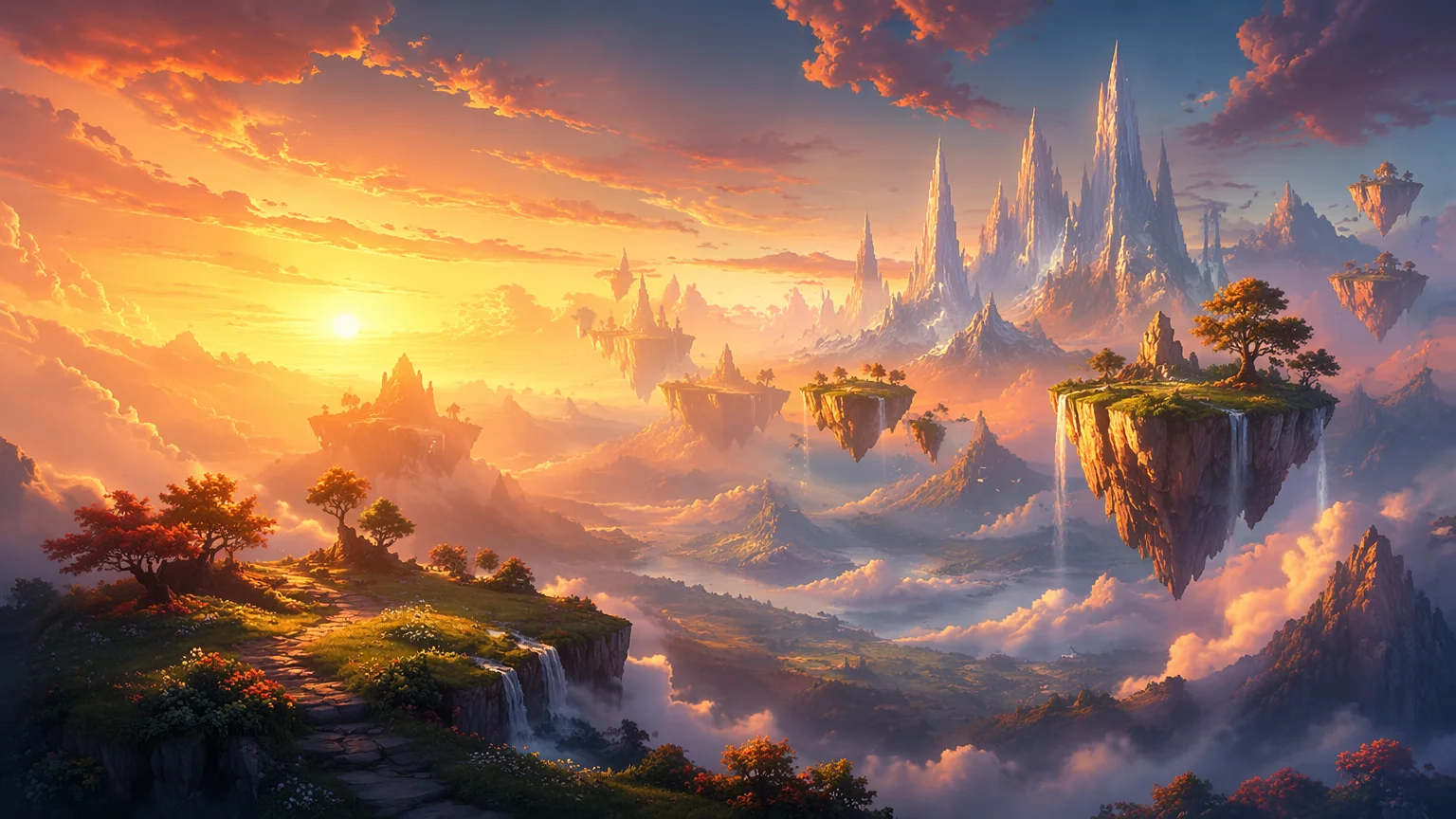
Generate stunning original wallpapers — 16:9 desktop, 9:16 phone, and 4K.
Describe the scene and mood, pick GPT Image 2 in Renoise Canvas, and set the aspect ratio — 16:9 for desktop, 9:16 for phone. Generate, then re-render or upscale toward 4K so it stays sharp on large displays. Re-run the same prompt at any ratio for a matching set across every screen.
Want square cover art instead of a screen background? See the AI album cover generator
Three steps to a screen-ready wallpaper at your exact aspect ratio.

Write the look you want — "abstract teal-and-gold fluid art" or "alpine lake at sunrise" — with the mood and color palette.
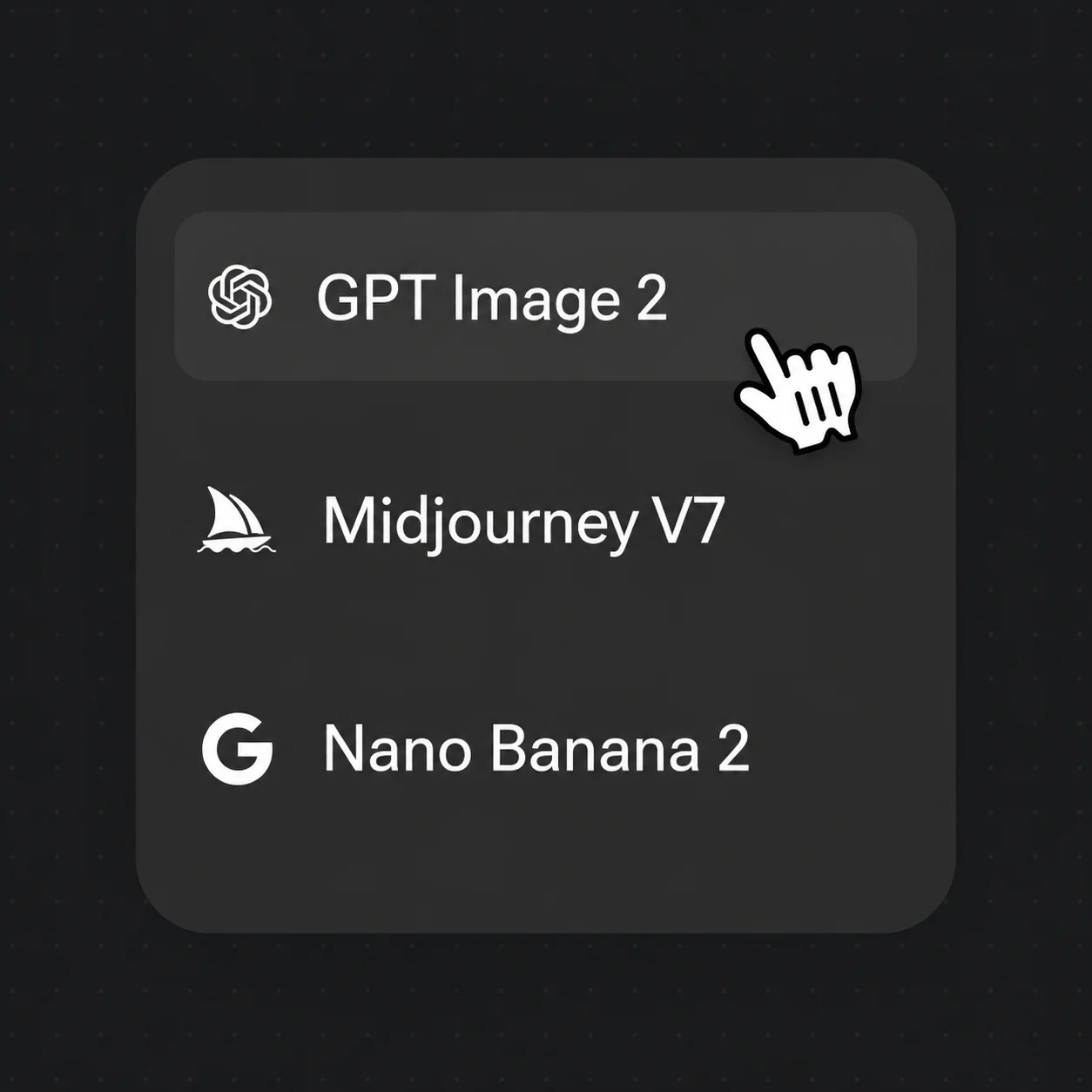
Select GPT Image 2 for crisp high-detail output. Set the aspect ratio: 16:9 for desktop, 9:16 for phone.
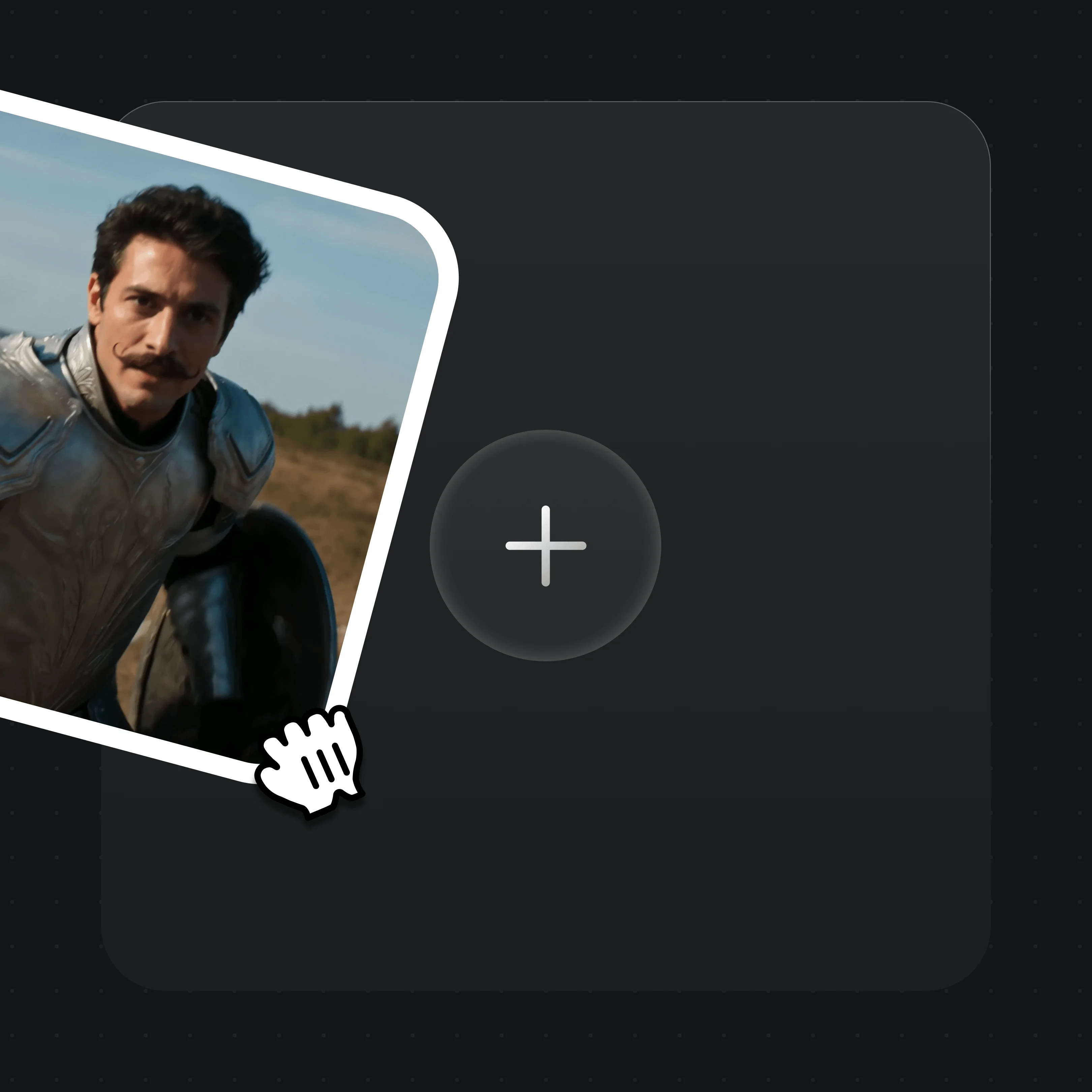
Generate, then drag the result onto the canvas to re-render or upscale toward 4K before downloading the final wallpaper.
From fluid abstracts to anime — generate 16:9 for desktop, then re-run the prompt at 9:16 for your phone.
Flowing liquid-marble swirls of teal, magenta, and gold — a calm, vibrant abstract for any screen.
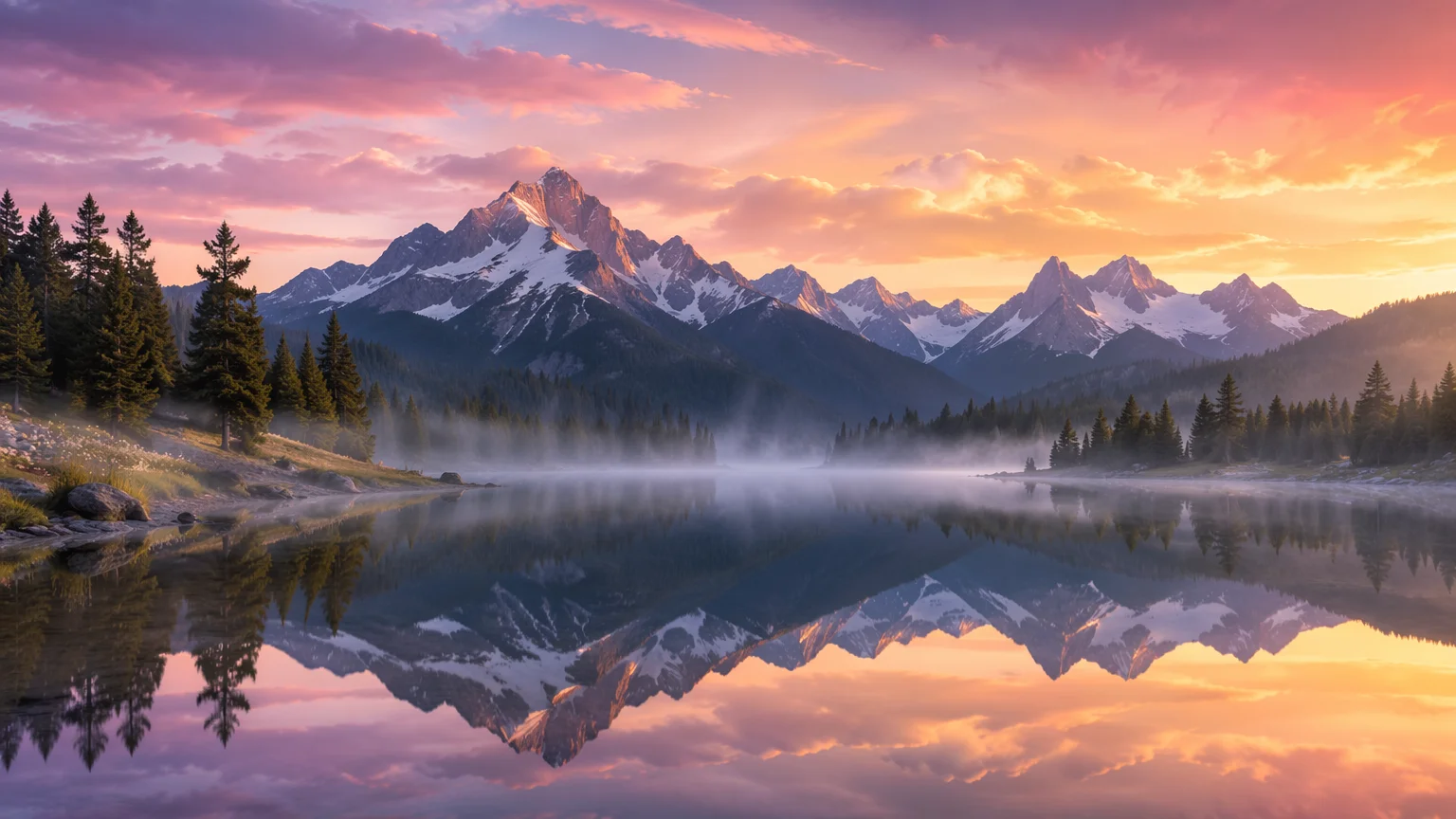
A calm alpine lake mirroring snow-capped peaks at sunrise — photorealistic, expansive, high dynamic range.
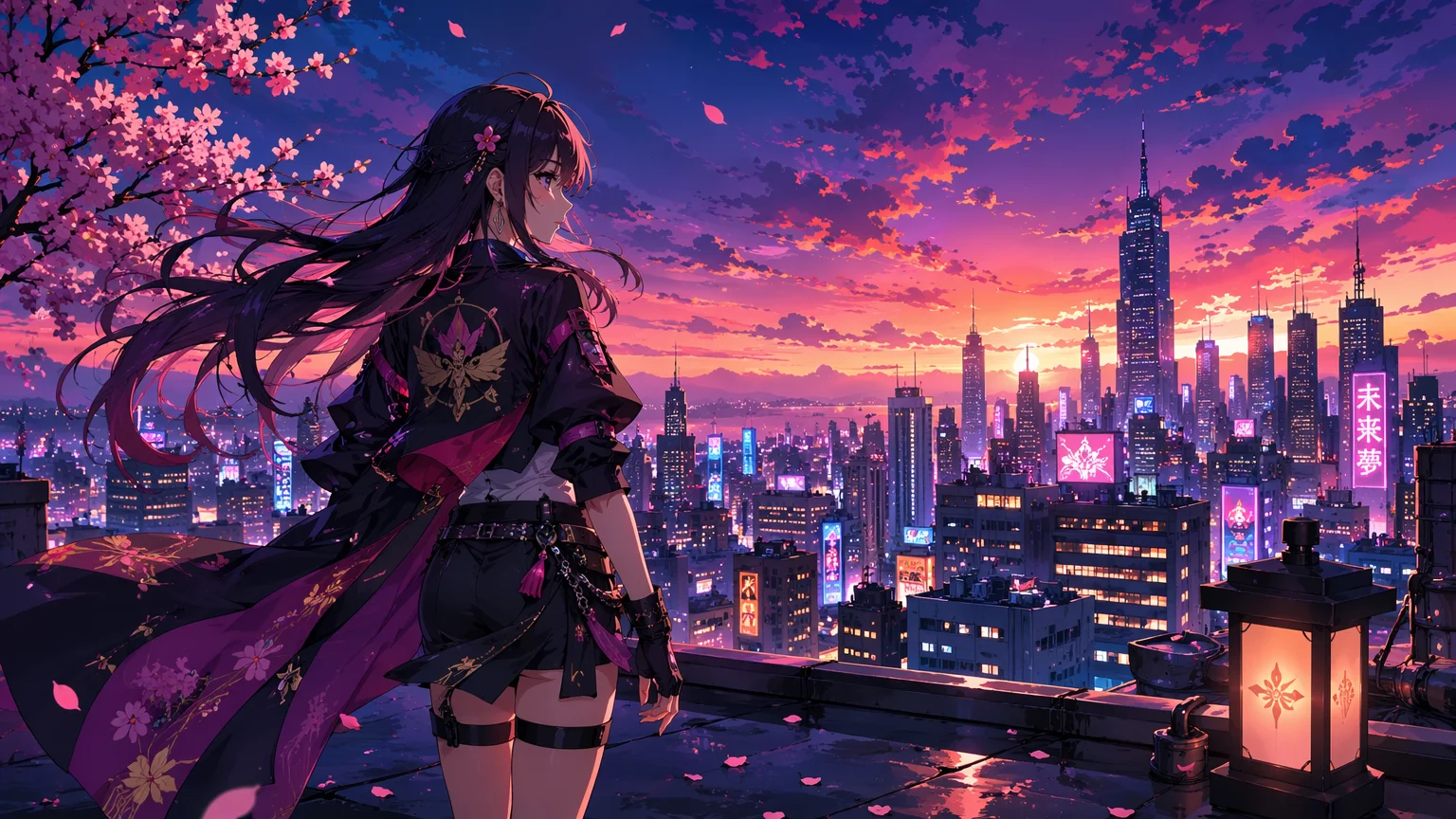
An original heroine on a rooftop above a glowing neon city at dusk — vibrant anime-style cel shading.
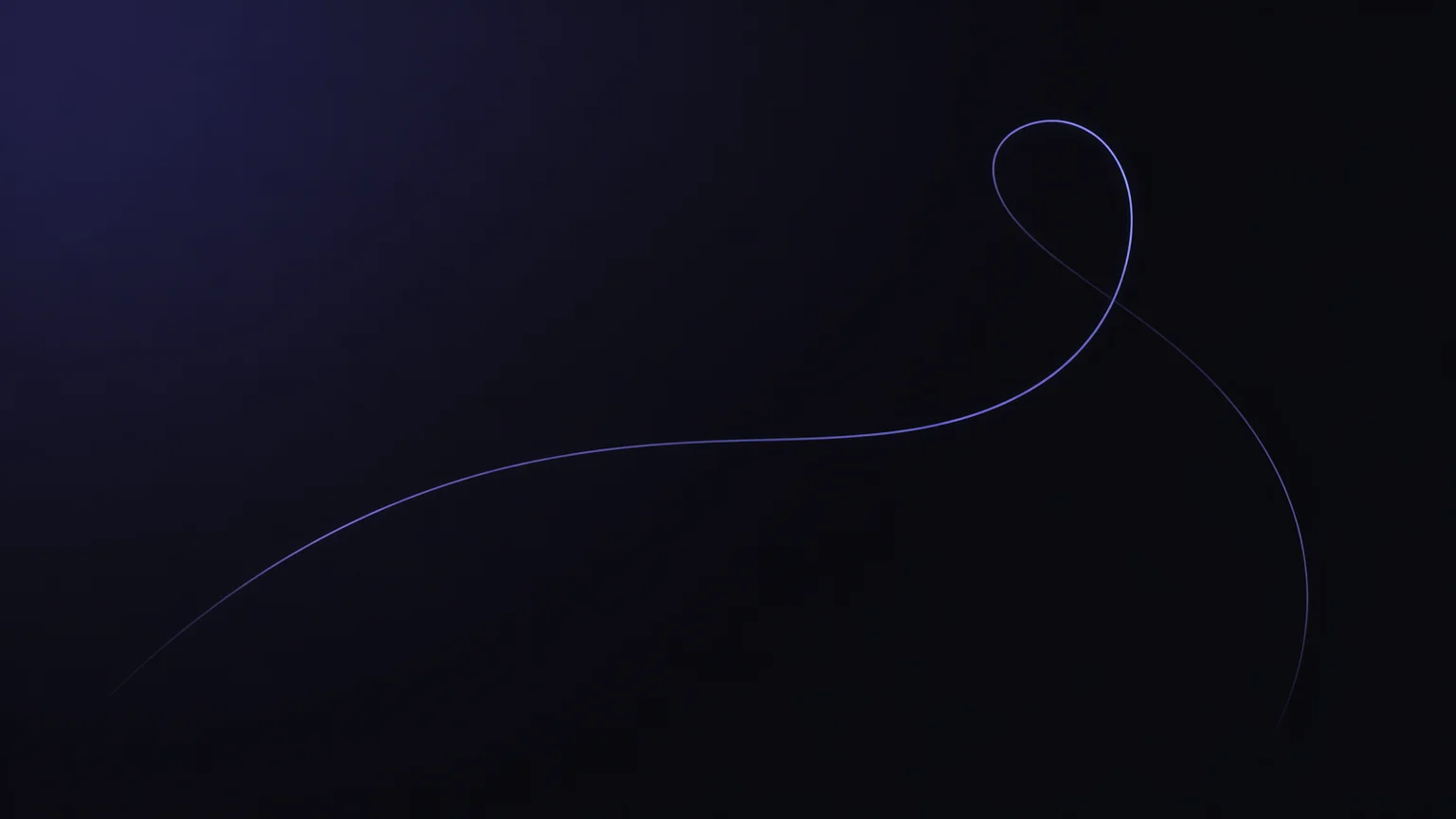
A near-black background with one subtle glowing curve and vast negative space — clean and understated.
Both live in the same Renoise canvas — pick by the look you want. GPT Image 2 for crisp abstract and graphic detail, Nano Banana Pro when the wallpaper needs photoreal scenery.
| For wallpapers | GPT Image 2 (Recommended) | Nano Banana Pro |
|---|---|---|
| Best for | Abstract and graphic | Photoreal scenery |
| Crisp fine detail | Best | Good |
| Photo realism | Good | Best |
| Multi-aspect output | ✓ | ✓ |
| Same canvas | ✓ | ✓ |
A wallpaper only looks right when its aspect ratio matches the screen, so pick the ratio before you generate rather than cropping after. Aspect ratio is the shape of the canvas — width to height — and each device wants a different one. Phones are tall, so a lock screen or home screen wants 9:16 in portrait. Most desktops and laptops are 16:9 landscape, and ultrawide monitors stretch wider still. Generate at the wrong shape and you either crop away part of the image or leave bars at the edges.
Resolution is separate from ratio: it is the pixel count that decides how sharp the image stays as the screen gets bigger. 4K — roughly 3840 pixels wide — keeps detail crisp on large or high-density displays where a smaller render would look soft.
In Renoise, set the aspect ratio in GPT Image 2 before generating — 16:9 for desktop, 9:16 for phone — then re-render or upscale toward 4K for big screens. One more habit pays off: leave a calm safe area where the clock, date, and home-screen icons sit, so a busy focal point never collides with the UI. Re-run the same prompt at each ratio for a matching set across every device.
Wallpaper work leans on a few things — and Renoise gives you GPT Image 2, Nano Banana Pro, and many other image models in one canvas.
Renders crisp, high-detail scenes with rich color — ideal for sharp desktop and phone wallpapers.
Generate 16:9 desktop, 9:16 phone, and ultrawide natively — re-run one prompt for every screen.
Re-render or upscale a generation toward 4K so wallpapers stay sharp on large displays.
Switch freely between GPT Image 2, Nano Banana Pro, and other image models per wallpaper.
One plan unlocks GPT Image 2, Nano Banana Pro, and every other image model.
For first-time AI content creators
Billed $168 annually
Upgrade PlanSave $72/year
For creators shipping content every week.
Billed $504 annually
Upgrade PlanSave $216/year
For studios and pros producing at commercial scale.
Billed $1680 annually
Upgrade PlanSave $720/year
For first-time AI content creators
Billed monthly
Upgrade PlanFor creators shipping content every week.
Billed monthly
Upgrade PlanFor studios and pros producing at commercial scale.
Billed monthly
Upgrade PlanRenews automatically each year until canceled.
Renews automatically each month until canceled.
Generate desktop and phone wallpapers, watermark-free on paid plans.
Yes. Describe the scene and set a 16:9 aspect ratio — GPT Image 2 renders a wide, high-detail wallpaper that fits a desktop screen. Re-run the same prompt at ultrawide or 4K for larger monitors.
Set the aspect ratio to 9:16 before generating. Use the same prompt you would for desktop — Renoise renders it in portrait so the composition fits a phone lock screen or home screen without cropping.
Yes. Generate the scene, then re-render or upscale it toward 4K inside Renoise so it stays sharp on large displays. Export the final wallpaper at full resolution for crisp detail on any screen.
GPT Image 2 for most wallpaper work — it produces crisp, high-detail scenes with rich color across fantasy, abstract, nature, anime, and minimalist styles. Nano Banana Pro and other image models share the same canvas if you want to compare.
Pick the aspect ratio that matches your device before generating: 16:9 for most desktops, 9:16 for phones, and ultrawide for wide monitors. Renoise renders natively at that ratio, so there is no awkward cropping.
Yes. Reuse one style and palette prompt, then generate variations — change only the scene or the aspect ratio. This gives you a coherent set across your desktop, phone, and tablet that all read as one theme.
Yes, under the same general AI-output licensing terms. Renoise outputs are watermark-free on paid plans and commercially licensable. Verify the specific terms in your account before selling a wallpaper pack or bundling it in an app.