Furnish empty rooms
Add sofas, beds, dining tables, rugs, and decor to a bare room photo — the walls and floors stay as-shot.
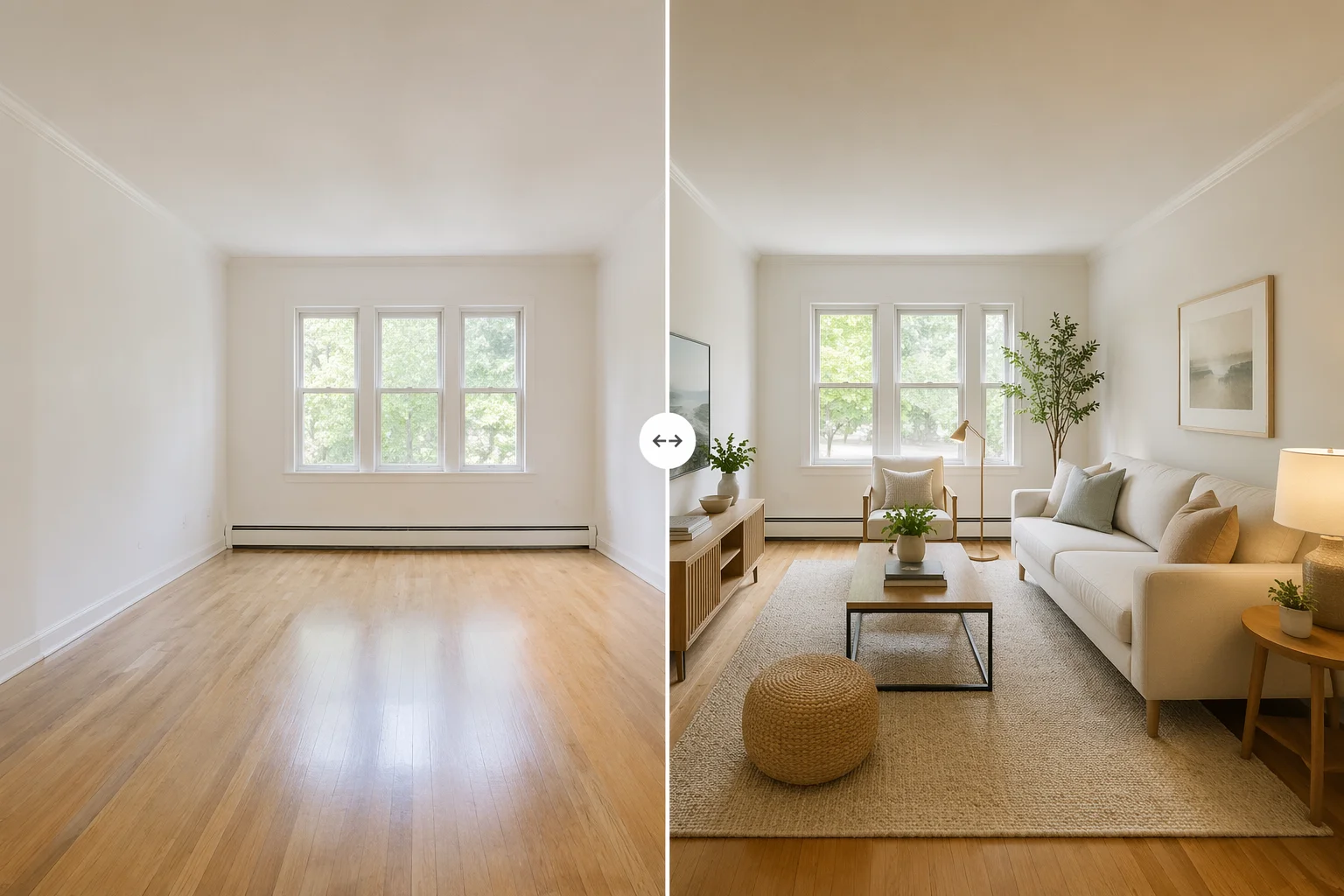
Furnish an empty room for MLS and real-estate listings — no furniture rental required.
Upload the empty-room photo to Renoise Canvas, pick Nano Banana Pro, and prompt the style and furniture type you want — "furnish as a modern Scandinavian living room, sofa, coffee table, warm lighting". The model adds furniture and decor via generative re-render. Export at up to 4K, ready for MLS.
Already have furniture and want to restyle the look? See the AI room design guide
An empty room becomes a furnished, listing-ready photo — without moving a single piece of furniture.
Add sofas, beds, dining tables, rugs, and decor to a bare room photo — the walls and floors stay as-shot.
Prompt modern, Scandinavian, traditional, mid-century, or luxury — the model matches the style.
Output at up to 4K — sized and sharp for MLS uploads, listing sites, and marketing collateral.
From a bare room photo to a furnished listing shot — all in one canvas.

Drag the empty room photo onto the Renoise Canvas upload card. Clean shots with good lighting give the most accurate furniture placement.
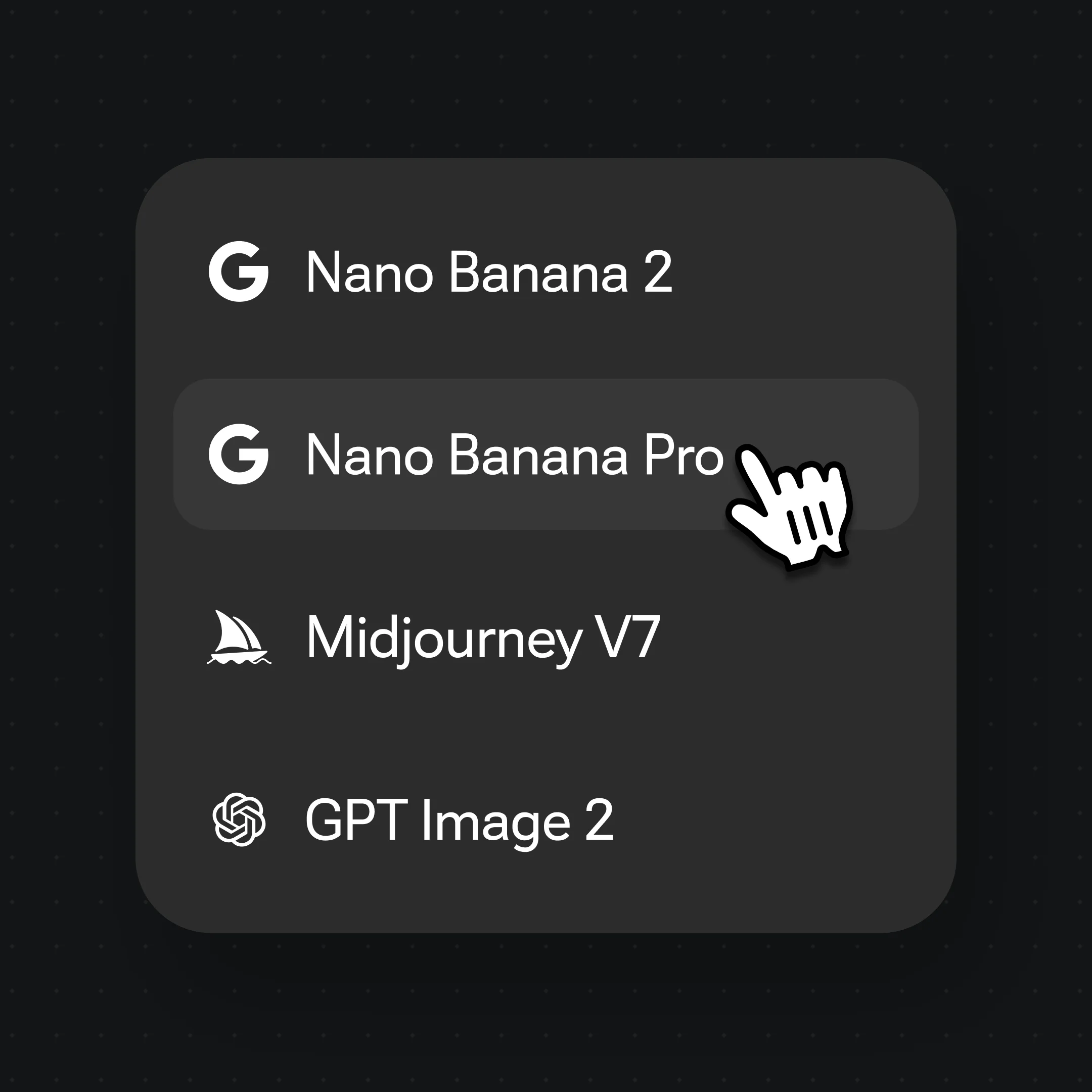
Select Nano Banana Pro, then describe the furniture style: "furnish as a modern Scandinavian living room with a light linen sofa, oak coffee table, warm ambient lighting".

Generate the staged room, check the furniture proportions and perspective against the original, and export at up to 4K. Iterate by refining the style prompt.
Empty rooms furnished with AI — listing-ready photos across styles.
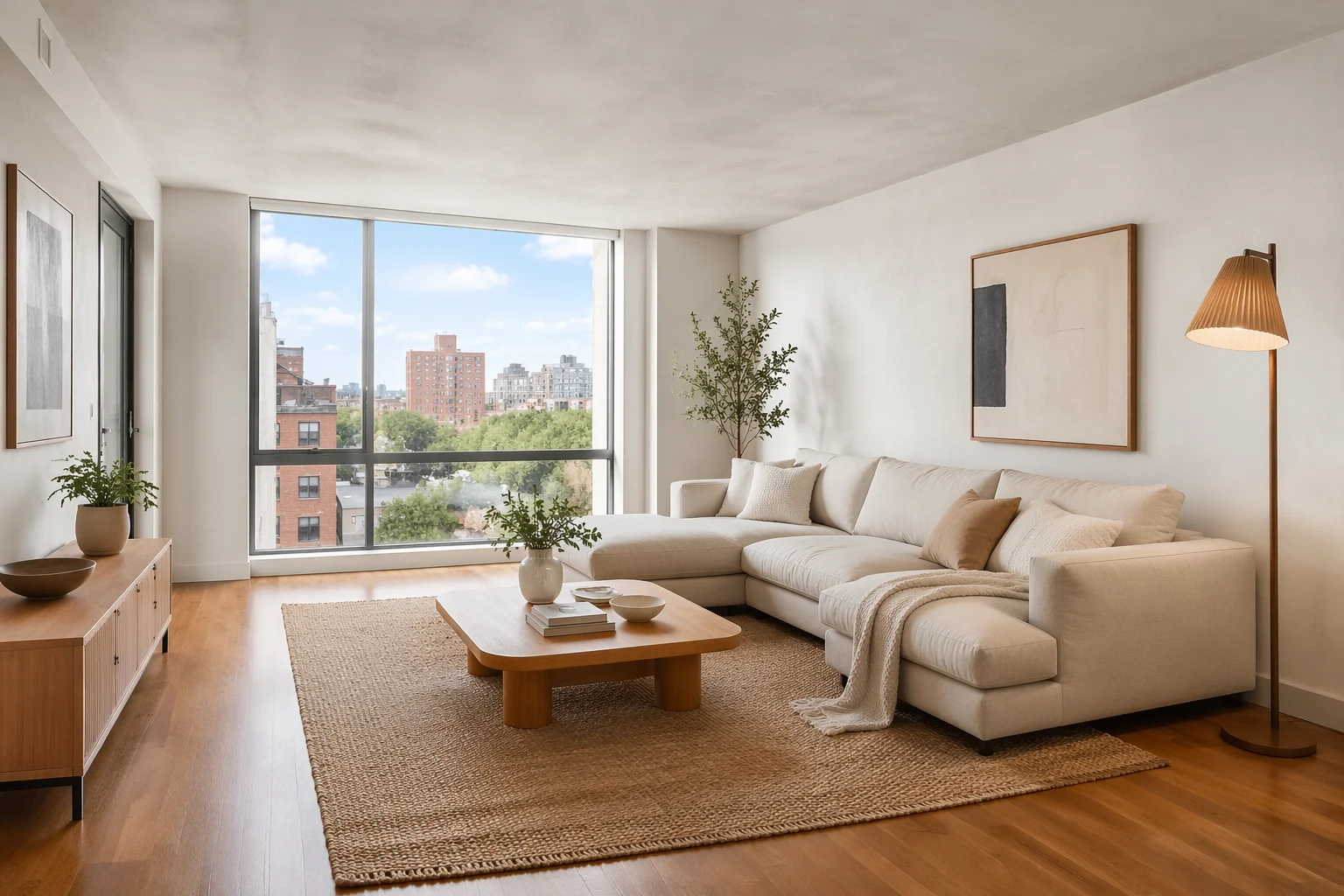
Bare concrete walls furnished with a linen sofa, low oak table, and warm ambient light.
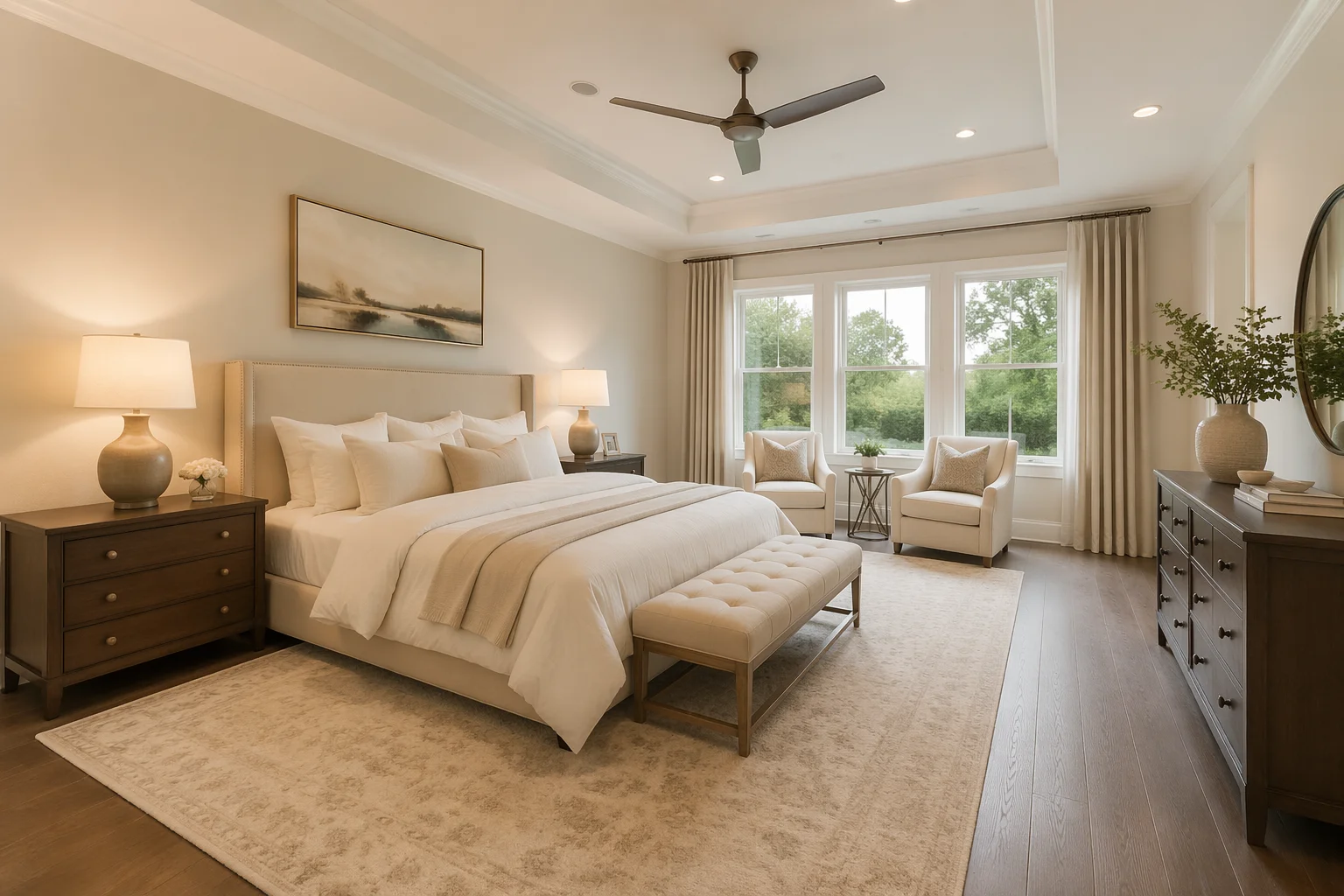
Empty bedroom staged with a king bed, nightstands, and soft neutral linens for a luxury listing.
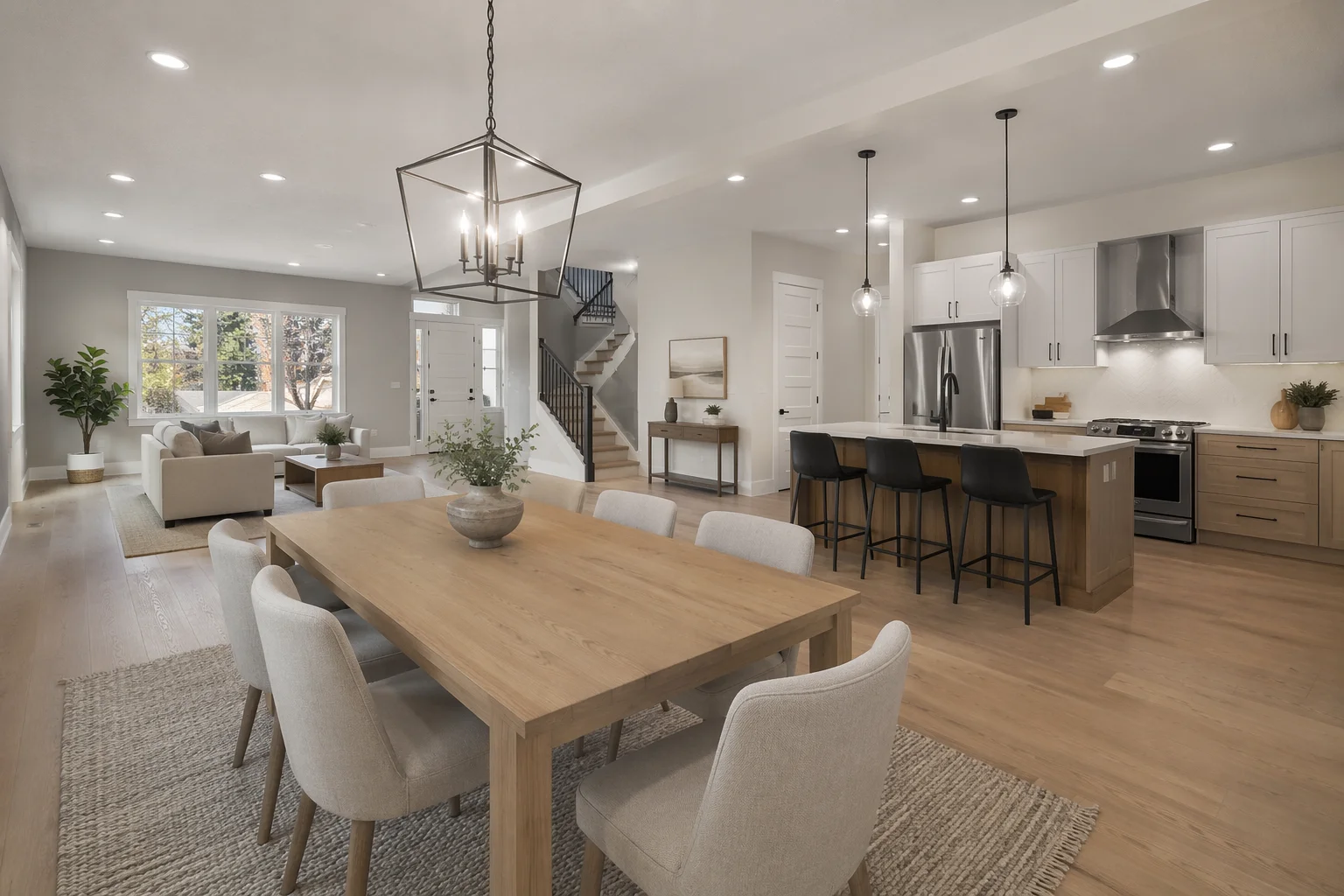
An open-plan space staged with a dining table, pendant lights, and bar stools at the island.
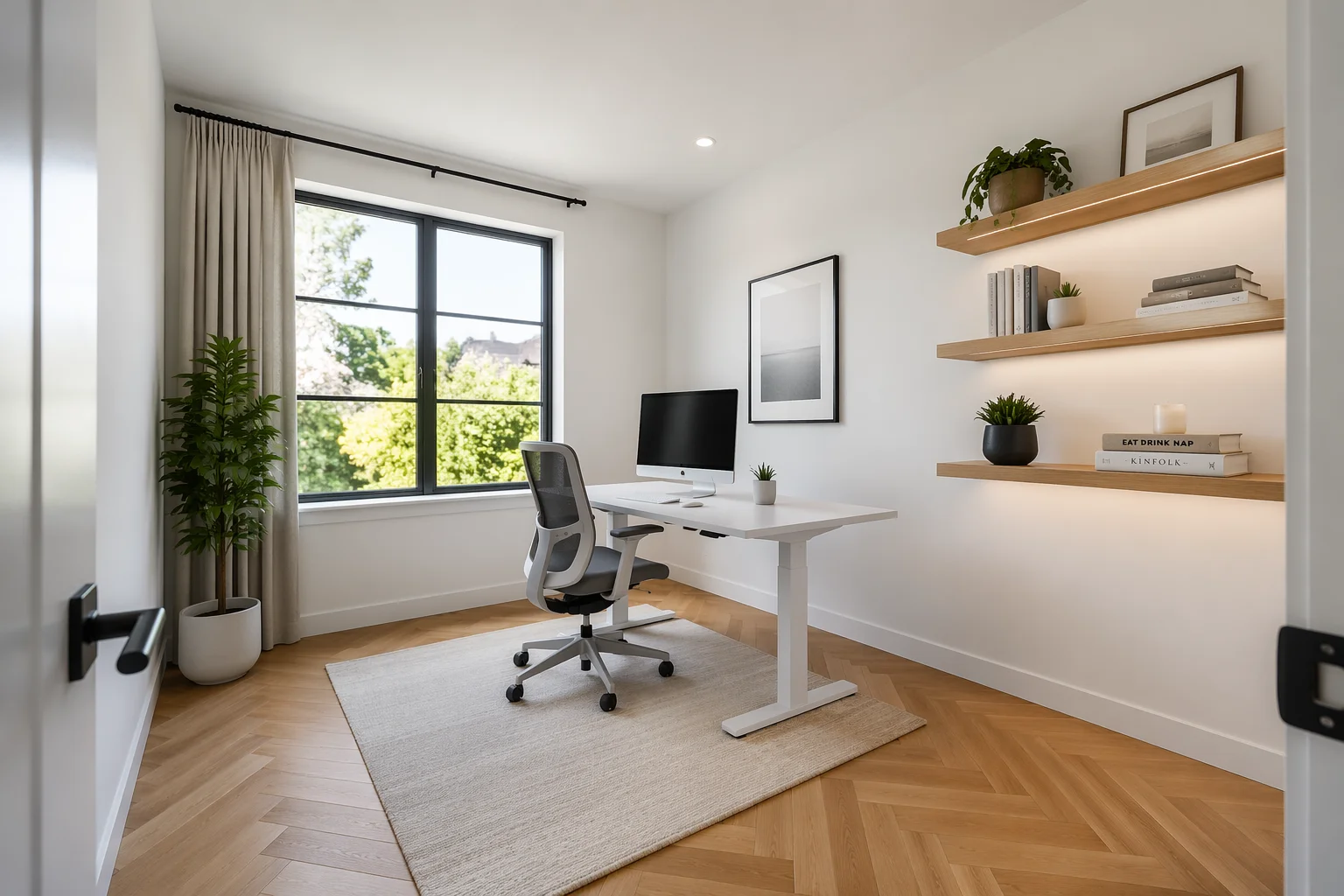
A bare room staged as a bright, minimal home office — desk, shelving, and a natural light palette.
Nano Banana Pro handles most staging work well — photoreal lighting and furniture that reads naturally in the room. Add GPT Image 2 when you want to fuse a specific furniture reference or need precise style adherence.
| For furnishing empty rooms | Nano Banana Pro (Recommended) | GPT Image 2 |
|---|---|---|
| Best for | Photoreal room lighting | Precise style or ref fusing |
| Furniture realism | Best | Good |
| Reference images | Image-to-image | Up to 16 |
| Up to 4K export | ✓ | ✓ |
| Same canvas | ✓ | ✓ |
Virtual staging and room redesign are often conflated, but they are different jobs.
Virtual staging starts with an empty room. The property is vacant — bare floors, bare walls — and the goal is to furnish it so it photographs well for MLS and listing sites. Buyers are notoriously bad at visualizing empty spaces; a staged photo helps them see how the square footage is used. The output is a furnished version of the room that still looks like the actual property (same walls, same windows, same light).
Room redesign starts with a room that already has furniture. The goal is to restyle it — swap out the look, try a different color palette or period, or show what the room could be rather than what it is. The furniture in the input is replaced or updated in the output.
Renoise handles both: virtual staging with Nano Banana Pro img2img (add furniture to empty space) and room redesign on the same canvas (restyle an existing space). If your room is empty and going on the market, you are in the right guide. If your room is furnished and you want to restyle it, the AI room design guide is the better fit.
One honest note on approach: Renoise uses generative re-render for staging — Nano Banana Pro rebuilds the furnished room as a re-rendered image, not a 3D compositing tool. Furniture placement and perspective are generated, not pixel-exact. For most listing photography, the output reads naturally. For cases where precise furniture dimensioning or wall-aligned placement matters, review the result against the original and iterate the prompt.
Virtual staging draws on image models and the full Renoise canvas.
Photoreal re-render adds furniture that matches the room's natural lighting and perspective.
Fuses up to 16 reference images — useful if you want to match a specific furniture catalog.
Export listing-ready images at 1K, 2K, or 4K — watermark-free on paid plans.
Try multiple staging styles — modern, traditional, luxury — without leaving the canvas.
One plan unlocks Nano Banana Pro, GPT Image 2, and every other image model.
For first-time AI content creators
Billed $168 annually
Upgrade PlanSave $72/year
For creators shipping content every week.
Billed $504 annually
Upgrade PlanSave $216/year
For studios and pros producing at commercial scale.
Billed $1680 annually
Upgrade PlanSave $720/year
For first-time AI content creators
Billed monthly
Upgrade PlanFor creators shipping content every week.
Billed monthly
Upgrade PlanFor studios and pros producing at commercial scale.
Billed monthly
Upgrade PlanRenews automatically each year until canceled.
Renews automatically each month until canceled.
Furnish an empty room for MLS — listing-ready at up to 4K, no furniture rental.
AI virtual staging takes a photo of an empty room and generates a furnished version of it — adding sofas, beds, tables, rugs, and decor via a generative image model. The result is a listing-ready photo that shows buyers how the space could look, without moving any physical furniture.
Renoise uses generative re-render (Nano Banana Pro), not 3D compositing. The model rebuilds the furnished room and matches the perspective and lighting of the original photo reasonably well. For most listing photography, the result reads naturally. If a specific piece of furniture needs to align precisely to a wall or corner, check the output against the original and refine the prompt.
Yes — prompt it directly. "Modern Scandinavian, light linen sofa, oak coffee table" or "mid-century modern, walnut sideboard, warm lamp light" will steer the style. GPT Image 2 can also fuse specific furniture reference images if you want to match a catalog item.
Virtual staging starts with an empty room and adds furniture — the goal is to furnish it for a listing. AI room design starts with a room that already has furniture and restyled it. If your room is vacant and going on the market, you are in the right guide. If it is already furnished and you want to try a different look, see the AI room design guide.
Yes. Upload the empty-room photo once, then generate multiple rounds with different style prompts — modern, Scandinavian, traditional, luxury. All generations stay in the same canvas and can be compared side by side.
Up to 4K for images. Most MLS platforms accept JPEGs up to 10–25 MB — a 4K export is more than sufficient. Use 2K for most listing sites and 4K for print marketing collateral. Exports are watermark-free on paid plans.