Natural landscapes
Mountains, oceans, forests, deserts, glaciers, valleys — any natural environment at any time of day or season.
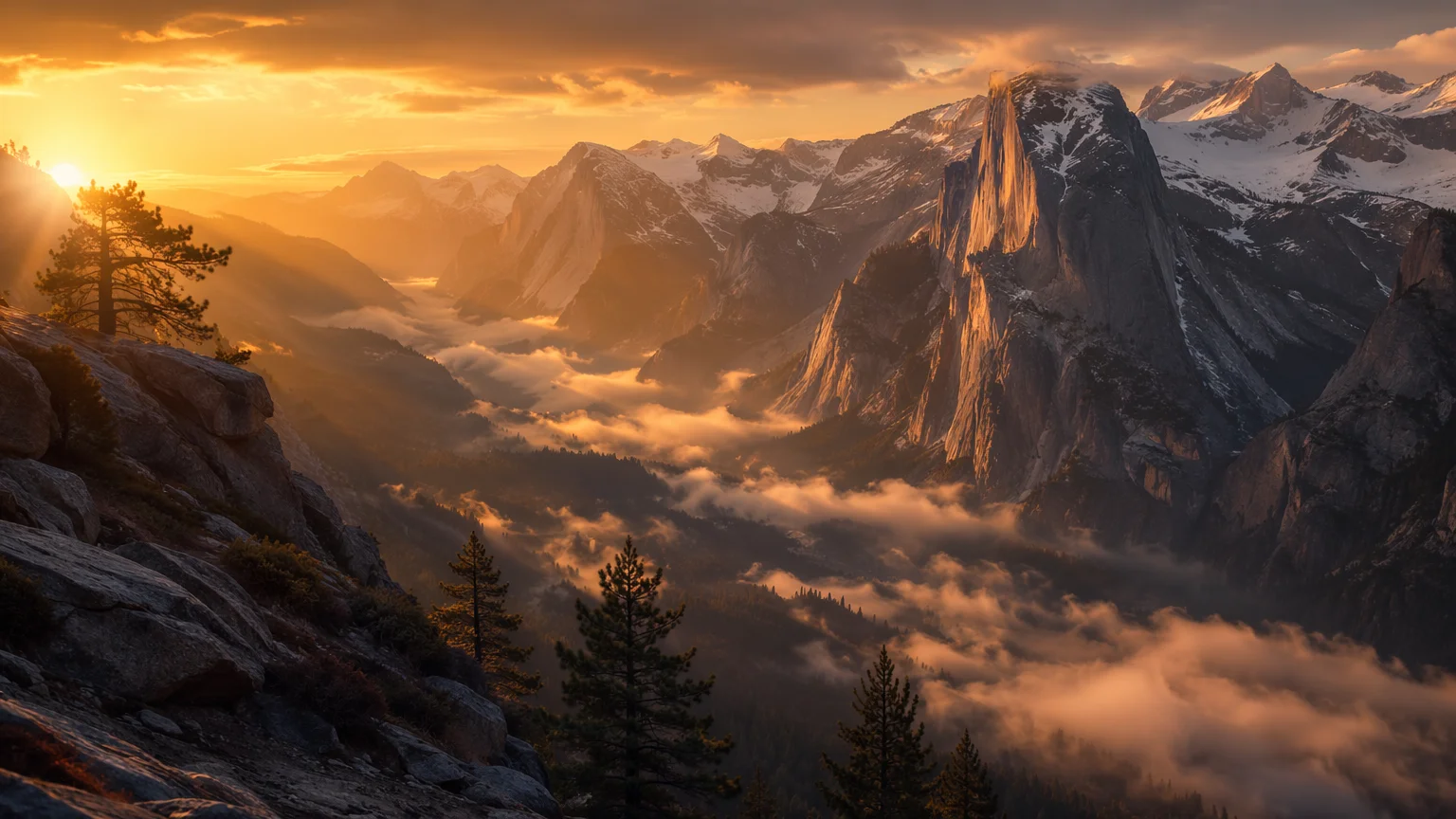
Generate breathtaking landscapes from text — mountains, oceans, forests, and cityscapes for wallpapers, concept art, and environmental design.
Open Renoise Canvas, describe the landscape with setting, lighting, atmosphere, and style, then pick a model — Midjourney V7 for painterly, editorial landscape art; GPT Image 2 for precise scene composition; Grok Image for photorealistic natural environments. Landscapes reward detailed prompts: include time of day, weather, season, vantage point, and mood for the best results.
Need an AI background for a portrait or product photo? See the AI Background guide
Any landscape, any style — photorealistic, painterly, fantastical, or architectural.
Mountains, oceans, forests, deserts, glaciers, valleys — any natural environment at any time of day or season.
Modern skylines, ancient ruins, futuristic cities, neon-lit streets — architectural environments with cinematic mood.
Environmental concept art for games, film, and illustration — fantastical, sci-fi, or grounded in reality.
Generate desktop wallpapers and phone backgrounds at high resolution — wide 16:9 or portrait 9:16.
From a scene description to a high-resolution landscape image — in minutes.

Write the scene in detail: location type, time of day, weather, season, vantage point, mood, and style. "A snow-capped mountain range at dawn, golden light breaking over the peaks, mist in the valley, ultra-wide aerial view, photorealistic" produces a far more specific result than "a mountain".
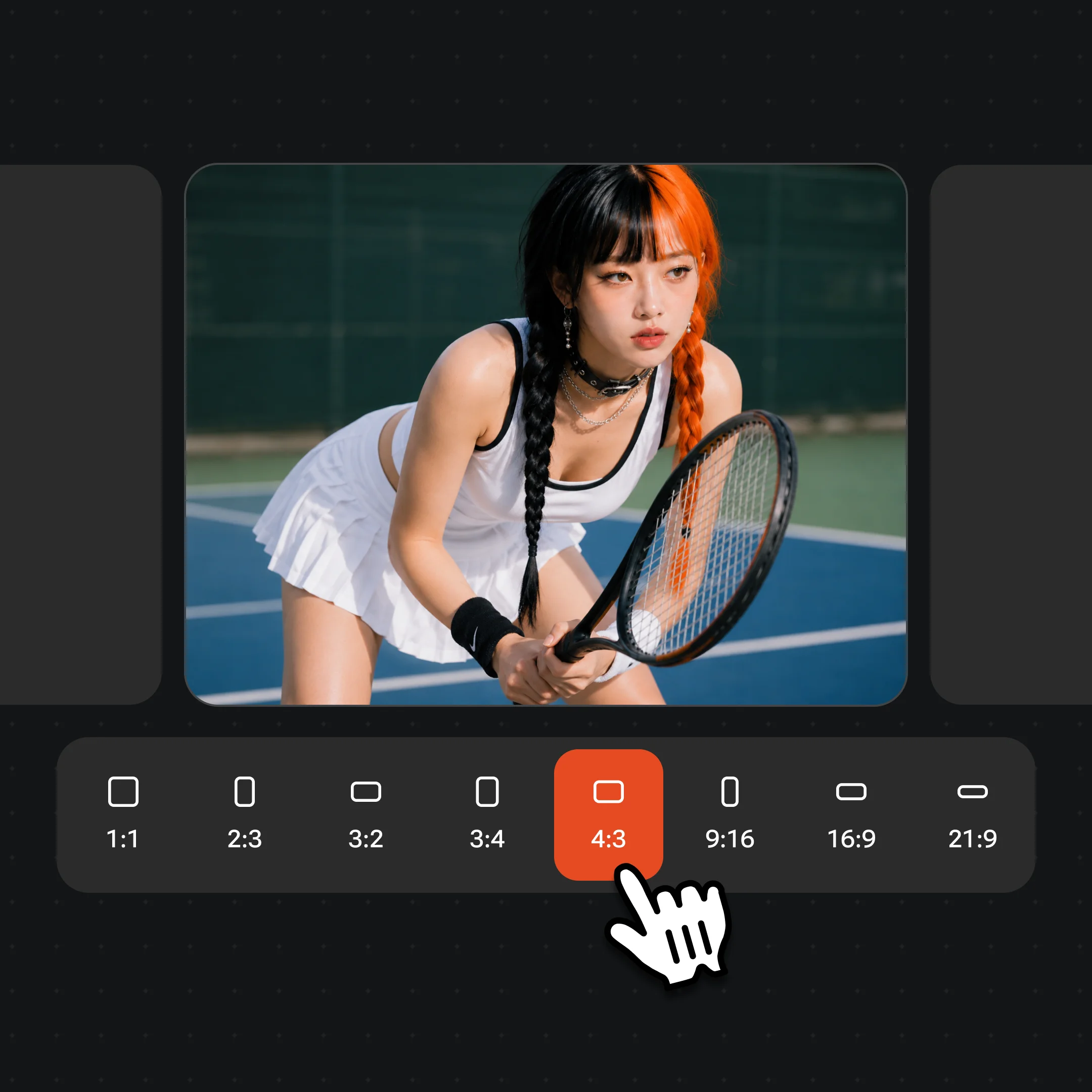
Pick Midjourney V7 for artistic, editorial landscapes; GPT Image 2 for precise scene control; Grok Image for photorealistic natural environments. Set the aspect ratio — 16:9 for widescreen wallpaper, 1:1 for square, 9:16 for vertical.

Generate the landscape, iterate the prompt to refine atmosphere or composition, then export at up to 4K. Watermark-free exports on paid plans.
Natural landscapes, cityscapes, and concept art environments generated on Renoise.
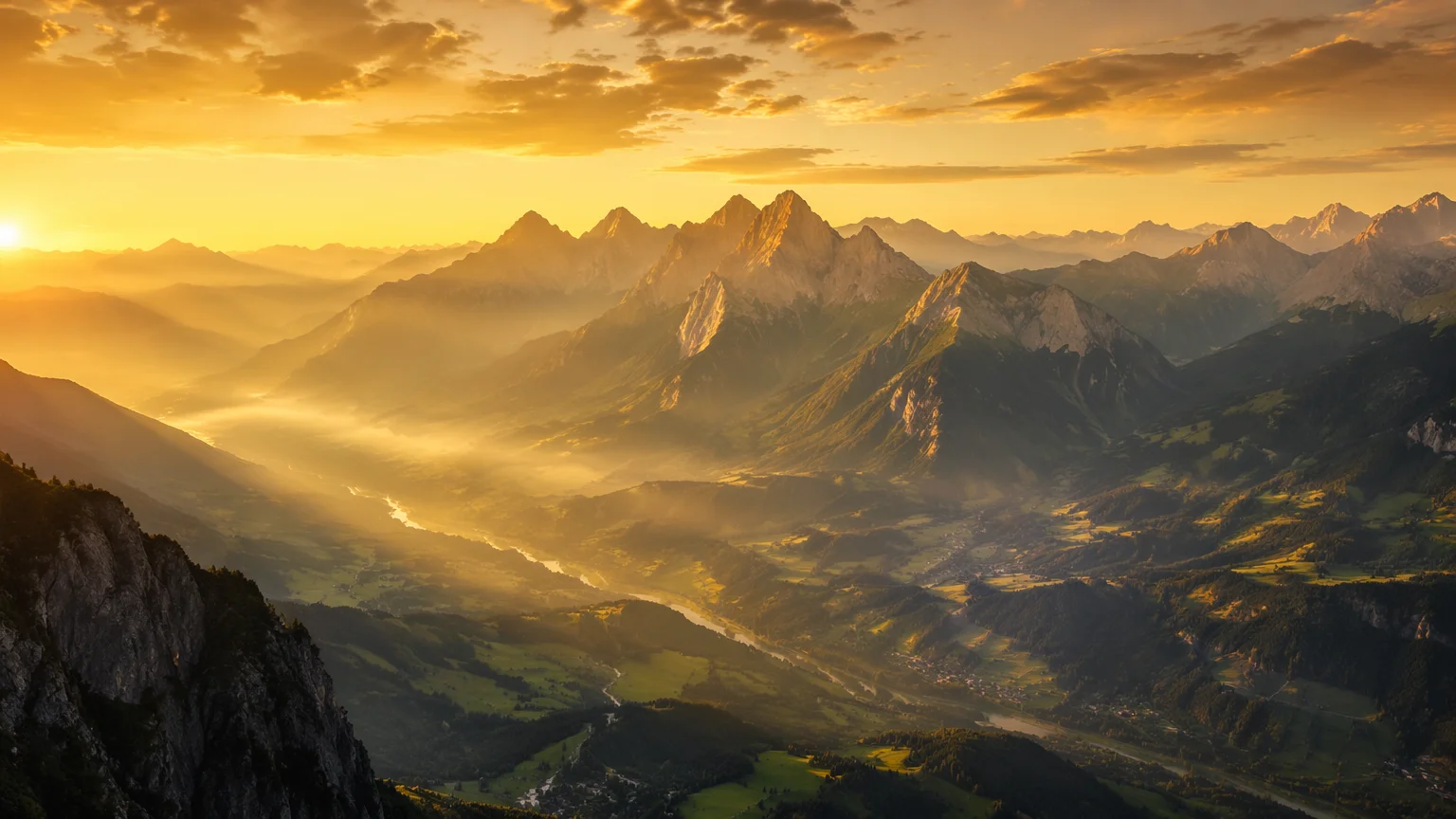
A dramatic mountain range at golden hour — sweeping valley, atmospheric haze, photorealistic quality.
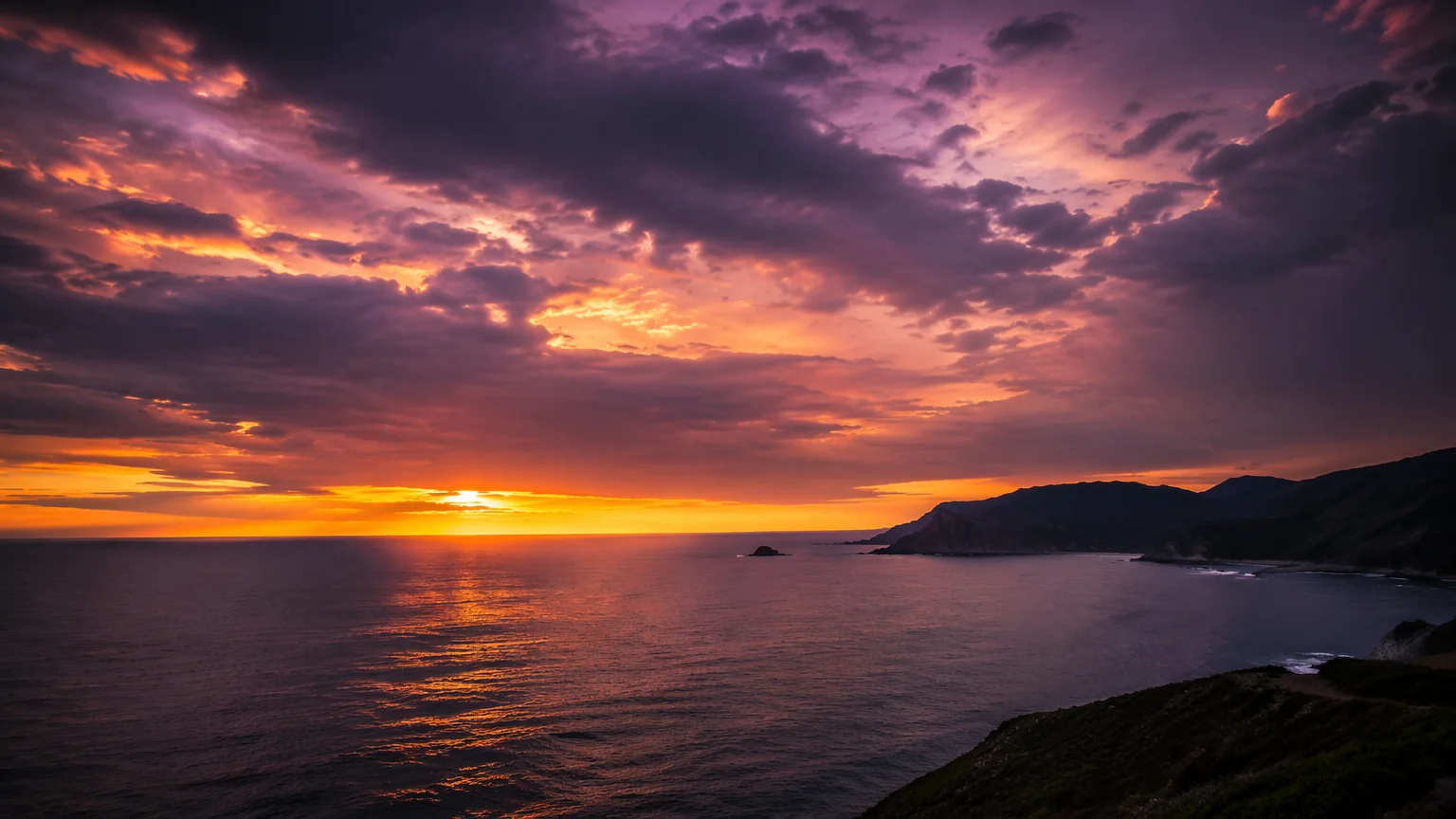
A coastal ocean scene at dusk — deep blue water, warm horizon, dramatic cloud formations.
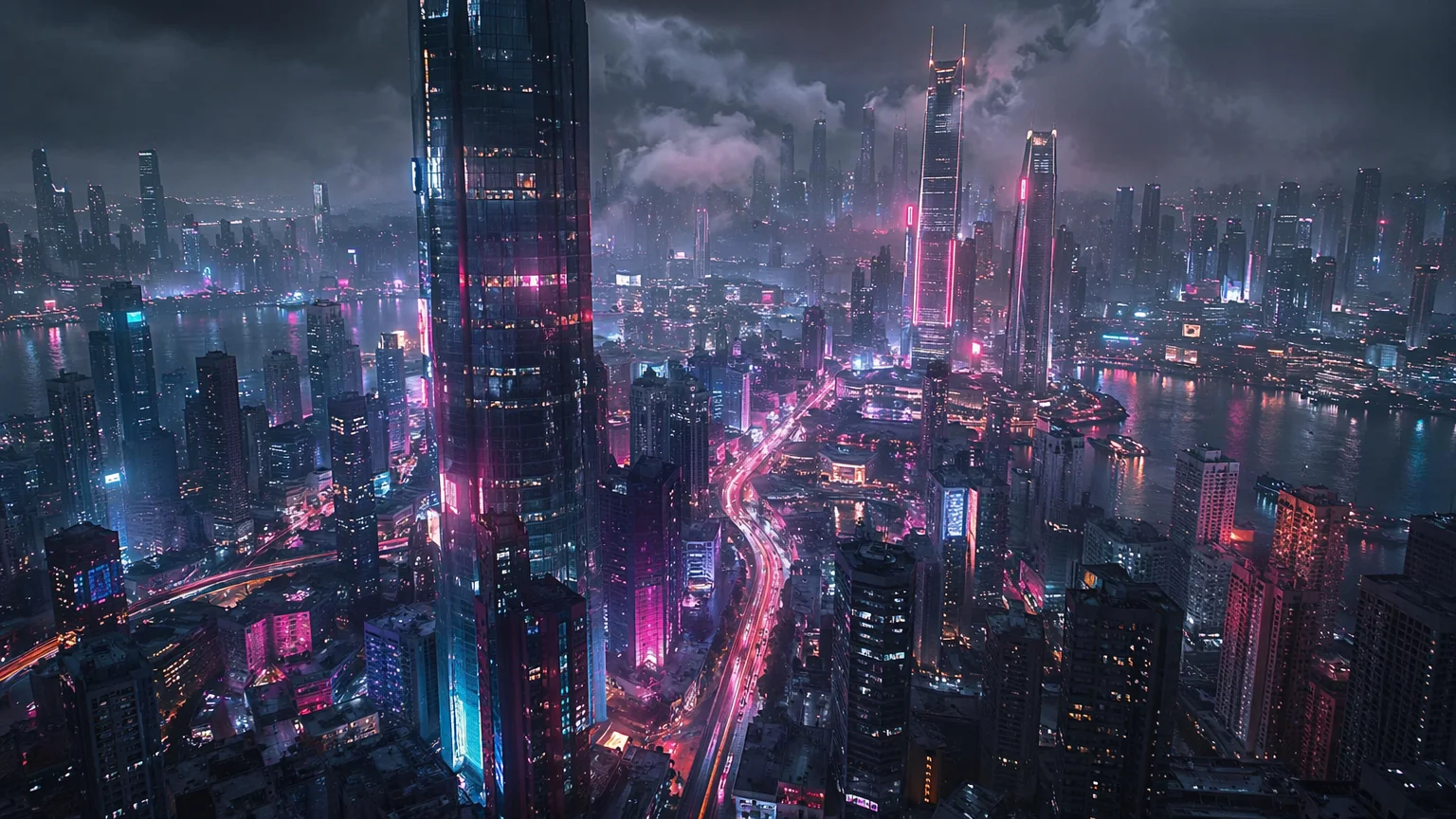
A neon-lit futuristic city at night — flying vehicles, towering skyscrapers, rain-slicked streets.
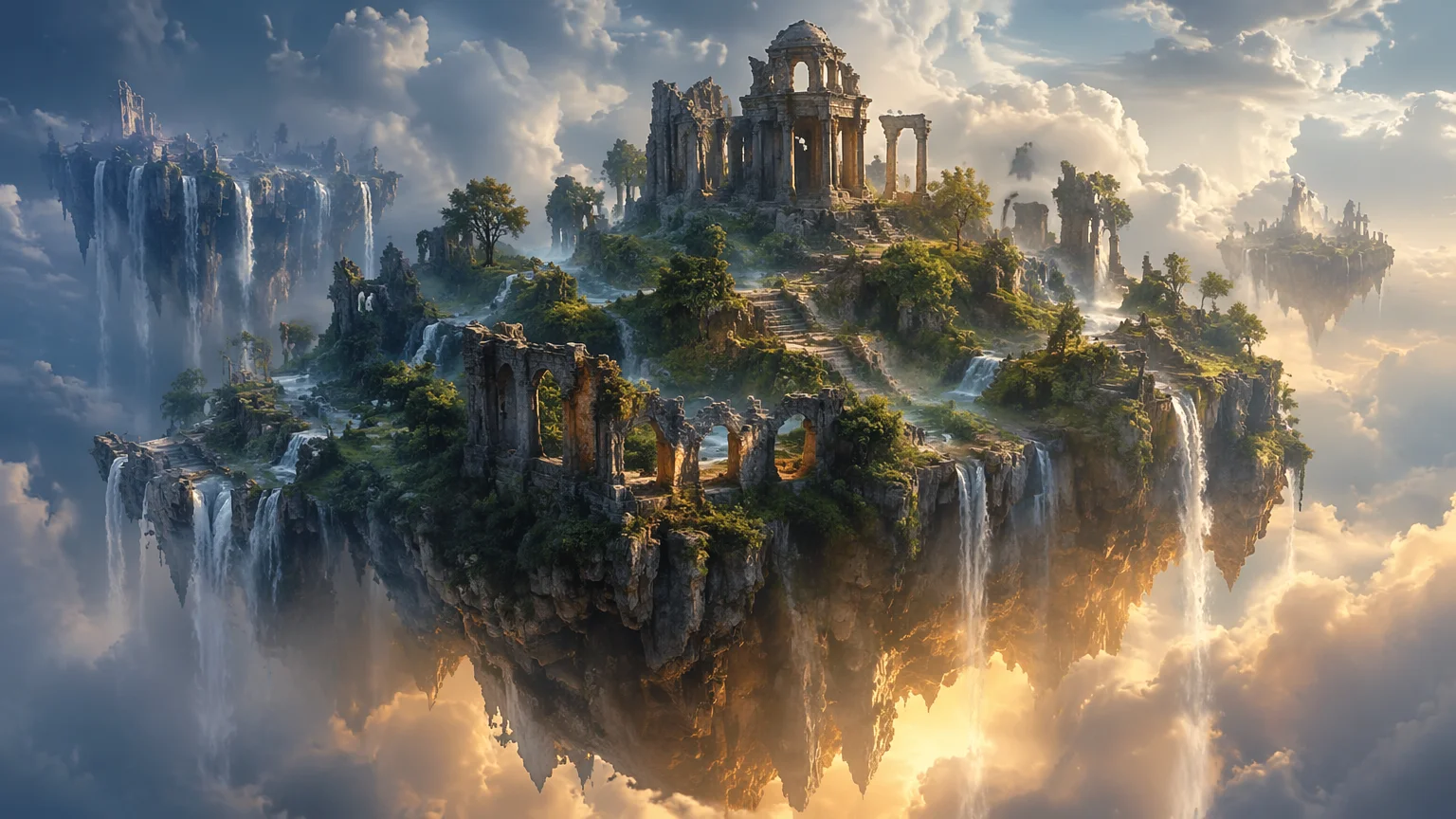
A fantastical floating island landscape with waterfalls, ancient ruins, and atmospheric lighting — concept art style.
Both models run in the same Renoise canvas — pick by what the scene needs.
| For AI landscape | Midjourney V7 (Recommended) | GPT Image 2 |
|---|---|---|
| Best for | Artistic, editorial, painterly landscapes | Precise scene control and photorealism |
| Aesthetic quality | Best | Very good |
| Prompt control | Good | Best |
| Fantasy / concept art | Best | Good |
| Photorealistic natural env. | Good | Best |
| Up to 4K | ✓ | ✓ |
Landscape generation is one of the strongest use cases for AI image models — but a generic prompt like "a mountain landscape" produces a generic result. The gap between a competent landscape and a breathtaking one comes down to five descriptors: location, time of day, weather/atmosphere, vantage point, and style.
Location is the base: "Scottish Highlands", "Norwegian fjord", "Atacama Desert", "Arctic tundra" — real geographical references anchor the model to specific vegetation, rock types, and color palettes. Generic "mountain" gives you generic Alps. "Patagonian granite spires" gives you something distinctive.
Time of day and light condition is what makes a landscape feel alive: golden hour, blue hour, midday harsh sun, overcast diffused, dawn mist, moonlit night. Atmospheric effects — haze, fog, storm clouds, dust, humidity — add scale and mood. A mountain range looks small without mist softening the distance; it reads as vast when you add 'thick valley mist obscuring the lower slopes'.
Vantage point determines the composition: aerial view, ground-level wide angle, first-person hiking trail, bird's eye. Style tags round out the direction: "photorealistic", "oil painting", "concept art", "cinematic photography", "watercolor".
For concept art and game backgrounds, add "environment design", "matte painting", and a color grade: "cool blue shadows, warm amber highlights" to nail the palette. For desktop wallpapers, specify the aspect ratio (16:9) in the prompt and request "ultra-wide panoramic framing" to ensure the composition fills the width properly.
Landscape generation draws on multiple image models and Canvas in one workflow.
Artistically sophisticated model — painterly landscapes, editorial aesthetics, fantasy and concept art environments.
OpenAI image model: precise scene composition, photorealistic natural environments, strong instruction following.
xAI image model: photorealistic landscapes with strong detail and atmospheric rendering.
Export print-ready landscape art at 1K, 2K, or 4K — suitable for large prints and desktop wallpapers.
One plan unlocks Midjourney V7, GPT Image 2, Grok Image, and every other model on Renoise.
For first-time AI content creators
Billed $168 annually
Upgrade PlanSave $72/year
For creators shipping content every week.
Billed $504 annually
Upgrade PlanSave $216/year
For studios and pros producing at commercial scale.
Billed $1680 annually
Upgrade PlanSave $720/year
For first-time AI content creators
Billed monthly
Upgrade PlanFor creators shipping content every week.
Billed monthly
Upgrade PlanFor studios and pros producing at commercial scale.
Billed monthly
Upgrade PlanRenews automatically each year until canceled.
Renews automatically each month until canceled.
Any environment, any atmosphere — photorealistic, painterly, or fantastical. Watermark-free exports on paid plans.
Midjourney V7 for artistic, painterly, and editorial landscapes — its aesthetic quality is particularly strong. GPT Image 2 for photorealistic natural environments with precise scene control. Grok Image for detailed photorealistic landscapes. All three are available in the same Renoise canvas, so you can compare outputs from multiple models in one session.
Yes. AI image models handle non-existent environments as well as they handle real ones — often better, since there is no photographic "ground truth" to deviate from. Include fantastical elements explicitly in the prompt: "floating islands", "alien terrain with two moons", "crystal forest", "underwater city". Midjourney V7 is particularly strong for concept art and fantasy environments.
16:9 for a standard widescreen desktop wallpaper, 21:9 for an ultrawide monitor, 9:16 for a vertical phone wallpaper. Set the ratio in Canvas before generating so the composition is framed correctly — a 16:9 landscape will have a very different composition from a square one.
Check the specific license terms for the model used. Renoise gives you high-resolution exports suitable for commercial use. Verify the applicable model license for your specific commercial application.
Use GPT Image 2 or Grok Image and include photorealism cues in the prompt: "photorealistic", "shot on Sony A7R", "8K detail", "natural lighting", "no illustration". Describe the light precisely — "overcast diffused light", "golden hour sun at 15 degrees elevation, long shadows" — and add atmospheric detail like haze, moisture, or lens flare.
Yes. Name real geographical references in the prompt — "Patagonian granite spires", "Icelandic black sand beach", "Amalfi Coast cliff village" — and the model will draw on its knowledge of those environments. For very specific landmarks, add additional descriptors to guide the composition.
Your privacy is important to us
We use cookies to improve your experience and for marketing. Read our Cookie Notice.