Personalized designs
Include the recipient's name, a favorite color, an inside joke, or a hobby — any personal detail goes into the prompt.
Generate a beautiful, personalized birthday card from a text prompt — any style, any theme, ready to print or share.
Open Renoise Canvas, describe the card you want — recipient, theme, style, and any personal details — and generate it. GPT Image 2 follows detailed, instruction-heavy prompts with precision; Midjourney V7 delivers artistic, aesthetically polished designs; Nano Banana Pro handles photorealistic and painterly styles. Iterate until it is exactly right, then export at high resolution to print or share.
Want to add a personalized portrait of the birthday person? See the AI Portrait guide
Personalized birthday card art for any recipient, theme, or style.
Include the recipient's name, a favorite color, an inside joke, or a hobby — any personal detail goes into the prompt.
Watercolor floral, minimalist geometric, whimsical cartoon, vintage illustration, elegant calligraphy — describe the style you want.
Milestone birthdays, kids' cards, pet-themed cards, funny cards, heartfelt cards — the prompt controls the theme completely.
Export at up to 4K for sharp, high-quality prints — A4, A5, or standard card size.
From a description to a personalized birthday card image — ready to print or share.

Write a detailed prompt: recipient personality, theme, style, color palette, and mood. "A birthday card for a 30-year-old who loves hiking, watercolor mountain landscape, warm earthy tones, 'Happy 30th' in elegant hand-lettered script".

GPT Image 2 for precise, text-heavy prompts with exact color and layout control. Midjourney V7 for beautiful artistic illustration. Nano Banana Pro for painterly photorealistic styles.
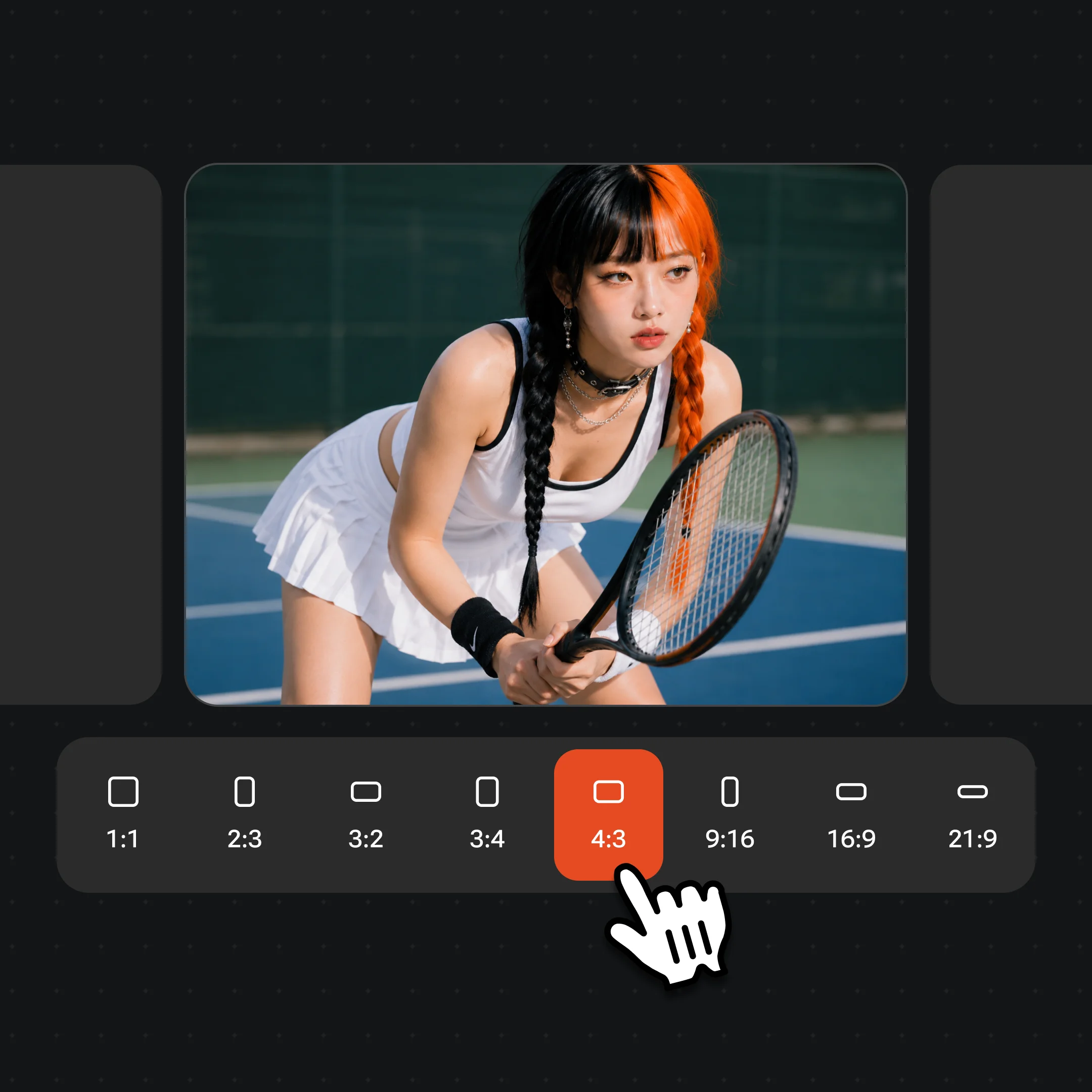
Generate several variations, adjust the prompt to dial in details, then export at up to 4K for print or share digitally. Watermark-free exports on paid plans.
Personalized, artistic, and print-ready birthday card images generated on Renoise.
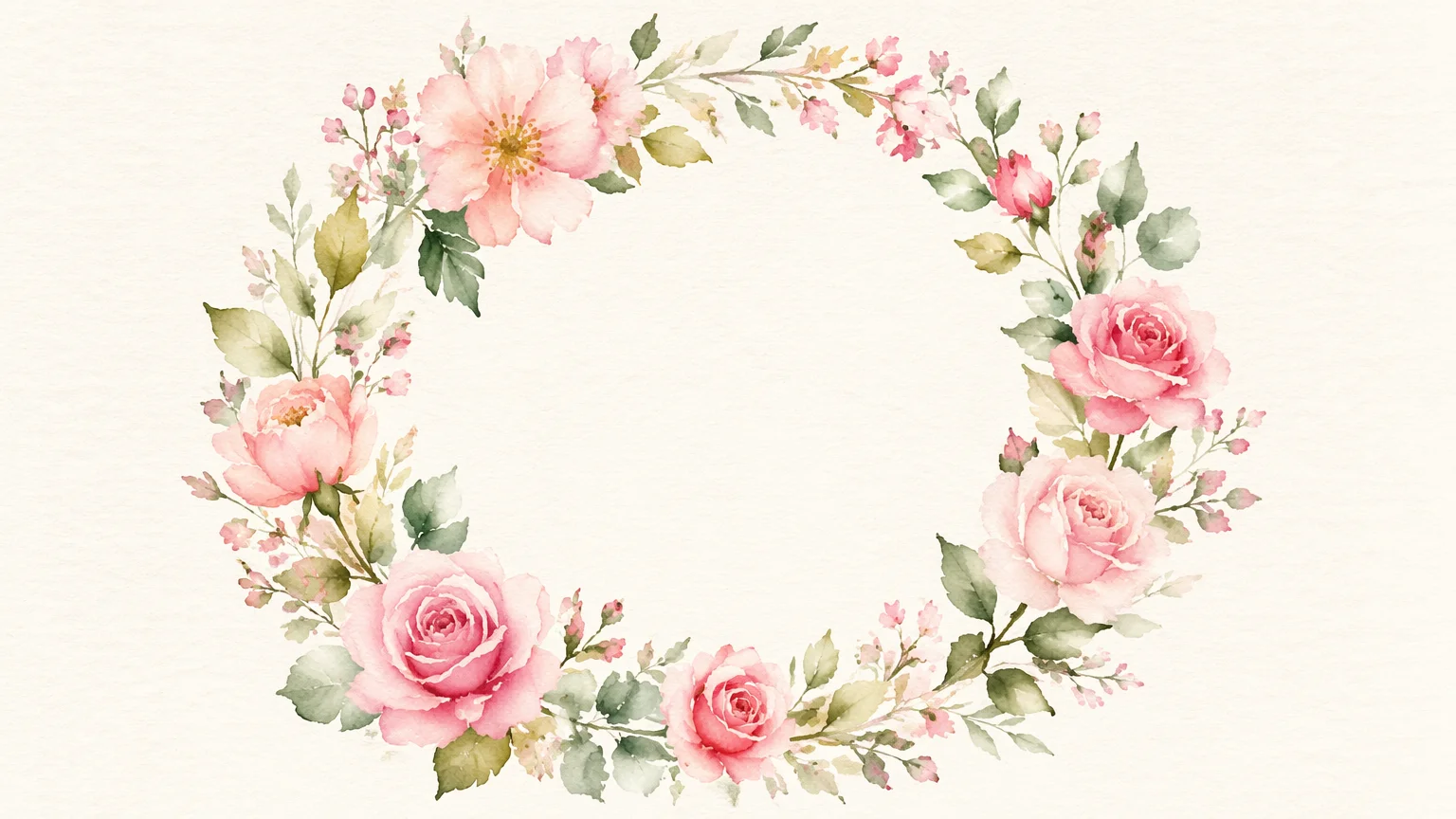
A soft watercolor birthday card with hand-painted floral wreath and elegant lettering — timeless and versatile.
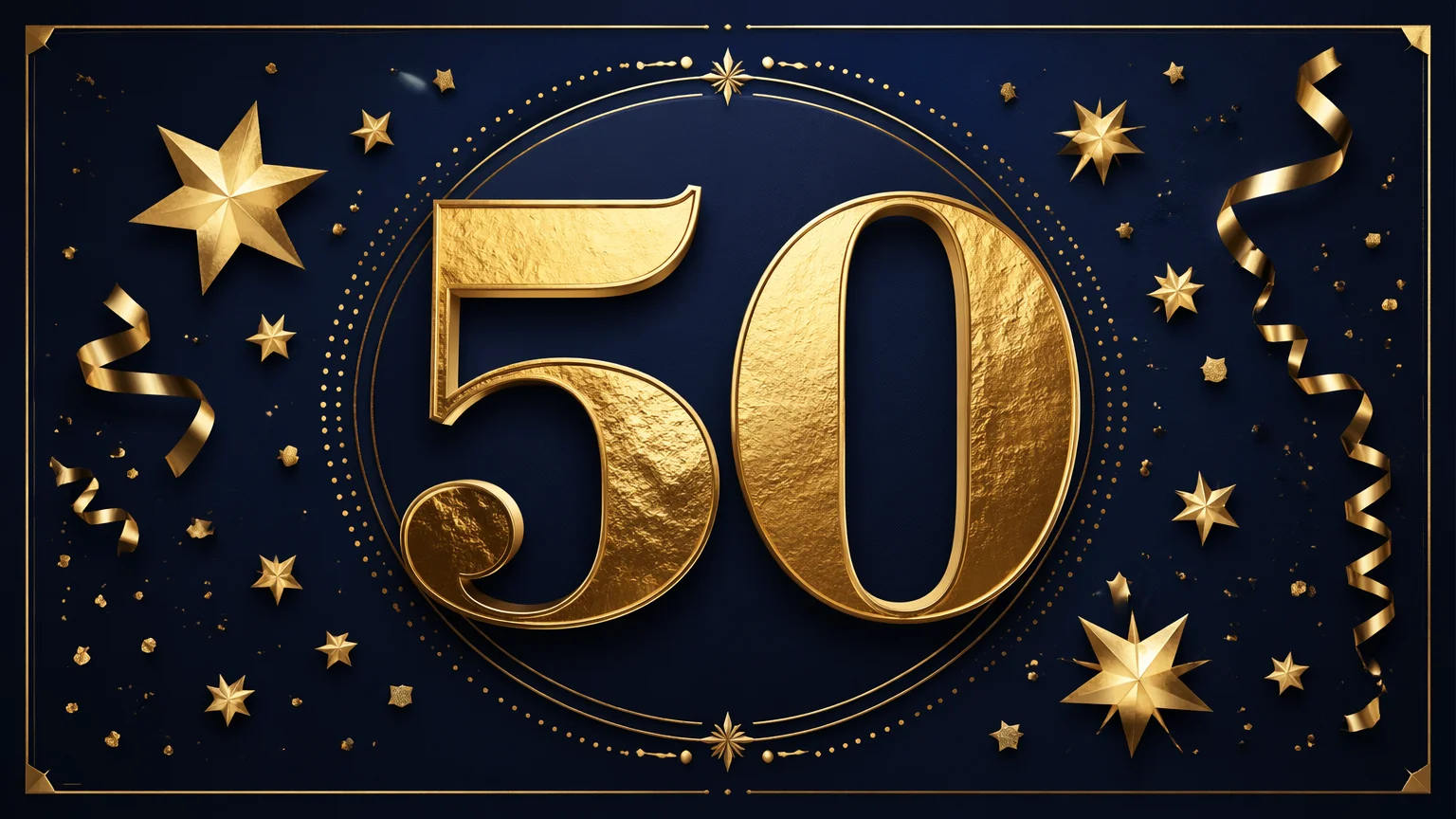
A bold, celebratory design for a milestone birthday — 30, 40, 50 — with gold accents and festive typography.
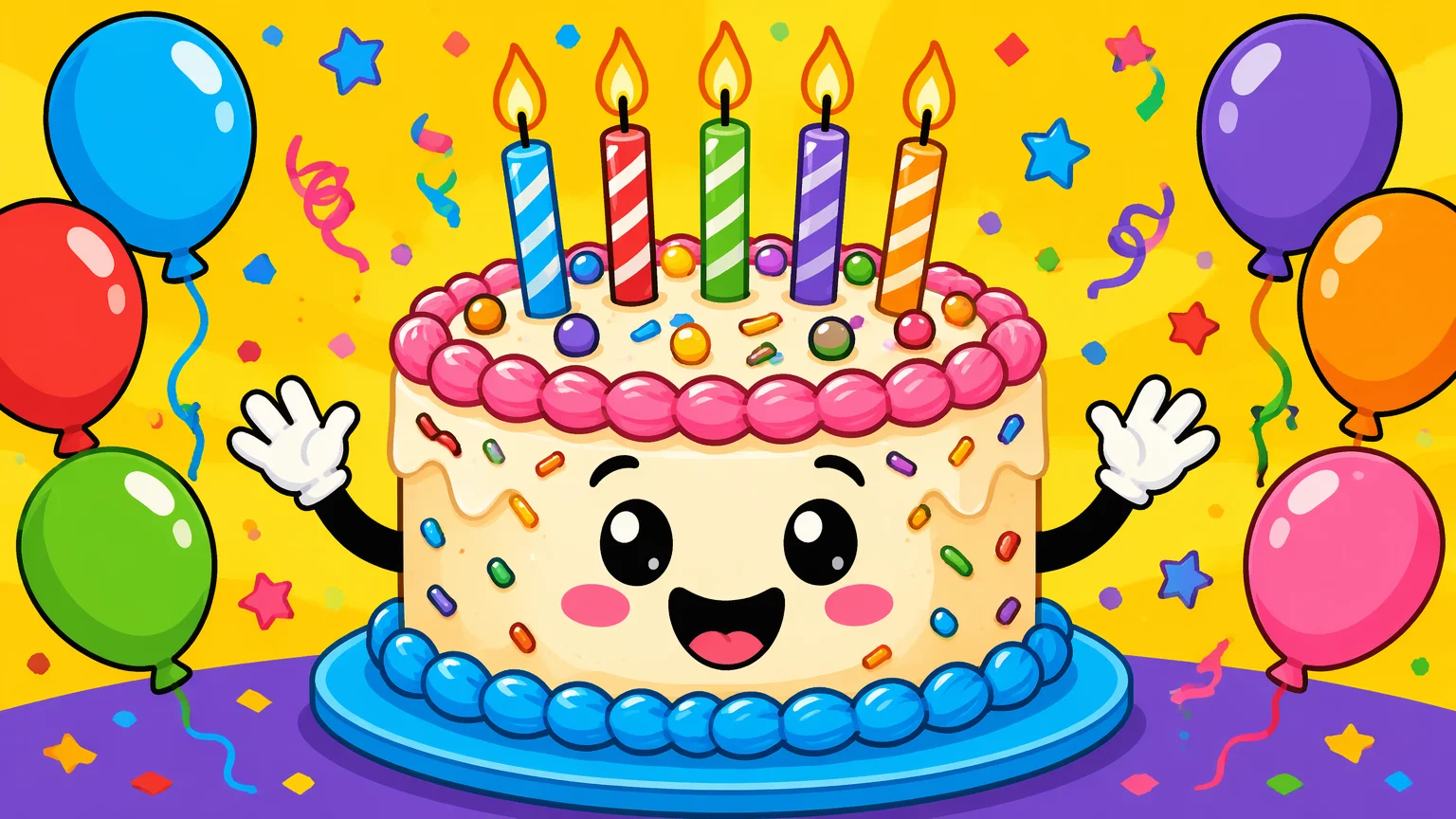
A playful cartoon-style card with bright colors and fun characters — great for kids or anyone who loves humor.
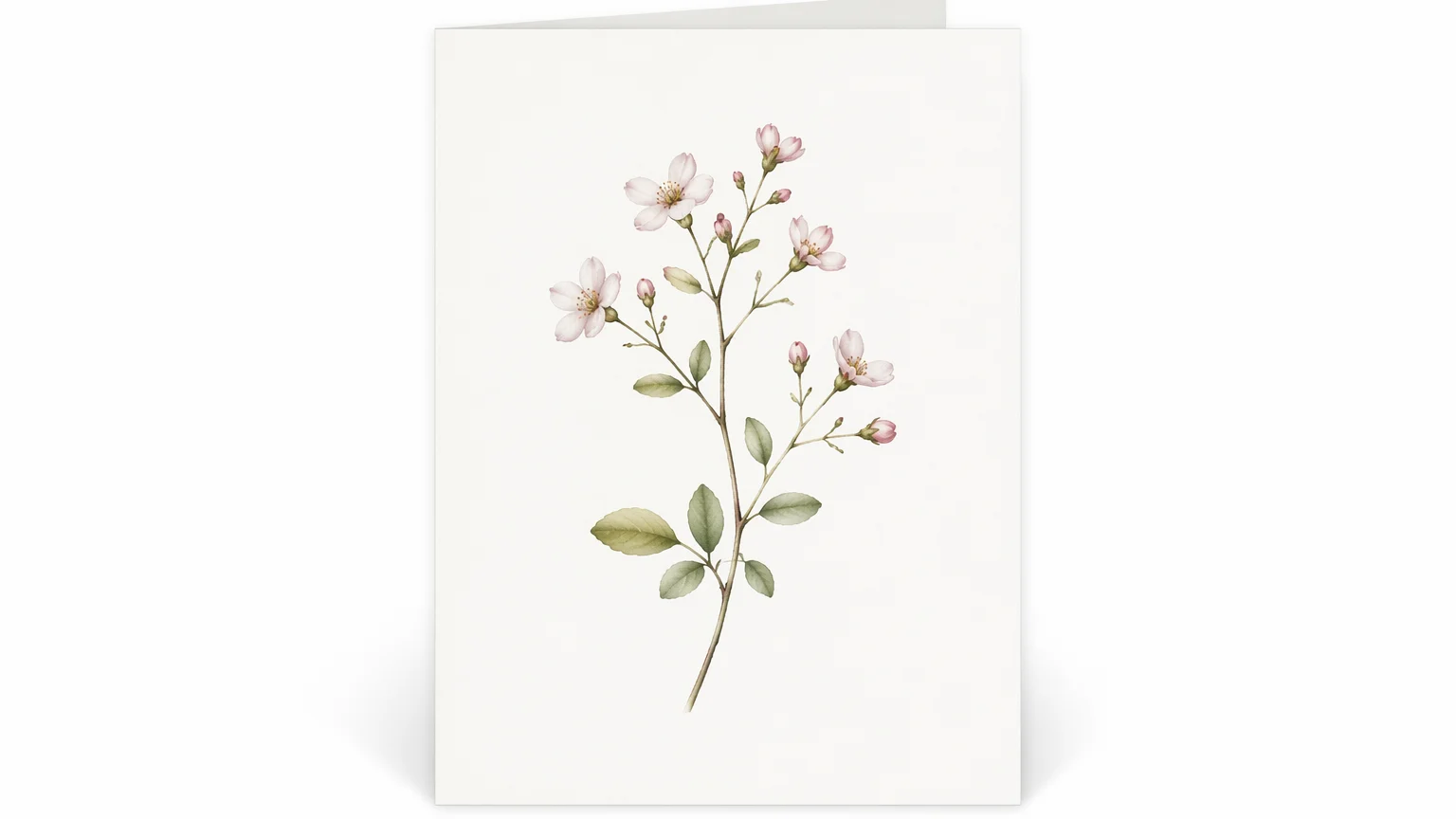
A clean, modern minimal design — single illustration, muted palette, refined typography — for a sophisticated feel.
All three models live in the same Renoise canvas — pick by what the design needs.
| For birthday cards | GPT Image 2 (Recommended) | Midjourney V7 |
|---|---|---|
| Best for | Complex prompts with text, layout, and color specs | Beautiful artistic illustration, editorial aesthetics |
| Typography in image | Best | Good |
| Artistic illustration quality | Good | Best |
| Color and layout control | Best | Good |
| Up to 4K export | ✓ | ✓ |
The personalization is the whole point of an AI birthday card — it should look and feel like it was made for this specific person, not pulled from a shop shelf. That means the prompt needs to carry the personal context.
Start with who the card is for: their age, personality, and what they love. Then describe the visual style — watercolor, geometric, vintage illustration, photorealistic, cartoon — and the color palette. Add the occasion context if it's a milestone. Finally, include any text you want visible in the image: a message, their name, or a number.
A useful structure: [style] birthday card for [who], [theme/interest], [color palette], [any text in the image], [mood]. For example: "watercolor birthday card for a 40-year-old gardener, botanical garden scene with roses and butterflies, soft sage and blush palette, 'Happy 40th, Sarah' in cursive script, warm and joyful mood". That level of specificity gives GPT Image 2 or Midjourney V7 enough to produce something genuinely personal.
For milestone numbers (30, 40, 50, 60), be explicit: include the number in the prompt and reinforce it with "milestone birthday" so the model emphasizes it visually. Typography in images can sometimes be unreliable — run a few variations and pick the one where the text renders cleanly, or remove the text from the AI output and add it in a design tool afterward.
Birthday card generation draws on three image models in one canvas.
OpenAI image model: precise instruction following, strong typography and layout control, up to 4K.
Artistic and aesthetically sophisticated image generation — beautiful illustration styles and editorial polish.
Photorealistic image generation — painterly, fine art, and realistic card styles with rich texture detail.
Export print-ready card art at 1K, 2K, or 4K — sharp enough for any print size.
One plan unlocks GPT Image 2, Midjourney V7, Nano Banana Pro, and every other model on Renoise.
For first-time AI content creators
Billed $168 annually
Upgrade PlanSave $72/year
For creators shipping content every week.
Billed $504 annually
Upgrade PlanSave $216/year
For studios and pros producing at commercial scale.
Billed $1680 annually
Upgrade PlanSave $720/year
For first-time AI content creators
Billed monthly
Upgrade PlanFor creators shipping content every week.
Billed monthly
Upgrade PlanFor studios and pros producing at commercial scale.
Billed monthly
Upgrade PlanRenews automatically each year until canceled.
Renews automatically each month until canceled.
Beautiful, one-of-a-kind birthday card art from a text prompt. Watermark-free exports on paid plans.
Yes — include the text directly in your prompt. "Include 'Happy Birthday, Marcus' in elegant script at the bottom" tells the model to render it in the image. Typography in AI images can sometimes be imprecise; generate a few variations and pick the cleanest one, or add text overlay in a design tool afterward.
GPT Image 2 for complex, detailed prompts where you need precise color, layout, and text control. Midjourney V7 for beautiful artistic illustration and editorial aesthetics. Nano Banana Pro for painterly, fine-art, or photorealistic card styles. All three are in the same Renoise canvas.
Yes. Export at 4K for print-ready resolution — sharp enough for standard A5 or A4 card sizes. Choose the aspect ratio that matches your card size (square 1:1, A5 landscape, or A4 portrait) before generating.
Yes. Include the child's age and what they love in the prompt — favorite animal, cartoon style, bright colors. "A birthday card for a 6-year-old who loves dinosaurs, cute cartoon dinosaurs with party hats, bright primary colors, 'Happy Birthday!'". GPT Image 2 and Midjourney V7 both handle child-friendly illustration styles well.
You can upload a reference image and include it in the prompt as inspiration for the visual style or setting. For a card that features a specific person's likeness, use the portrait generation workflow with a reference photo — see the AI Portrait guide for how to approach this.
Standard birthday card proportions are roughly 5:7 (portrait). For a square card, use 1:1. If you're making a digital card to share on social media, 1:1 works for Instagram and 4:5 for Facebook. Set the ratio in Canvas before generating so the composition is correct.
Your privacy is important to us
We use cookies to improve your experience and for marketing. Read our Cookie Notice.