Fuller bust in a fitted T-shirt
About two cup sizes fuller. The crew neckline sits at the same height, and the curls over her shoulders stay.
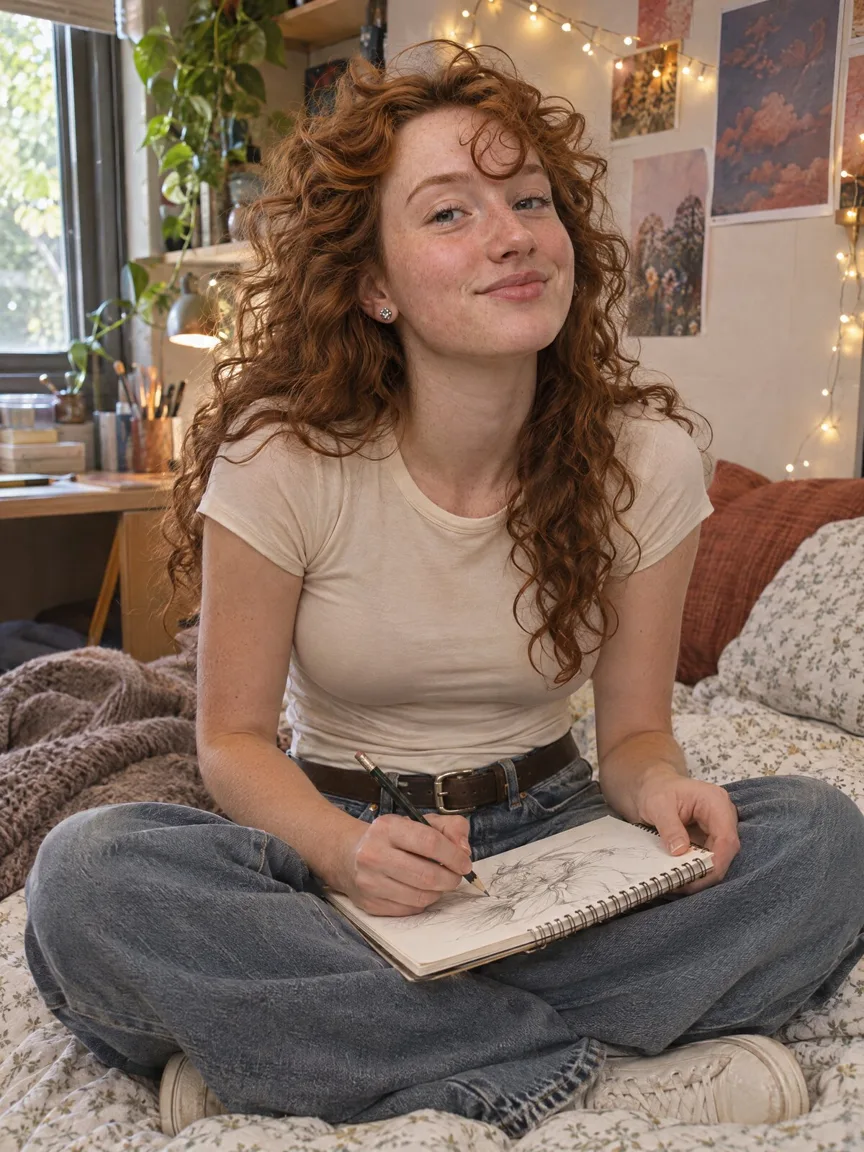
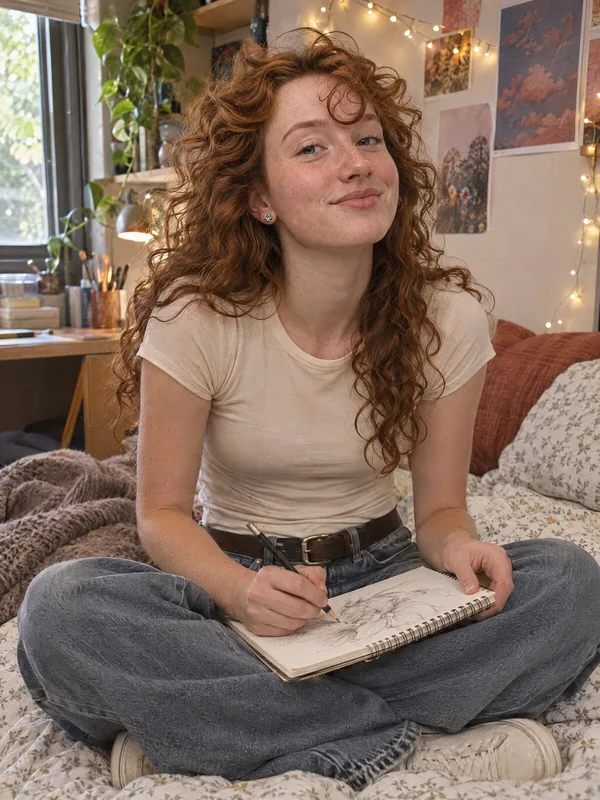
Preview a fuller bust on your own photo in a fitted top. Your face, outfit and neckline stay exactly as they were.
Your own photo, or one you have permission to edit. Adults only, no swimwear or lingerie edits.
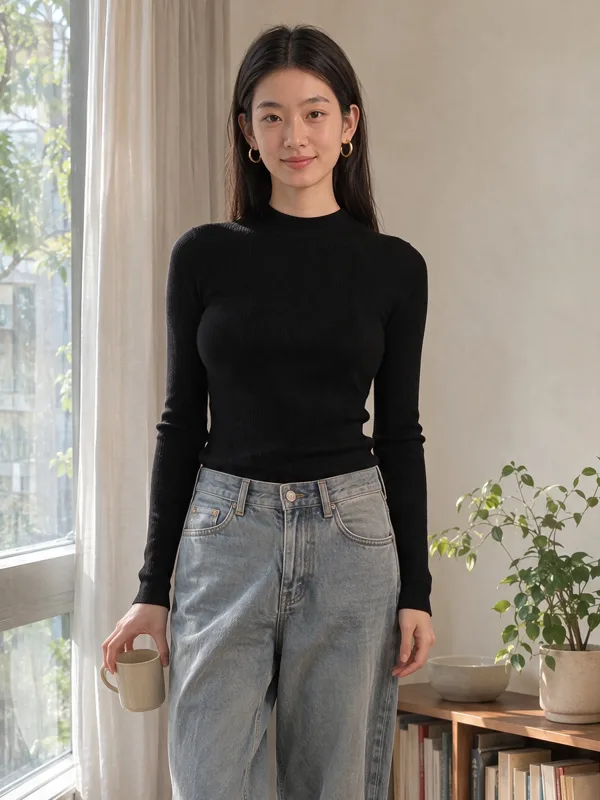
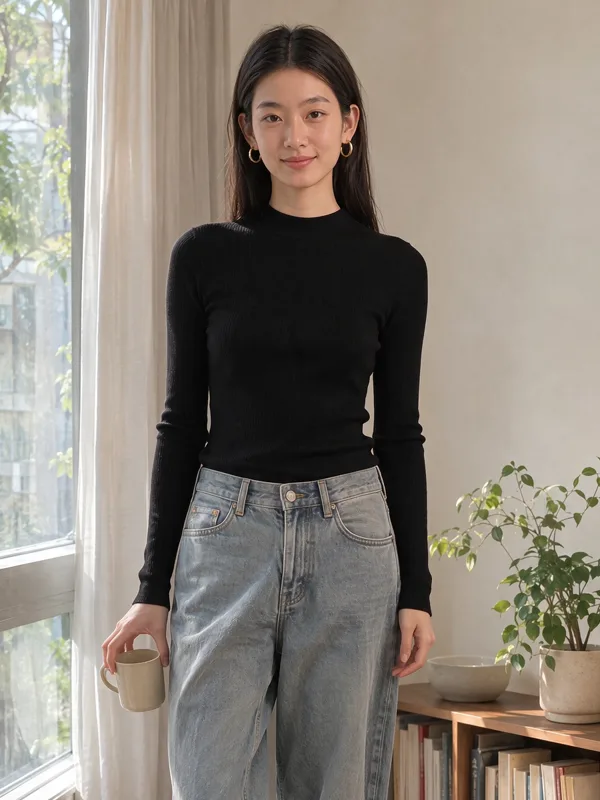
Real model output from this photo and the default prompt. Drag the handle to compare.
About two cup sizes fuller. The crew neckline sits at the same height, and the curls over her shoulders stay.
The change stays in proportion in a full-length shot. The high neckline and opaque rib knit are unchanged.
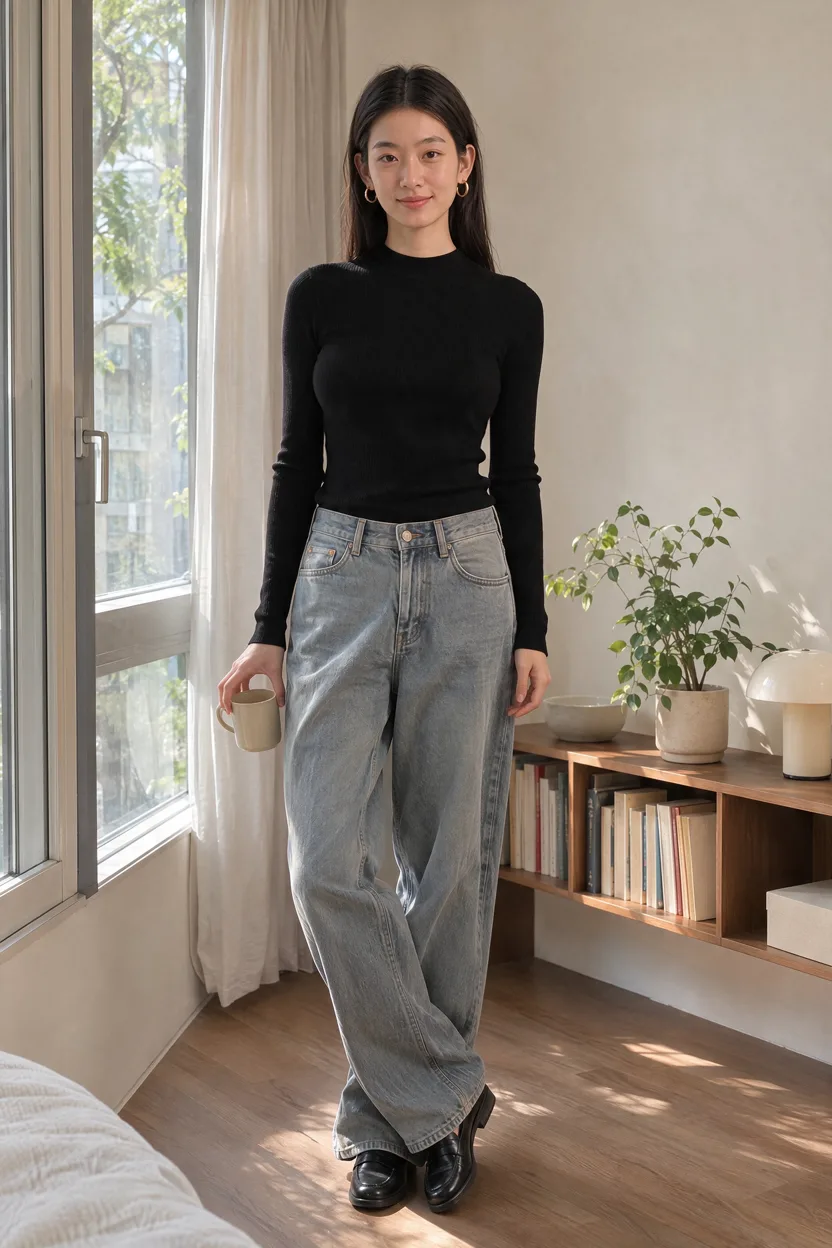
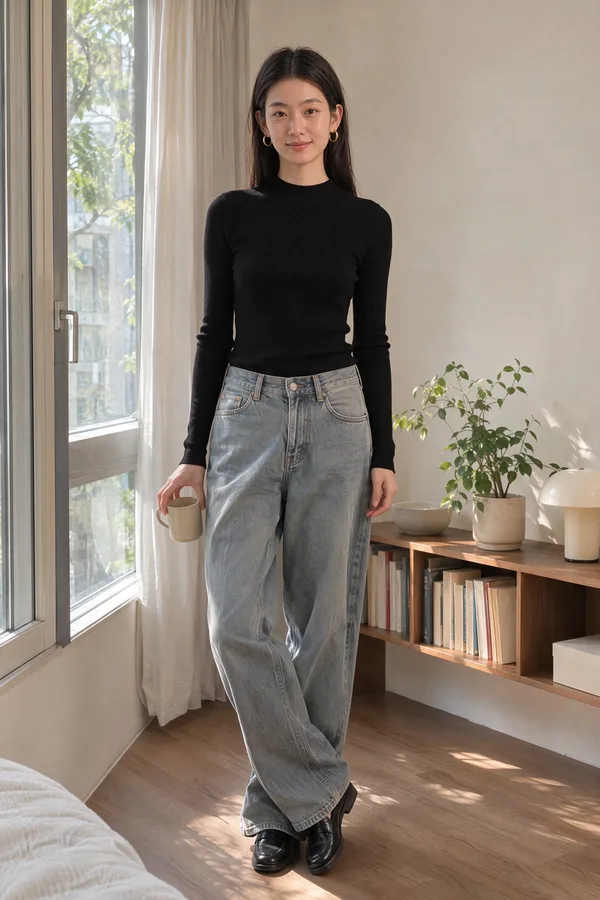
The prompt locks the neckline, fit and coverage. The fabric stays opaque.
A T-shirt or ribbed top shows the change. Under a loose sweater it barely shows.
One image with Seedream 5.5 at 1K. Failed or refused runs are refunded.
The default is about two cup sizes. Ask for a subtler version on the same photo.
Upload a clothed photo of yourself in a fitted top and click Preview My Look. The AI bust enhancer redraws only your bust, about two cup sizes fuller by default, while your face, outfit and neckline stay as they were. This page runs on Seedream 5.5, one of the image models in Renoise AI Image, at 7 credits per preview.
Your own photo, one person, in a fitted top. JPG, PNG or WebP up to 20 MB.
Keep the default of about two cup sizes, or pick Keep it subtle.
Drag the slider, save the preview, or ask the Agent for another version.
Implant makers offer 3D simulators for planning surgery with a surgeon. This page edits one everyday photo.
| What you get | This AI bust enhancer | Clinic 3D simulator (Mentor, Natrelle) | Body-reshape app |
|---|---|---|---|
| What you upload | One clothed photo | Selfies from several angles (Natrelle asks for 3) | One photo |
| What you get | An edited 2D photo | A 3D or AR preview | A photo you reshape by hand |
| Pick an implant size or shape | ✕ | ✓ | ✕ |
| Keeps your outfit | ✓ Same top and neckline | Not stated | Stretches with the body |
| Made for | Seeing a look on your photo | Talking with a surgeon | Retouching |
| Cost | 7 credits per preview | Mentor’s app is free | App subscription |
Sources: Natrelle 3D Visualizer (3d.natrelle.com, accessed 2026-11-18); Mentor Breast Simulator by Arbrea Labs, App Store listing (accessed 2026-11-18); our own test runs (2026-11-18).
The model redraws a flat photo. The folds and drape of your top over the new shape are its best guess, not a measurement, and the result is not tied to a cup size or an implant volume in cc. That is the difference from a breast size simulator at a clinic: Natrelle's own 3D tool says its results "are for simulation only," and even that one works from several photos and real implant data. If you are planning surgery, talk to a board-certified plastic surgeon.
We tested six photos before publishing. A fitted T-shirt and a ribbed top showed the change clearly, and no outfit came back more revealing. Under a loose knit sweater and an open shirt the change did not show, and neither did a shape-only edit or a "two sizes smaller" request on a fitted T-shirt. The model also tends to zoom the frame out slightly. If your photo is in a loose top, use one in a fitted top, or try a different top first with [virtual try-on](/features/virtual-try-on).
Only edit your own photo or one you have permission to edit. Photos of anyone under 18 are not allowed, and requests to swap in swimwear or lingerie, lower a neckline or make fabric see-through are refused. For other body edits, the [AI butt enhancer](/features/ai-butt-enhancer) and the [AI muscle generator](/features/ai-muscle-generator) work the same way.
What happens to an uploaded photo, in plain words.
Picking a file only previews it on your device. Not one byte is stored until you sign in and click generate.
Uploads land in your private library, never a public gallery, and re-running the same photo stores nothing new.
Remove uploads and results from your library whenever you want.
As of October 2026, 100,000+ creators in 170+ countries and regions use Renoise AI, an AI video, image and audio platform, to generate 300,000+ images and videos with 30+ models.
Source: Renoise internal data, March–October 2026. Figures are rounded down and updated quarterly. Last updated
Real feedback from creators who use Renoise AI to make videos, images and ads.
Renoise is pretty easy to use, with a clean and smooth interface. The results from Seedance 2.5 also feel noticeably smoother in action sequences.
Renoise Ai is a good tool for making ai videos and photos. it puts several Ai models in one place, so you don't need to use many different apps.
あまりAIツールを使ったりしたことなかったですが、キャラクターの固定や動画を続いて作成できて使いやすいです。これからどんどん進んでいくアップデートが楽しみです。
Renoise has been a great platform for AI creativity. The tools are easy to use, the experience is smooth, and it makes creating content more enjoyable and efficient. I really appreciate the work the team is doing and look forward to seeing more improvements. Highly recommended!
What I like about Renoise AI compared to other platforms: Fast generation speed: Slow generation takes up way too much time, but Renoise AI is surprisingly about 30% faster. Intuitive and user-friendly UI: Cheaply made platforms have terrible UIs that make me not even want to log in, but Renoise is very clean and convenient. Remembers my previous settings: It helpfully remembers my last workspace settings. Some odd platforms force you to re-adjust everything every single time you generate a video, which is extremely frustrating. Overall preference: For all these reasons, Renoise AI is definitely my preferred platform. Thank you!
Renoise is your go to one stop all for ai creators. all view and use all models in one place, for any type of content you have your mind on!
I have a creat experience with the app. Consistent characters but also unique. THere were some issues with storyline continuity and non-typical humanoid characters.
Credits work across every tool — upscaling, image editing and the video models.
For your first AI creations
per month
≈ 150 GPT Image 2 Generations
≈ 60 Seedance 2.0 videos
The agent takes your idea all the way to a finished cut.
Starter and Standard: production work in Director Mode uses credits by usage. Advanced: free.
No queue. Start as many paid generations as you want at once.
Content generated with Renoise.ai may be used commercially, subject to our Terms of Service
For creating every week
per month
≈ 450 GPT Image 2 Generations
≈ 180 Seedance 2.0 videos
The agent takes your idea all the way to a finished cut.
Starter and Standard: production work in Director Mode uses credits by usage. Advanced: free.
No queue. Start as many paid generations as you want at once.
Renoise Agent runs on frontier models from leading AI labs to plan your shots, write prompts, and pick the right model for each one. Chatting with the Agent is free on every plan.
Content generated with Renoise.ai may be used commercially, subject to our Terms of Service
For professional-scale production
per month
≈ 1,750 GPT Image 2 Generations
≈ 700 Seedance 2.0 videos
The agent takes your idea all the way to a finished cut.
Starter and Standard: production work in Director Mode uses credits by usage. Advanced: free.
No queue. Start as many paid generations as you want at once.
Renoise Agent runs on frontier models from leading AI labs to plan your shots, write prompts, and pick the right model for each one. Chatting with the Agent is free on every plan.
Content generated with Renoise.ai may be used commercially, subject to our Terms of Service
For your first AI creations
per month, billed annually
Save $48compared to monthly
≈ 150 GPT Image 2 Generations
≈ 60 Seedance 2.0 videos
The agent takes your idea all the way to a finished cut.
Starter and Standard: production work in Director Mode uses credits by usage. Advanced: free.
No queue. Start as many paid generations as you want at once.
Content generated with Renoise.ai may be used commercially, subject to our Terms of Service
For creating every week
per month, billed annually
Save $216compared to monthly
≈ 450 GPT Image 2 Generations
≈ 180 Seedance 2.0 videos
The agent takes your idea all the way to a finished cut.
Starter and Standard: production work in Director Mode uses credits by usage. Advanced: free.
No queue. Start as many paid generations as you want at once.
Renoise Agent runs on frontier models from leading AI labs to plan your shots, write prompts, and pick the right model for each one. Chatting with the Agent is free on every plan.
Content generated with Renoise.ai may be used commercially, subject to our Terms of Service
For professional-scale production
per month, billed annually
Save $960compared to monthly
≈ 1,750 GPT Image 2 Generations
≈ 700 Seedance 2.0 videos
The agent takes your idea all the way to a finished cut.
Starter and Standard: production work in Director Mode uses credits by usage. Advanced: free.
No queue. Start as many paid generations as you want at once.
Renoise Agent runs on frontier models from leading AI labs to plan your shots, write prompts, and pick the right model for each one. Chatting with the Agent is free on every plan.
Content generated with Renoise.ai may be used commercially, subject to our Terms of Service
Not here. Each preview is one image: 7 credits with Seedream 5.5 at 1K. Credits come with every plan, and failed or refused runs are refunded.
It can show a rough look on a clothed 2D photo. It does not know implant sizes, your tissue or the surgical approach. To plan surgery, use a clinic 3D simulator such as Mentor’s or Natrelle’s with a board-certified plastic surgeon.
No. The neckline, buttons, coverage and opacity stay the same. In the six photos we tested, no outfit came back more revealing. If something looks off, run it again.
Only with their permission. Photos of anyone under 18 or of public figures are not allowed, and it cannot be used for revealing or sexual content.
Not reliably yet. A "two sizes smaller" request on a fitted T-shirt changed very little in our tests, and a shape-only edit under an open shirt did not show. The page is best for previewing a fuller bust.
Everyday gym wear is fine, such as leggings with a sports bra under a jacket. Swimsuit and lingerie photos, and requests to edit toward them, are refused.
The face, hair and background held in our tests. The folds of the top and any hair over the chest are drawn by the model, and the frame can come out slightly zoomed out. Under loose clothes the change barely shows.
Check three things: whether the outfit and neckline stay the same, whether you can control how much changes, and whether the tool states its consent and age rules. On this page the outfit held in every test, the default is about two cup sizes with a subtler option, and the rules are on the page.
Try the default and a subtler version on the same photo and compare them side by side.