Guide
How to Make AI Anime Without Writing a Single Prompt
The hardest part of making AI anime is the prompt: camera moves, lighting, cuts and dialogue, all spelled out for every second. This guide skips it. In the Renoise web Agent you put in your character sheets, describe the scene in one sentence, and the Agent writes the full prompt for you. Below is the exact run from our tutorial video, screen by screen.
What you need
- A Renoise account with credits. Each generation spends credits; see pricing.
- One character sheet per character. A design sheet with front, side and back views and a few expressions. No sheet yet? Make one with Renoise's image models first; the AI character generator works from a description.
- A desktop browser. Open the Renoise Agent at renoise.ai.
Step 1: Add your character sheets to the chat
Drag the sheets into the Agent's chat box. We used two characters, one sheet each. They also appear on the canvas to the right.
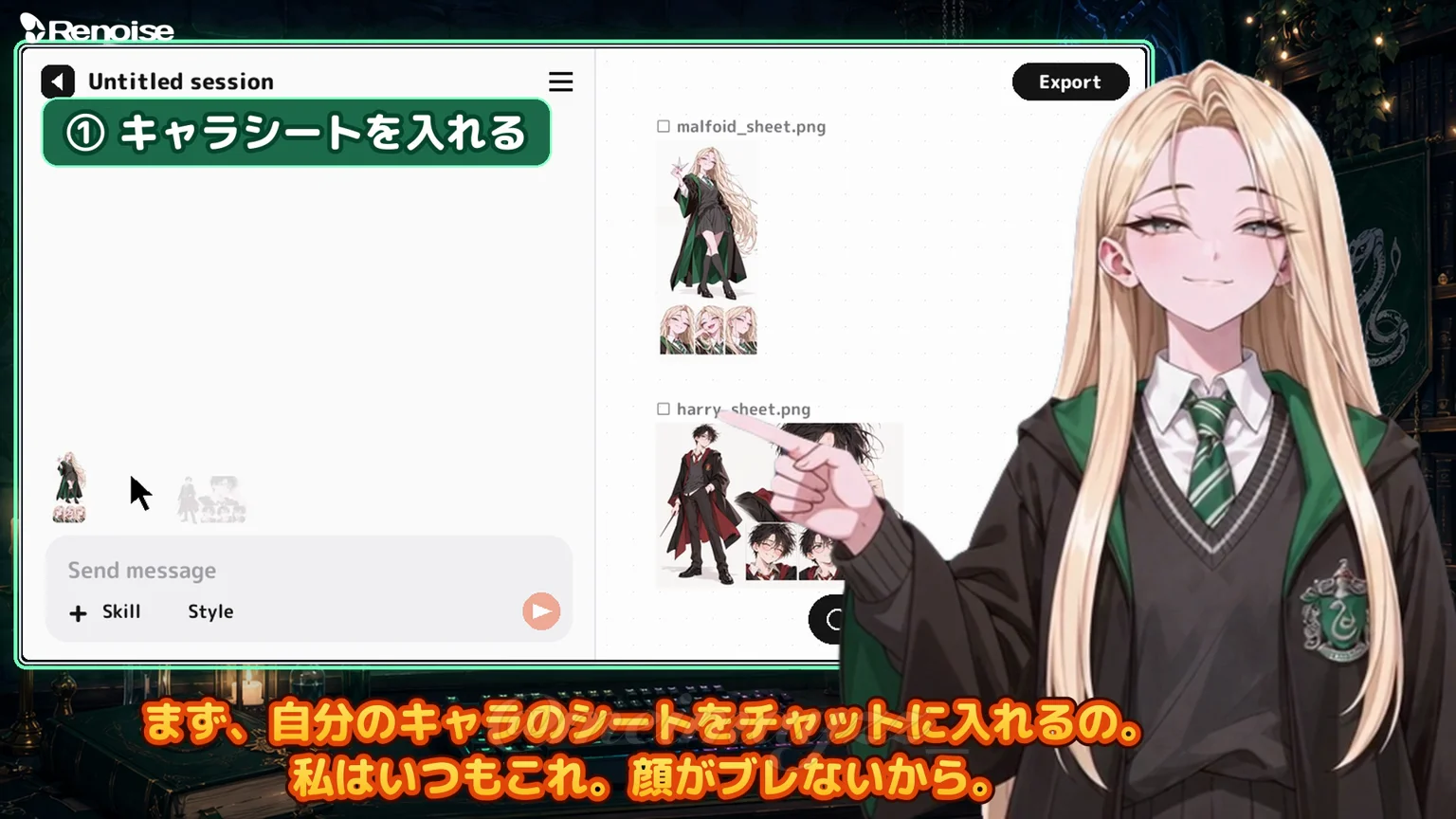
A video model draws every clip from scratch, so the only way to keep a face is to show it the same picture every time. The clearer the sheet is about what must not change (hair length and colour, eye colour, outfit), the steadier the result. Our character consistency guide goes deeper.
Step 2: Describe the scene in one sentence
Write what you want to see in everyday words. No camera terms, no English required: the Agent reads Japanese, and our request was in Japanese. In English it said:
Make a 15-second anime: on a starry night she secretly takes you up to the roof of the astronomy tower, like you are making a wish on a shooting star. Dialogue in Japanese.
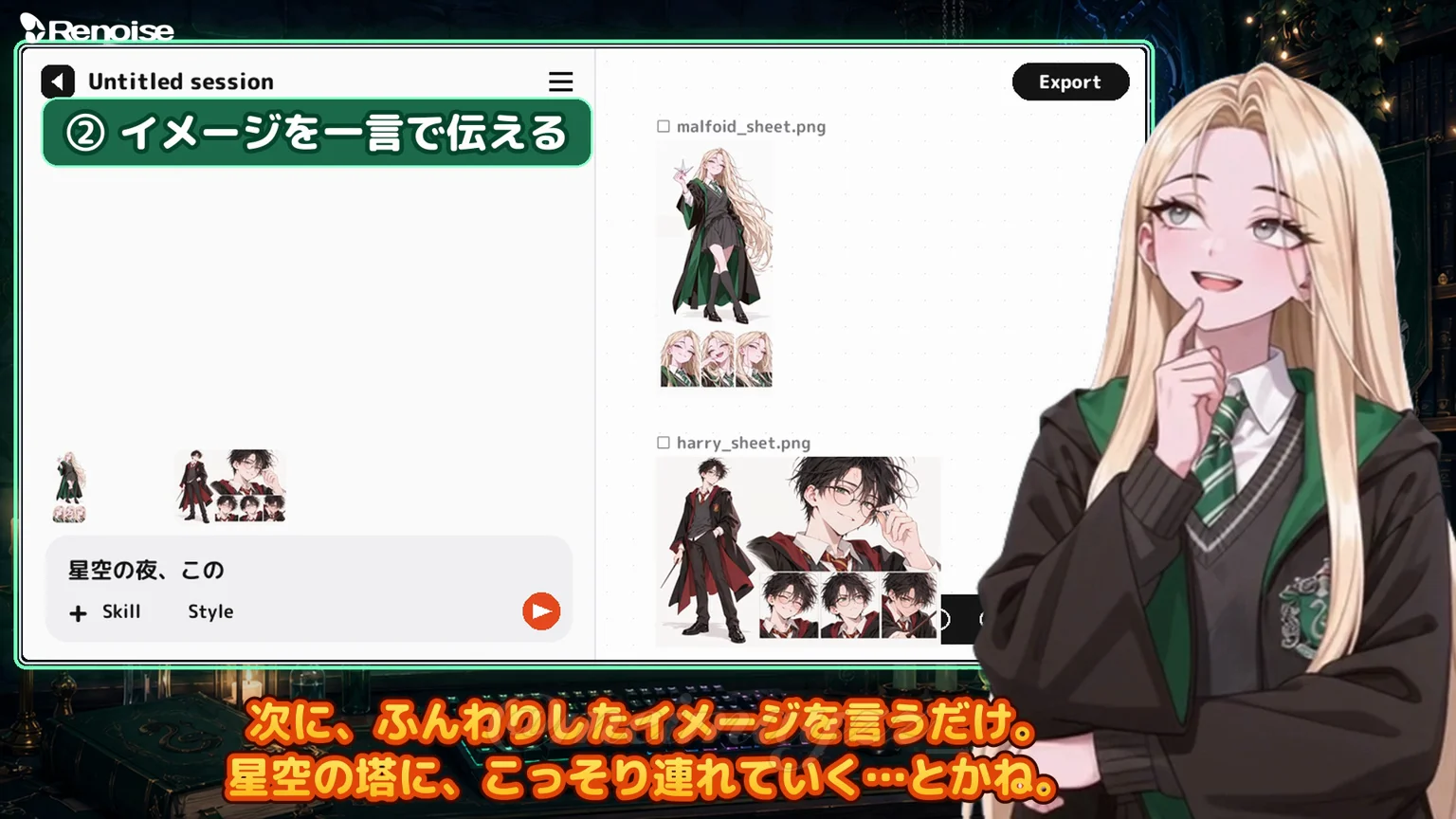
Three things are worth stating: who does what, how many seconds, and which language the dialogue is in. Leave the rest to the Agent.
Step 3: The Agent writes the prompt
The Agent reads the sheets and builds the video prompt. Ours came back with:
- Camera: 0–4 s a bust shot of her turning around; 4–7 s a tracking shot following them up the stairs, hand in hand; 7–11 s a wide shot of the roof with a shooting star; 11–15 s a close-up of the two leaning on the railing.
- Lighting: warm torchlight indoors, blue moonlight and twinkling stars outside.
- Dialogue: short Japanese lines in her voice.
- Settings: Seedance 2.5, 16:9, 480p, 15 seconds.
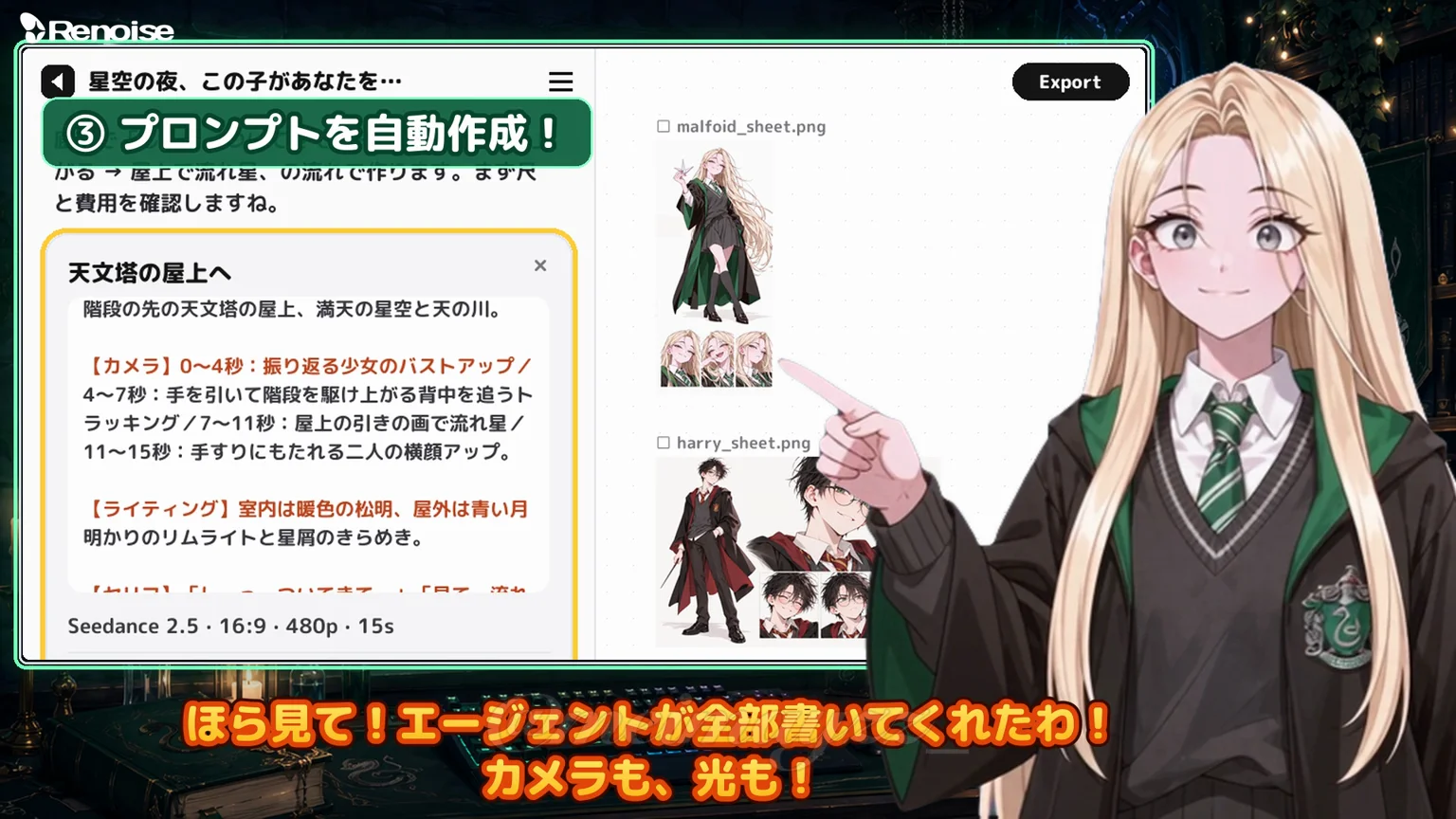
To change anything, edit the card or ask in the chat ("end on a closer shot") and the Agent rewrites it.
Step 4: Check the credits, then generate
Under the prompt the Agent shows the model and the estimated credits. Nothing has been spent yet. Press Generate when the prompt and the number look right.
Start at 480p. It is the cheapest and fastest way to check the story and the faces. When you like the result, remake the same prompt at a higher resolution.
Step 5: Fix or continue by talking
Add one more sentence to get the next scene or a different take. We asked for a twist: she tells a lie and turns into a kitten.
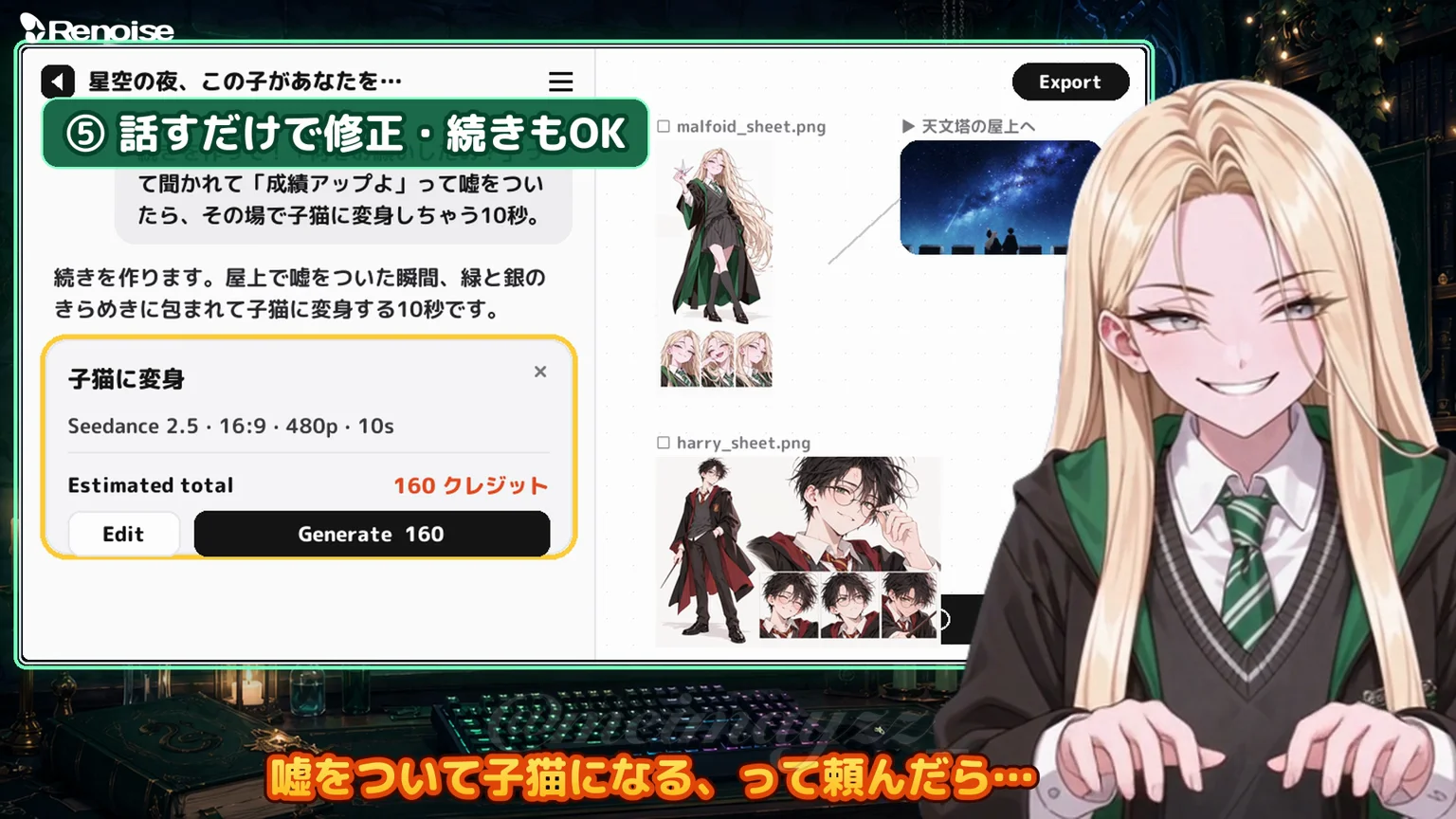
The Agent wrote a 10-second prompt using the same sheets, quoted 160 credits and generated it after we confirmed. Fixes work the same way: say what to change and where, for example "make her look more embarrassed in the third cut".
How much does an AI anime scene cost?
Seedance 2.5 is priced per second. List prices on Renoise as of November 23, 2026:
| Length | 480p (draft) | 1080p (final) |
|---|---|---|
| 10 seconds | 160 credits | 720 credits |
| 15 seconds | 240 credits | 1,080 credits |
| 30 seconds | 480 credits | 2,160 credits |
One generation is up to 30 seconds; longer stories are made scene by scene with the same sheets and joined. A retake costs that clip again. For how credits turn into money, see how much AI video costs.
Making a series: the Anime Series Maker skill
To keep going episode after episode, use Renoise's Anime Series Maker skill. It turns two or three character sheets and one line of story into a 15 to 90 second episode, handling the script, the cuts, the model and the edit, and keeps the same cast, art style and voices for the next one.
The same skill works from Claude once Renoise is connected. We show that in how to make anime with Claude.