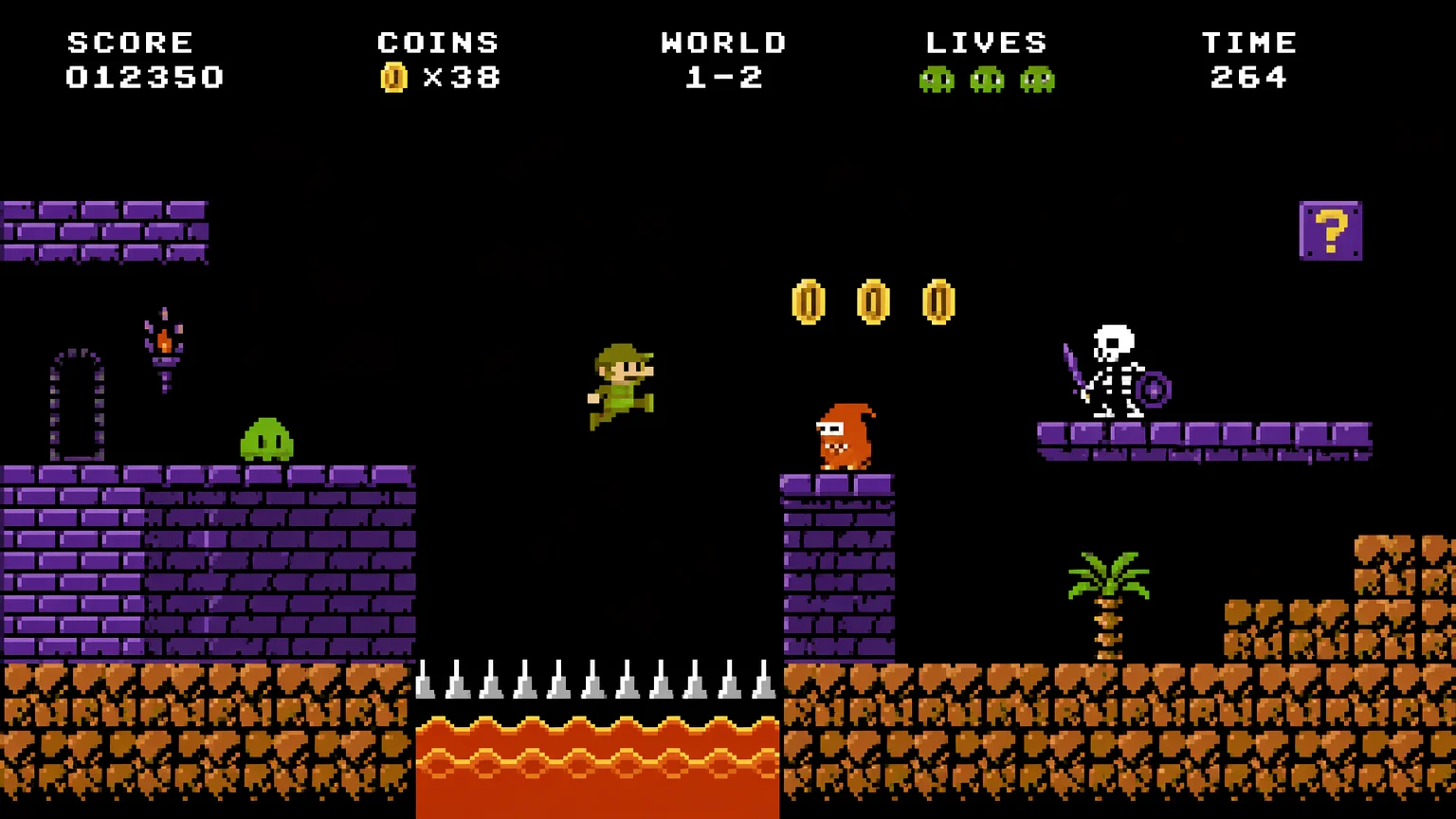
NES-era 8-bit
A strict limited-palette scene with chunky hard pixels — pure 1980s 8-bit, zero anti-aliasing.
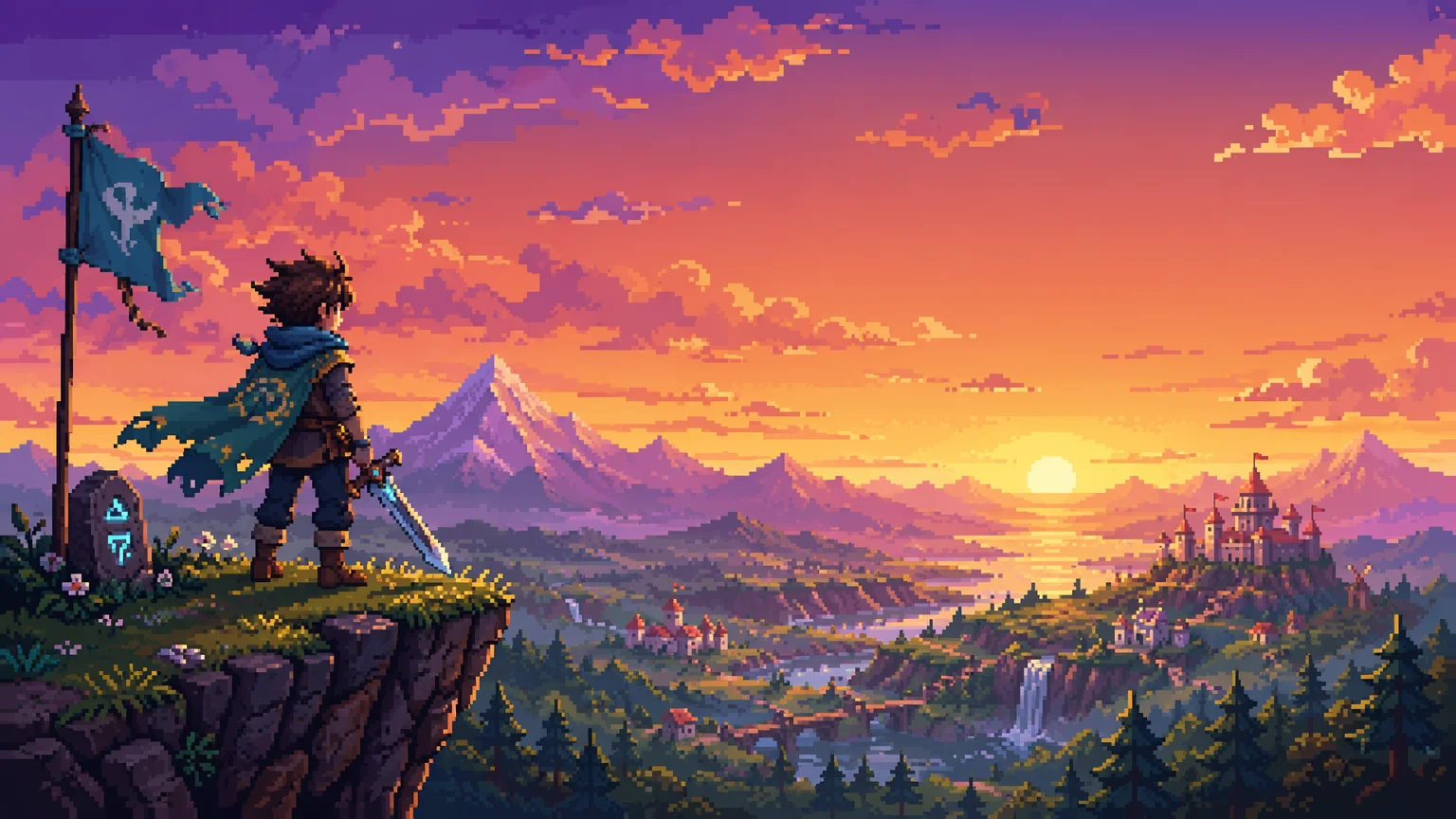
Lock one palette across every sprite — 8-bit, 16-bit, or modern.
Lock your era as a hard palette constraint in the prompt — NES (4-color, 32×32), SNES (16-color, 64×64), or modern (128×128+) — then generate an idle pose on GPT Image 2 at 1:1. @-reference that image and reuse the era spec verbatim to add walk, run, and attack poses as the same character.
Want sequential story panels instead of sprites? See the AI comic guide
Three steps to a consistent character sprite sheet: lock palette, generate idle, add poses.

Pick an era — NES (4-color, 32×32), SNES (16-color, 64×64), or modern (128×128+) — and write it into the prompt as a hard palette constraint.
Generate the idle pose on GPT Image 2, 1:1 aspect, with your era spec. @-reference that image for consistency on later poses.
@-reference the idle pose, then generate walk, run, attack, and jump poses. Reuse the era spec verbatim; vary only the pose.
One locked palette across an asset sheet — 8-bit, 16-bit, and modern, with hard pixel edges.
A strict limited-palette scene with chunky hard pixels — pure 1980s 8-bit, zero anti-aliasing.
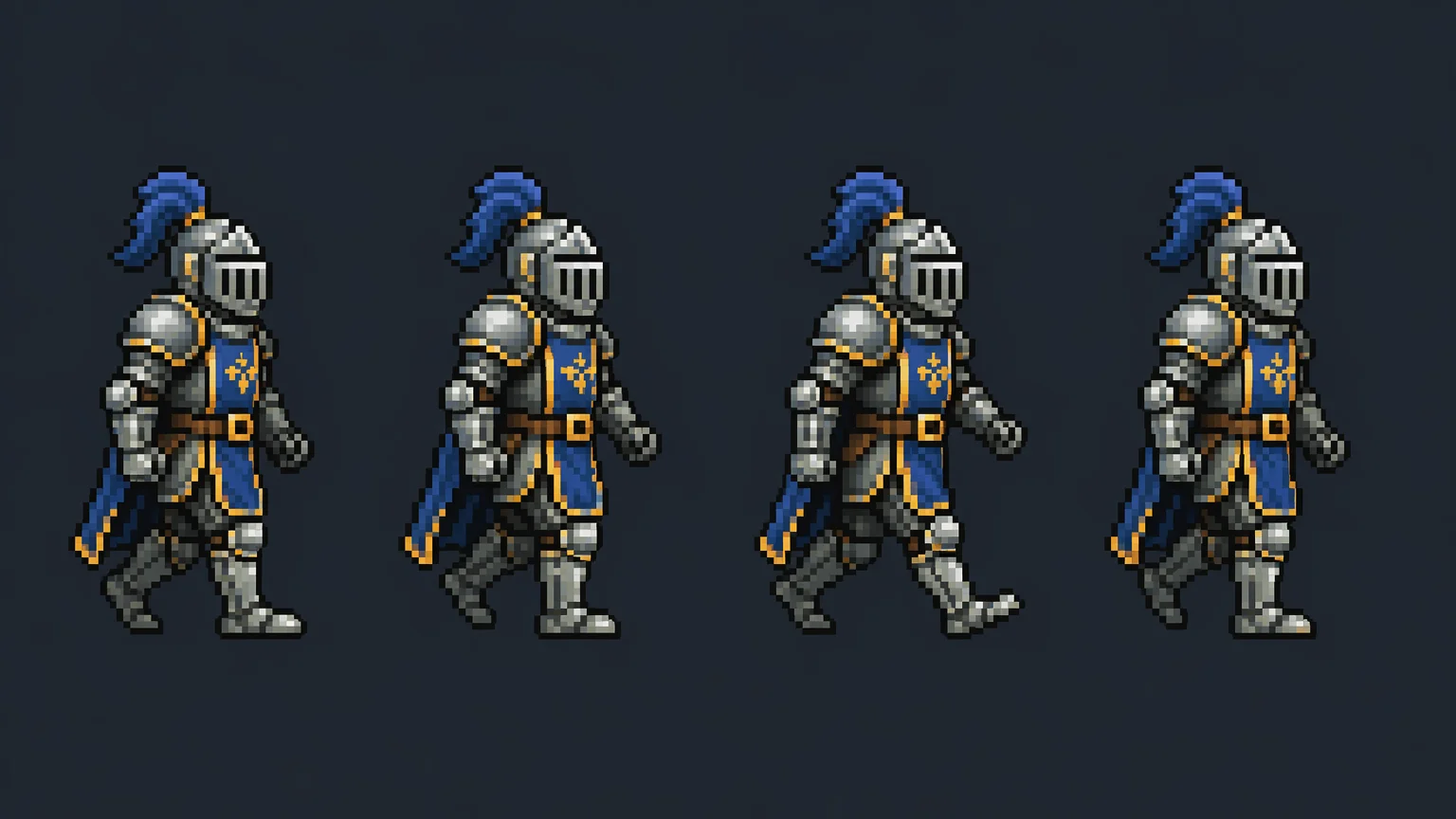
A plate-armor knight in a 4-frame walk cycle, 16-color shading on a clean pixel grid.
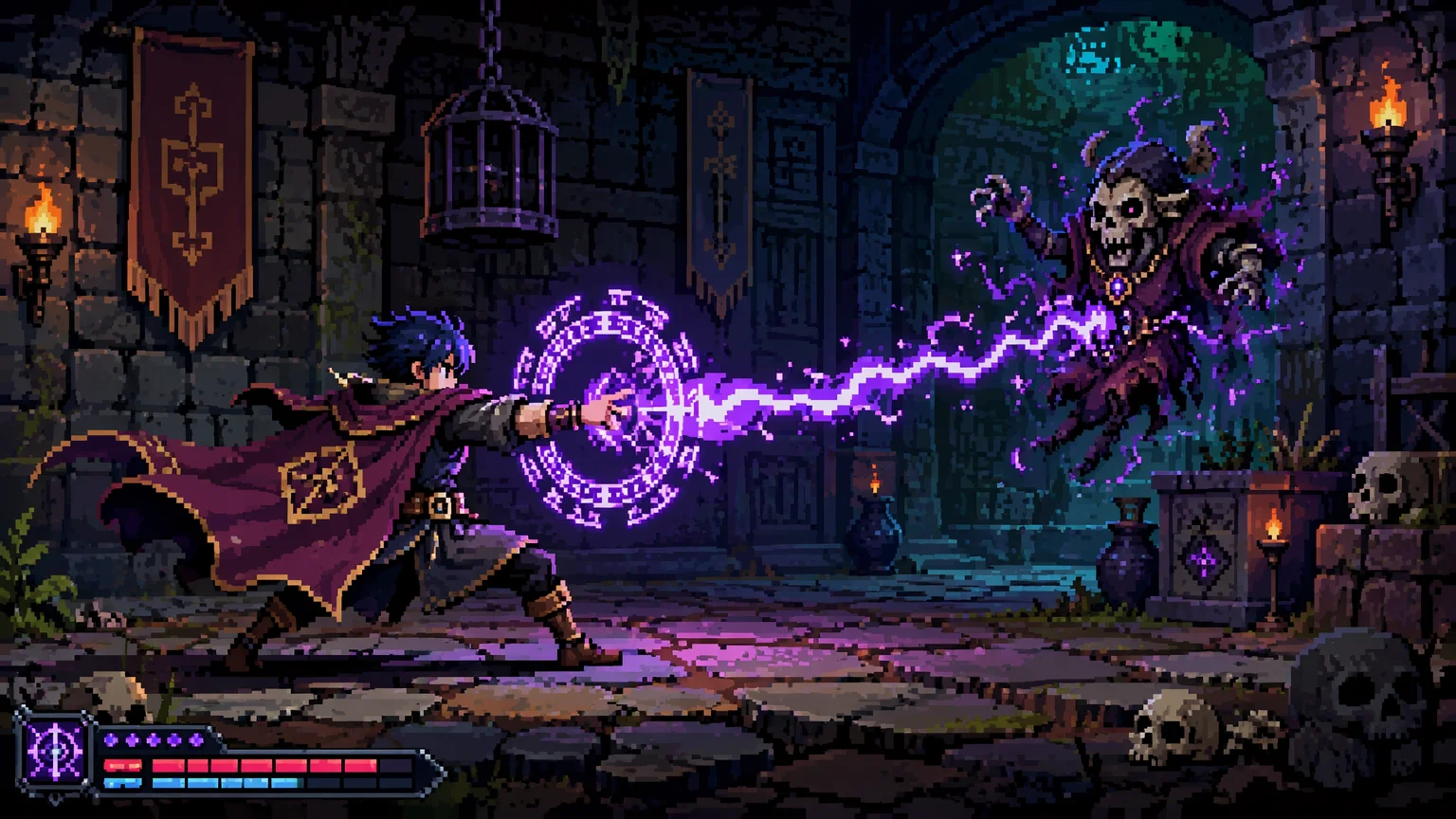
A caped hero casting a spell — 32-color palette with subtle dithering in a detailed scene.
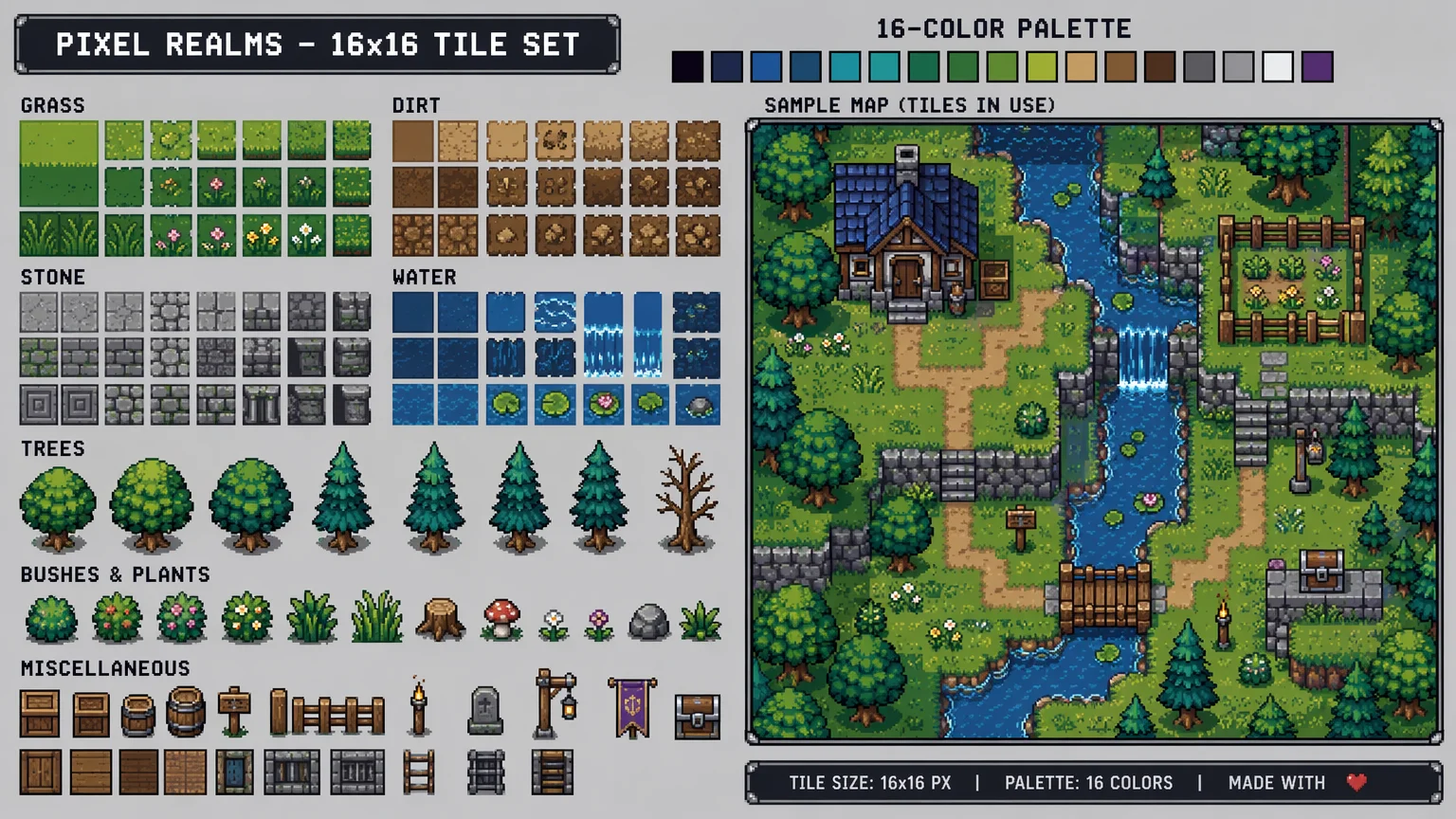
Grass, stone, and water tiles with seamless edges — 16-color, 16×16 each, ready to tile.
Both live in the same Renoise canvas — pick by what you start from. GPT Image 2 for crisp pixel edges and strict palettes, Nano Banana Pro when you need the tightest character likeness across reference images.
| For pixel art | GPT Image 2 (Recommended) | Nano Banana Pro |
|---|---|---|
| Best for | Sprites & lineart | Identity lock |
| Hard pixel edges | Best | Good |
| Palette-constraint adherence | Best | Good |
| Character likeness | Good | Best |
| Same canvas | ✓ | ✓ |
Real pixel art is defined by constraints, not a filter. The work is built at a low internal resolution — a 32×32 or 64×64 grid where each pixel is placed deliberately — so the chunky blocks are the art, not an accident of zooming in. Pair that with a limited palette (4 colors on NES, 16 on SNES, more for modern indie) and clean blocky edges with no anti-aliasing, and you get the look. Most "AI pixel art" fails on exactly these points: it renders a high-res illustration, then downsamples, leaving soft gradients and stray in-between colors that no era hardware could display.
The era you target carries its own rules. NES-era 8-bit means tiny sprites and a strict 4-color subset; SNES-era 16-bit allows richer 16-color shading and subtle dithering; modern indie loosens the palette while keeping the deliberate grid. Naming the era in the prompt is what separates an authentic sprite from a generic "retro" blur.
In Renoise, this is why pixel work centers on GPT Image 2 — it follows an explicit palette as a hard rule and holds hard pixel edges without anti-aliasing artifacts. Prompt the constraints directly: "strict 16-color palette, hard pixel edges, no anti-aliasing, 32×32 grid", state the era, and generate at native size rather than upscaling in the tool. Treat the palette and resolution as rules the model must obey, and the output reads as true pixel art instead of a softened imitation.
The pixel art workflow leans on a few things — and Renoise gives you GPT Image 2, Nano Banana Pro, and many other image models in one canvas.
Respects explicit palette constraints and renders hard pixel edges without anti-aliasing artifacts — the cleanest sprites of any model.
Generate the idle pose once and @-reference it so every pose reads as the same character across the sheet.
State the palette as a hard constraint and the model treats it as a rule.
Switch freely between GPT Image 2, Nano Banana Pro, and other image models per sprite — all in one project.
One plan unlocks GPT Image 2, Nano Banana Pro, and every other image model.
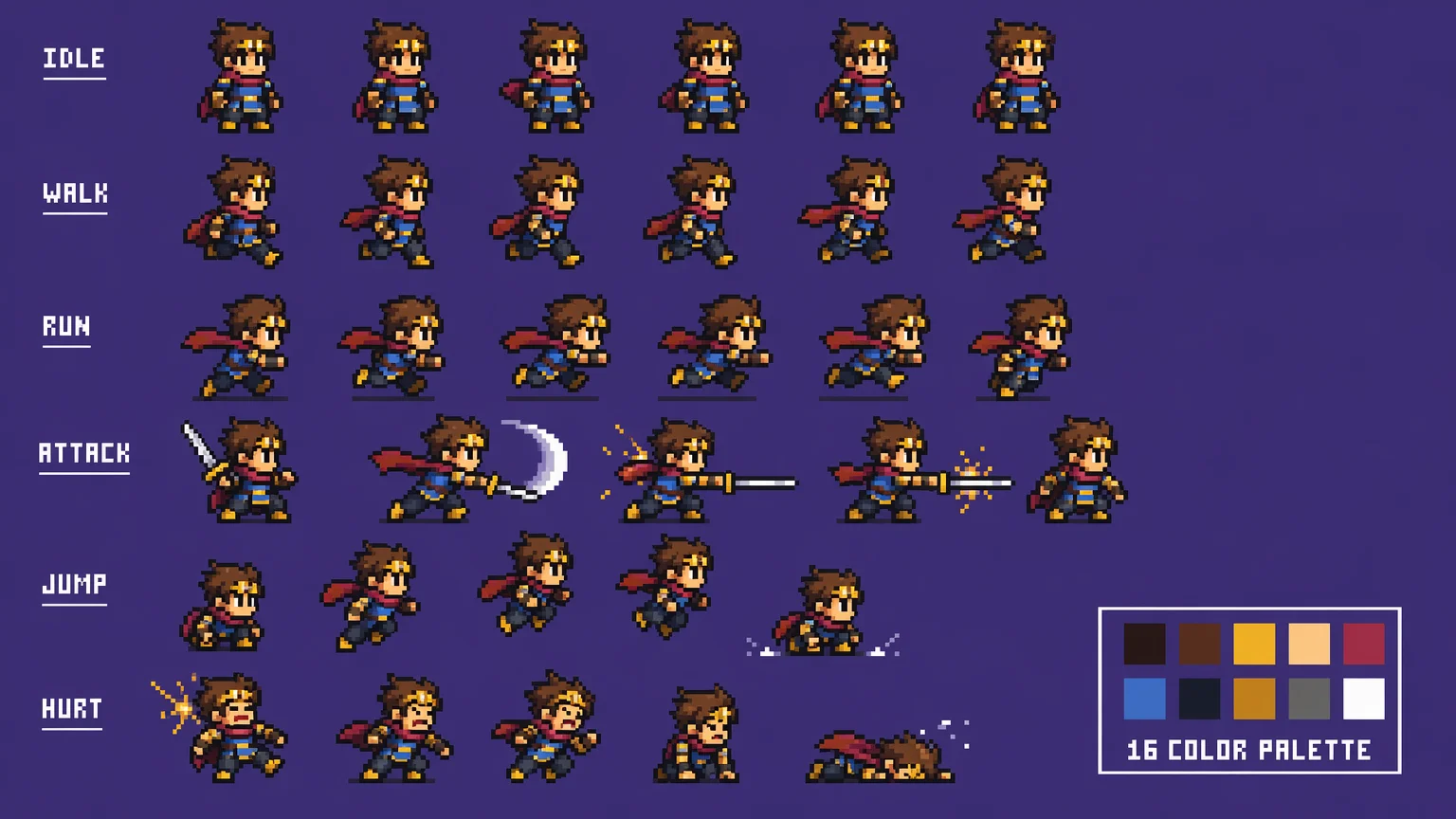
Generate consistent sprites with watermark-free outputs on paid plans.
Yes. Generate the idle pose once and @-reference that image, combined with a verbatim era and palette prompt across every sprite. The protagonist, walk cycle, attack poses, and idle-alt all read as the same character. Indie devs ship full asset sheets this way.
GPT Image 2 for most sprite work — it produces the hardest pixel edges and follows an explicit palette as a strict rule, so sprites stay clean with no anti-aliasing. Reach for Nano Banana Pro when you need the tightest character-identity lock across many reference images. Both, plus other models, live in the same canvas.
Yes, if you state it explicitly. Write the palette as a hard rule: "strict 4-color palette: black, white, red, dark blue, no other colors". GPT Image 2 respects this constraint and won't introduce intermediate shades.
Use 32×32 for top-down and 48×48 to 64×64 for side-scrollers. Render at native size in Renoise — don't upscale in the tool. Upscaling happens inside your game engine with nearest-neighbor filtering.
State "no anti-aliasing, hard pixel edges" in the prompt and export at native resolution. If you import a sprite into Unity with bilinear filtering it looks blurry; switch the import filter to "Point (no filter)".
Yes. Use the same era and palette prompt template, but generate at per-tile size — 16×16 for NES, 16×16 or 32×32 for SNES — then arrange them in your tile editor. Tiles have no character to reference, so palette consistency comes from the prompt only.
Yes, under the same general AI-output licensing terms. Renoise outputs are watermark-free on paid plans and commercially licensable. Verify the specific terms in your account before shipping on Steam, itch.io, or any storefront.
