Title text
GPT Image 2 renders the title and author legibly — quote the words.
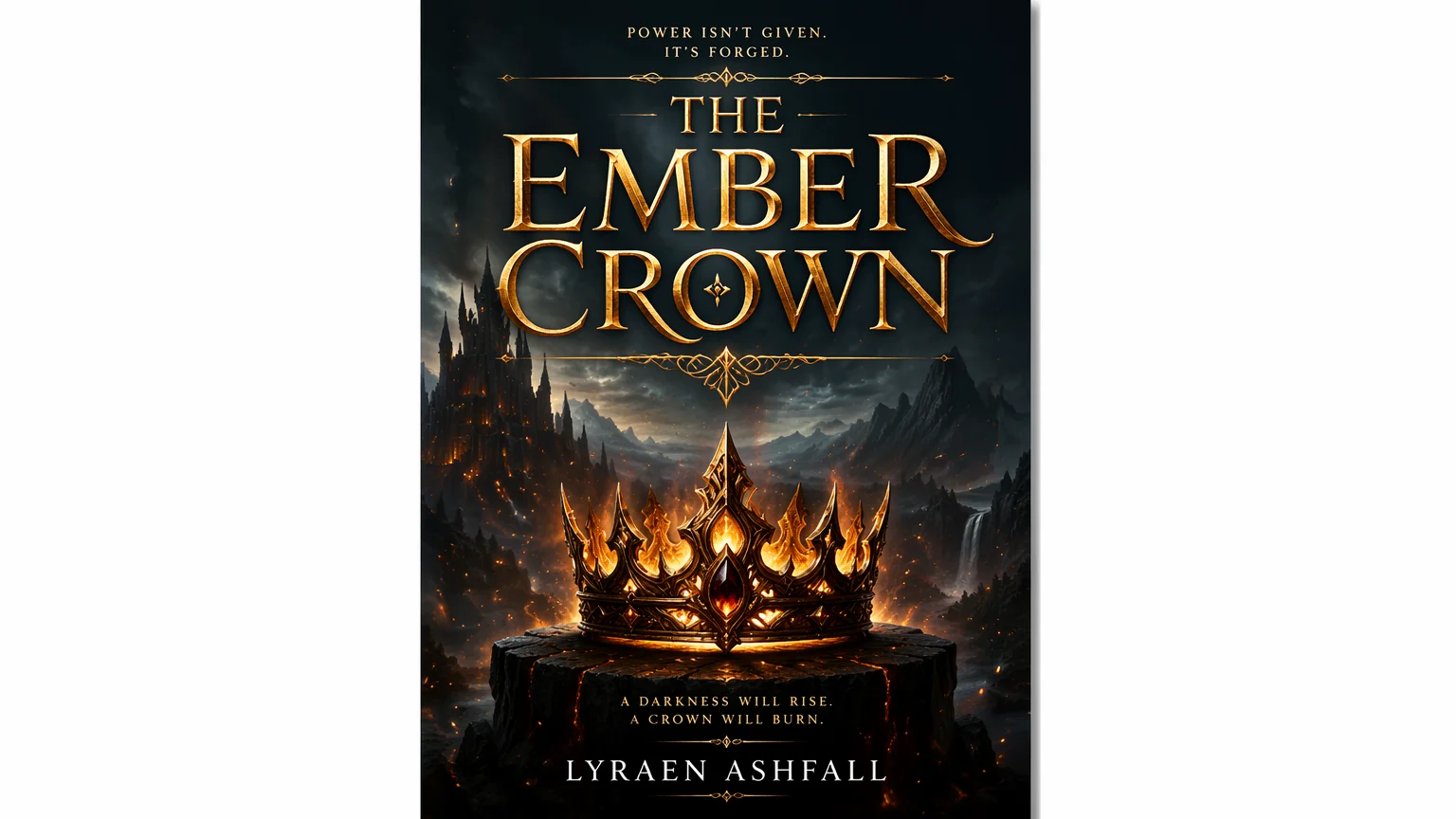
Design covers with title and author text that renders clean.
Describe the genre and artwork, put the title and author name in quotes, then generate on GPT Image 2 in Renoise Canvas, which renders cover text cleanly. Iterate on typography and mood until the cover signals the right genre, then export at print resolution for Kindle or paperback.
Designing a square album sleeve instead? See the album cover guide
What book cover design looks like in Renoise.
GPT Image 2 renders the title and author legibly — quote the words.
Romance, sci-fi, thriller, kids — set the genre cues in the brief.
Export up to 4K for Kindle, paperback, and audiobook art.
From a brief to a genre-right cover with legible title text.

Describe genre and art, and quote the text — 'fantasy cover reading "THE EMBER CROWN", author line, gold title'.
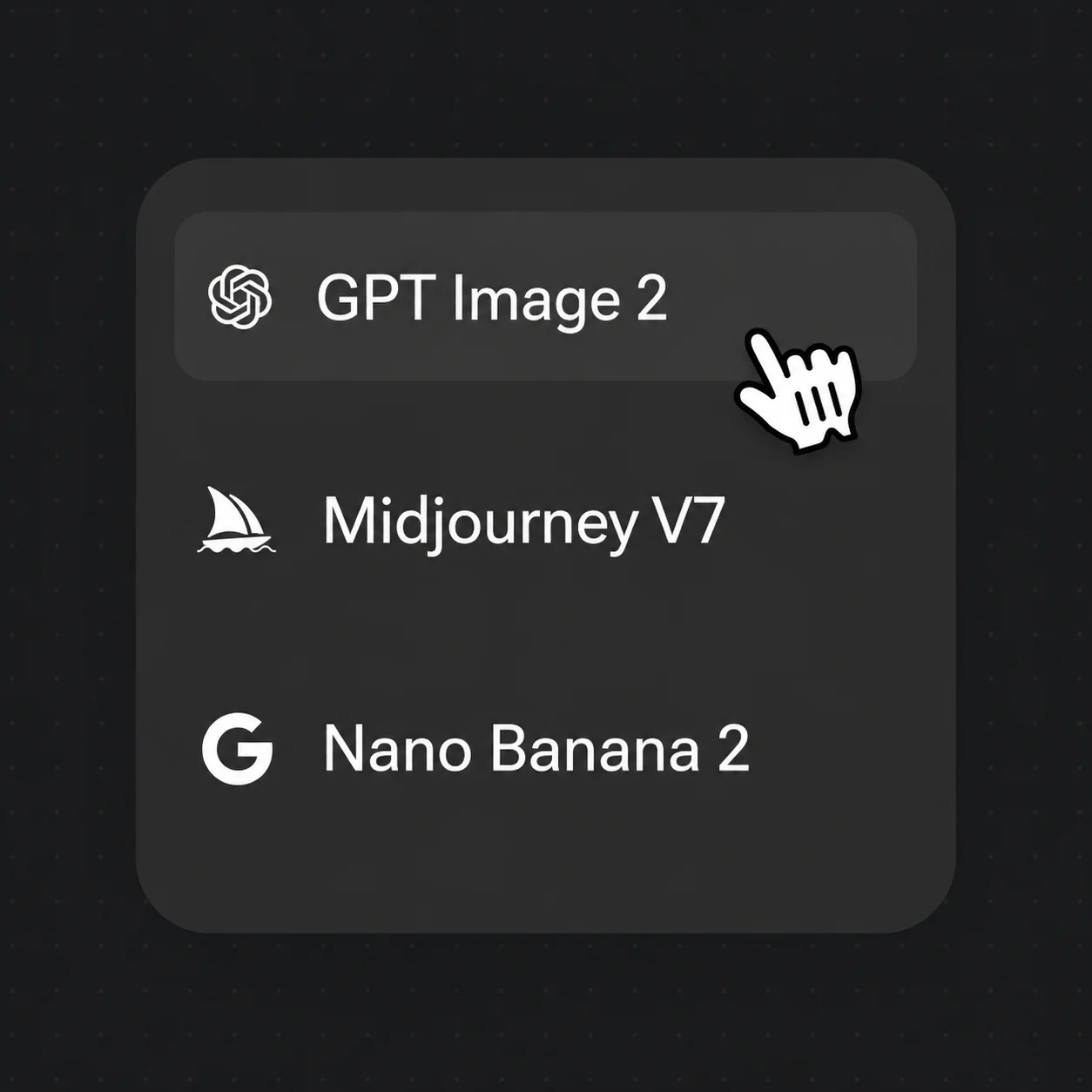
Pick GPT Image 2 from the model bar for the cleanest title and author lettering, then generate.
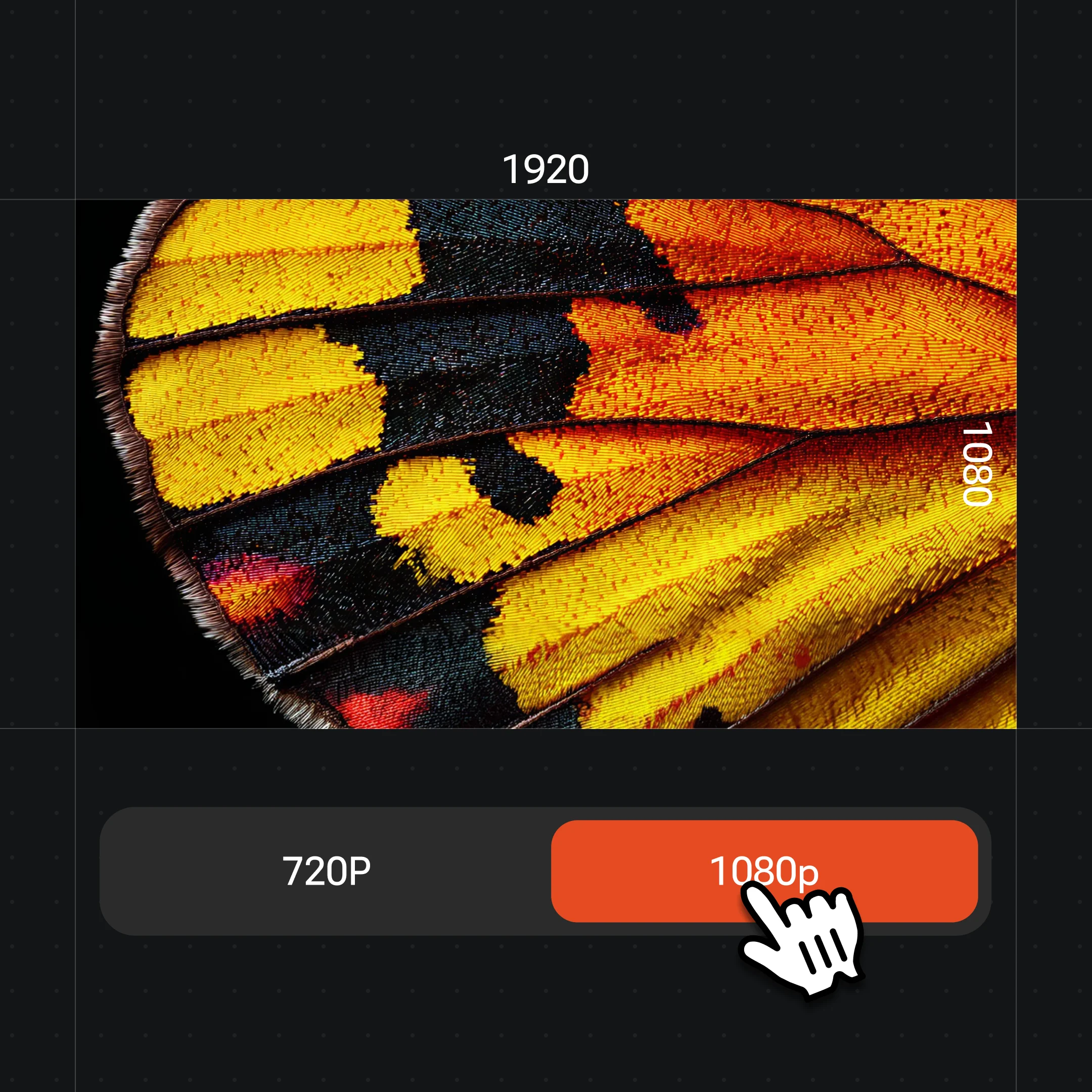
Adjust typography and mood until the genre reads, then export print-ready at up to 4K.
Romance, sci-fi, thriller, or children's — each with rendered title text in one canvas.
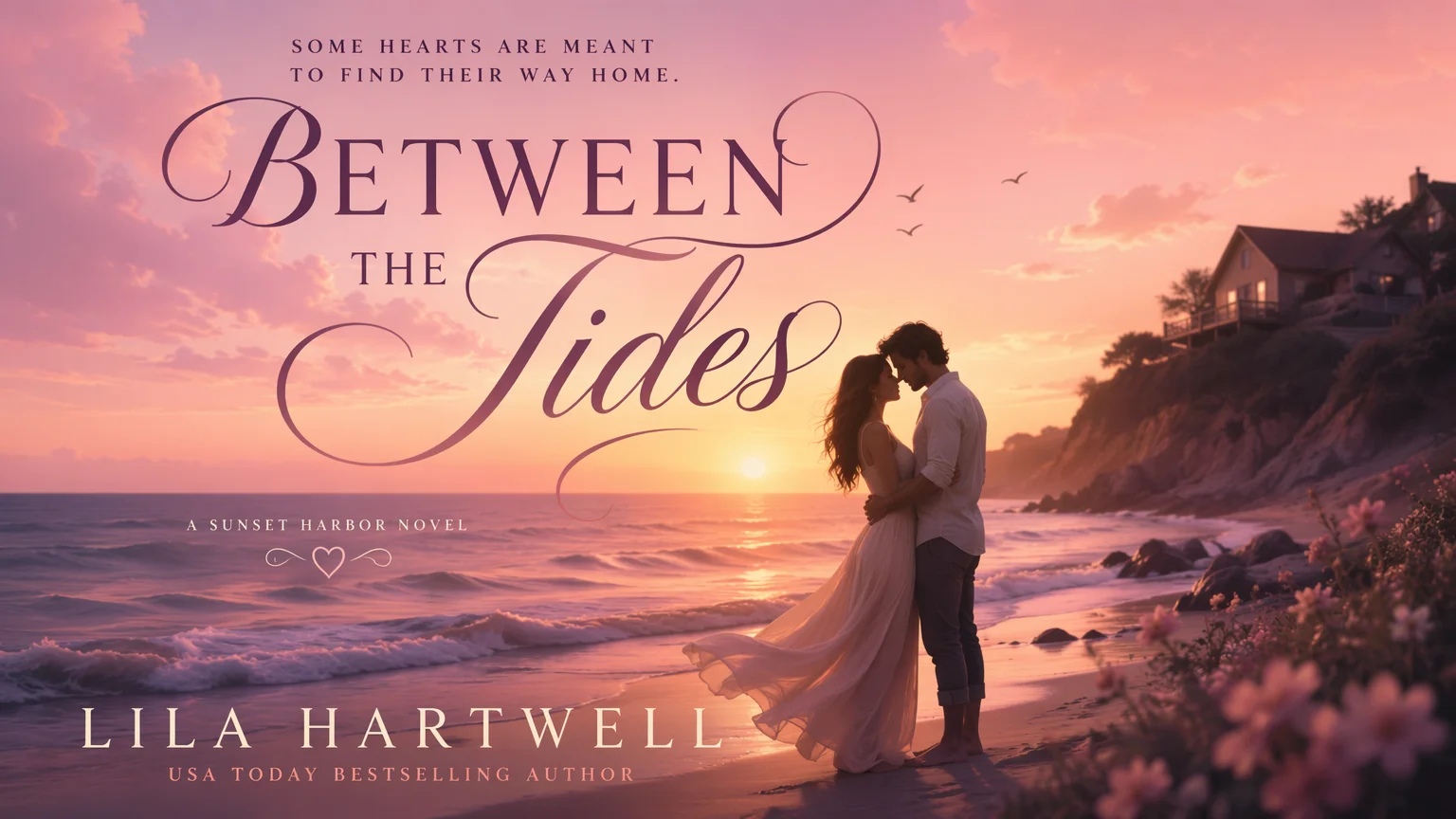
A soft pastel beach at sunset with elegant script title — the romance shelf look.
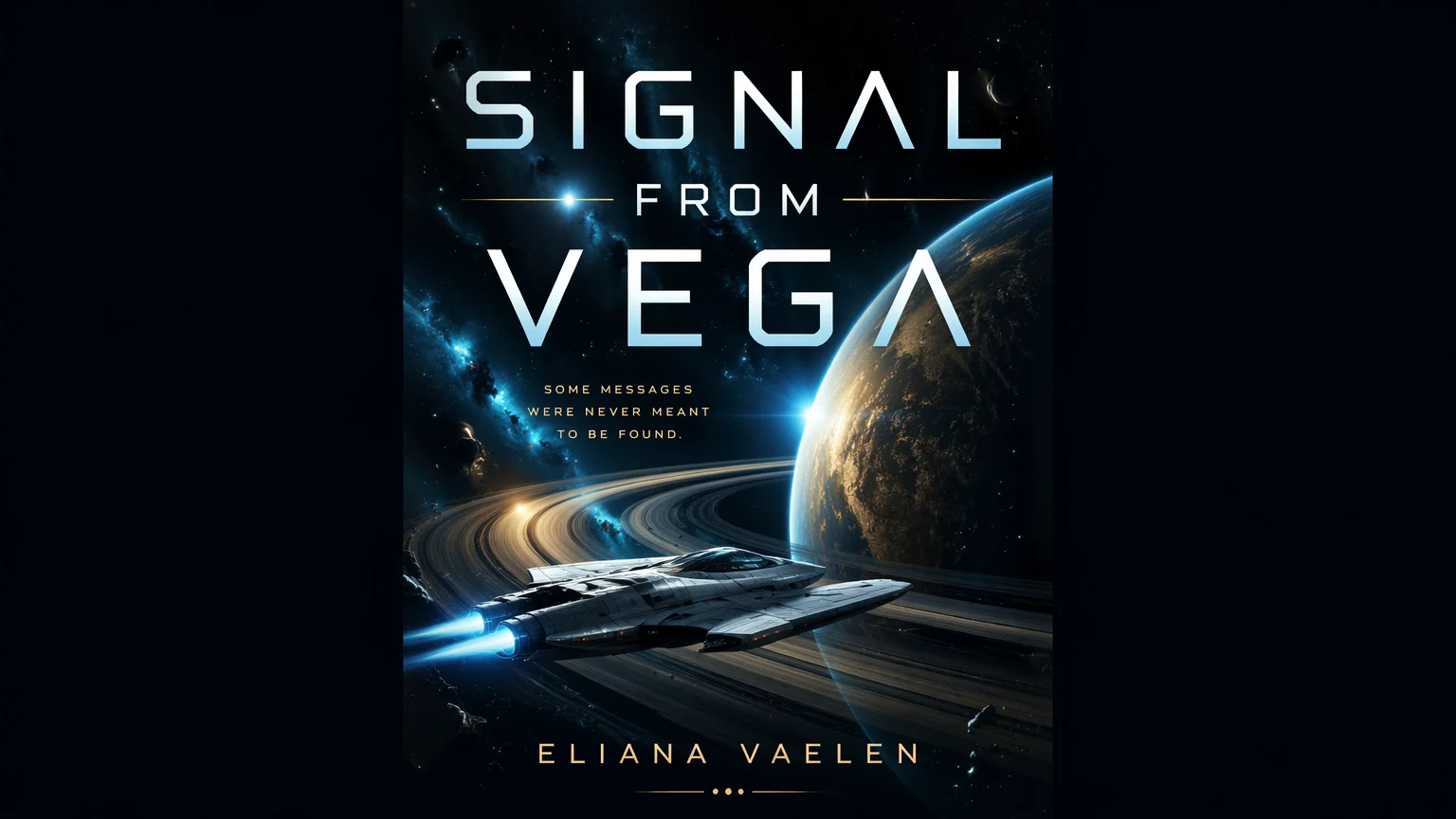
A starship near a ringed planet with sleek futuristic title typography.
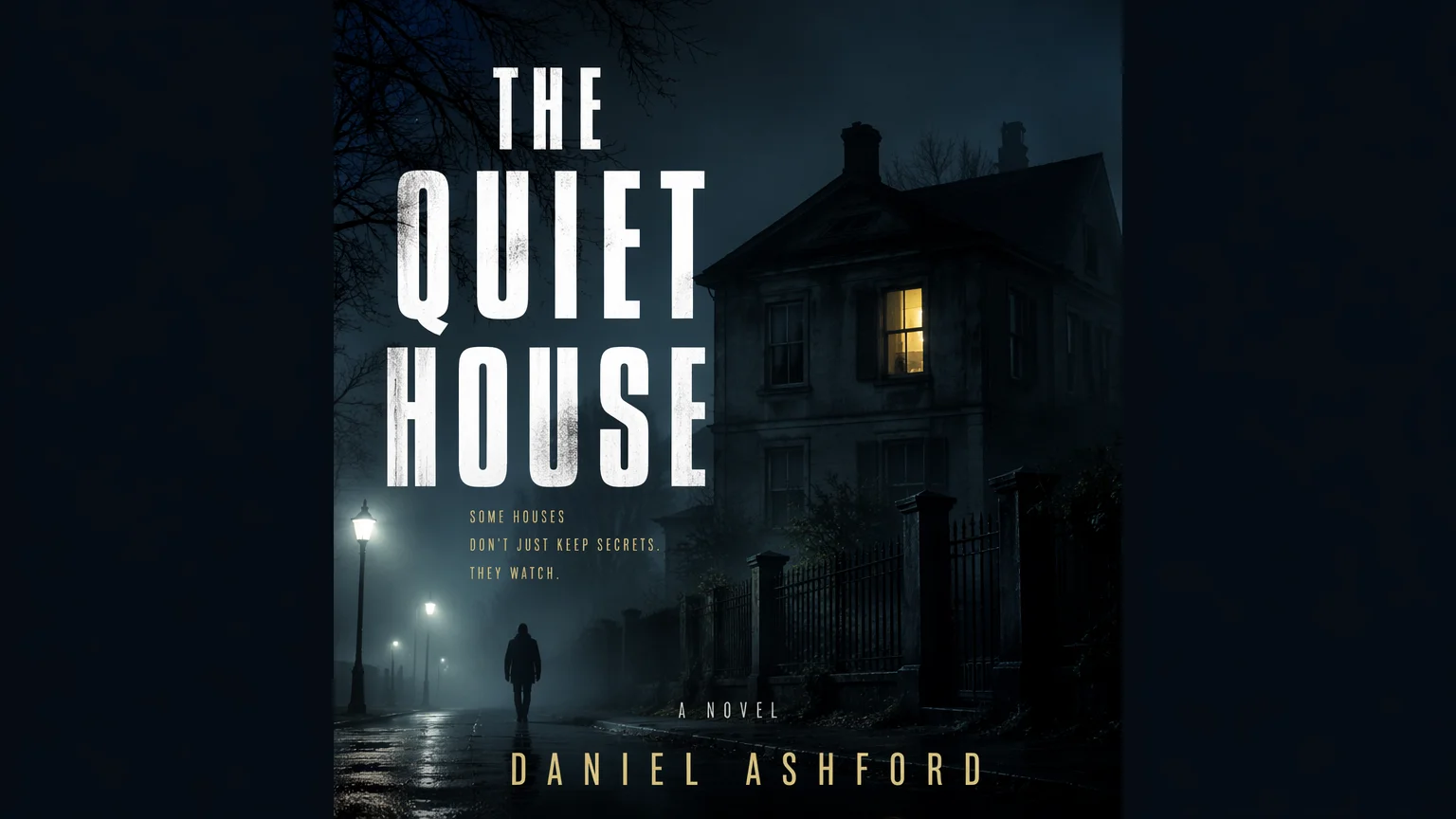
A foggy night street and a single lit window with stark, ominous title type.
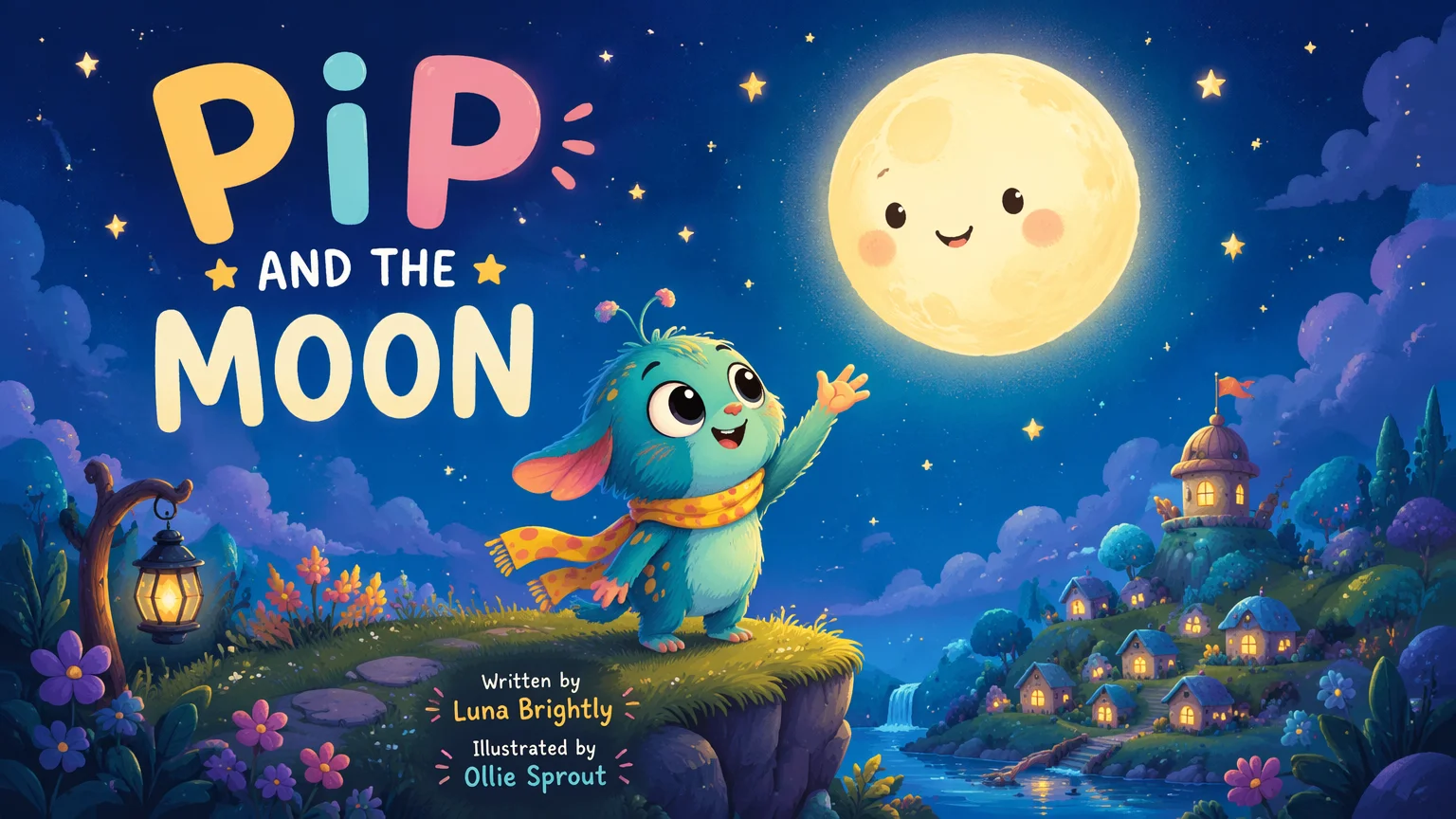
A cute original creature reaching for the moon with playful rounded lettering.
Both live in the same Renoise canvas. GPT Image 2 for the cleanest title and author text; Nano Banana Pro when the cover hinges on a photoreal image.
| For book covers | GPT Image 2 (Recommended) | Nano Banana Pro |
|---|---|---|
| Best for | Title and author text | Photoreal art |
| In-image lettering | Best | Good |
| Photoreal imagery | Good | Best |
| Up to 4K export | ✓ | ✓ |
| Same canvas | ✓ | ✓ |
On a storefront a cover is first seen at thumbnail size, so it has one job: signal the genre and hook a reader in a glance. That means the design choices are genre conventions, not free art. Romance leans on warm palettes, a couple or a soft scene, and a script or elegant serif title. Thrillers go high-contrast and stark — fog, a single light, condensed sans. Sci-fi reads cool-toned with sleek geometric type. Name the convention in your prompt so the model aims at the right shelf: "romance cover, pastel sunset beach, elegant script title".
Text is the part most AI covers get wrong, and on a book cover the title and author are non-negotiable. Use GPT Image 2 for reliable in-image lettering and quote the exact words — 'reading "THE EMBER CROWN"' plus an author line. Keep the title short and high-contrast against its background; a title that vanishes at thumbnail size fails regardless of how nice the art is. Generate a couple of typographic treatments and judge them shrunk down, not full screen.
The last consideration is structure. A front cover has a clear hierarchy — title, author, optional series or tagline — and Kindle plus print each want their own dimensions. Compose the art and text on GPT Image 2, export at up to 4K, then set final trim sizes in a layout tool. For a cover carried by a photographic image, switch to Nano Banana Pro for that layer; both share the canvas, so the workflow stays in Renoise.
One plan unlocks GPT Image 2, Nano Banana Pro, and every other image model.
Generate covers with legible text and watermark-free exports on paid plans.
Describe the genre and artwork, quote the title and author name, then generate on GPT Image 2 in Renoise. It renders cover text cleanly, so the title stays legible. Iterate on typography and mood, then export at print resolution.
Yes — that is why book covers use GPT Image 2, which is built for in-image text. Put the exact title and author in quotes in your prompt and keep the title short and high-contrast so it stays readable even at thumbnail size.
Export up to 4K, which covers Kindle and most paperback fronts. Generate at the highest resolution you may need, then set the exact trim size and spine in a layout tool. Check your platform's pixel and DPI requirements before uploading.
Romance, sci-fi, fantasy, thriller, mystery, literary, and children's. Name the genre conventions — palette, imagery, and title style — so the cover signals the right shelf. A genre-accurate cover converts far better than generic art.
GPT Image 2 for anything text-led — it renders the title and author most reliably. Switch to Nano Banana Pro when the cover hinges on a photoreal image. Both live in the same canvas, so you can combine art and type.
Generally yes, and outputs are watermark-free on paid plans — but keep the design original. Avoid prompting for copyrighted characters, real author likenesses, or trademarked art. Verify licensing terms in your account and your retailer's content rules before publishing.
A book cover is a portrait front built around a title and author and seen at thumbnail size on a storefront. An album cover is a square record sleeve. The format and conventions differ — see the album cover guide for square covers.
