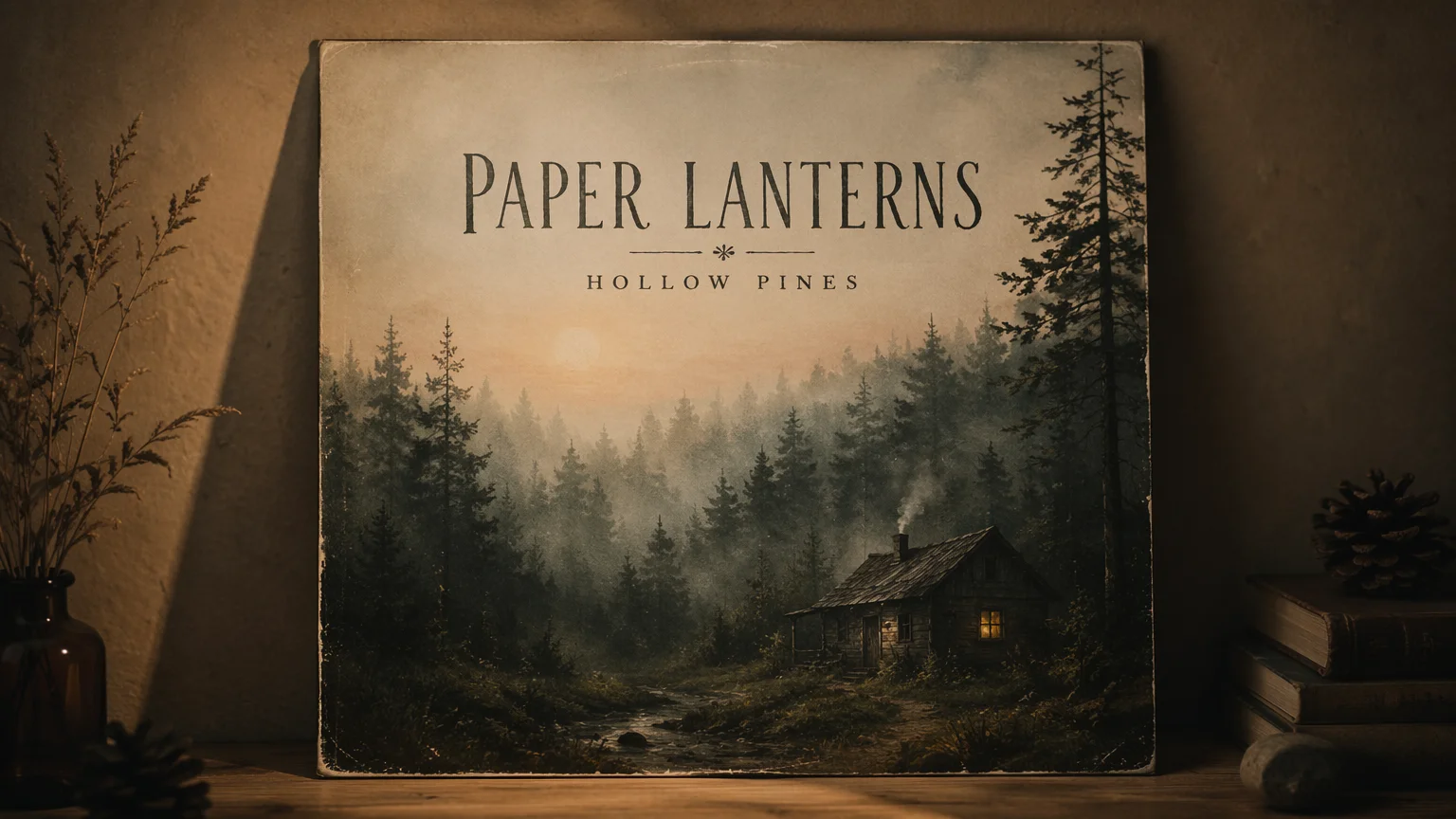
Indie folk
A misty dawn forest cover with hand-lettered title text — intimate, film-grain mood.
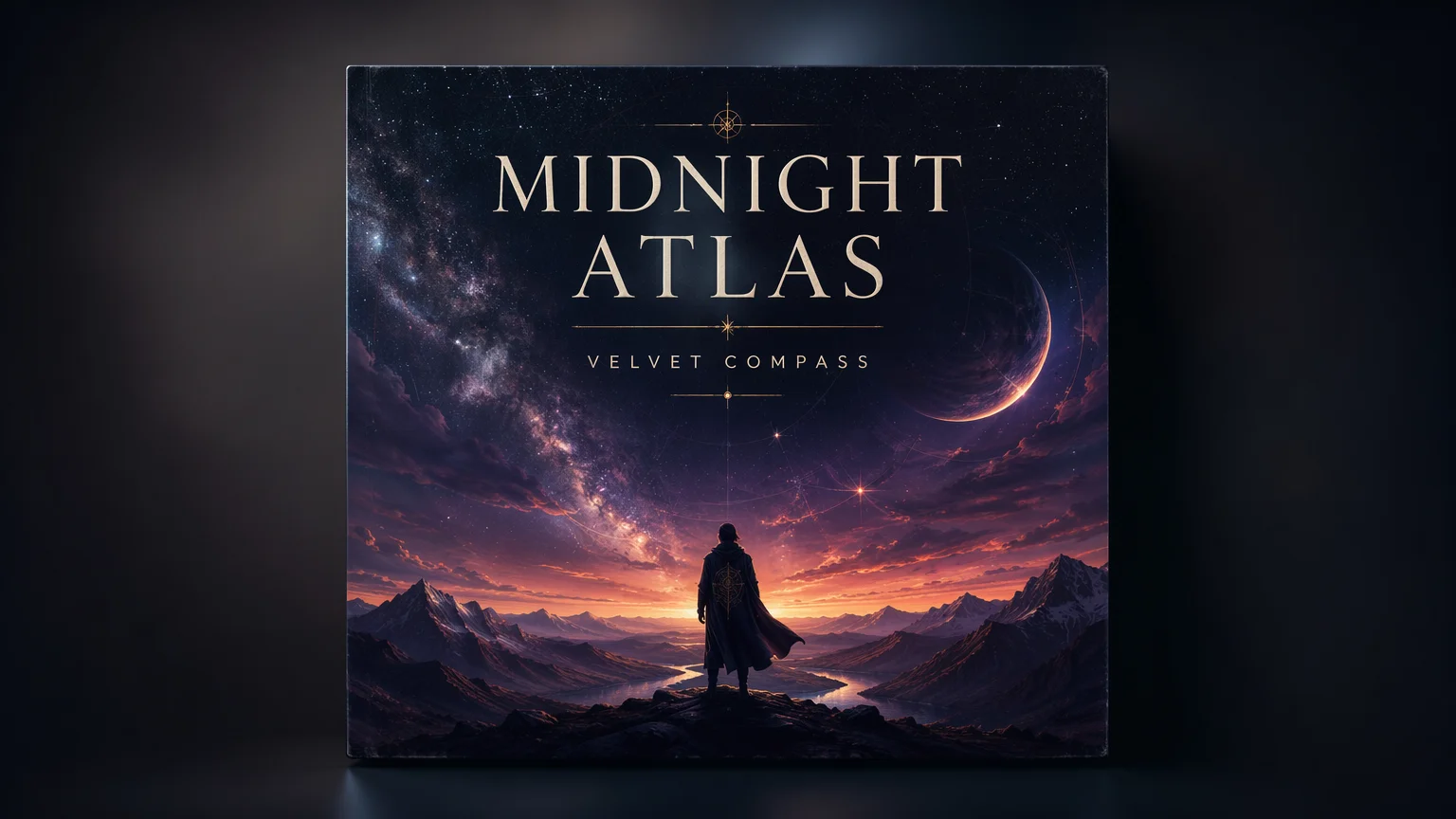
Render crisp band and title text right on the artwork — no editing.
Describe the scene and put your exact band name and album title in quotes in the prompt. In Renoise, pick GPT Image 2 — the strongest model for crisp, correctly-spelled cover typography — set a square 1:1 aspect, and generate. Re-prompt to refine the layout until the text reads exactly right.
Three steps to cover art with band and title text baked into the artwork.

Write the scene, genre mood, and exact band name and album title in quotes — e.g. title text: "Midnight Atlas".
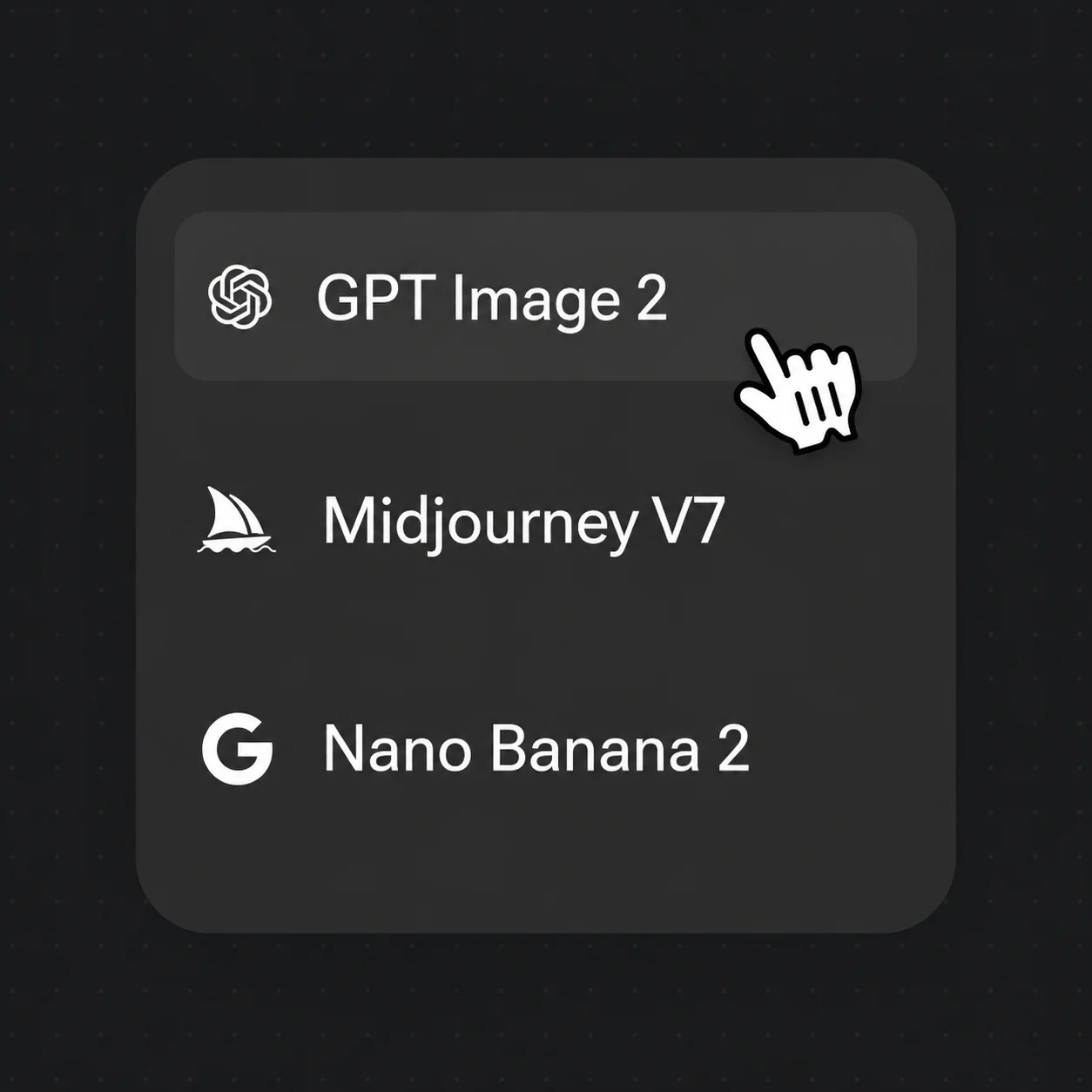
Select GPT Image 2 — the strongest model for crisp, correctly-spelled cover text — and set a square 1:1 aspect.

Drop the result back on Canvas and re-prompt to tweak typography, palette, or layout until the cover reads right.
Cover art with band and title text rendered straight onto the artwork — across genres, ready for streaming or vinyl.
A misty dawn forest cover with hand-lettered title text — intimate, film-grain mood.
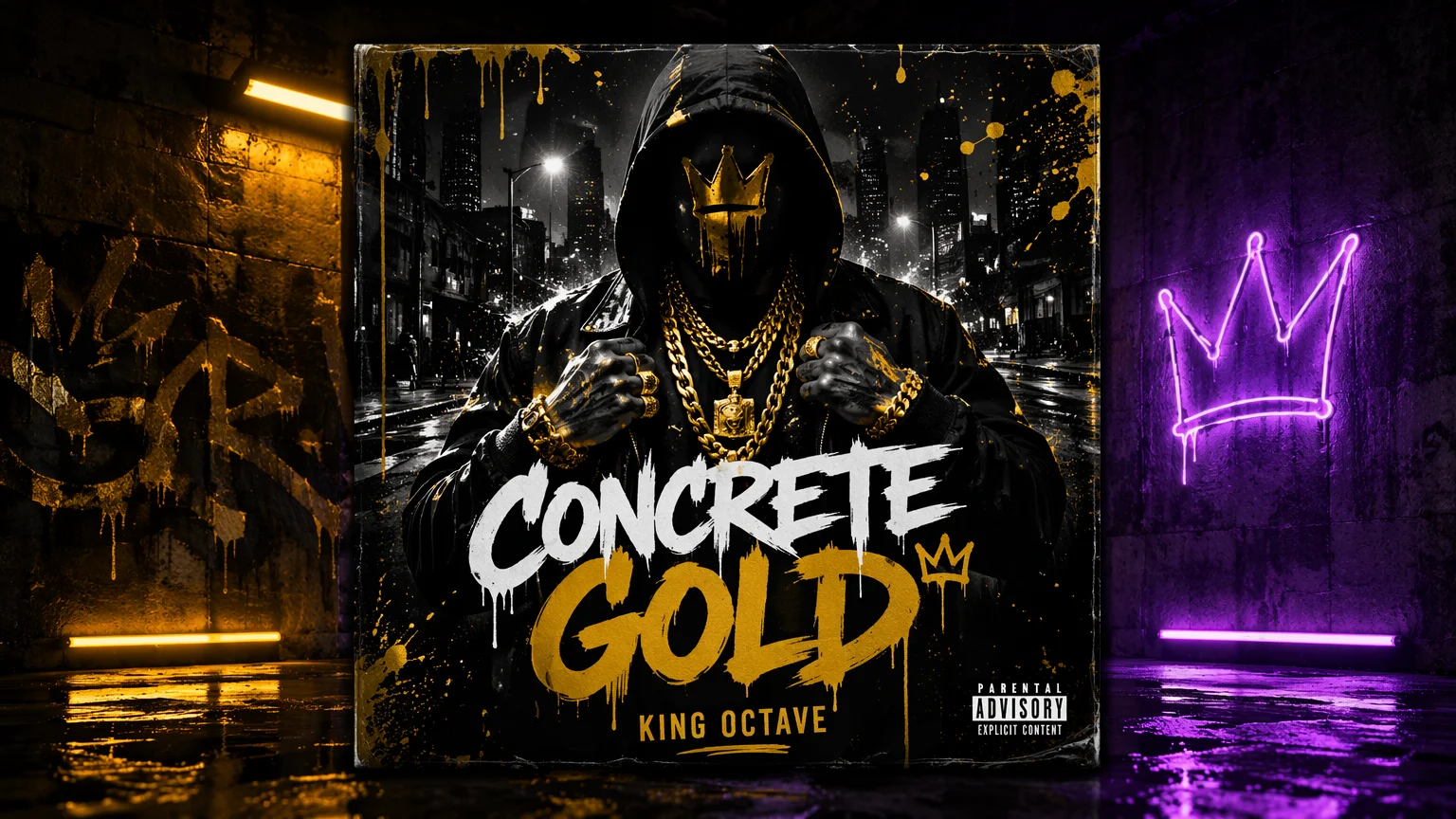
Bold oversized typography over a gritty urban-night scene with high-contrast color grade.
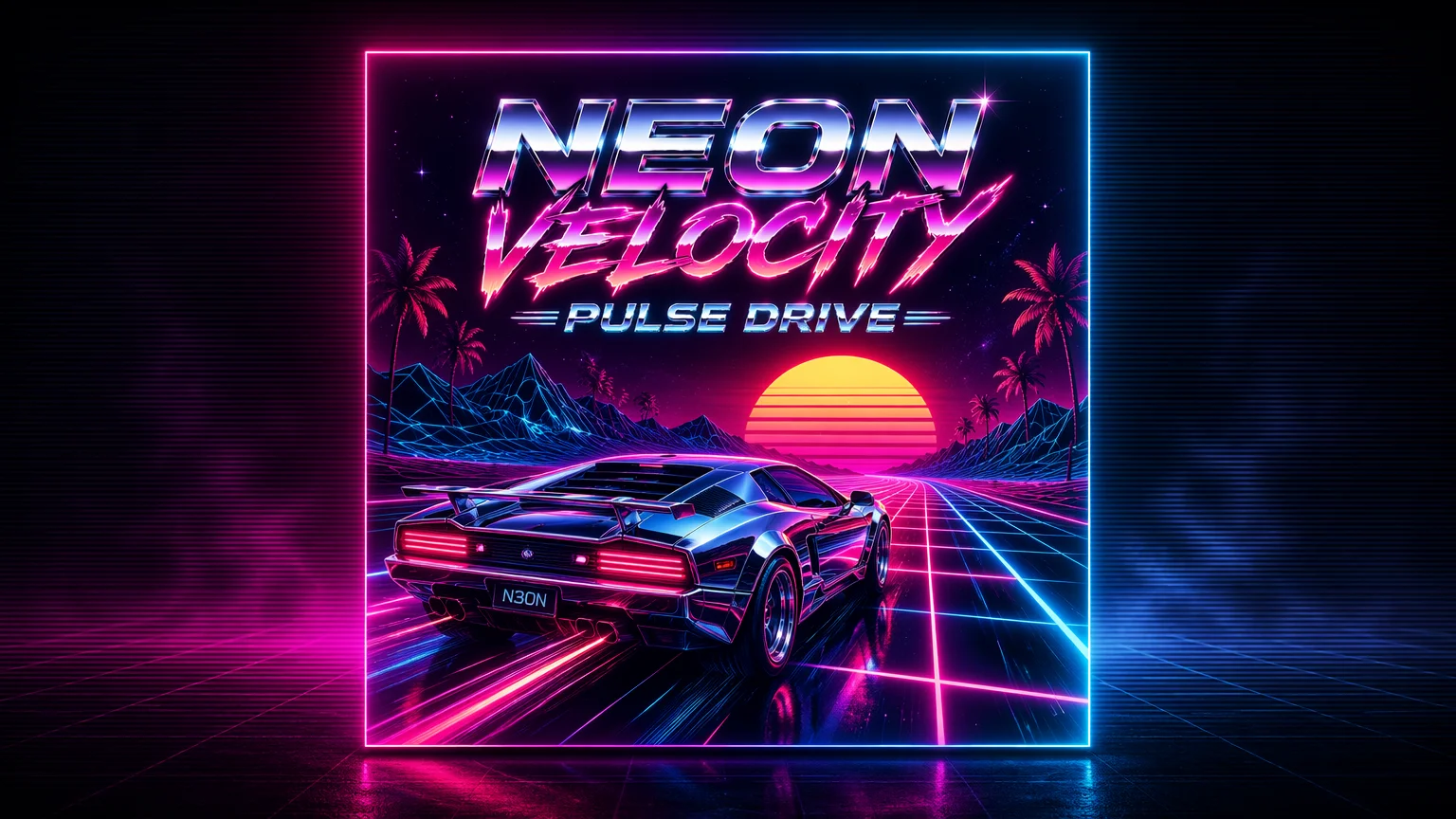
A neon sunset grid with chrome retro lettering — vibrant 80s electronic energy.
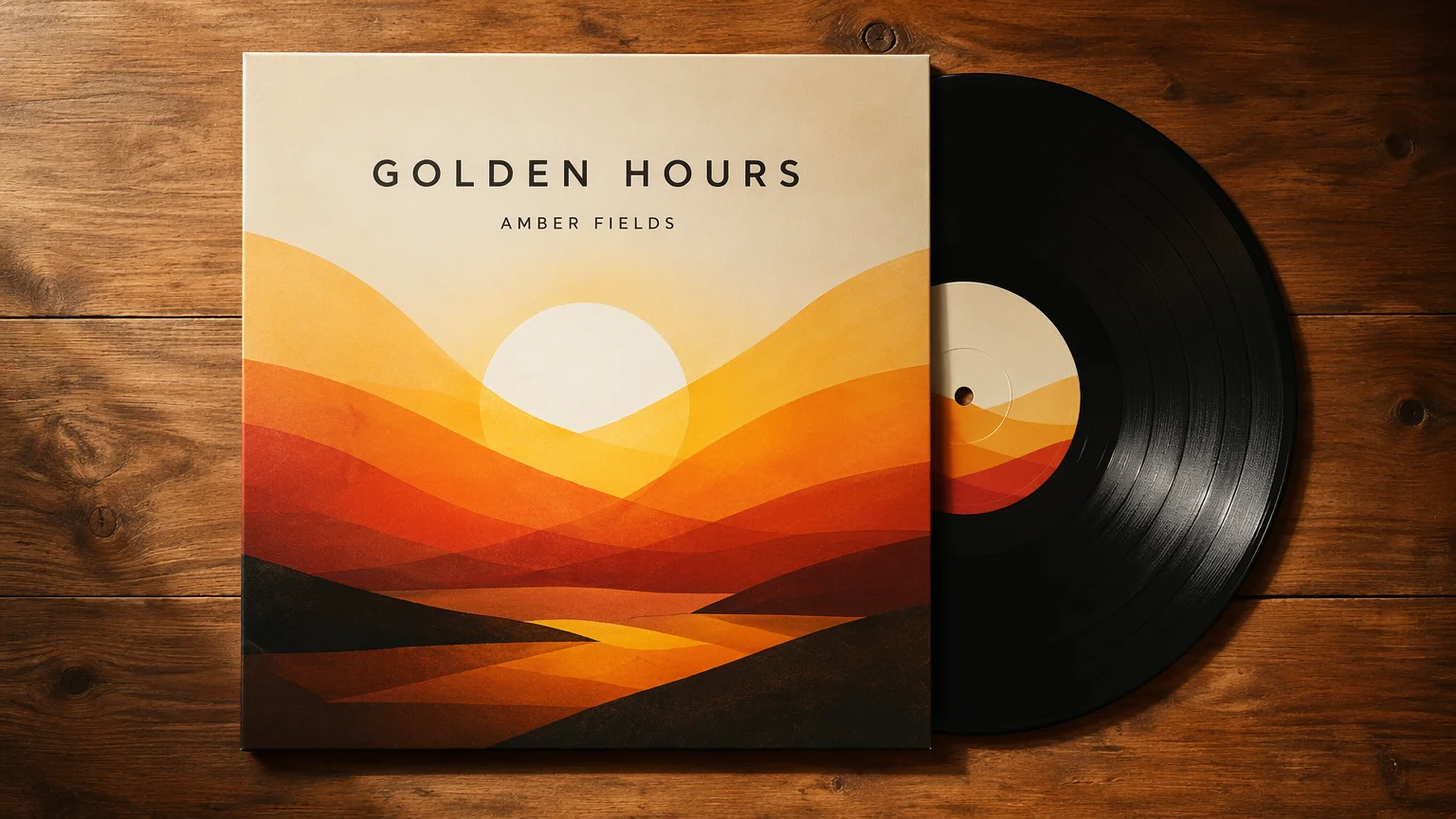
A printed sleeve on a wooden table with the record sliding out — see the cover in context.
Both live in the same Renoise canvas — pick by what the cover needs. GPT Image 2 for crisp title text, Nano Banana Pro when one subject must stay locked across references.
| For album covers | GPT Image 2 (Recommended) | Nano Banana Pro |
|---|---|---|
| Best for | Cover text | Locked subject |
| Title typography | Best | Good |
| Subject likeness | Good | Best |
| Square 1:1 output | ✓ | ✓ |
| Same canvas | ✓ | ✓ |
Most listeners first see your cover as a postage-stamp thumbnail in a streaming feed, so the artwork has to survive being shrunk to a few hundred pixels. That changes the brief: a busy, detailed scene that looks rich at full size collapses into mush at thumbnail scale. The covers that work lean on a single strong focal subject, high contrast between subject and background, and a bold, limited palette that still reads when small.
Typography is the other half. The band name and album title need a legible weight and enough size and contrast to stay sharp when the whole cover is an inch wide — which is exactly where most AI image models fail, garbling letters into nonsense. Treat the text as a composition element, not an afterthought: give it a clear position and breathing room rather than burying it in detail.
In Renoise, generate on GPT Image 2 — the strongest model for crisp, correctly-spelled cover lettering — and put your exact band name and album title in quotes in the prompt, like title text: "Midnight Atlas". Set a square 1:1 aspect, name the genre mood, and keep one dominant subject. Re-prompt to push the title bigger and the background simpler until the cover still reads at thumbnail size.
Album cover work hinges on a few things — and Renoise gives you GPT Image 2, Nano Banana Pro, and many other image models in one canvas.
Renders crisp, correctly-spelled band and album text directly on the artwork — the strongest model for cover typography.
Indie, hip-hop, synthwave, metal, jazz — describe the mood and the model matches the visual language.
Re-prompt the same cover to swap typography, palette, or layout until it reads exactly right.
Switch freely between GPT Image 2, Nano Banana Pro, and other image models per cover — all in one project.
One plan unlocks GPT Image 2, Nano Banana Pro, and every other image model.
Render cover art with real text, watermark-free on paid plans.
Yes. GPT Image 2 leads here — put the band name and album title in quotes in your prompt, such as title text: "Midnight Atlas", and it renders crisp, correctly-spelled lettering in a fitting font and position. No separate editing step needed.
GPT Image 2 for most covers — it has the clearest lead on rendering correctly-spelled title and band text, which is what cover art lives or dies on. Reach for Nano Banana Pro when you need a specific subject locked across several references. Both, plus other models, live in the same canvas.
Generate at a square 1:1 aspect — streaming platforms like Spotify and Apple Music expect square artwork, typically uploaded at 3000×3000 px. Renoise renders square covers natively; upscale to the platform spec before you upload.
Yes. The workflow is identical — describe the scene and the exact title text. For a release with a shared visual identity, keep the same style cue and palette across each cover so the single, EP, and album read as one body of work.
Re-prompt with the exact text in quotes and keep the spelling explicit, like title text reads exactly: "Neon Velocity". If a stray letter slips in, drop the image back on Canvas and re-generate that area. GPT Image 2 corrects spelling reliably on a retry.
Yes. Ask for the cover presented as a printed sleeve on a table with a record sliding out, or as a phone showing a streaming player. These mockups are handy for promo posts and store listings while keeping the square cover itself intact.
Yes, under the same general AI-output licensing terms as any generated image. Renoise outputs are watermark-free on paid plans and commercially licensable. Verify the specific terms in your account before releasing on Spotify, Apple Music, or pressing vinyl.
