A Christmas photo from one selfie
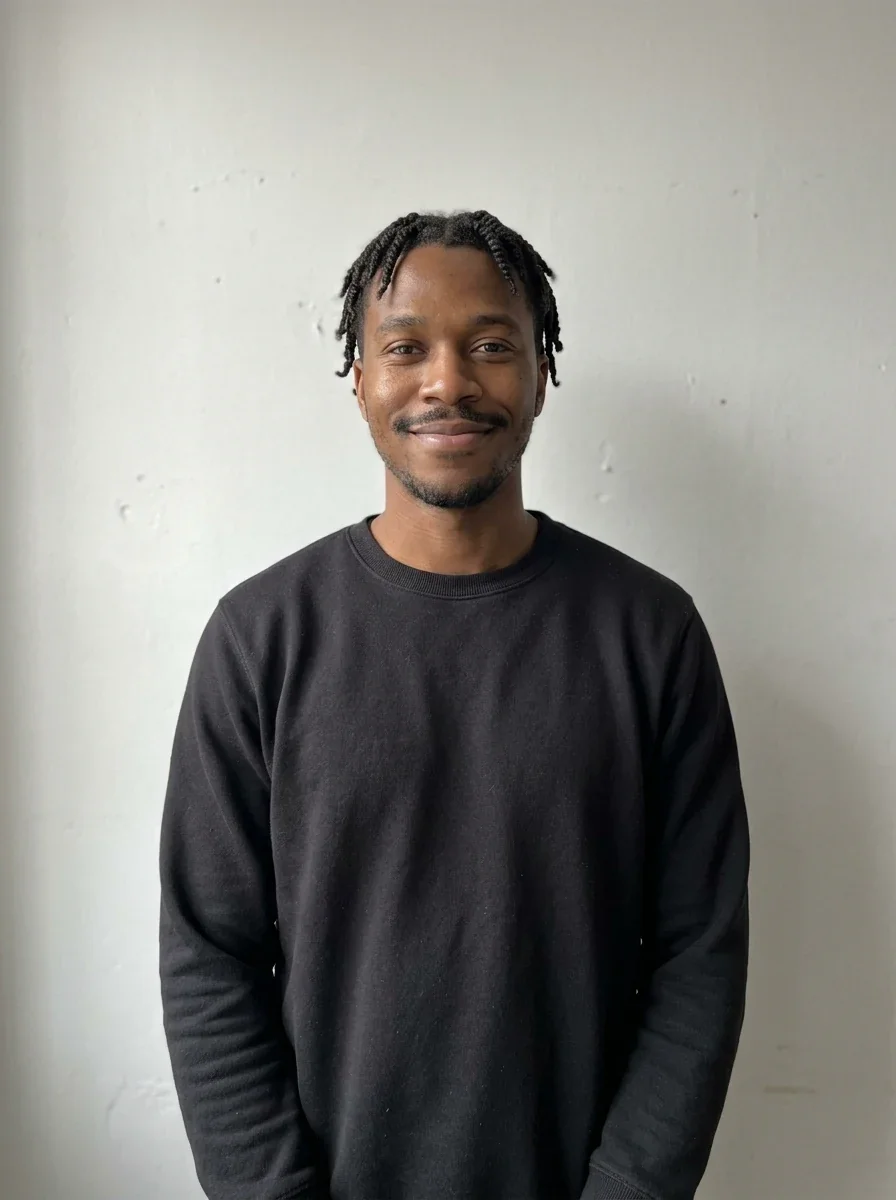
A plain photo against a white wall becomes a fireside portrait. The curls, dimples and earrings come back unchanged.
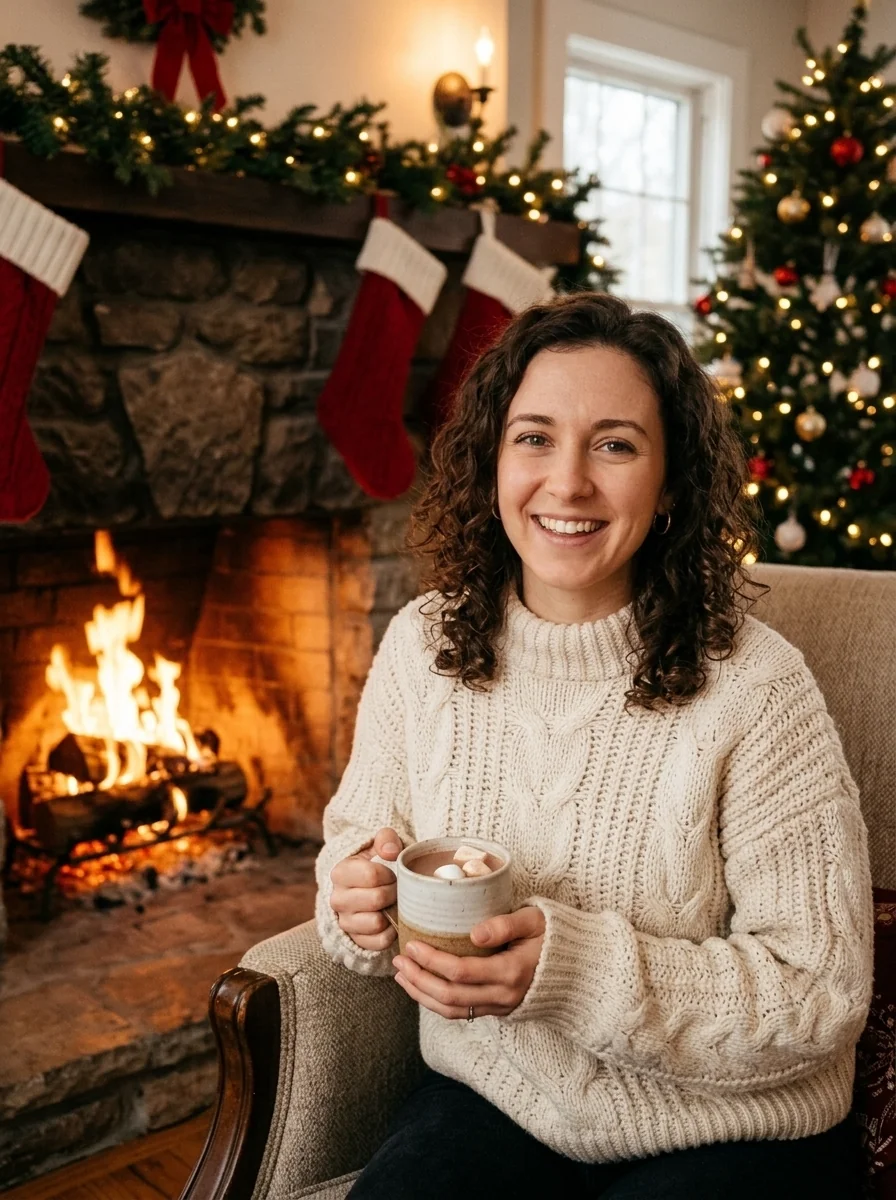
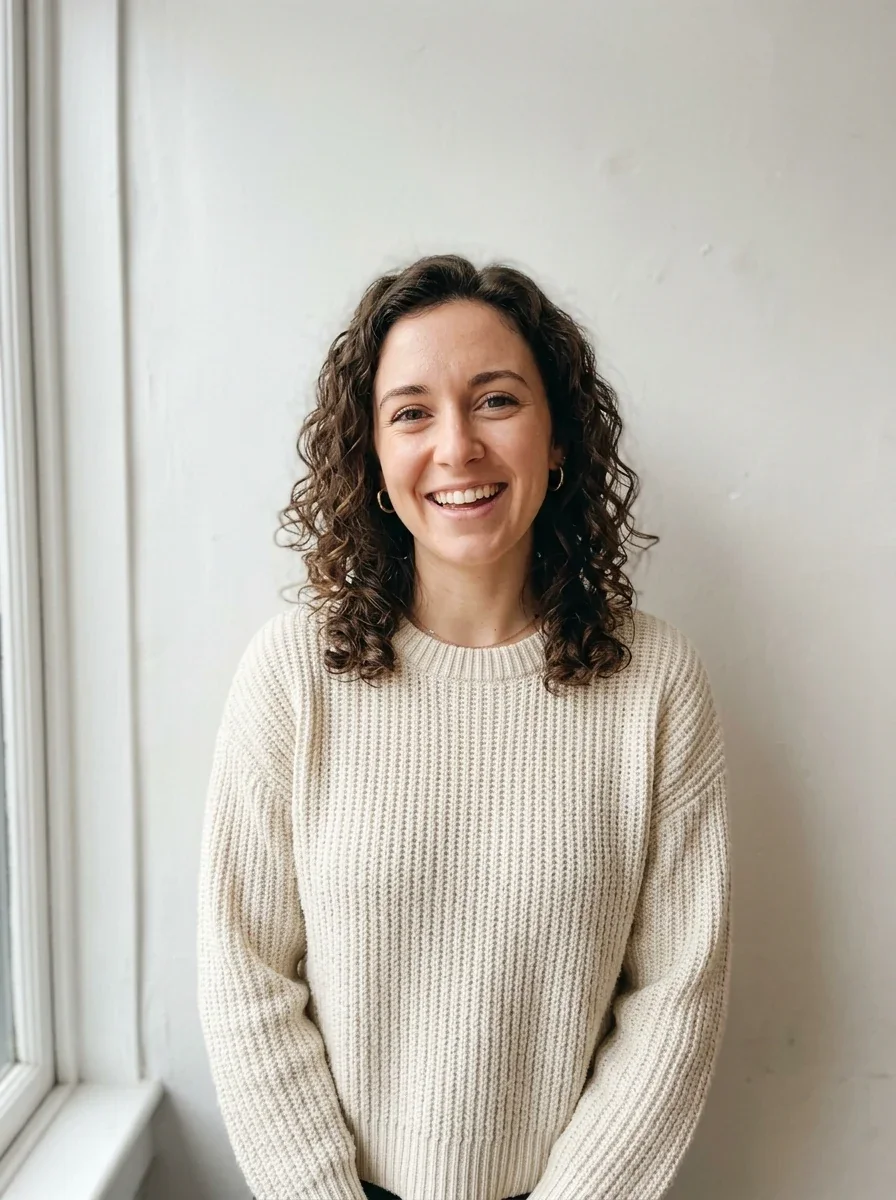
Upload your photo, or two for a couple or you and your pet. The Renoise Agent puts you in a Christmas scene with the same face, then changes it until you like it.
Opens in the Renoise Agent. Photos of adults and pets only.
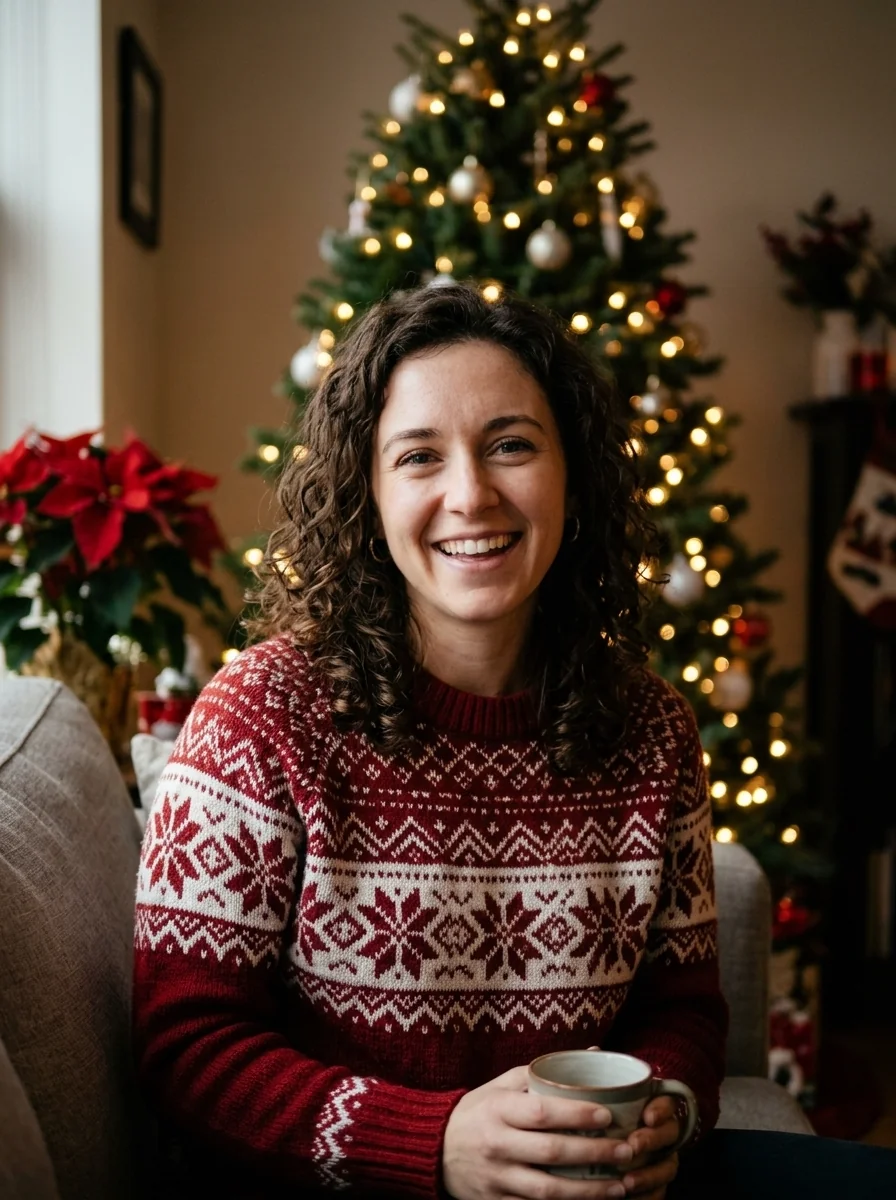
Real model output on an AI-generated fictional person — drag the handle to compare.
A plain photo against a white wall becomes a fireside portrait. The curls, dimples and earrings come back unchanged.
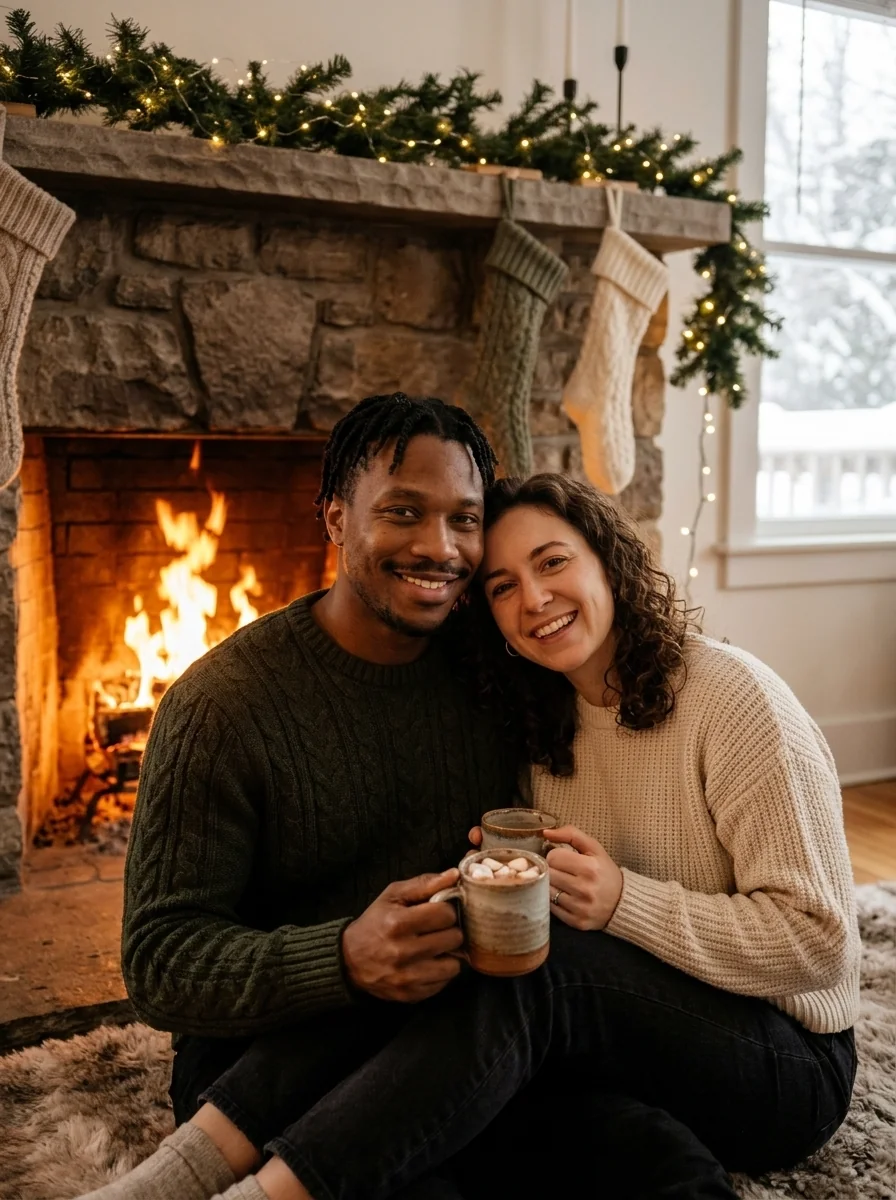
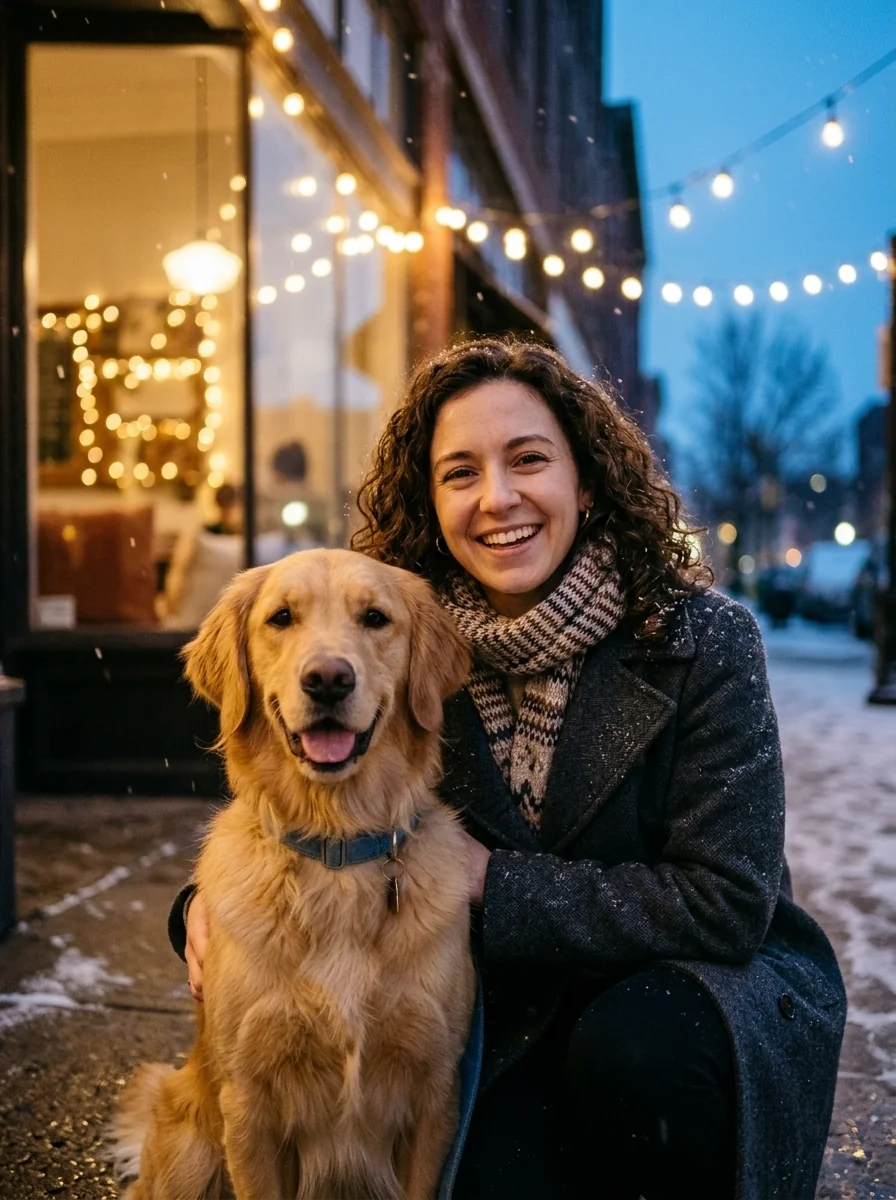
Two photos taken apart, one frame together. Both faces stay recognisable; face shapes can come back slightly narrower.
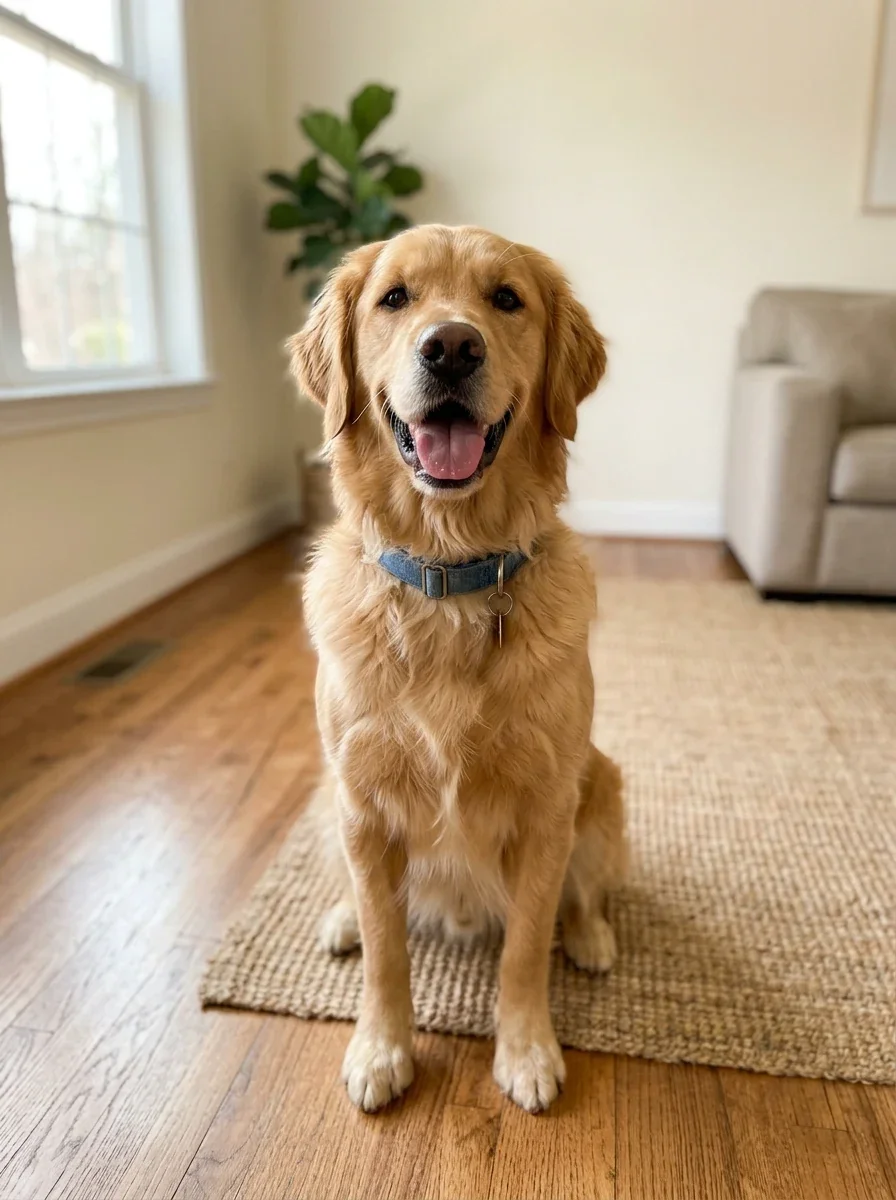
Add your dog as the second photo. The breed, coat colour and even the blue collar carry over.
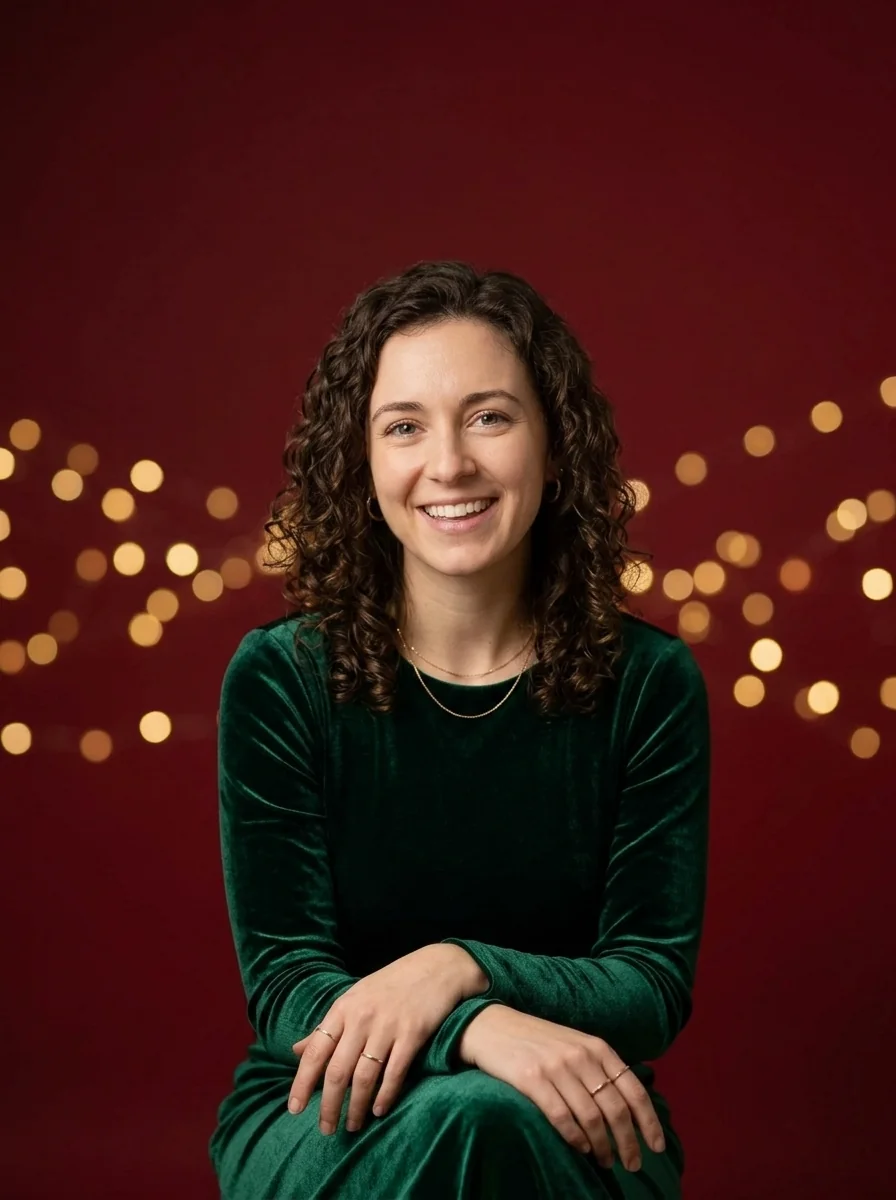
Red backdrop, gold lights and space to write. The image itself carries no text; add your greeting in a card app.
The Agent picks a model for the look, or uses the one you name.
We ran every scene on the same face before publishing. The results are on this page.
Add a partner or a pet from a separate photo; both land in one picture.
Ask for a red sweater or more snow, and the Agent edits the same photo.
Upload one photo where your face fills a good part of the frame, pick a scene under the box or describe your own, and click Make My Christmas Photo. The Renoise Agent picks an image model, redraws the setting, outfit and light, and keeps your face. Ask for changes in the same chat.
To add someone, upload a second photo: another adult or a pet.
Want a year-round photoshoot instead of Christmas scenes? The AI Photoshoot has studio, outdoor and editorial looks.
Add a JPG, PNG or WebP where your face is large. Optionally add a partner or pet.
Keep the tree scene, tap Snowy Night, Fireside or Card Portrait, or write your own.
Ask the Agent for changes in the same chat, then download the photo.
Most AI holiday photo tools fall into two groups: selfie packs that sell a fixed set of portraits, and apps that train a model on your face first. Here is how this page compares, from their own Christmas pages.
| What you get | Selfie packs | Trained-model apps | |
|---|---|---|---|
| Photos to upload | 1, plus an optional second | A few selfies | 5–15 per person (Photo AI), 10–15 (Somny) |
| Wait | Under 45 seconds per image in our tests | 5 minutes to 1 hour, as stated | About a minute to build, then each shot |
| Two in one frame | ✓ You plus one adult or pet | ✕ One person per set (Aragon, Profile Bakery) | ✓ Couple models (Photo AI) |
| Choose the model | ✓ Name any image model in the chat | ✕ Not stated | ✓ Photo AI lists its models |
Sources: Christmas photo pages of aragon.ai, headshotphoto.io, profilebakery.com, photoai.com and somny.com (accessed 2026-11-09).
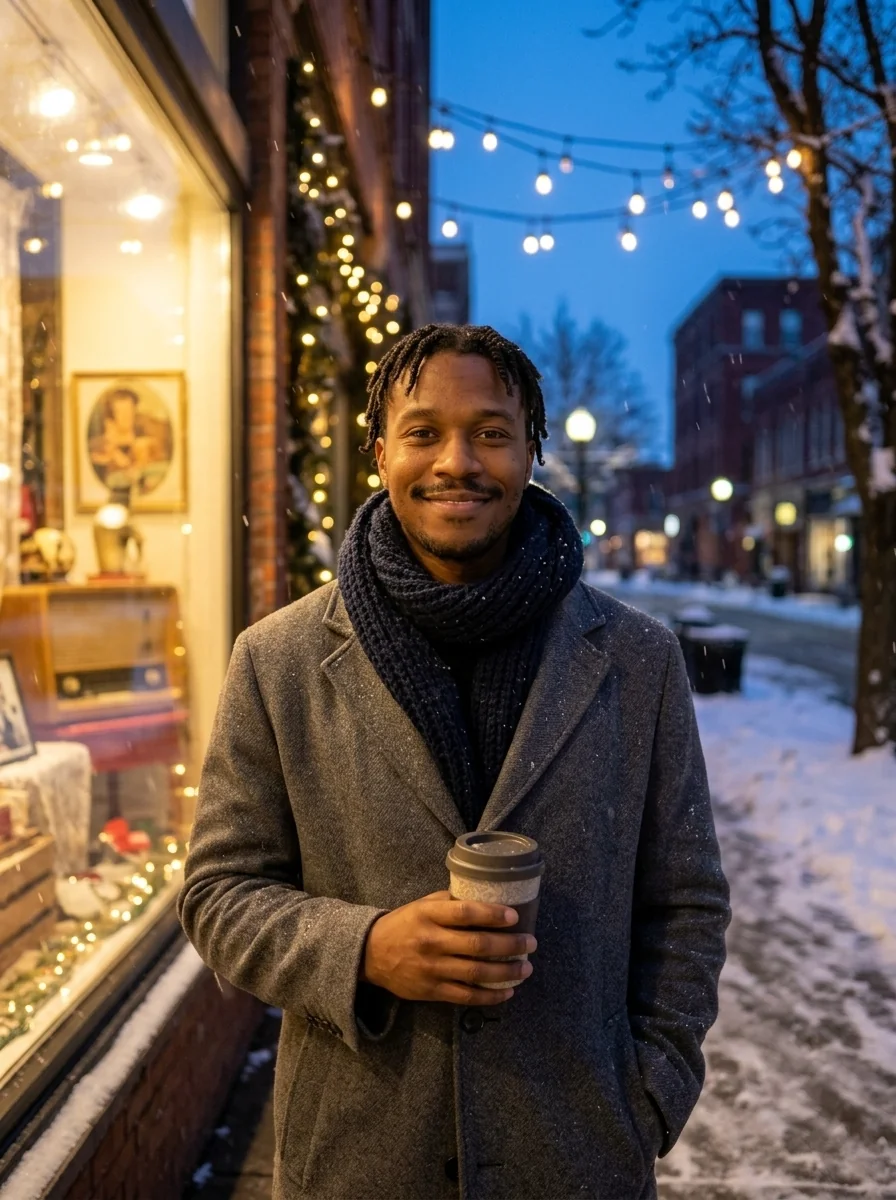
Every image on this page came from our tests with Nano Banana Pro, Google's premium image model, on AI-generated fictional people; we ran the same scenes on Nano Banana 2 Lite as well. With one photo, the face held in all four scenes: face shape, curls, dimples, earrings and skin tone came back the same, and the man's twists and moustache survived the snowy street. The instruction also rules out hats, Santa beards and face paint, so the scene changes and you do not.
Two photos are harder. In a couple shot both people stay recognisable, but face shapes can shift slightly, and a pose that turns a face to the side makes it read less clearly. A pet keeps its breed, coat and collar. In one early test the model added a dog that was in neither photo; the instruction now forbids extra people or animals, and the reruns came back clean.
The biggest risk is a small face. On our AI photoshoot page, a face about 20 pixels tall came back as a different person, and the result still looked convincing. Upload a photo where your face is large.
This page is for adults and pets. It does not make photos of children. For 2K or 4K output, ask the Agent for a higher resolution.
Picking a file only previews it on your device. Not one byte is stored until you sign in and click generate.
Uploads land in your private library, never a public gallery, and re-running the same photo stores nothing new.
Remove uploads and results from your library whenever you want.
As of October 2026, 100,000+ creators in 170+ countries and regions use Renoise AI, an AI video, image and audio platform, to generate 300,000+ images and videos with 30+ models.
Source: Renoise internal data, March–October 2026. Figures are rounded down and updated quarterly. Last updated
Real feedback from creators who use Renoise AI to make videos, images and ads.
Renoise is pretty easy to use, with a clean and smooth interface. The results from Seedance 2.5 also feel noticeably smoother in action sequences.
Renoise Ai is a good tool for making ai videos and photos. it puts several Ai models in one place, so you don't need to use many different apps.
あまりAIツールを使ったりしたことなかったですが、キャラクターの固定や動画を続いて作成できて使いやすいです。これからどんどん進んでいくアップデートが楽しみです。
Renoise has been a great platform for AI creativity. The tools are easy to use, the experience is smooth, and it makes creating content more enjoyable and efficient. I really appreciate the work the team is doing and look forward to seeing more improvements. Highly recommended!
What I like about Renoise AI compared to other platforms: Fast generation speed: Slow generation takes up way too much time, but Renoise AI is surprisingly about 30% faster. Intuitive and user-friendly UI: Cheaply made platforms have terrible UIs that make me not even want to log in, but Renoise is very clean and convenient. Remembers my previous settings: It helpfully remembers my last workspace settings. Some odd platforms force you to re-adjust everything every single time you generate a video, which is extremely frustrating. Overall preference: For all these reasons, Renoise AI is definitely my preferred platform. Thank you!
Renoise is your go to one stop all for ai creators. all view and use all models in one place, for any type of content you have your mind on!
I have a creat experience with the app. Consistent characters but also unique. THere were some issues with storyline continuity and non-typical humanoid characters.
One plan unlocks every image model, plus the video and audio models. AI images from $0.03 per image.
For your first AI creations
per month
≈ 150 GPT Image 2 Generations
≈ 60 Seedance 2.0 videos
The agent takes your idea all the way to a finished cut.
Starter and Standard: production work in Director Mode uses credits by usage. Advanced: free.
No queue. Start as many paid generations as you want at once.
Content generated with Renoise.ai may be used commercially, subject to our Terms of Service
For creating every week
per month
≈ 450 GPT Image 2 Generations
≈ 180 Seedance 2.0 videos
The agent takes your idea all the way to a finished cut.
Starter and Standard: production work in Director Mode uses credits by usage. Advanced: free.
No queue. Start as many paid generations as you want at once.
Renoise Agent runs on frontier models from leading AI labs to plan your shots, write prompts, and pick the right model for each one. Chatting with the Agent is free on every plan.
Content generated with Renoise.ai may be used commercially, subject to our Terms of Service
For professional-scale production
per month
≈ 1,750 GPT Image 2 Generations
≈ 700 Seedance 2.0 videos
The agent takes your idea all the way to a finished cut.
Starter and Standard: production work in Director Mode uses credits by usage. Advanced: free.
No queue. Start as many paid generations as you want at once.
Renoise Agent runs on frontier models from leading AI labs to plan your shots, write prompts, and pick the right model for each one. Chatting with the Agent is free on every plan.
Content generated with Renoise.ai may be used commercially, subject to our Terms of Service
For your first AI creations
per month, billed annually
Save $72compared to monthly
≈ 150 GPT Image 2 Generations
≈ 60 Seedance 2.0 videos
The agent takes your idea all the way to a finished cut.
Starter and Standard: production work in Director Mode uses credits by usage. Advanced: free.
No queue. Start as many paid generations as you want at once.
Content generated with Renoise.ai may be used commercially, subject to our Terms of Service
For creating every week
per month, billed annually
Save $216compared to monthly
≈ 450 GPT Image 2 Generations
≈ 180 Seedance 2.0 videos
The agent takes your idea all the way to a finished cut.
Starter and Standard: production work in Director Mode uses credits by usage. Advanced: free.
No queue. Start as many paid generations as you want at once.
Renoise Agent runs on frontier models from leading AI labs to plan your shots, write prompts, and pick the right model for each one. Chatting with the Agent is free on every plan.
Content generated with Renoise.ai may be used commercially, subject to our Terms of Service
For professional-scale production
per month, billed annually
Save $720compared to monthly
≈ 1,750 GPT Image 2 Generations
≈ 700 Seedance 2.0 videos
The agent takes your idea all the way to a finished cut.
Starter and Standard: production work in Director Mode uses credits by usage. Advanced: free.
No queue. Start as many paid generations as you want at once.
Renoise Agent runs on frontier models from leading AI labs to plan your shots, write prompts, and pick the right model for each one. Chatting with the Agent is free on every plan.
Content generated with Renoise.ai may be used commercially, subject to our Terms of Service
Chatting with the Renoise Agent costs nothing; you pay credits for each image it makes, and the price depends on the model: 4 credits on Nano Banana 2 Lite, 8 on Nano Banana 2 and 16 on Nano Banana Pro.
In December 2025 people pasted a shared prompt and a selfie into Gemini or ChatGPT to get a Christmas portrait, and the results spread on social media. This page builds the scenes into buttons, so you do not need a prompt.
Last year's trend ran mostly on Gemini, whose image model is Nano Banana, and on ChatGPT. The Renoise Agent can use the same Google family, from Nano Banana 2 Lite to Nano Banana Pro, with the Christmas scenes and the face-keeping instruction already written.
A front-facing photo in good light where your face fills a good part of the frame. A phone selfie is ideal. In a distant or full-body shot the face is too small, and the model may draw a different person.
You can combine two photos per run: you and another adult, or you and a pet. This page does not make photos of children, so a family picture with kids is not something it can produce.
Yes. The Card Portrait scene leaves space above your head and puts no text in the image, so you can add your own greeting in any card or design app. Commercial use follows your plan and the Renoise terms.
The Agent picks an image model for the job. To choose one yourself, name it in your message, such as Nano Banana Pro or GPT Image, or pick any model in the AI image generator. The examples on this page came from Nano Banana Pro.
In our tests both Nano Banana 2 Lite and Nano Banana Pro finished every photo, with one input or two, in under 45 seconds; the Agent's reply comes on top of that. If a generation fails, including a safety rejection, its credits are refunded in full automatically.
Yes. Upload it to the AI Christmas video generator and describe the motion you want, such as falling snow or a wave to the camera; the clip comes with Christmas music and sound. A 5-second Seedance 2.5 clip at 480p is 80 credits, 720p is 160. For a plain animation with no Christmas scene, photo to video starts at 20 credits.
Nothing uploads until you sign in and click the button. Your photos go to your private library, never a public gallery, and you can delete uploads and results at any time.
Pick a scene, add a partner or pet, and download it.