Erase distractions
Photobombers, stray objects, signs, and clutter — mask them and they go.
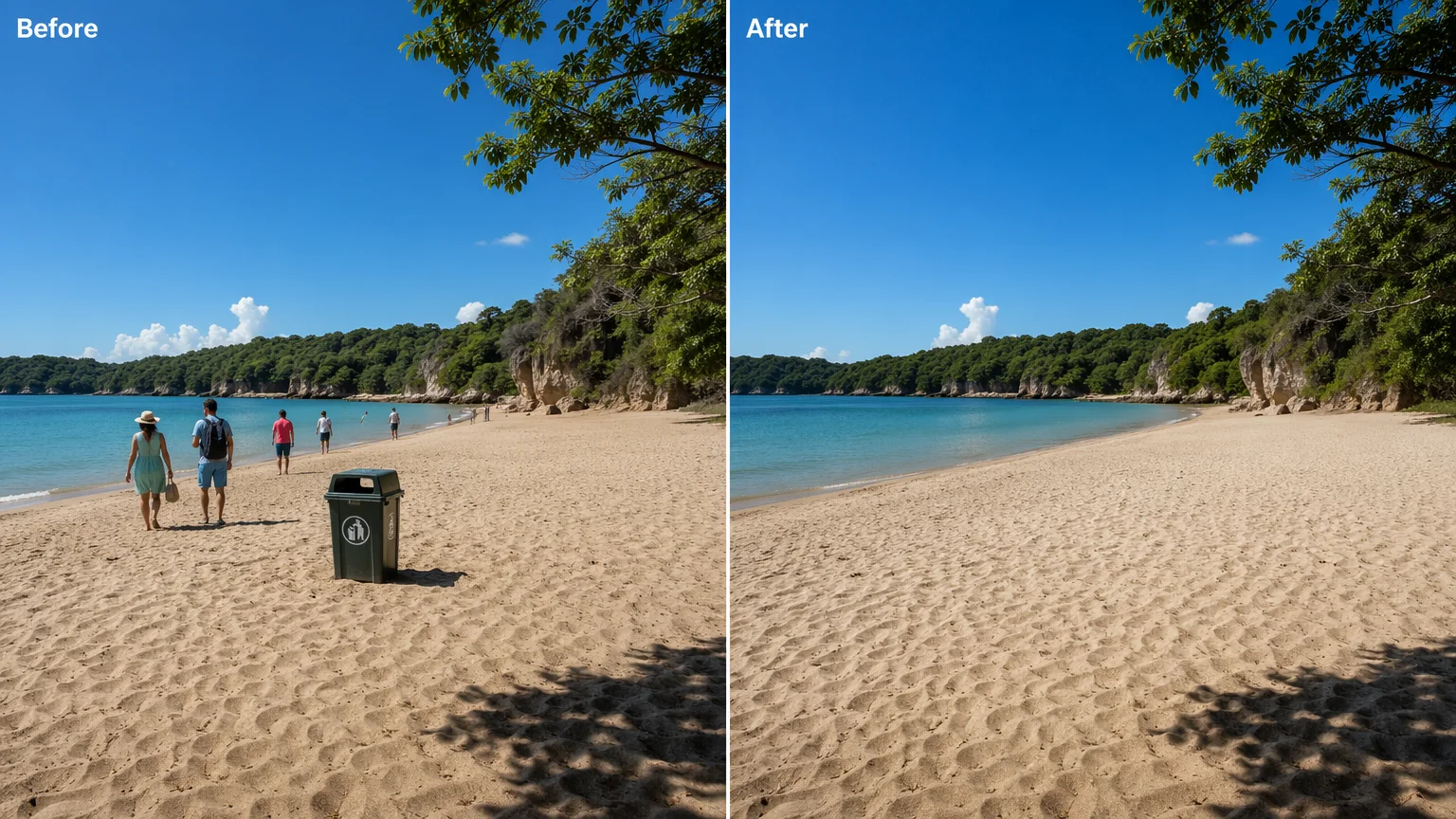
Erase an unwanted object, person, or distraction — and fill the gap from the scene around it.
Upload the photo to Renoise Canvas, pick Nano Banana Pro, mask the object you want gone, and prompt "remove this and fill from the surrounding scene", then export. This is generative inpaint — the model re-renders the masked area from context to fill it, rather than a pixel-perfect erase.
Removing a watermark or a mark instead? See the watermark remover guide
What an AI object remove looks like in Renoise.
Photobombers, stray objects, signs, and clutter — mask them and they go.
The model re-renders the gap from surrounding context — not a pixel-perfect cut.
Export the cleaned image at 1K, 2K, or 4K for posts, listings, or print.
From a cluttered shot to a clean one, all in one canvas.

Drag the photo onto the Renoise Canvas upload card so the model has the full scene.
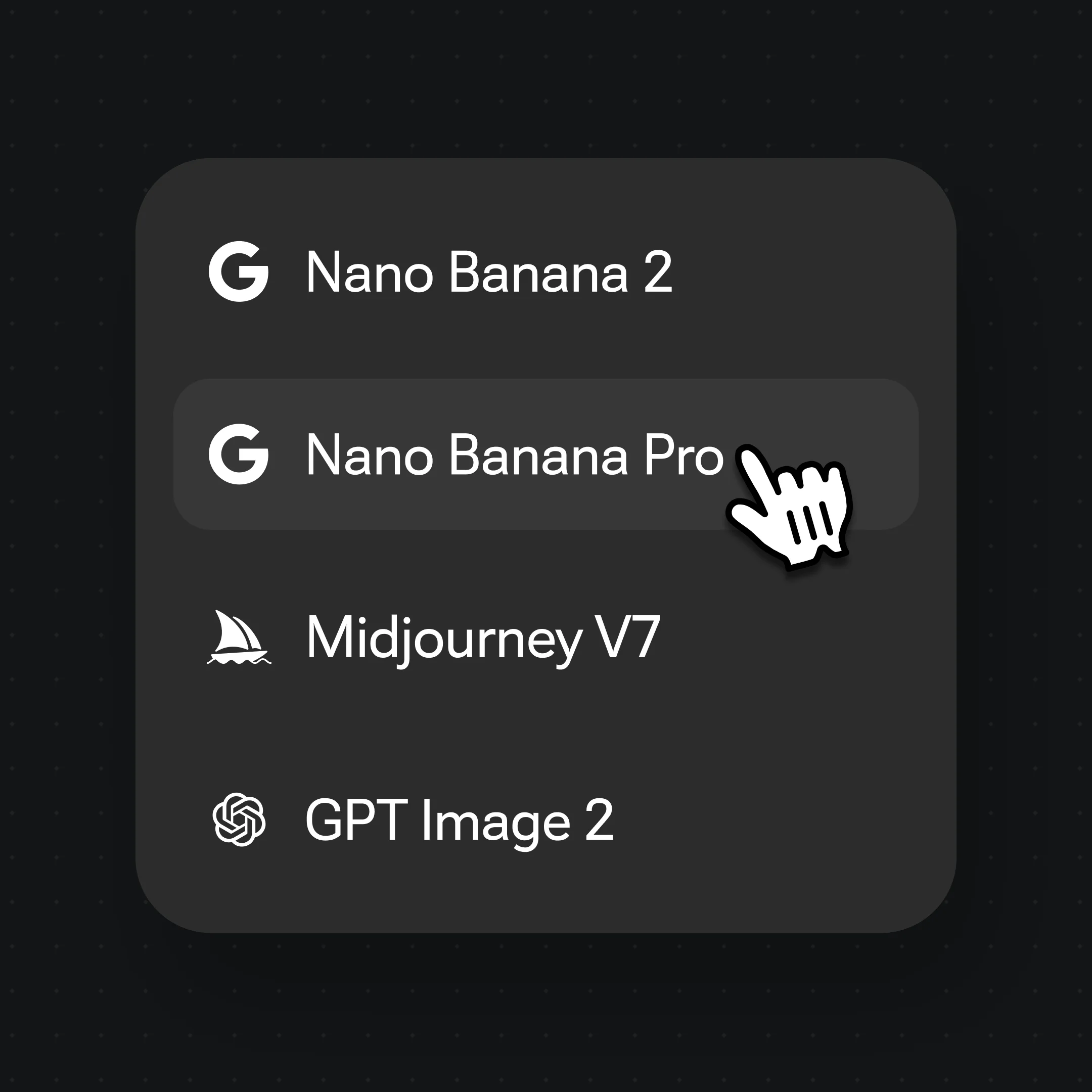
Pick Nano Banana Pro, mark the object, and prompt "remove this, fill from the surrounding scene".
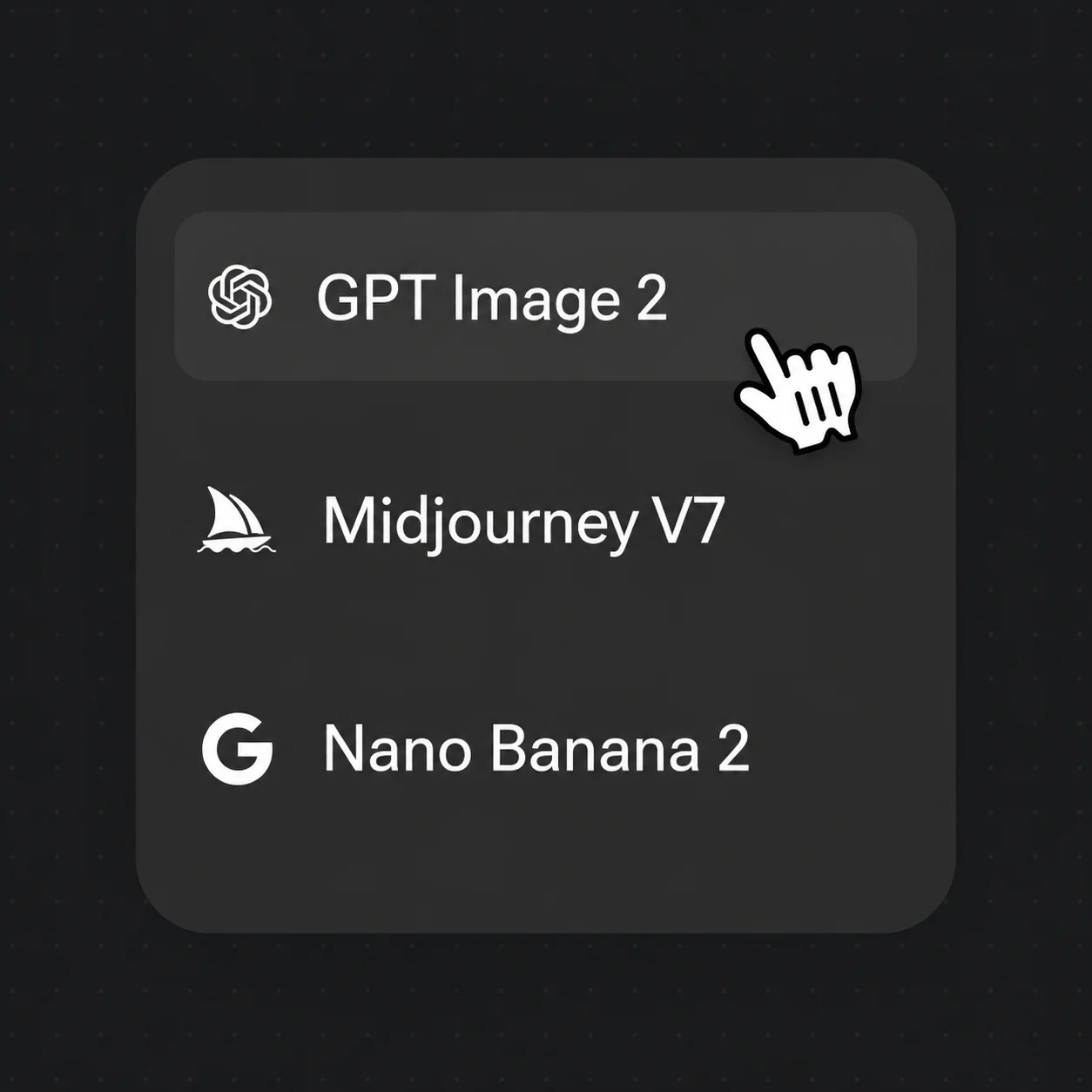
Generate, compare with the original, then export the cleaned image at up to 4K.
Generative inpaint cleans the frame — the model re-renders the masked area to match the scene around it.
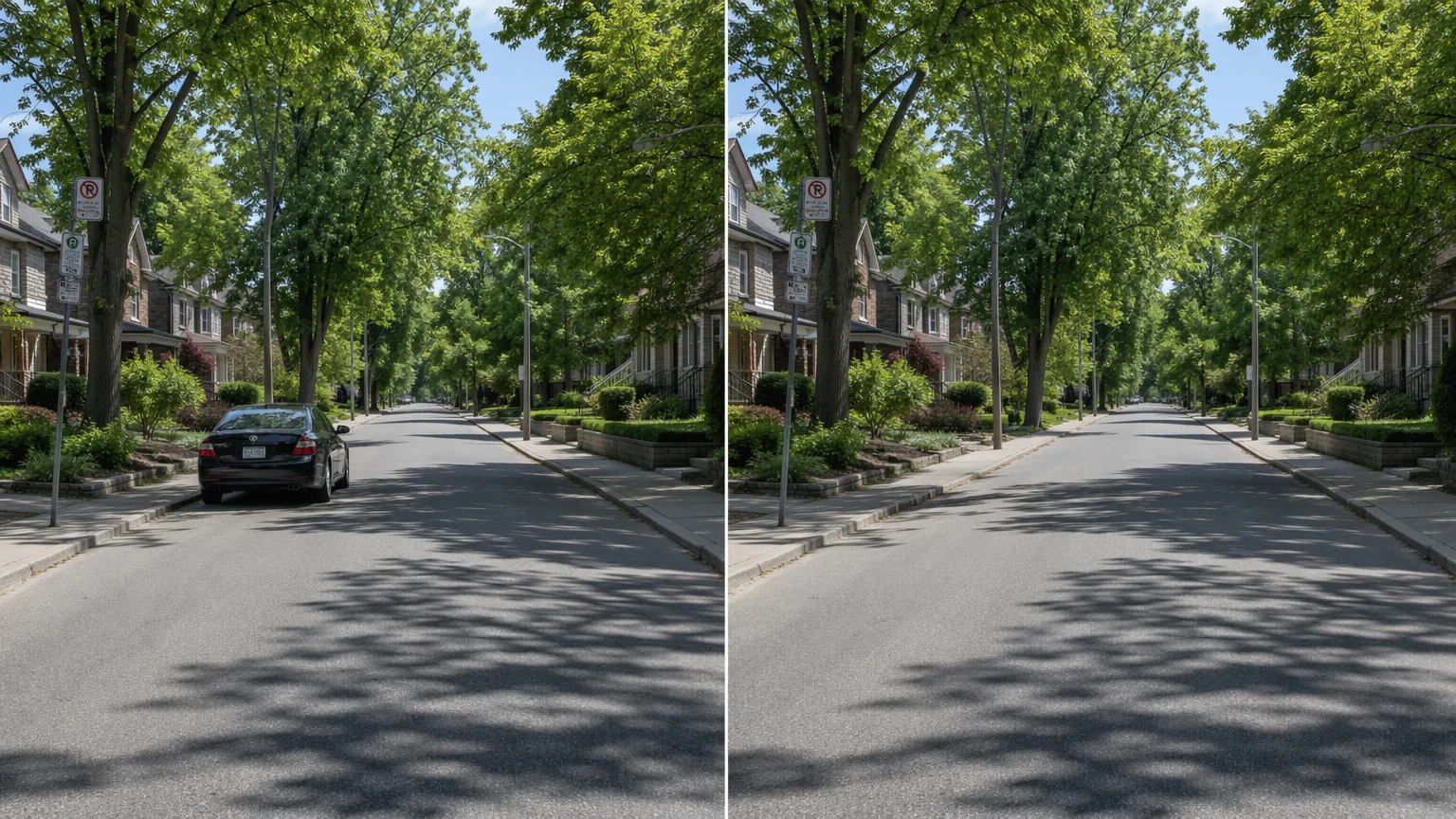
Mask a parked car and rebuild the empty road behind it.
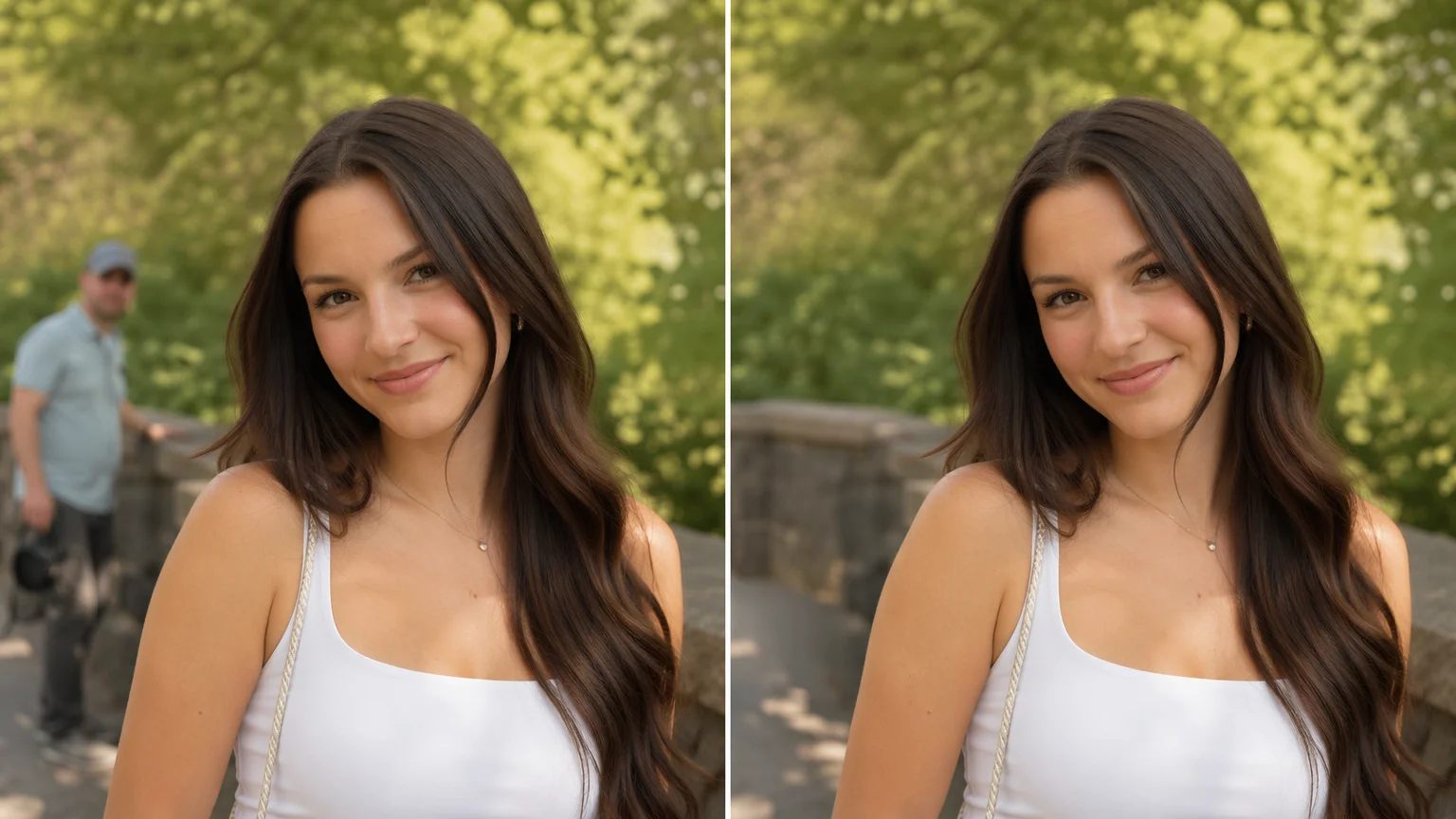
Mask a stray person and fill the gap from the surrounding scene.
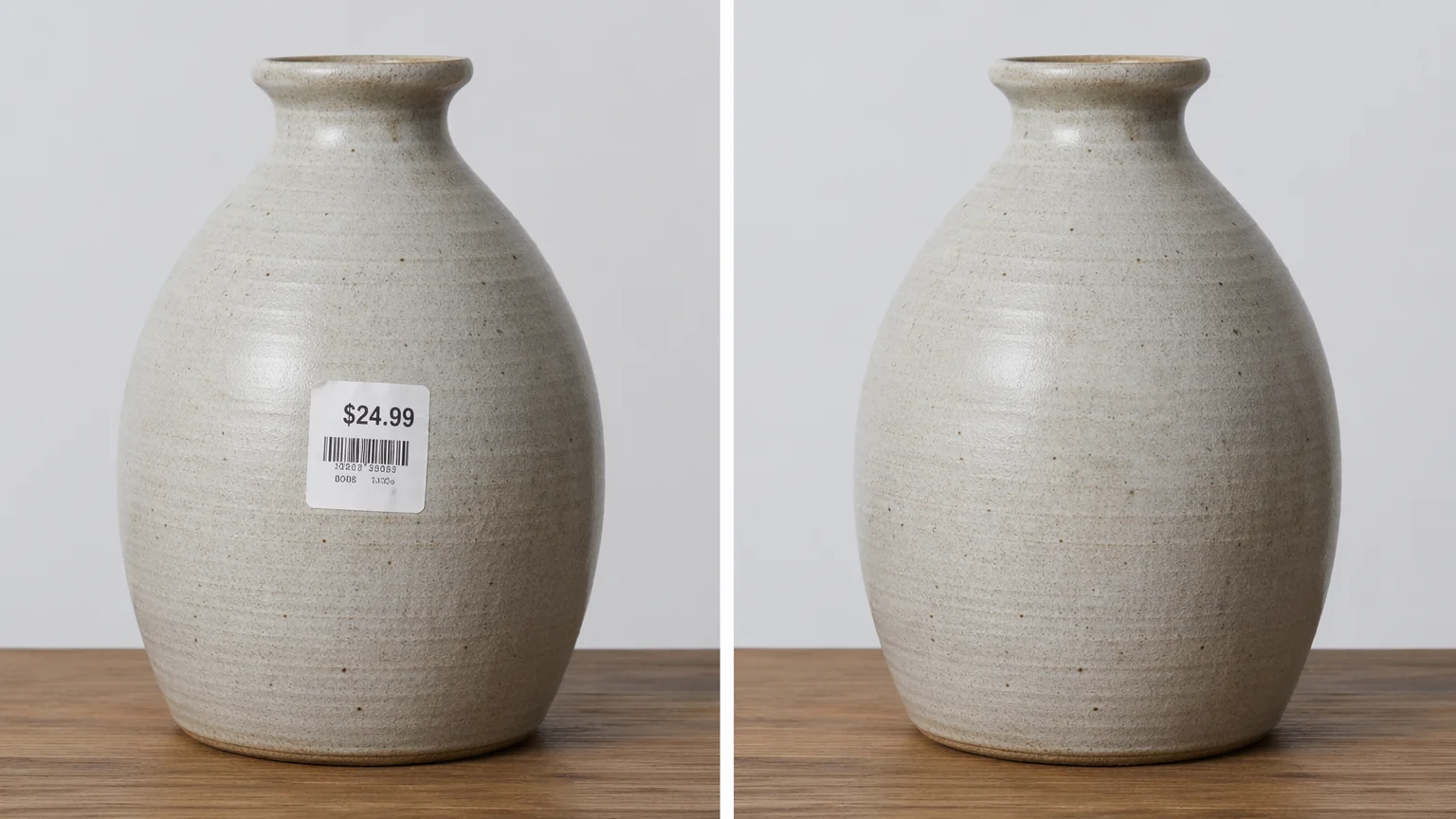
Remove price stickers and tags from a product photo.
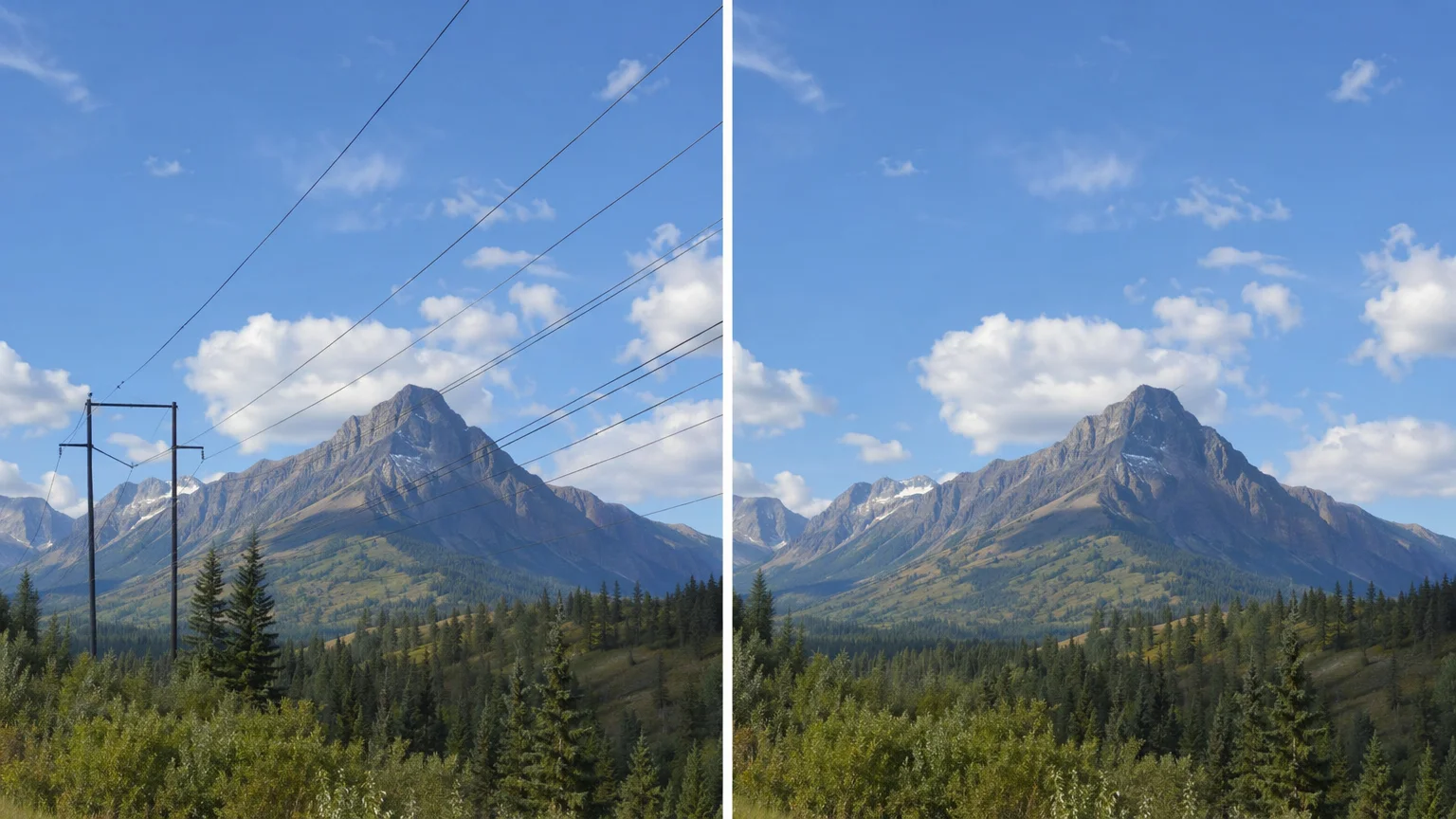
Clean power lines and cables out of a landscape.
Both live in the same Renoise canvas — pick by what the fill needs. Nano Banana Pro for photoreal skin, surfaces, and lighting; GPT Image 2 when the gap sits in detail-heavy areas you want precise control over.
| For inpaint / fill | Nano Banana Pro (Recommended) | GPT Image 2 |
|---|---|---|
| Best for | Photoreal surfaces and skin | Precise, detail-heavy fills |
| Context match | Best | Good |
| Reference images | Image-to-image | Up to 16 |
| Up to 4K export | ✓ | ✓ |
| Same canvas | ✓ | ✓ |
A classic "magic eraser" promises a clean cut: mask the object, and it vanishes as if it was never there. In practice, removing something leaves a hole, and that hole has to be filled with something believable — the wall, floor, sky, or skin that the object was covering. The quality of an object remover is really the quality of that fill.
Renoise has no dedicated eraser tool. It does this job with generative inpaint on Nano Banana Pro or GPT Image 2: you mask the object, and the model re-renders the masked region, rebuilding it from the surrounding context. That is the honest framing — it is generative fill, not a pixel-perfect erase. The upside is that a good model reconstructs texture, edges, and lighting convincingly, so a photobomber or stray sign disappears into a plausible background. The trade-off is that the fill is an interpretation: against repeating patterns or fine detail, the model may invent something slightly different from what was actually behind the object.
In Renoise the workflow is one canvas. Upload the photo, mask the object, prompt "remove this, fill naturally from the surrounding scene", and generate. Use Nano Banana Pro for photoreal scenes and skin; switch to GPT Image 2 when the gap sits in a detail-heavy area you want tighter control over. Always compare against the original before you ship.
Object removal leans on a few things — Renoise gives you Nano Banana Pro, GPT Image 2, and other image models in one canvas.
Re-renders photoreal surfaces, skin, and lighting so the filled area blends in.
Tight instruction following for detail-heavy fills; fuses up to 16 reference images.
Export the cleaned image at 1K, 2K, or 4K — watermark-free on paid plans.
Stay on the same canvas to restyle, upscale, or animate the cleaned image into a video.
One plan unlocks Nano Banana Pro, GPT Image 2, and every other image model.
Mask what you want gone and let AI fill the gap — watermark-free exports on paid plans.
You mask the object you want gone, and an image model re-renders the masked region, rebuilding it from the surrounding scene. In Renoise this runs on Nano Banana Pro or GPT Image 2 — it is generative fill, so the gap is reconstructed from context rather than cut out pixel-for-pixel.
No. Renoise removes objects by generative inpaint, not a pixel-perfect cut. The model rebuilds the masked area from context, so against repeating patterns or fine detail it may invent something slightly different. Compare against the original at full size before you use it.
Yes. Mask the person and prompt "remove this, fill naturally from the surrounding scene". The model re-renders the background where they were. Edit only photos you own or are licensed to edit, and respect anyone pictured.
Photobombers, stray objects, signs, clutter, tags, stands, and reflections — anything you can mask. The cleaner and more uniform the area behind the object, the more convincing the fill.
Nano Banana Pro for most photos — it re-renders photoreal surfaces, skin, and lighting so the fill blends in. Switch to GPT Image 2 when the gap sits in a detail-heavy area you want tighter control over. Both live in the same canvas.
Yes. The cleaned image stays on the Canvas, so you can restyle it, upscale it, or animate it into a video with another model — no re-upload, no switching tools.
Up to 4K for images. Choose 1K for web, 2K for most uses, or 4K for print and large display. Exports are watermark-free on paid plans.
