Up to 4K
Generates 2K, 3K and 4K images — a flat 5 credits per image, no per-resolution price step.
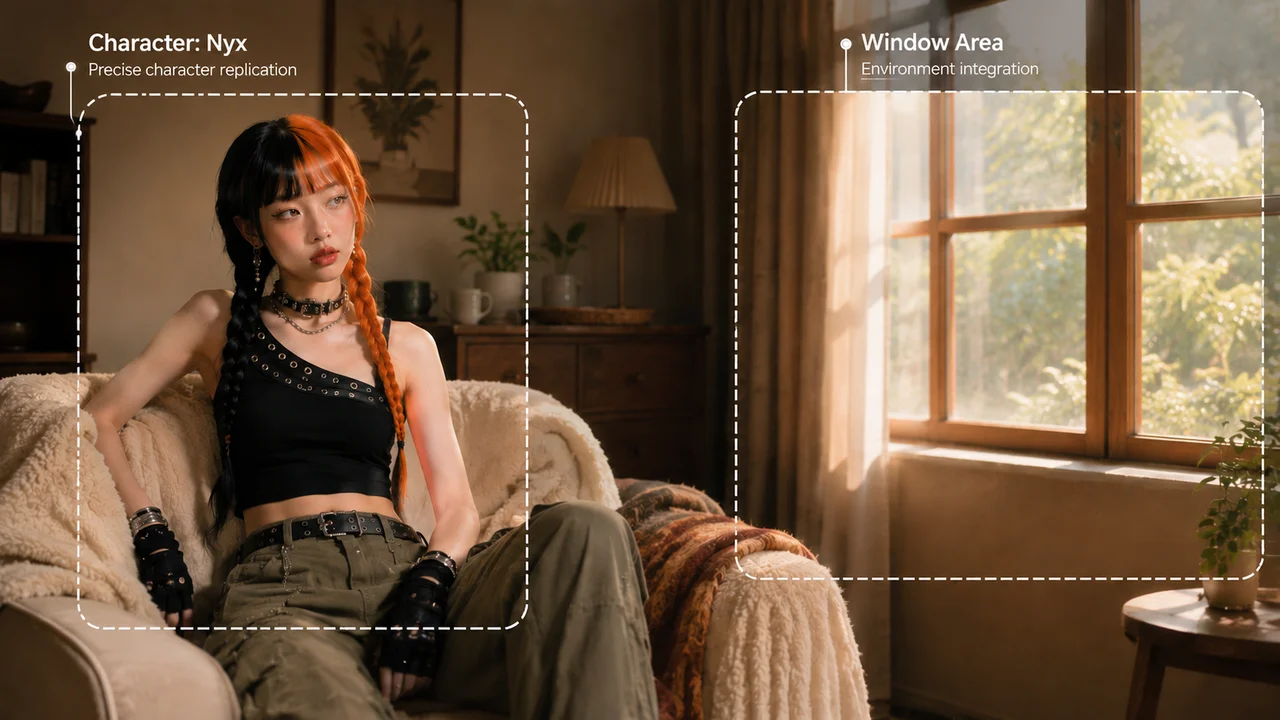
ByteDance’s Seedream 5.0 Lite image model — 4K output and up to 14 reference images, on the Renoise Canvas.
Seedream 5.0 Lite is ByteDance’s (BytePlus) image generation model, integrated in Renoise since June 2026. It outputs 2K, 3K and 4K images at a flat rate and accepts up to 14 reference images in a single generation — strong for keeping a subject, product or style consistent across a set. In Renoise it runs on the Canvas next to Nano Banana Pro, GPT Image 2, Midjourney and the other image models.
Comparing platforms instead? Renoise vs Seedream
ByteDance’s Seedream image model, on the Renoise Canvas.
Generates 2K, 3K and 4K images — a flat 5 credits per image, no per-resolution price step.
Feed up to 14 reference images in one generation to hold a subject, product or style consistent.
Generate from a prompt or restyle and edit from your own reference images.
Switch between Seedream, Nano Banana Pro, GPT Image 2 and Midjourney without leaving the page.
Three steps from a prompt to a 4K image.

Write a prompt, or drop up to 14 reference images to lock a subject, product or style.
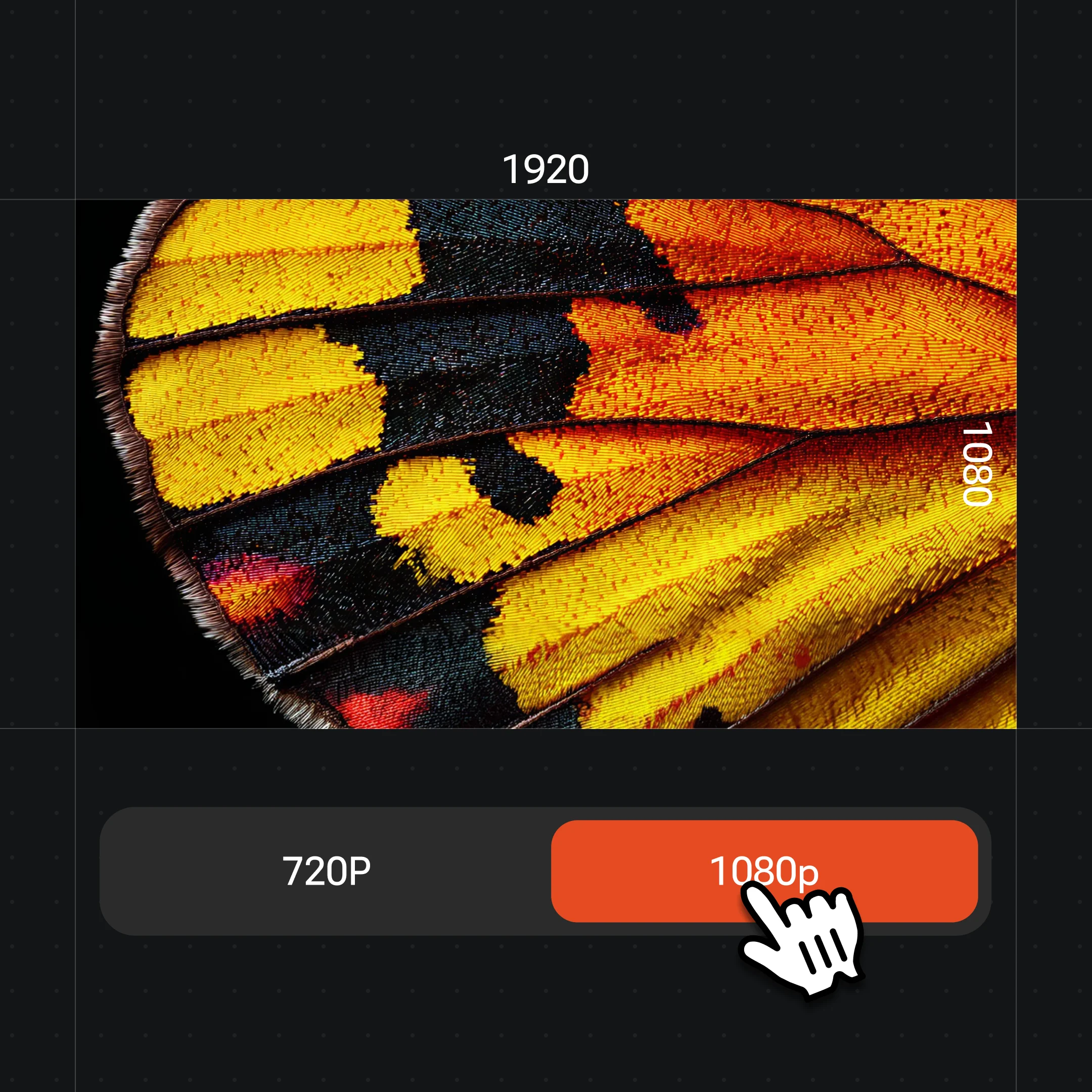
Select Seedream 5.0 Lite in the model menu and choose 2K, 3K or 4K output.
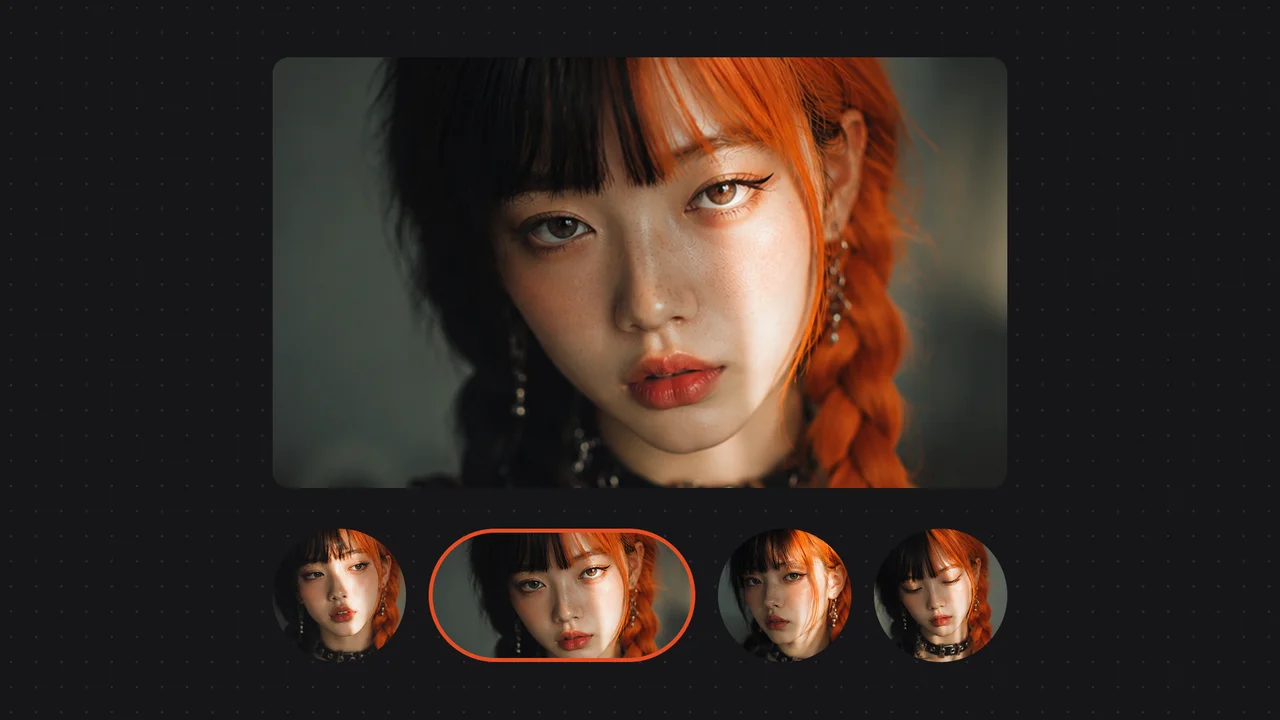
Generate, then keep iterating on the same Canvas or switch models for the next shot.
A few of the things the image models on the Renoise Canvas can produce.
Natural light, texture and detail from a single prompt.
Reference images keep a subject or product consistent across a batch.
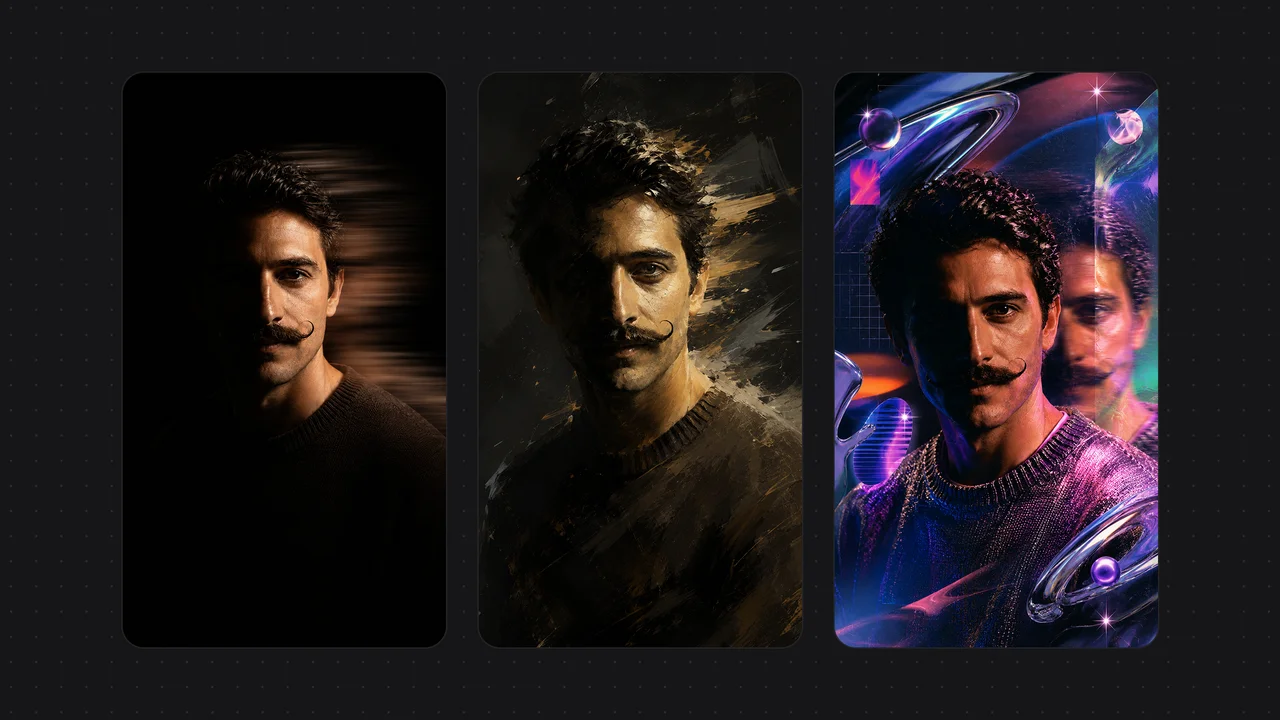
One subject rendered across multiple art styles for campaigns and moodboards.
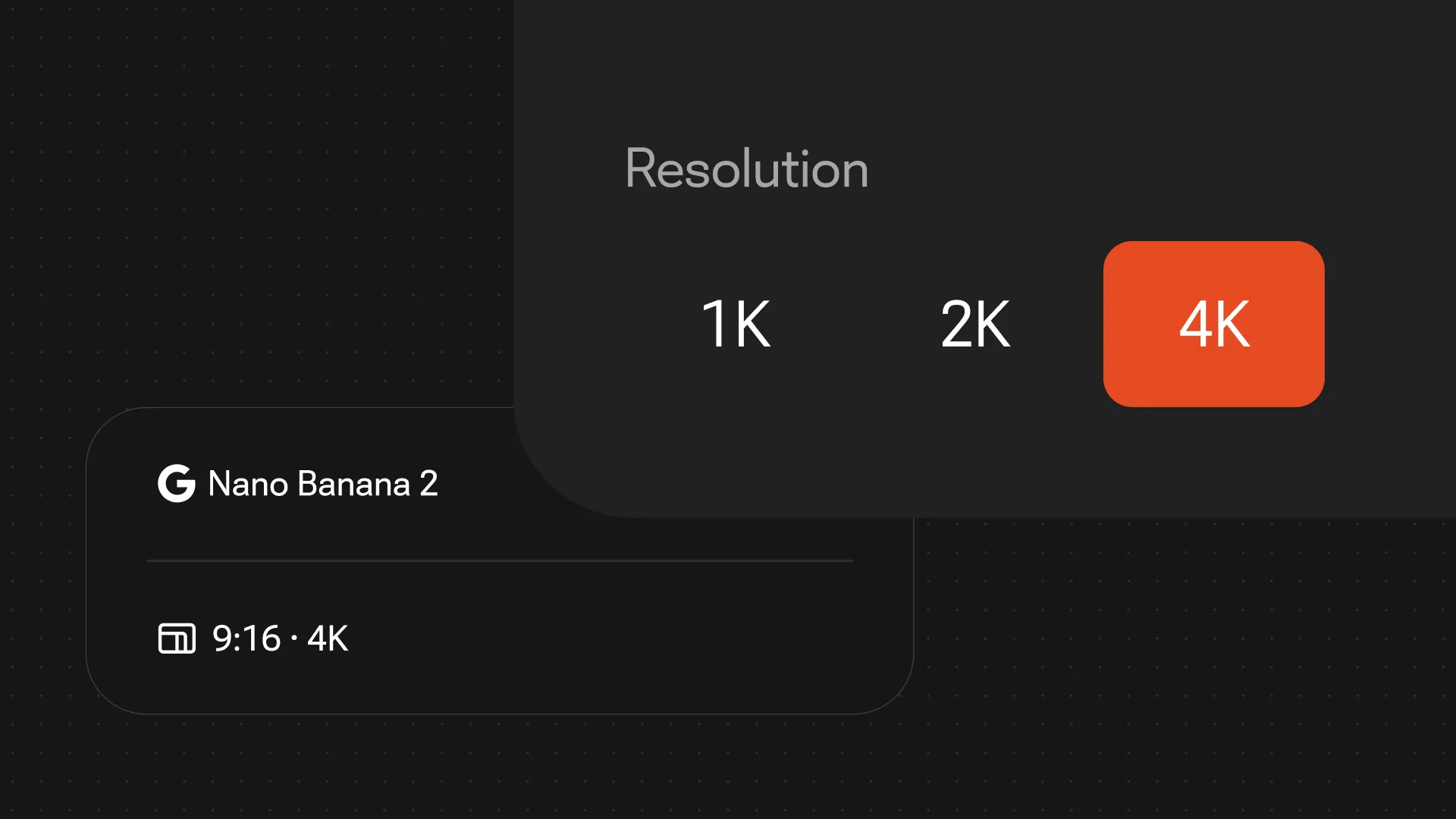
Output up to 4K for print, hero shots and large-format use.
One plan unlocks Seedream 5.0 Lite, GPT Image 2, Nano Banana Pro and every other model.
ByteDance’s Seedream image model — on the Canvas with every other model.
Yes. Renoise integrated Seedream 5.0 Lite (by ByteDance) in June 2026. Choose it in the image model selector on the Canvas and generate, alongside Nano Banana Pro, GPT Image 2 and Midjourney.
Seedream 5.0 Lite outputs 2K, 3K and 4K images at a flat rate (5 credits per image, no per-resolution step). For other resolutions or styles, switch to another image model on the same Canvas.
Up to 14 reference images in a single generation — useful for keeping a subject, product or style consistent across a set of images.
No. Seedream is ByteDance’s image model; Seedance is ByteDance’s video model. Renoise integrates both — Seedream 5.0 Lite for images and Seedance 2.0 for video — on the same Canvas.
Seedream is developed by ByteDance (BytePlus). Renoise integrates Seedream 5.0 Lite alongside Nano Banana 2 / Pro, GPT Image 2, Midjourney and Grok Imagine Image — Renoise does not train image models itself.