Keep Seedream 5.0
Use Lite or Pro without limiting the project to one model family.
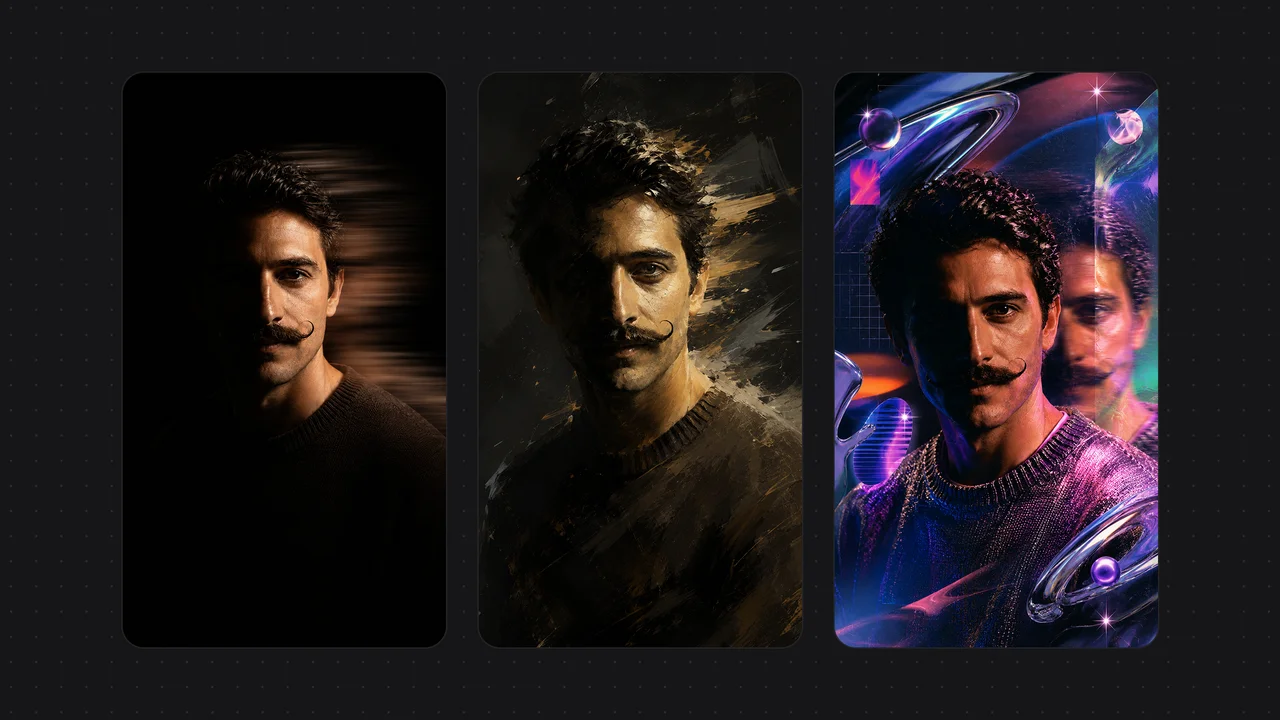
Seedream's Lite and Pro models run natively through ByteDance or inside Renoise's shared 20-model Canvas.
Keep Seedream image generation, then connect selected stills to a broader visual workflow.
Use Lite or Pro without limiting the project to one model family.
Seedream 5.0 Lite accepts up to 14 references for controlled compositions.
Send selected stills into Seedance, Kling, or another video model.
Keep prompts, references, and generated variations together on Canvas.
Verified against renoise.ai and volcengine.com on August 25, 2026.
Official sources checked August 25, 2026.
| Comparison point | Renoise (Recommended) | Seedream |
|---|---|---|
| API billing | 20 credits for a follow · Starter $20/mo · 1,200 credits | Volcengine Ark pay-as-you-go API |
| Image cost | Lite/Pro · $0.05/$0.06 per image | Lite ¥0.22 · Pro ¥0.30 per image |
| Model family | 20 models · Canvas · Agent · API · plugins | First-party Seedream image API |
| Best for | One balance across multiple models | Direct Ark API and first-party parameters |
Keep the creative brief, then choose the Renoise model and settings that match the output you need.
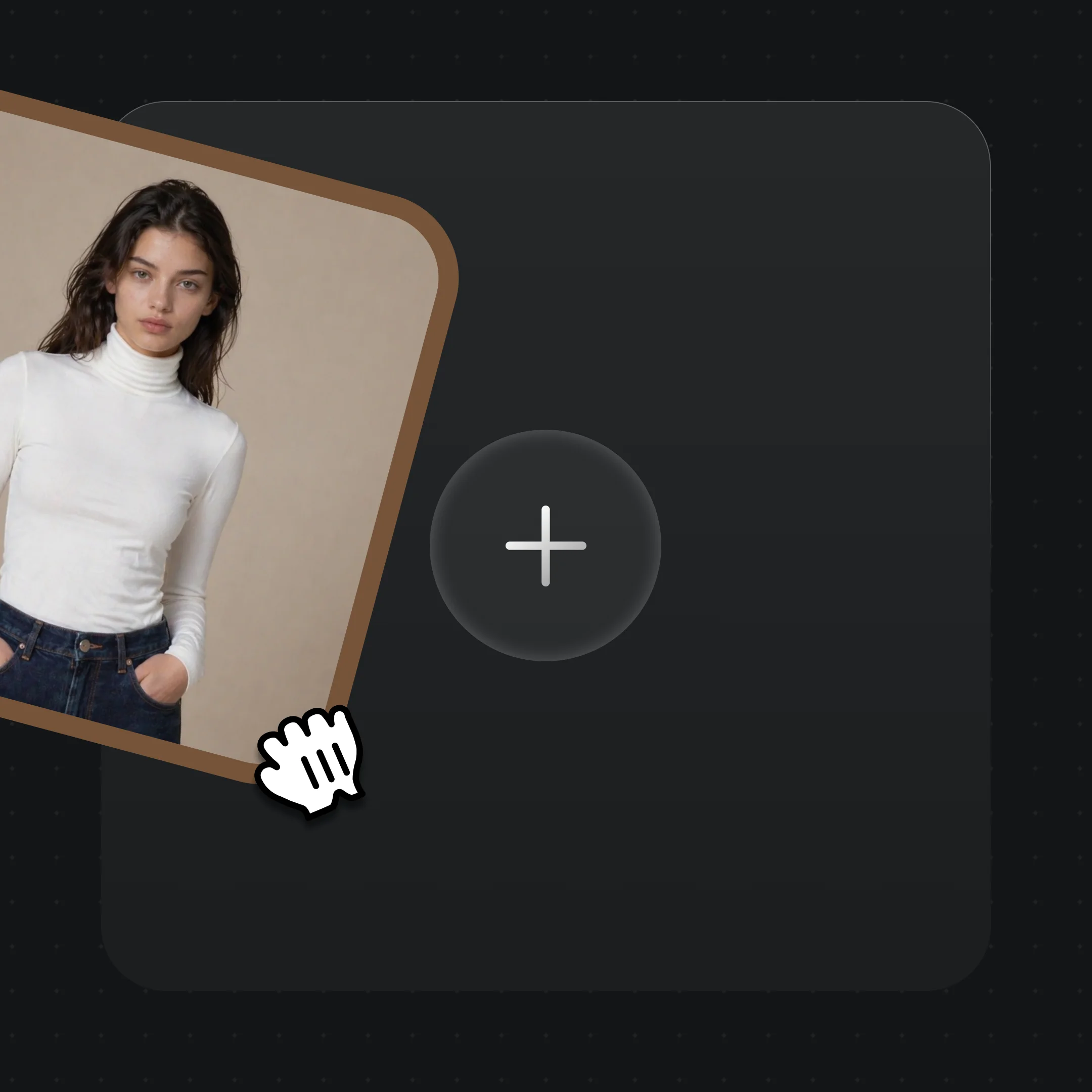
Upload the character, product, first frame, last frame, video, or audio references supported by your chosen model.
Write the shot, image, motion, framing, and audio requirements in plain language.
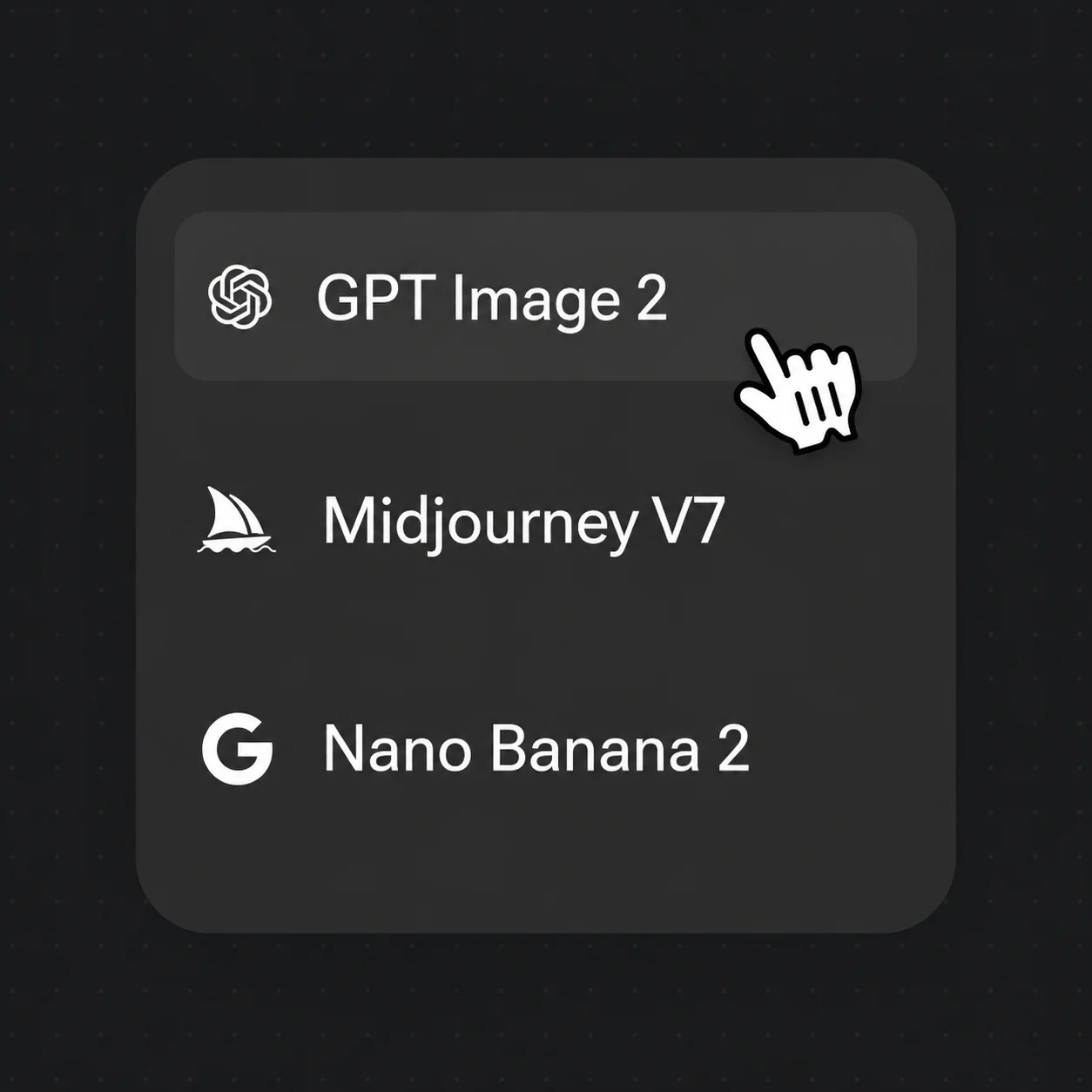
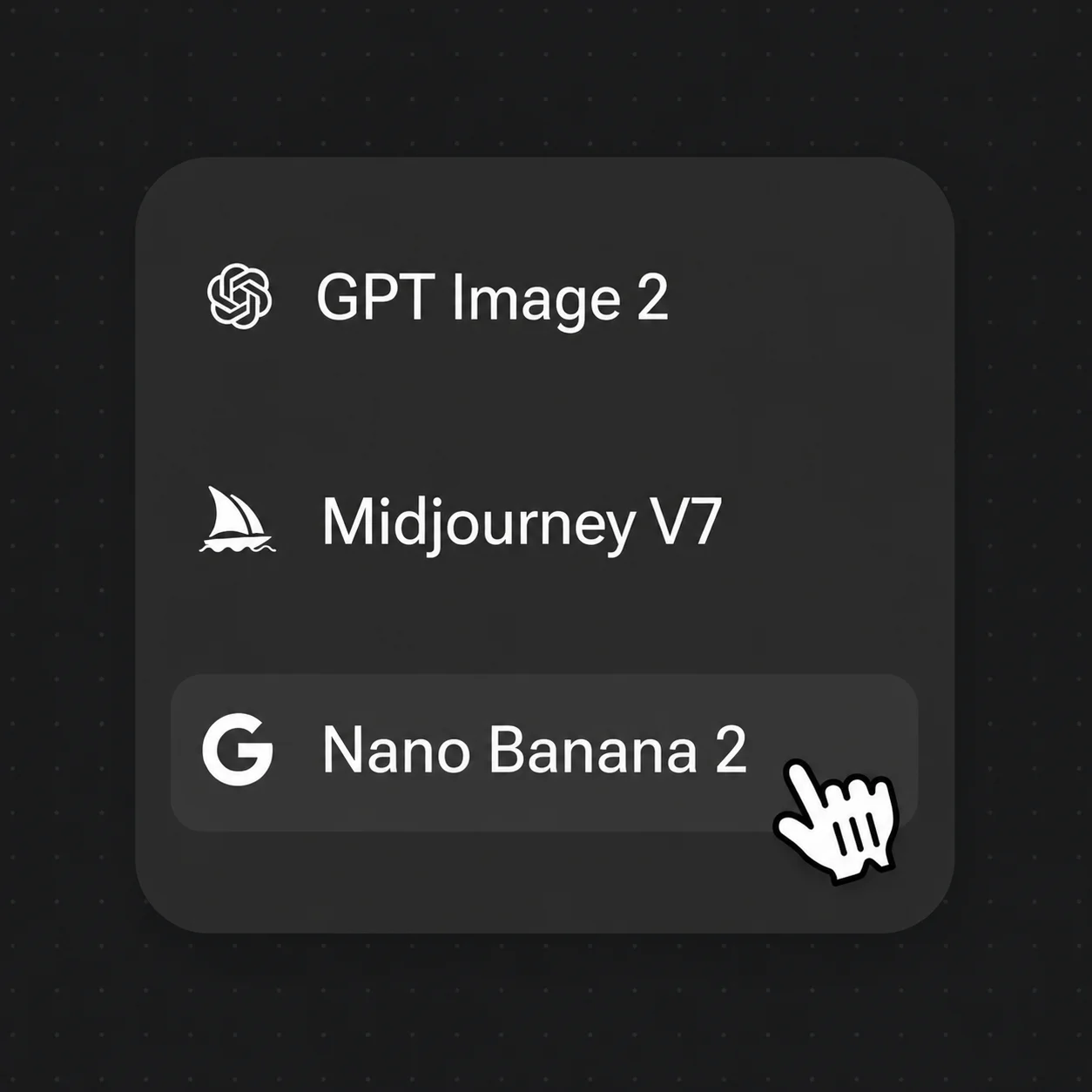
Choose a model and quality level, review the credit estimate, and then submit the generation.
Real Renoise image outputs across multiple SOTA models — one Canvas.
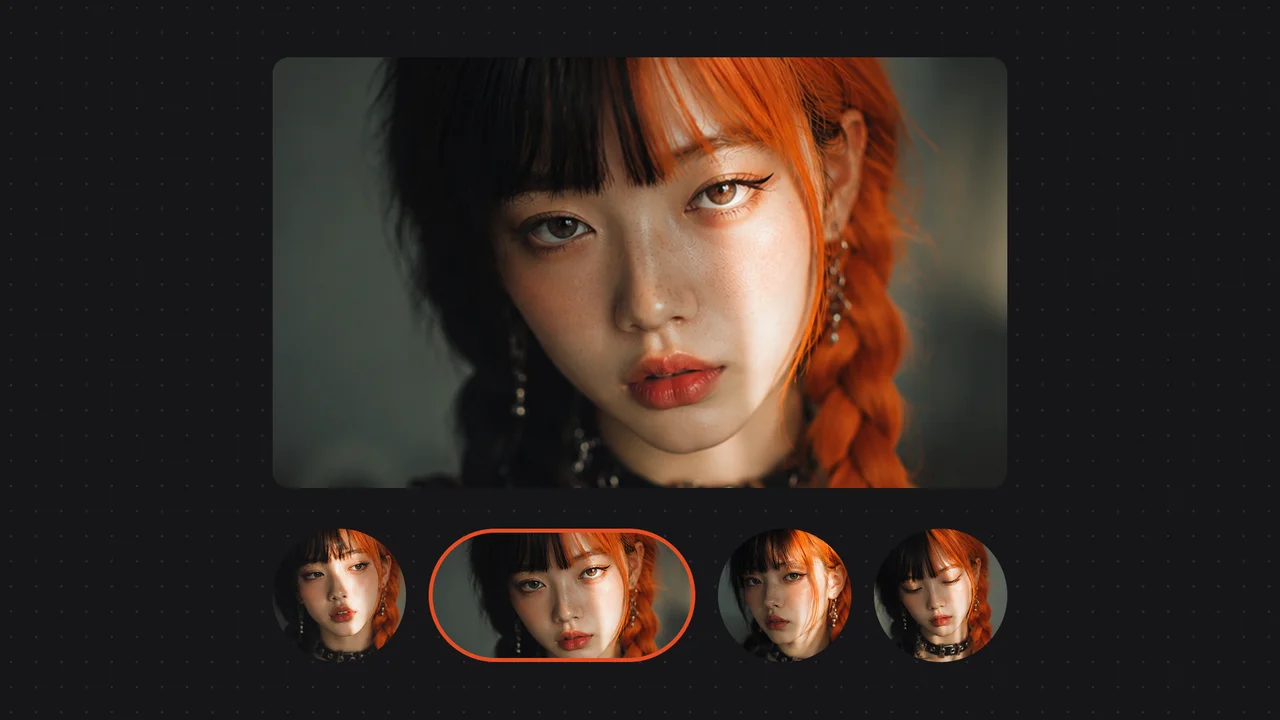
Four portrait variations from one prompt with consistent identity.

An AI poster grid with rendered text and layout.

A product photography grid with studio-style lighting.
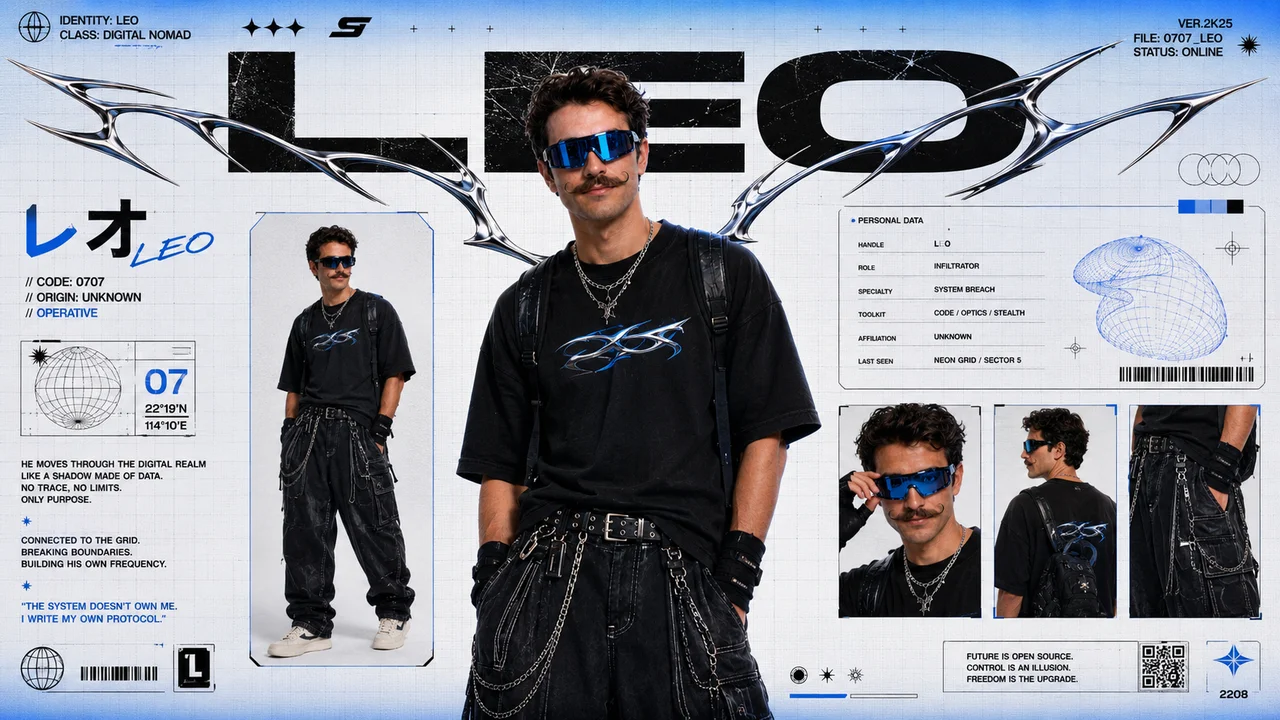
A cyberpunk character spec sheet with consistent design details.
One Renoise plan covers Seedream, video, audio, and Canvas.
For first-time AI content creators
Billed $168 annually
Upgrade PlanSave $72/year
For creators shipping content every week.
Billed $504 annually
Upgrade PlanSave $216/year
For studios and pros producing at commercial scale.
Billed $1680 annually
Upgrade PlanSave $720/year
For first-time AI content creators
Billed monthly
Upgrade PlanFor creators shipping content every week.
Billed monthly
Upgrade PlanFor studios and pros producing at commercial scale.
Billed monthly
Upgrade PlanRenews automatically each year until canceled.
Renews automatically each month until canceled.
Yes, as a workflow alternative. Seedream is ByteDance's image-model family; direct Ark access is an API service rather than a complete visual workspace. Renoise instead combines 20 curated video, image, and audio models with Canvas, Agent, API, MCP, and official Renoise agent plugins. The products are not identical.
Volcengine Ark uses pay-as-you-go API pricing rather than a consumer subscription plan. Official Ark pricing starts at ¥0.22 per image for Seedream 5.0 Lite and ¥0.30 per image for Seedream 5.0 Pro. Per-second cost is not applicable. These figures use the stated billing scope and should not be treated as a platform-wide price.
Seedream is a better fit when you want direct Seedream API access through Volcengine Ark, first-party parameters, or pay-as-you-go image generation without a multi-model workspace. Renoise is a better fit when the multi-model workspace matters more.
Renoise includes Seedream 5.0 Lite and Seedream 5.0 Pro, but not the full Seedream product, account, or subscription. Access in Renoise is billed with Renoise credits.
Yes. Seedance 2.0 standard supports native 4K at 100 credits per second. Seedance 2.5 tops out at 1080p. Renoise also offers fixed-cost Upscale Video to 4K; upscaling is not the same as native 4K generation.
Yes. Follow us on X and YouTube and 20 credits land on your account immediately — you can generate with them without subscribing.
Open the Canvas and generate with Nano Banana Pro, GPT Image 2, Midjourney V7, and more from one prompt.