Talking spokesperson
An AI avatar delivers the product pitch on camera, lip-synced to a script.
Creator-style talking-head product ads at scale — no crew, no studio.
In Renoise Canvas, generate a fictional spokesperson or clear a real face through FacePass, then animate it with Kling 3.0 Omni native lipsync and script the product pitch. Pair it with a product video clip to get a full UGC-style ad — avatar holds the talking head, product shot sells the item.
Looking for a general AI ad generator rather than creator-style talking video? See the AI ad generator guide
What AI UGC video production looks like in Renoise.
An AI avatar delivers the product pitch on camera, lip-synced to a script.
Pair the talking head with a product video clip for a complete UGC ad.
Kling 3.0 Omni syncs a spoken line to the avatar mouth — no post-processing.
FacePass clears a real likeness you own or have consent for — consent-first, whitelist.
From a Canvas prompt to a TikTok-ready talking-head product ad.

Describe a fictional spokesperson in Canvas, or upload a FacePass-cleared real face. Generate the portrait first.
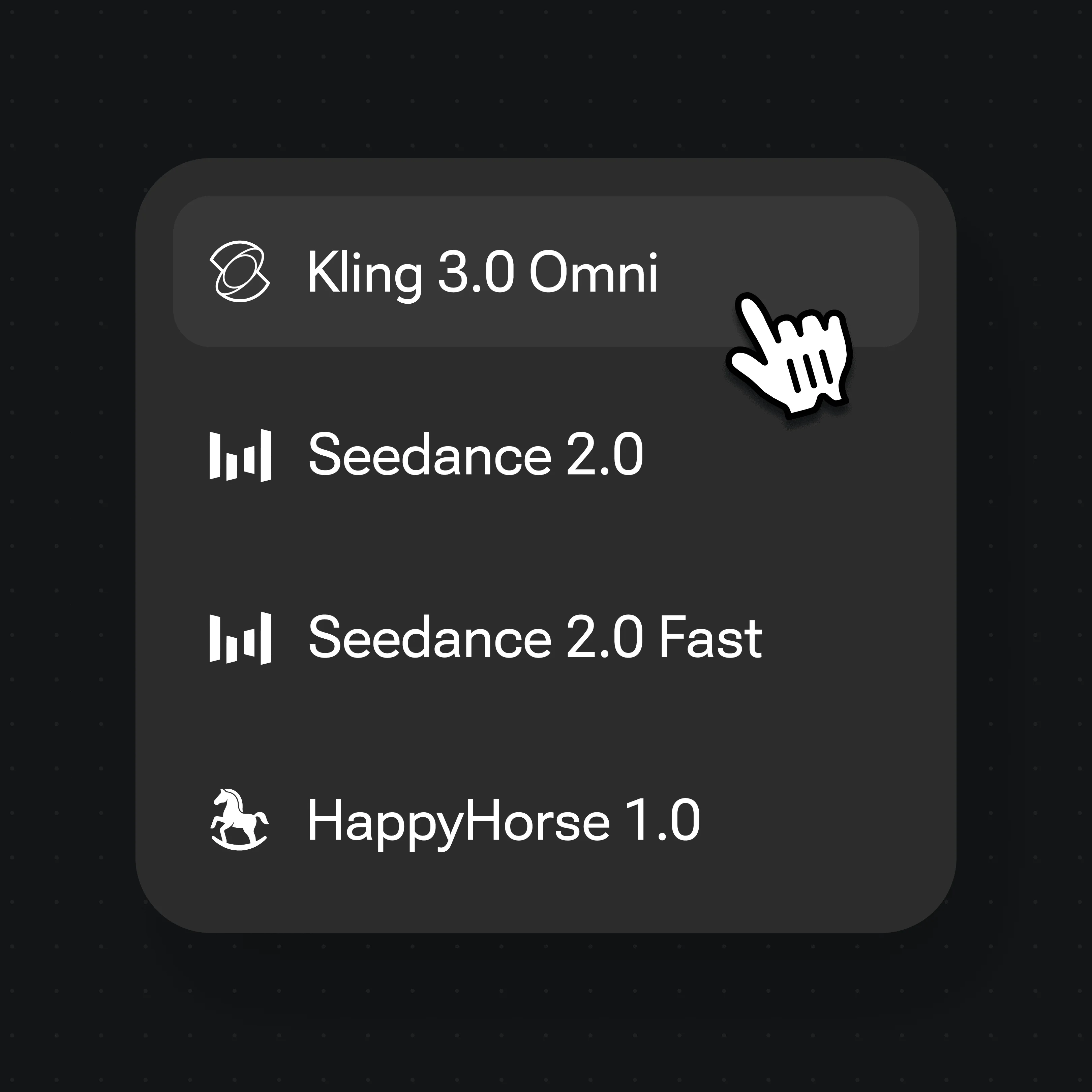
Select Kling 3.0 Omni and type the spokesperson line. Native lipsync handles mouth movement.
Generated video clips can be edited and trimmed directly in Renoise.
Creator-style clips generated in Renoise — talking-head avatar + product footage for TikTok, Reels, and ecommerce pages.
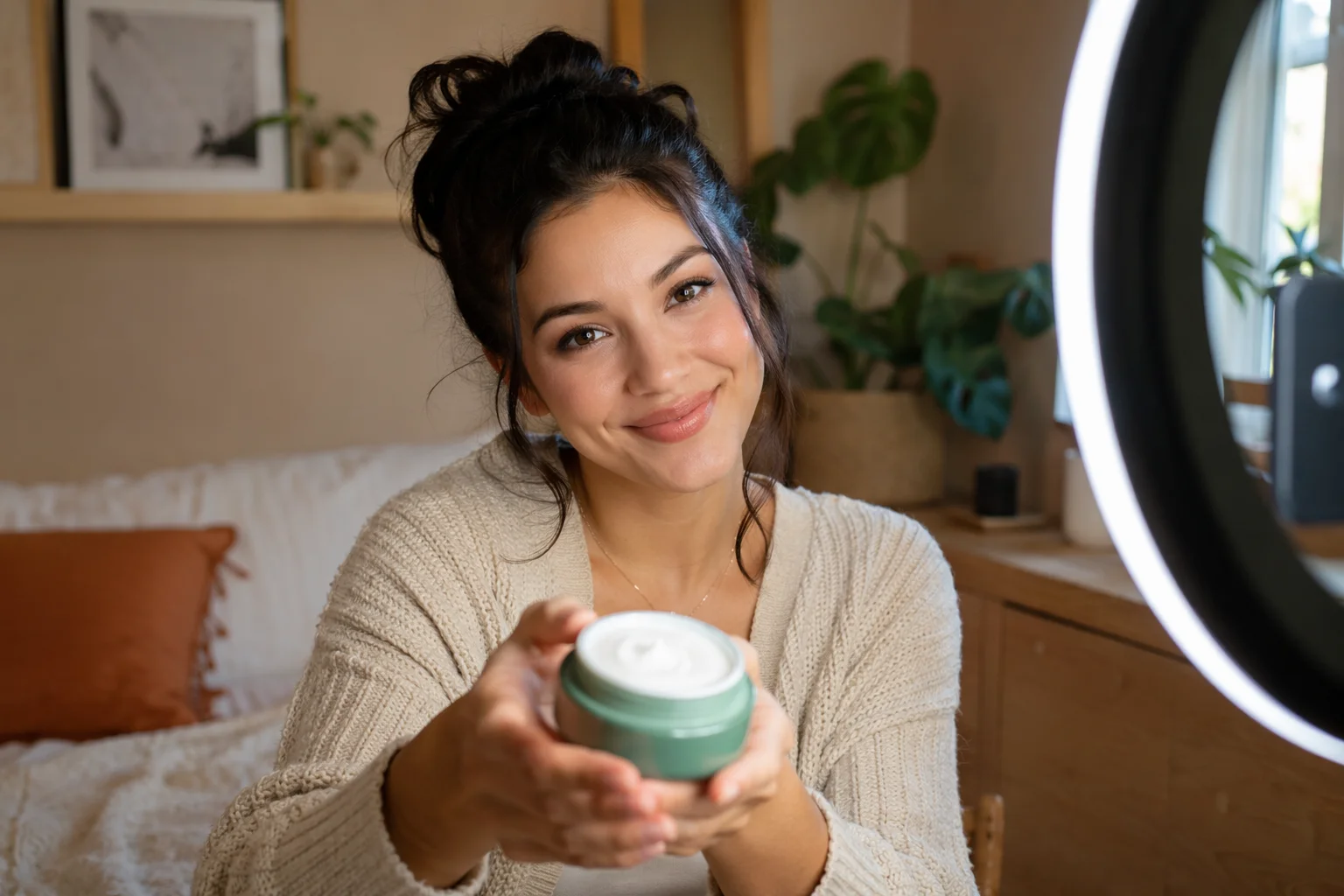
Fictional presenter reacts to a product live on camera.
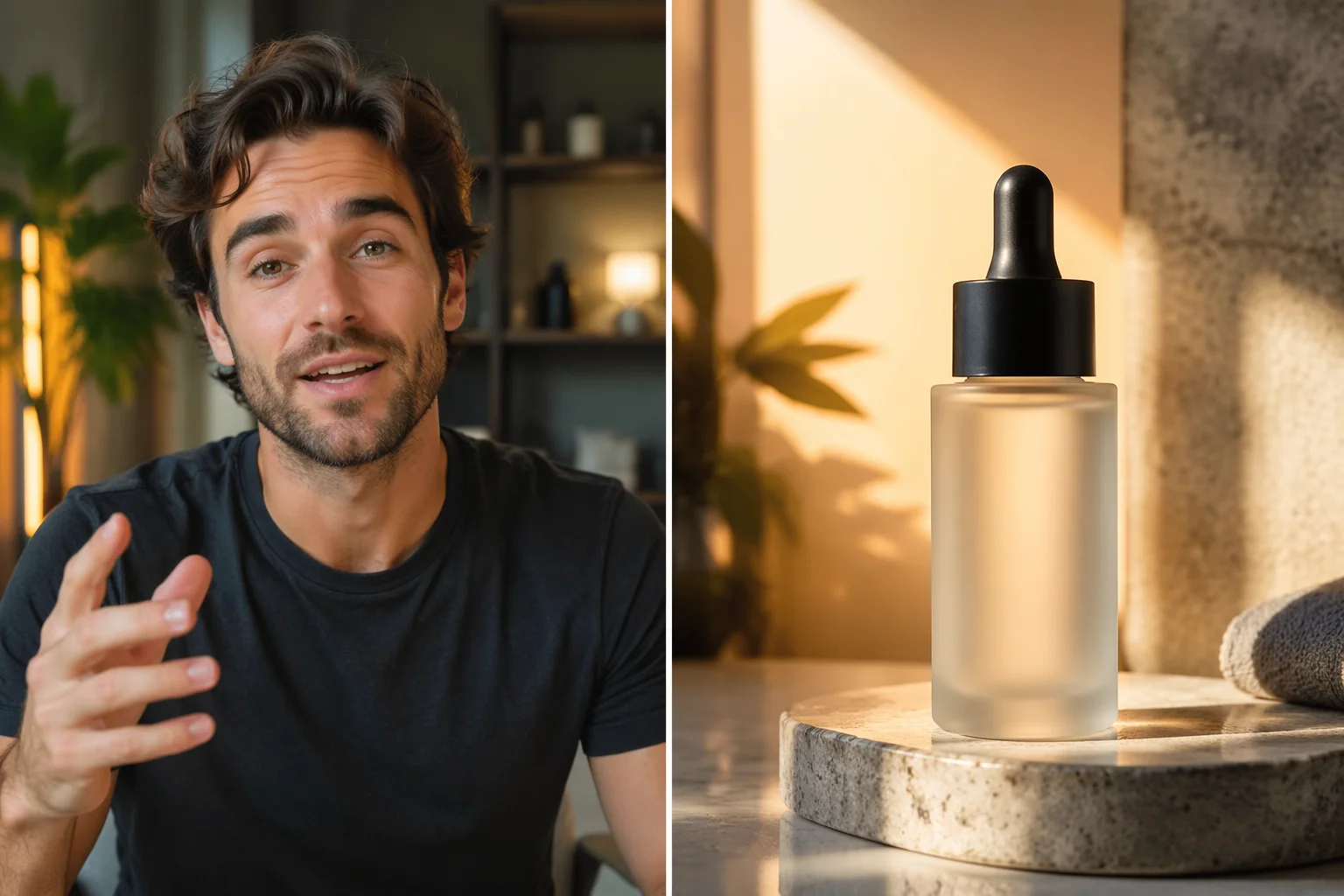
Spokesperson talks over a product demo shot for social ads.

A scripted pitch delivered by an AI avatar with native lipsync.
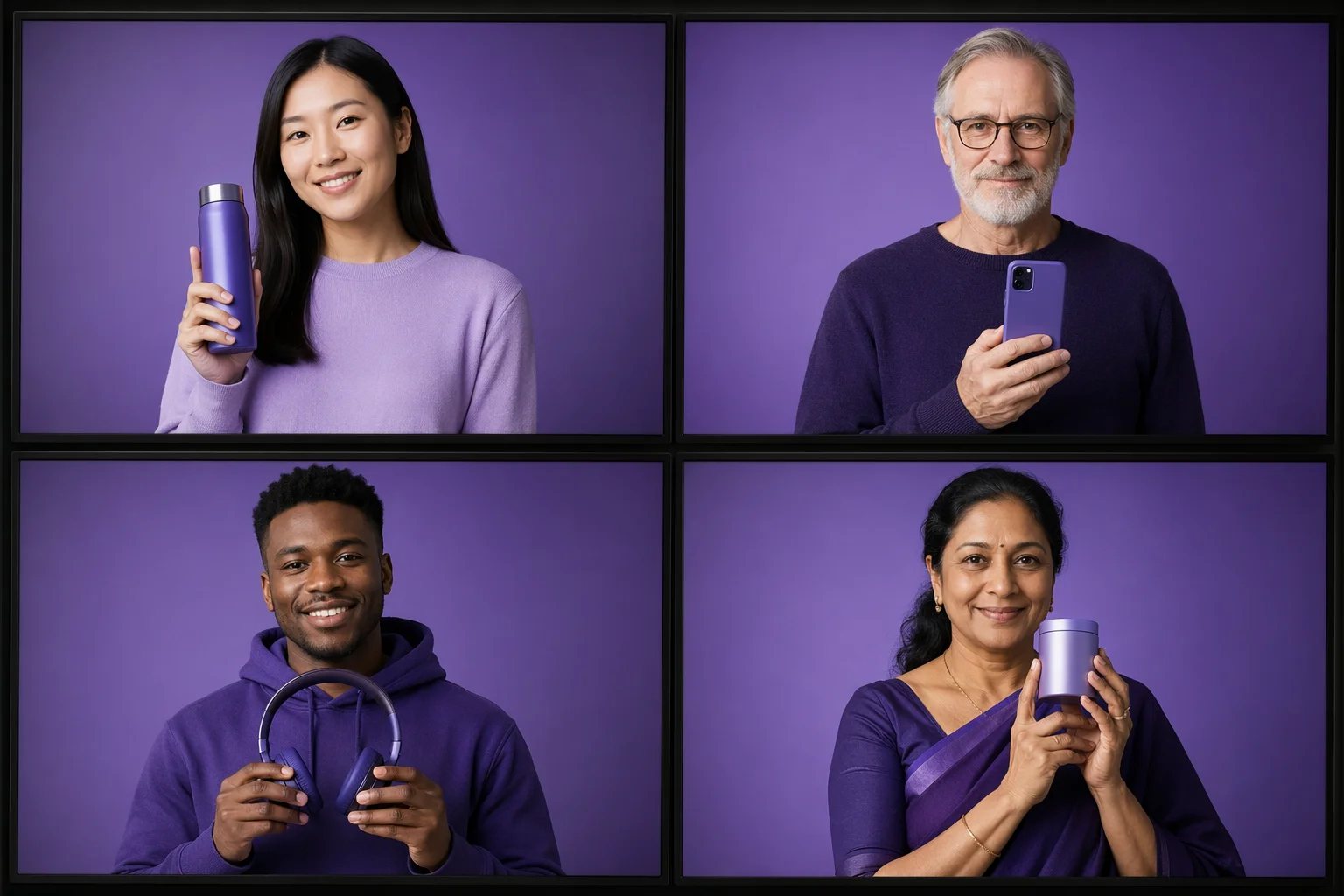
Swap spokespersons per market — different faces, same brand message.
Both run in the same Renoise Canvas. Kling 3.0 Omni for a talking spokesperson with native lipsync; Seedance 2.0 for broader product motion and audio-native output.
| For UGC video ads | Kling 3.0 Omni (Recommended) | Seedance 2.0 |
|---|---|---|
| Best for | Talking head, scripted lipsync | Product motion, audio-native |
| Native lipsync | ✓ | — |
| Multi-subject consistency | ✓ | Good |
| FacePass support | ✓ | ✓ |
| Clip length | 3–15s (≤10s with ref video) | 4–15s |
| Resolution | 720p / 1080p | 720p / 1080p |
UGC-style creative — a real person reviewing a product on camera — consistently outperforms polished brand ads in click-through on TikTok and Meta. The problem is that sourcing real creators takes time, adds contract complexity, and does not scale to 20 SKUs or 8 markets. AI fills that gap by letting you generate a spokesperson from scratch, script the line, and animate it with native lipsync, all within a single canvas.
The key distinction in Renoise is fictional vs real faces. A fully generated, fictional spokesperson has no likeness owner, so no clearance is needed — you own the creation. A real person's face is a likeness that belongs to them, so you need their written consent and must clear it through FacePass before it can appear in a generated video. FacePass is a consent-first whitelist: you submit the face, it goes through review, and only after approval does that likeness unlock for video generation. The review is not guaranteed to pass, and it does not apply to public figures or celebrities under any circumstances.
Once you have a cleared avatar, pair it with the product video feature to give the spokesperson something to talk about. Kling 3.0 Omni handles the lip-sync so the mouth tracks the script line; Seedance 2.0 handles broader motion and audio-native generation when the shot calls for more than a talking head. Generated video clips can be edited and trimmed directly in Renoise.
UGC video ads draw on several Renoise features — all in one Canvas.
Native lipsync on a talking spokesperson, scripted per ad.
Generate product footage to pair with the spokesperson clip.
Consent-first whitelist clearance for real-face UGC. Fictional faces need none.
Edit and trim generated avatar and product clips directly in Renoise.
One plan covers Kling 3.0 Omni, Seedance 2.0, and direct video editing and trimming.
For first-time AI content creators
Billed $168 annually
Upgrade PlanSave $72/year
For creators shipping content every week.
Billed $504 annually
Upgrade PlanSave $216/year
For studios and pros producing at commercial scale.
Billed $1680 annually
Upgrade PlanSave $720/year
For first-time AI content creators
Billed monthly
Upgrade PlanFor creators shipping content every week.
Billed monthly
Upgrade PlanFor studios and pros producing at commercial scale.
Billed monthly
Upgrade PlanRenews automatically each year until canceled.
Renews automatically each month until canceled.
Generate a spokesperson, script the lipsync, attach a product clip — all in one Canvas.
AI UGC video replicates the creator-style talking-head ad format — a person reviewing or pitching a product on camera — using a generated AI avatar instead of a real human. In Renoise you generate a fictional spokesperson (or clear a real face through FacePass), script a line, animate it with Kling 3.0 Omni native lipsync, then edit and trim the generated clips directly.
Only if you own or have written consent for that likeness, and only after it clears the FacePass whitelist review. FacePass is consent-first: submit the face, wait for approval, then use it in generation. Public figures and celebrities are never permitted. Fictional, fully generated faces need no clearance.
The AI ad generator covers general video advertising — product demos, animated copy, motion graphics, branded footage. AI UGC video is specifically the creator-style talking-head format: a spokesperson on camera, scripted and lip-synced, combined with product footage for social ads. If you want a general ad without a talking head, the ad generator guide covers that use case.
Kling 3.0 Omni is the pick — it has native lipsync that syncs a spoken line to the avatar mouth. You input the script text and the model handles mouth movement without post-processing. For broader motion or audio-native generation without a scripted line, Seedance 2.0 is the alternative.
Yes. Generate a new fictional spokesperson per market in Canvas, keep the same product brief, and re-lipsync with the localized script. Because they are fictional characters you create, there is no consent overhead between markets.
Kling 3.0 Omni and Seedance 2.0 output at 720p or 1080p — standard social-ready resolutions for TikTok, Reels, and Meta Feed. 4K applies to image exports only, not video.