Cats on the sofa
Two costumed cats dance on a Halloween sofa, made through the Renoise MCP.
A clip for the motion, a photo for the character, 30+ models.
Renoise is a Viggle AI alternative for creators who want a character to follow a clip's motion while the outfit, scene and sound change too. Add a reference video and a photo to Seedance 2.5 or Kling 4.0 Omni, then describe the rest.
Other apps like Viggle AI: Kling AI for motion control, Runway Act-Two for performance, DomoAI for stylized characters.
Want Kling's way of doing it? Read the AI motion control guide.
Where the two platforms differ, including the rows where Viggle AI is ahead.
| Compared on | Viggle AI | |
|---|---|---|
| How the motion is made | A reference video guides the motion and camera; your prompt sets the character, outfit, scene and sound, and the whole shot is generated again | Its JST model maps your character onto the clip's motion, keeping the original scene or switching to a green or white background |
| Ready-made templates | 140 Viral Templates in 11 categories | 10,000+ free meme templates |
| Longest motion clip | Reference videos up to 30 seconds in total | Motion uploads up to 1 minute on Free, 10 minutes on paid plans |
| What else it makes | 30+ models for video, images and audio, incl. Seedance 2.5, Kling 4.0 and Midjourney | Real-time swaps (Live) and 3D motion export (PINOC); its plan page also lists Seedance, Kling, Veo and Nano Banana |
| Agents & MCP | Plugins for Claude Code, Codex and OpenClaw, plus MCP, for every model | MCP for Claude, ChatGPT, Codex and Cursor; makes character-motion videos only |
| Entry plan | No free plan; Starter $20/mo, 1,200 credits | Free: 5 watermarked videos a day; Pro $9.99/mo, 80 credits (1 credit = 15 seconds of animation) |
Sources: Renoise model list, credit estimate and pricing APIs, and the Renoise template page (checked 2026-10-27); viggle.ai/pricing, viggle.ai/animation-tools, viggle.ai/meme and viggle.ai/meme/mcp (accessed 2026-10-27). Monthly list prices.
Three reasons that come up in searches and forums, and what Renoise does about each.
Viggle's own MCP page says it does not make videos from text alone or edit videos you already have. Renoise puts 30+ models for video, images and audio on one plan, and Seedance 2.5 makes clips of up to 30 seconds with native audio.
In Renoise, a reference video guides only the motion and the camera. The character, lighting and set are generated again from your photo and prompt, so a dance can move to a rooftop or a stage. It is a new performance, not a frame-by-frame copy. To change a video you already have, Seedance 2.5 can also edit a 4–30 second source clip.
Renoise's terms say it does not use private inputs or outputs to train its own general-purpose models without separate notice and any consent the law requires. Viggle's terms let it train on uploads from free users; content made while you are a paid user is excluded unless you agree in writing.
Template remixes, dance and costume-change clips, all generated in Renoise.
want the motion from a clip but a new outfit, scene, camera or sound; make ads, stories or 30-second shots; want Seedance 2.5, Kling 4.0, Midjourney and audio on one plan; care that uploads stay out of training; or work in Claude Code, Codex or OpenClaw.
mostly make memes from its 10,000+ templates, want a few free videos a day, prefer a one-tap swap without writing a prompt, use motion clips longer than 30 seconds, or need real-time swaps on a stream or 3D motion export with PINOC.
If Renoise isn't the fit, here are three Viggle AI competitors to compare.
| Tool | Kling AI Motion Control | Runway Act-Two | DomoAI |
|---|---|---|---|
| Best for | One character image plus a motion video, on Kling's own models | Driving a character's face, speech and gestures from a performance video | Character-to-video with 50+ style templates |
| Entry plan | Standard, $10/mo | Standard, $15/mo | Basic, $13/mo |
| Credits on it | 660 a month | 625 a month | 600 a month |
| Worth knowing | Can bind a multi-angle face to the character | Act-Two uses 5 credits per second, up to 30 seconds | Basic has no Relax mode; Standard adds unlimited Relax generations |
Sources: kling.ai motion control guide and app.klingai.com membership page; runwayml.com/pricing and the Runway help center (Act-Two); domoai.app/pricing (accessed 2026-10-27). Monthly list prices; credits are not comparable across platforms.
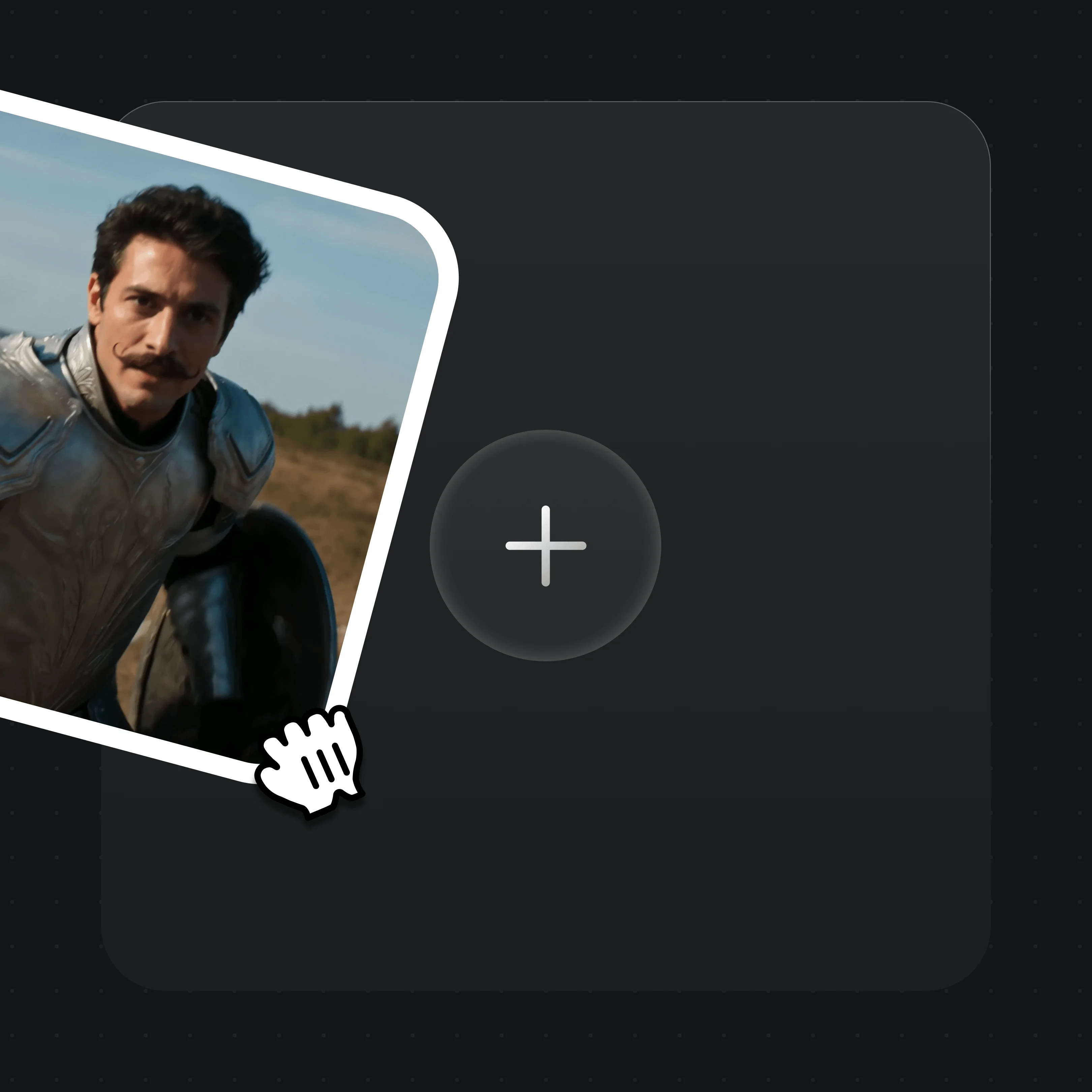
Drop a motion clip of up to 30 seconds and a photo into the upload card. A full-body, front-facing photo of one person works best. Use only faces you have the right to use.
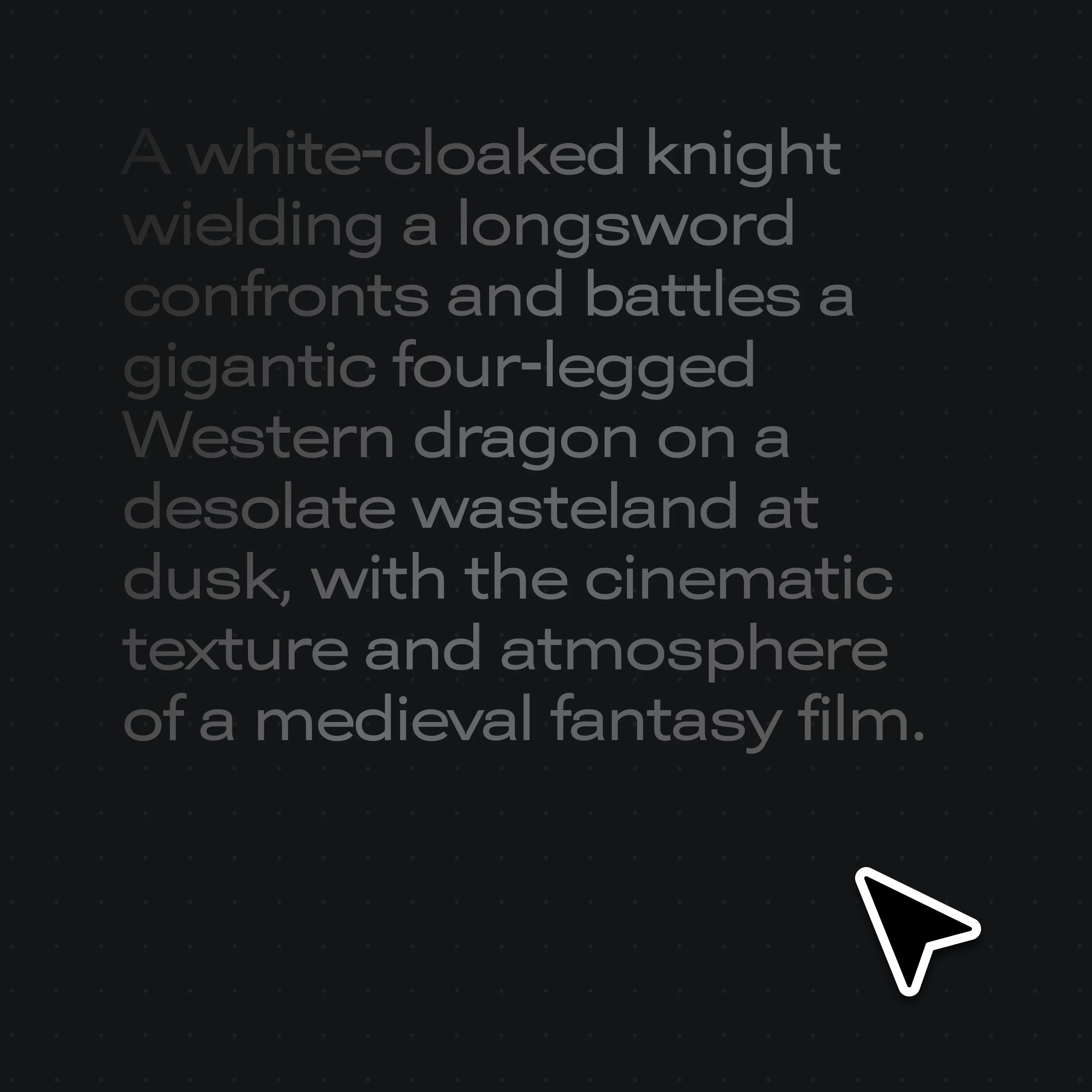
Write who moves, what they wear, where it happens and what it sounds like. The clip sets the motion; the prompt sets everything else.
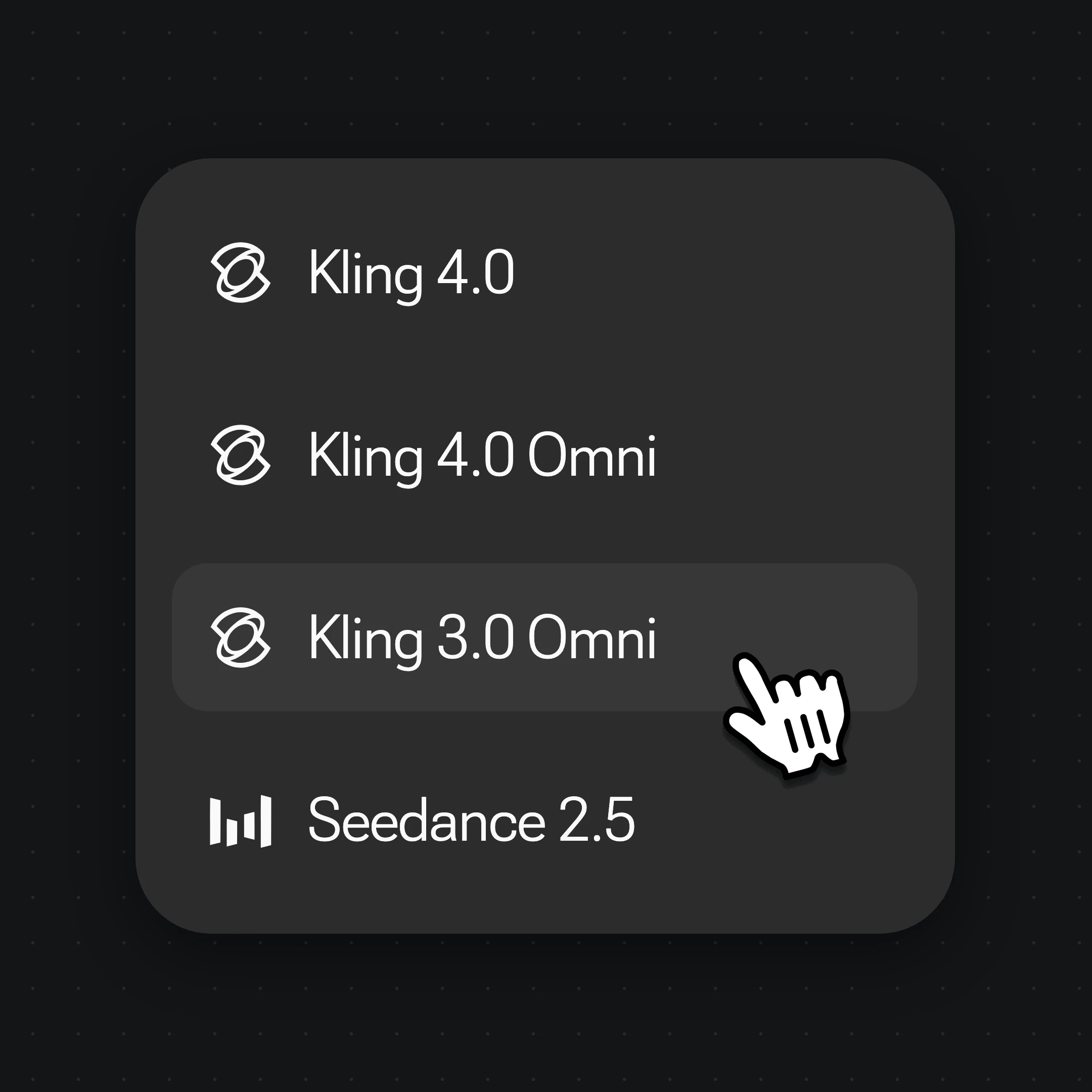
Choose Seedance 2.5 or Kling 4.0 Omni and generate, or brief Renoise Agent in one sentence and let it plan the shot.
As of October 2026, 100,000+ creators in 170+ countries and regions use Renoise AI, an AI video, image and audio platform, to generate 300,000+ images and videos with 30+ models.
Source: Renoise internal data, March–October 2026. Figures are rounded down and updated quarterly. Last updated
Real feedback from creators who use Renoise AI to make videos, images and ads.
Renoise is pretty easy to use, with a clean and smooth interface. The results from Seedance 2.5 also feel noticeably smoother in action sequences.
Renoise Ai is a good tool for making ai videos and photos. it puts several Ai models in one place, so you don't need to use many different apps.
あまりAIツールを使ったりしたことなかったですが、キャラクターの固定や動画を続いて作成できて使いやすいです。これからどんどん進んでいくアップデートが楽しみです。
Renoise has been a great platform for AI creativity. The tools are easy to use, the experience is smooth, and it makes creating content more enjoyable and efficient. I really appreciate the work the team is doing and look forward to seeing more improvements. Highly recommended!
What I like about Renoise AI compared to other platforms: Fast generation speed: Slow generation takes up way too much time, but Renoise AI is surprisingly about 30% faster. Intuitive and user-friendly UI: Cheaply made platforms have terrible UIs that make me not even want to log in, but Renoise is very clean and convenient. Remembers my previous settings: It helpfully remembers my last workspace settings. Some odd platforms force you to re-adjust everything every single time you generate a video, which is extremely frustrating. Overall preference: For all these reasons, Renoise AI is definitely my preferred platform. Thank you!
Renoise is your go to one stop all for ai creators. all view and use all models in one place, for any type of content you have your mind on!
I have a creat experience with the app. Consistent characters but also unique. THere were some issues with storyline continuity and non-typical humanoid characters.
One plan for templates, Seedance 2.5, Kling 4.0 and every other model.
For first-time AI content creators
Billed $168 annually
Upgrade PlanSave $72/year
For creators shipping content every week.
Billed $504 annually
Upgrade PlanSave $216/year
For studios and pros producing at commercial scale.
Billed $1680 annually
Upgrade PlanSave $720/year
For first-time AI content creators
Billed monthly
Upgrade PlanFor creators shipping content every week.
Billed monthly
Upgrade PlanFor studios and pros producing at commercial scale.
Billed monthly
Upgrade PlanRenews automatically each year until canceled.
Renews automatically each month until canceled.
It depends on the job. Viggle AI is built for quick meme swaps: free daily videos, 10,000+ templates and no prompt to write. Renoise suits creators who want the motion from a clip plus a new outfit, scene or sound, and who also want other video, image and audio models on the same plan.
No. Viggle Pro is $9.99 a month for 80 credits, and one credit covers 15 seconds of animation. Renoise Starter is $20 for 1,200 credits; a 5-second clip with a reference video costs 30 credits on Seedance 2.0 Mini at 480p and 155 on Kling 4.0 Omni at 720p. You pay for a fully regenerated shot and every other model.
Viggle AI has a Free plan: 5 videos a day, one at a time, with a watermark and 7-day storage. Renoise has no free plan; paid plans start with Starter at $20 a month. You can get 20 credits by following Renoise on X and YouTube.
Yes. Add the motion clip as a reference video to Seedance 2.5 (up to 10 clips, about 30 seconds in total) or Kling 4.0 Omni (up to 5), add a photo, and say who does what. This AI motion transfer generates a new performance rather than copying frames. A full-body, front-facing photo of one person works best.
Yes. Renoise has 140 Viral Templates across 11 categories, including trends, memes, sports and anime: pick one, upload a photo and remix it. Viggle's library is much larger, with over 10,000 meme templates, so for sheer choice Viggle is ahead.
Yes, if you have the right to use that face. Renoise allows only authorized real faces: you need the person's likeness authorization, celebrities, public figures and minors are not allowed, and local law applies. For a face-only AI character swap in a clip you already have, see AI video face swap.
Yes. Renoise has plugins for Claude Code, Codex and OpenClaw, plus an MCP server, and they run every model on the same credits as the web app. Viggle also has an MCP for Claude, ChatGPT, Codex and Cursor, but it only makes character-motion videos, not text-to-video or edits.
Yes. Every paid Renoise plan includes commercial use and watermark-free exports. Viggle's paid plans also remove the watermark; its Free plan exports are meant for personal sharing, so check Viggle's terms before posting from a brand account.
Viggle AI has a Free plan, a lower price per clip and over 10,000 meme templates. It takes motion clips of up to 10 minutes on paid plans, swaps characters in one tap without a prompt, swaps in real time with Live, and exports 3D motion through PINOC.
No. Renoise's terms say it does not use private inputs or outputs to train its own general-purpose models without separate notice and any consent the law requires. Viggle's terms allow training on free users' uploads, but not on content from periods when you were a paid user, unless you agree in writing.
Add your own clip and a photo, then describe the scene.