Prompt direction
Describe the camera move and subject action in words — pans, dolly, orbit, who moves where.
Direct camera moves and subject action in AI video — with prompts, frames, and references.
In Renoise you direct motion three ways: write the camera move and subject action into the prompt ("slow dolly-in, she turns and walks left"), set a first and last frame on Seedance 2.0 to anchor where the shot starts and ends, and add image, video, or audio references. For multi-shot motion and physics, switch to Kling 3.0 Omni — all on one Canvas.
Animating a single still photo instead? See the photo to video AI tool
The controls Renoise actually gives you — prompt, frames, references, and model choice.
Describe the camera move and subject action in words — pans, dolly, orbit, who moves where.
Anchor the start and end of a shot on Seedance 2.0 so motion runs between two frames you set.
Guide motion with reference images, video, or audio — Seedance 2.0 takes up to 9 image refs.
Kling 3.0 Omni simulates physical motion and sequences up to 6 shots in one generation.
From a static idea to a directed shot — using the controls Renoise gives you.

On the Canvas, prompt the camera move and subject action: "low-angle tracking shot, runner sprints toward camera".

Pick Seedance 2.0, set a first and last frame, and add image, video, or audio references to steer the motion.
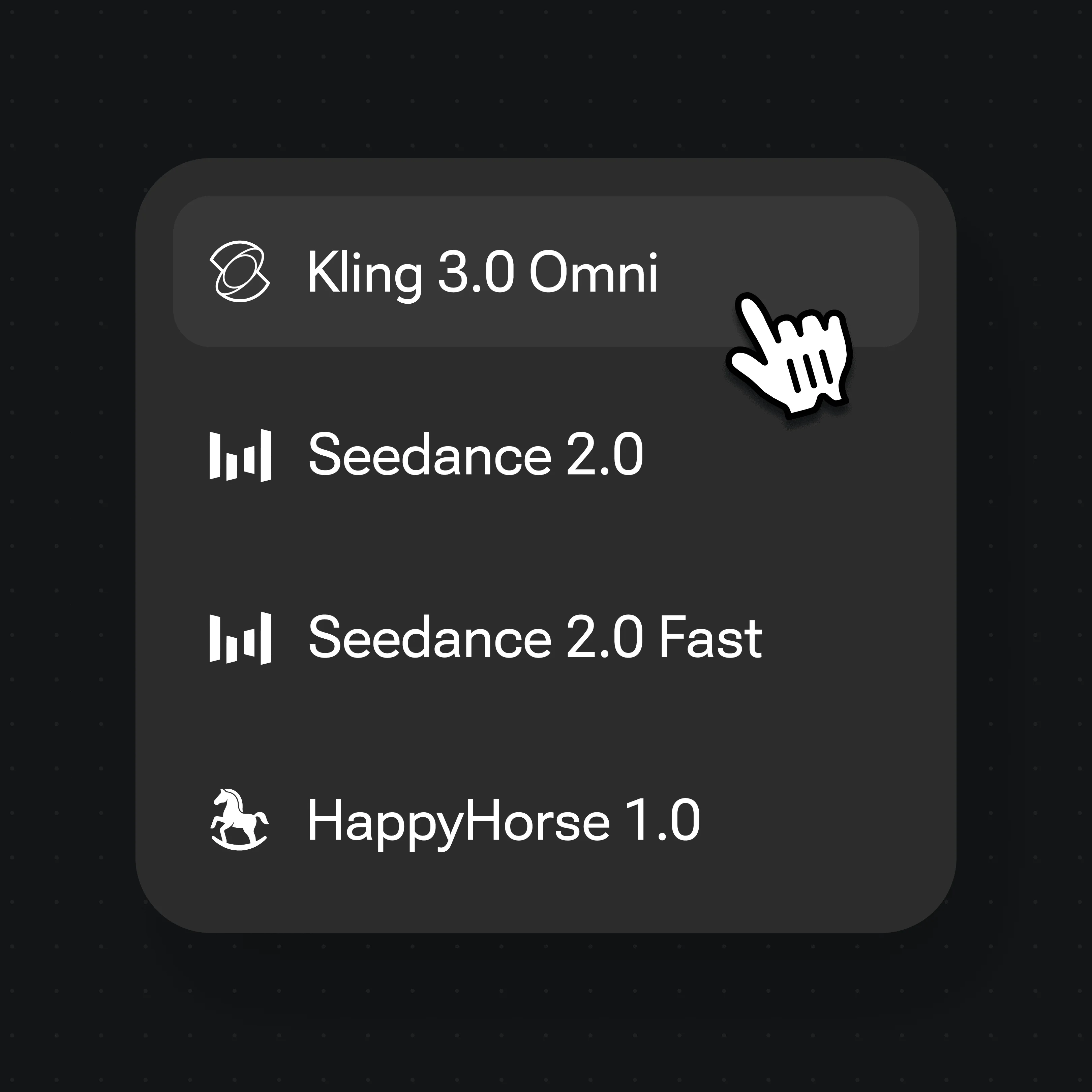
Switch to Kling 3.0 Omni for physics motion and up to 6 shots, then generate at 720p or 1080p.
Camera moves and subject action steered by prompt, frames, and references — output at 720p or 1080p.
Fast subject movement and impact, directed by a motion-heavy prompt.
Continuous, flowing motion held across a single shot.
The camera follows the subject through the action.
Pans, push-ins, and travel shots sequenced into a montage.
Motion in AI video splits into two things you can control separately. Camera motion is how the lens moves — dolly-in, pull-back, pan, tilt, orbit, handheld shake, crane. Subject motion is what is happening in front of it — a runner sprinting, a dancer turning, a product rotating. Naming both in the same prompt ("slow orbit around her as she raises the cup") gives the model a clear brief, and it is the most reliable lever you have in Renoise.
Prompt wording is the steering wheel, but two model features add real control. Seedance 2.0 lets you set the first and last frame, so motion runs as a path between two images you choose — useful when you know exactly where a shot should start and finish — and it accepts multi-modal references (up to 9 images, 3 videos, 3 audio) to guide style and pacing. Kling 3.0 Omni adds physics motion simulation for believable weight and momentum, plus up to 6-shot sequencing so a single generation can cut between angles.
One honest caveat: there is no motion-brush or drag-a-path widget in Renoise — you direct motion through the prompt, the frames, and the references, not by painting trajectories. AI motion is guided, not deterministic, so generate a few variations and pick the take that reads best.
Motion control leans on two video models and a few controls — all switchable on one Canvas.
First/last-frame anchoring and multi-modal reference (img / video / audio) to steer a shot.
Physics motion simulation, native lipsync, and up to 6-shot sequencing in one generation.
Describe camera and subject motion in words — the primary way to steer either model.
Switch between Seedance 2.0 and Kling 3.0 Omni per shot without leaving the Canvas.
Both live on the same Renoise Canvas — pick by the kind of motion the shot needs. Specs from §5 of the model matrix.
| For motion control | Seedance 2.0 | Kling 3.0 Omni |
|---|---|---|
| Best for | Frame-anchored single shots | Physics & multi-shot sequences |
| Motion type | First/last-frame path + reference | Physics simulation |
| Max shots | Single shot | Up to 6 |
| Native lipsync | — | ✓ |
| Max duration | 15s | 15s |
One plan unlocks Seedance 2.0, Kling 3.0 Omni, and every other video model.
For first-time AI content creators
Billed $168 annually
Upgrade PlanSave $72/year
For creators shipping content every week.
Billed $504 annually
Upgrade PlanSave $216/year
For studios and pros producing at commercial scale.
Billed $1680 annually
Upgrade PlanSave $720/year
For first-time AI content creators
Billed monthly
Upgrade PlanFor creators shipping content every week.
Billed monthly
Upgrade PlanFor studios and pros producing at commercial scale.
Billed monthly
Upgrade PlanRenews automatically each year until canceled.
Renews automatically each month until canceled.
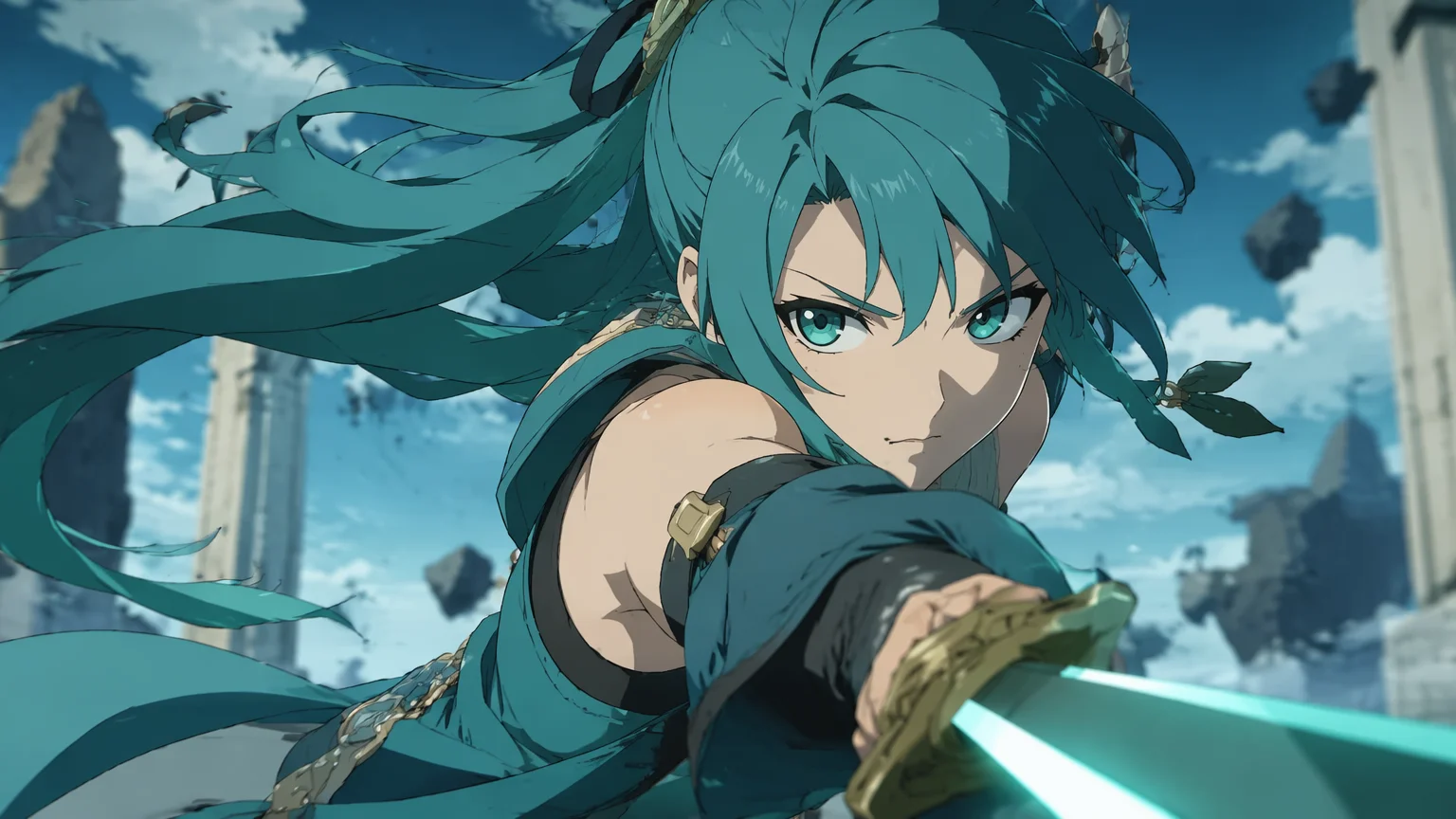
Steer camera and subject motion, with watermark-free exports on paid plans.
Direct it through the prompt — name the camera move and the subject action — then anchor it with Seedance 2.0 first/last frames and image, video, or audio references. For physics and multi-shot motion, switch to Kling 3.0 Omni. All on one Canvas.
No. There is no drag-a-path or motion-brush widget. You steer motion through prompt wording, by setting first and last frames on Seedance 2.0, and with multi-modal references — not by painting trajectories on the frame.
Kling 3.0 Omni adds physics motion simulation for believable weight and momentum, plus up to 6-shot sequencing so one generation can cut between angles. It also does native lipsync, which helps when the subject is talking.
On Seedance 2.0 you set the opening frame and the closing frame, and the model generates the motion that travels between them. It is the most predictable way to control where a shot starts and ends.
Seedance 2.0 runs 4 to 15 seconds and Kling 3.0 Omni 3 to 15 seconds, both at 720p or 1080p. Video output is 720p or 1080p — 4K applies to images, not video.
AI motion is guided, not guaranteed. The prompt, frames, and references steer the result, but it is interpreted by the model, so generate a few variations and pick the take that reads best.
Yes. Seedance 2.0 and Kling 3.0 Omni both live on the same Canvas, so you can try frame-anchored motion on one and physics or multi-shot motion on the other for the same idea.