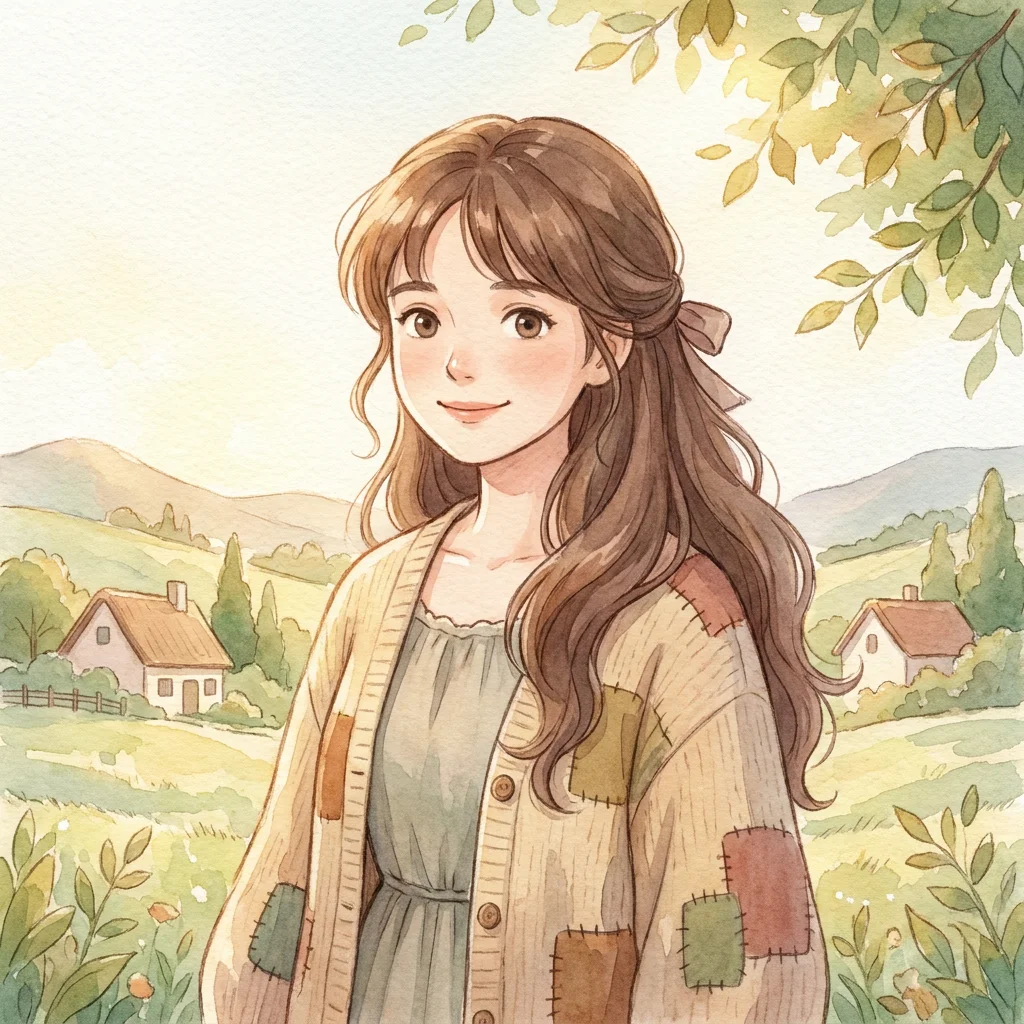
Portrait restyle
A selfie becomes a soft-lit anime portrait with hand-drawn hair and a watercolor background — your features kept intact.
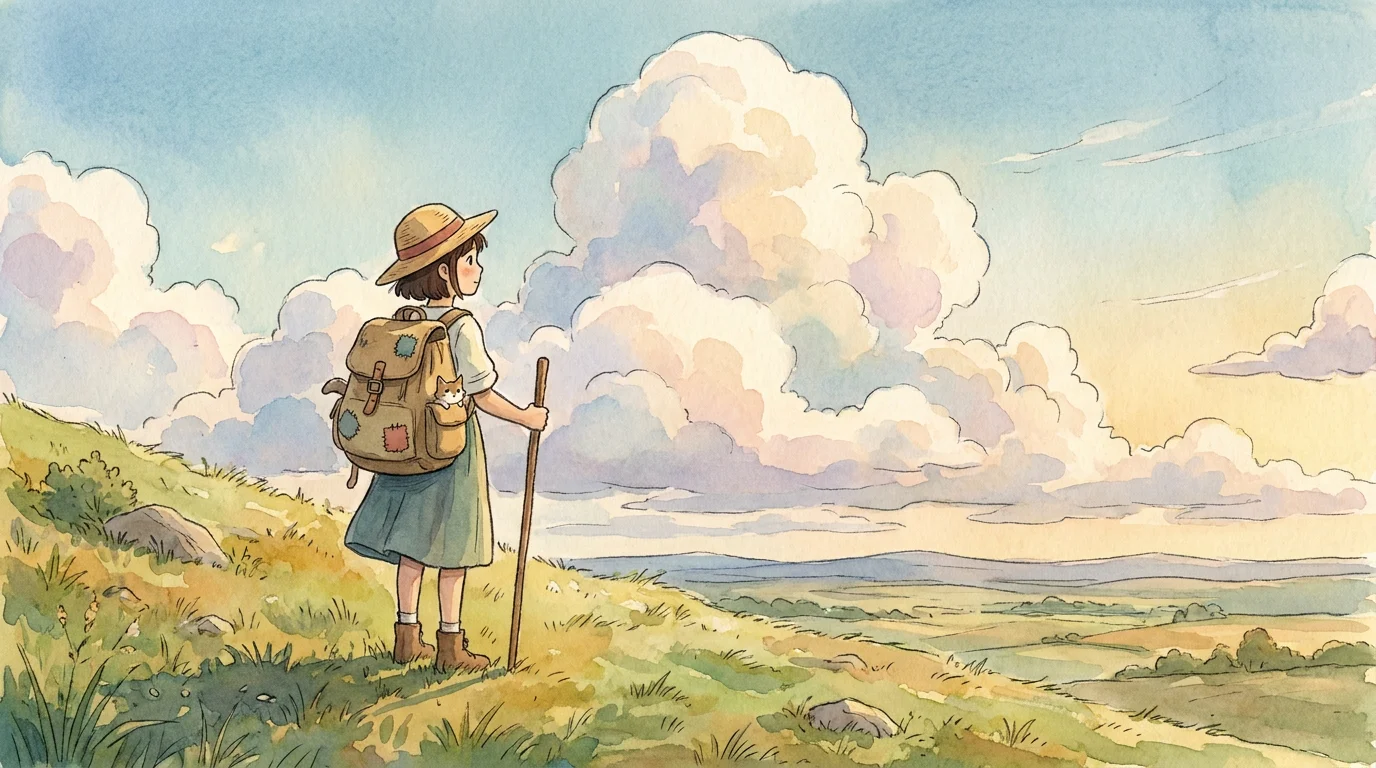
Turn a photo into soft, hand-drawn art in a Ghibli-inspired anime style — painterly skies, warm light, storybook color.
Drop a photo onto the Renoise Canvas and generate on Nano Banana Pro, which keeps your subject while repainting it in a soft, hand-drawn Ghibli-inspired style. Prompt for "painterly anime, soft watercolor skies, warm diffused light, gentle linework", then switch to GPT Image 2 when you want cleaner ink lines. It is a style cue, not the studio — keep the character original and skip copyrighted figures.
Want a sharper cel-shaded anime look instead? See the AI anime guide
Three steps from a reference photo to a soft, hand-painted illustration.

Drag a portrait, pet, or landscape photo onto the Canvas upload card so the illustration inherits the same composition and subject.
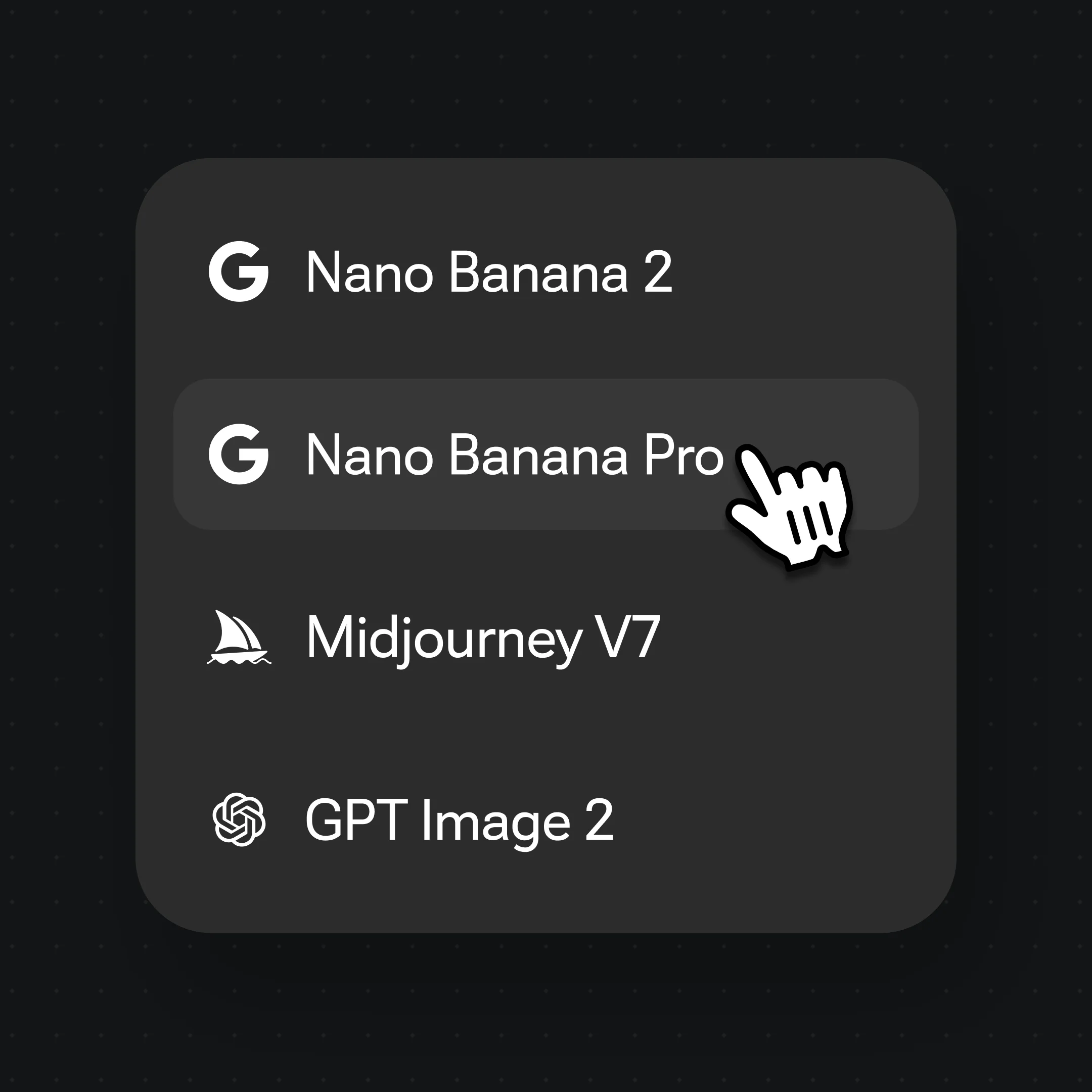
Select Nano Banana Pro for the soft painterly finish; switch to GPT Image 2 for crisper linework.

Describe the aesthetic: "Ghibli-inspired anime, soft watercolor sky, warm diffused light, hand-drawn linework, gentle pastel palette". Name the mood, not a copyrighted character.
The same hand-drawn warmth across portraits, pets, and landscapes — soft, painterly, and unmistakably storybook.
A selfie becomes a soft-lit anime portrait with hand-drawn hair and a watercolor background — your features kept intact.
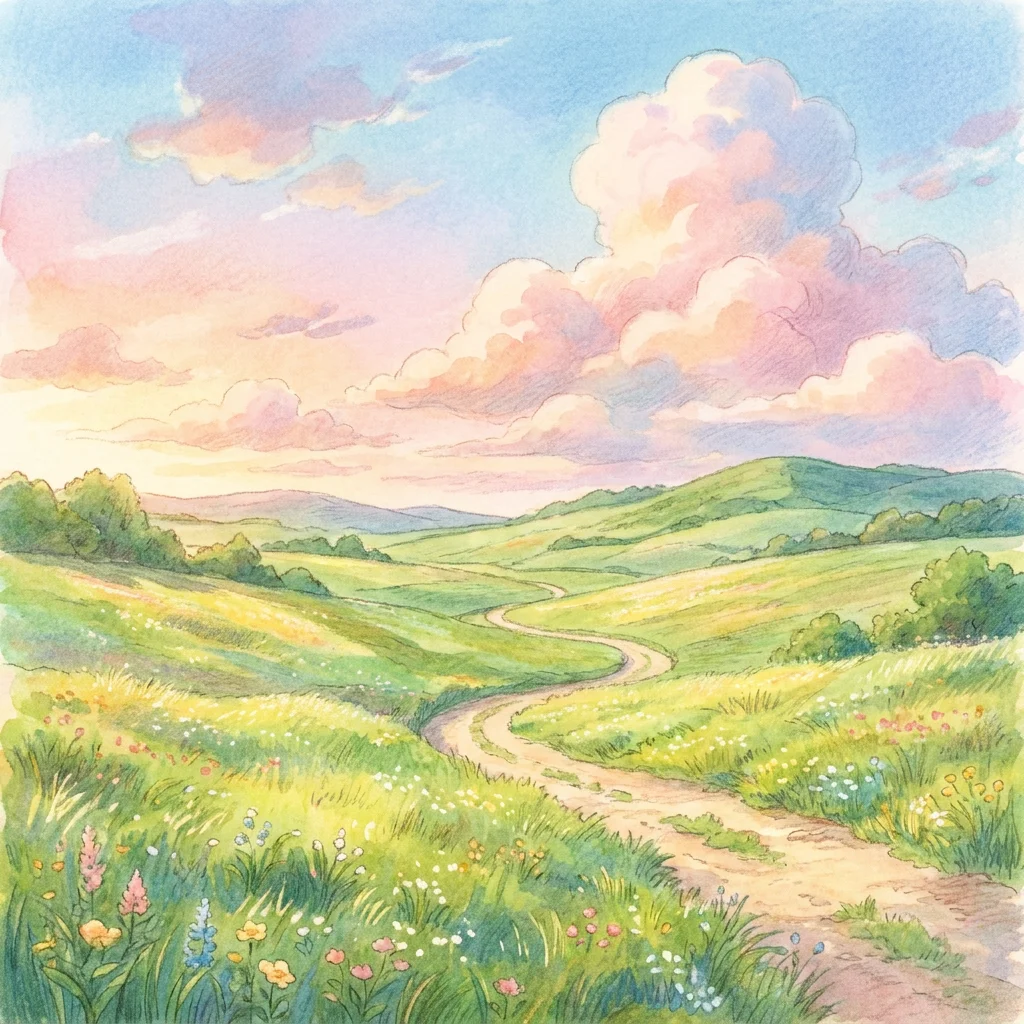
A travel photo turns into a painterly countryside scene — big pastel skies, rolling fields, gentle clouds.
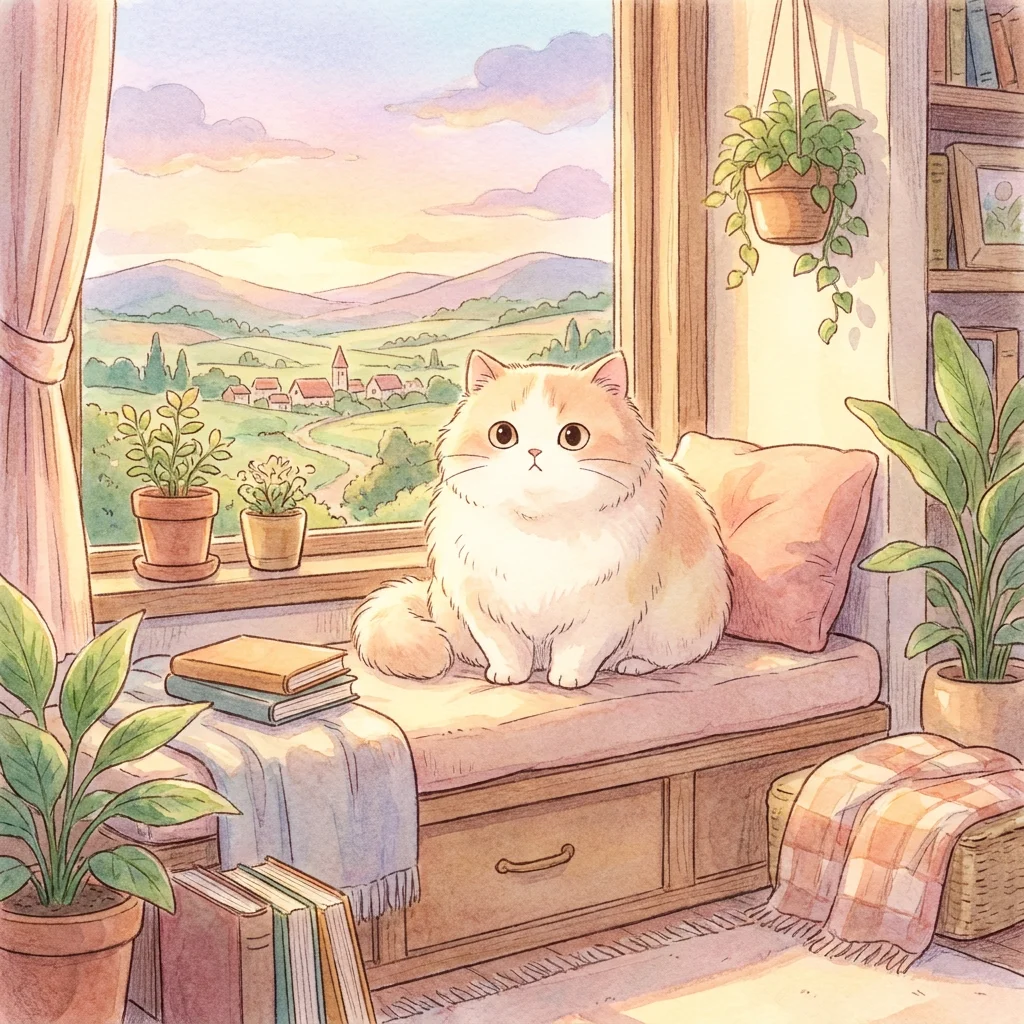
A pet photo reimagined as a gentle storybook companion with warm light and soft outlines.
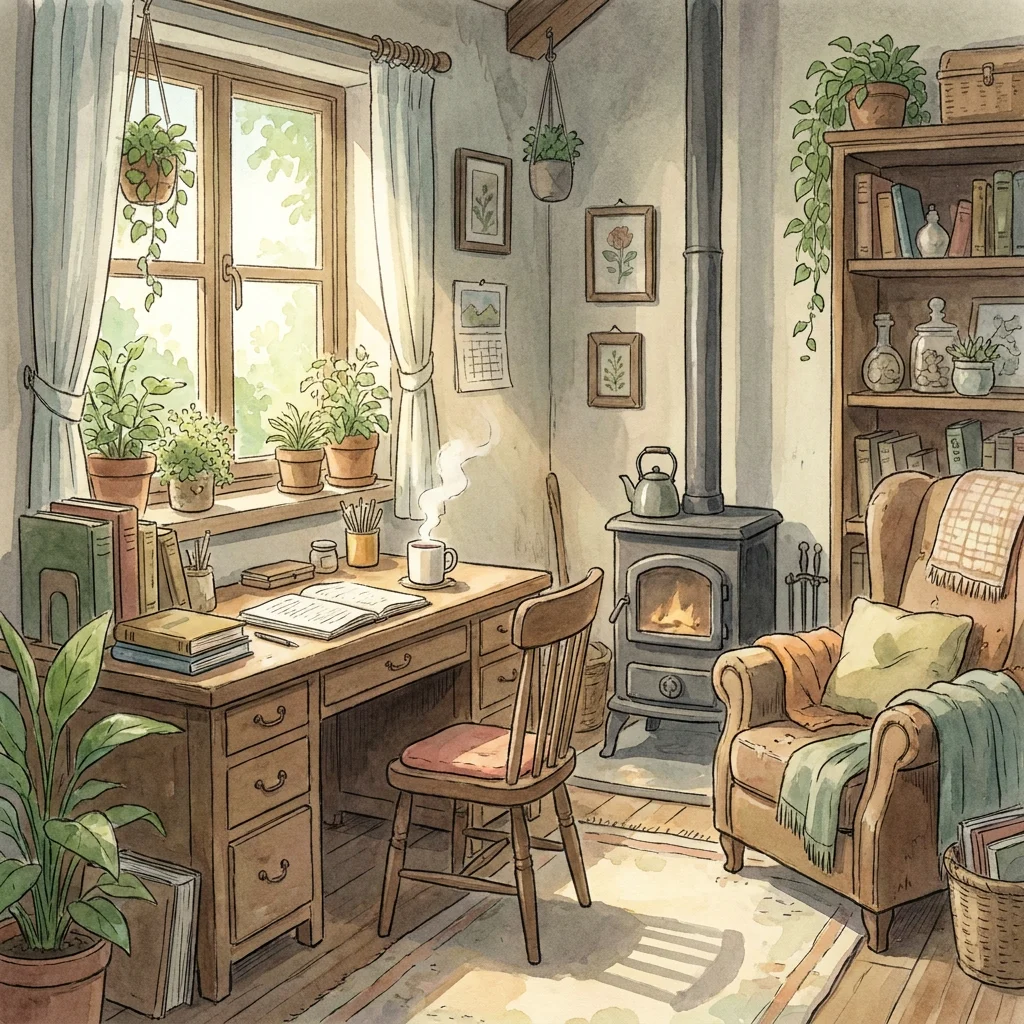
An everyday room rendered as a warm, lived-in hand-painted interior bathed in afternoon light.
A convincing Ghibli-style image is less about any one character and more about a set of painterly choices working together: soft hand-drawn linework instead of hard digital edges, watercolor-like skies with visible gradients, warm diffused light, and a gentle pastel palette that keeps even bright scenes calm. Naming those qualities explicitly in the prompt — "soft linework, watercolor sky, warm light, muted pastels" — gets you far closer than asking for the studio by name.
The second half is keeping your subject recognizable while it is repainted. That is where Nano Banana Pro earns its place: it locks identity from your reference photo, so a portrait keeps the same face and a pet keeps the same markings, while the render adopts the soft illustrated finish. When you want crisper ink lines or cleaner text on a poster-style piece, switch to GPT Image 2 in the same canvas — many models, one workflow, no re-uploading.
A note on naming: Ghibli is a style cue here, not an affiliation. Renoise is not connected to Studio Ghibli, and the goal is an original illustration in a hand-drawn aesthetic — your own photos, original characters, no copyrighted figures and no real public figures. Treated that way, it is a fast route from an ordinary photo to a warm, storybook-feeling image.
Ghibli-style work leans on a few things — and Renoise gives you Nano Banana Pro, GPT Image 2, and other image models in one canvas.
Locks identity from a single reference photo so a portrait or pet stays recognizable under the painterly restyle.
Cleaner ink linework and crisp text when you want a poster-style piece rather than soft watercolor.
Describe linework, palette, and light as explicit cues to pin the soft hand-drawn aesthetic.
Switch freely between Nano Banana Pro, GPT Image 2, and other image models per shot.
One plan unlocks Nano Banana Pro, GPT Image 2, and every other image model.
For first-time AI content creators
Billed $168 annually
Upgrade PlanSave $72/year
For creators shipping content every week.
Billed $504 annually
Upgrade PlanSave $216/year
For studios and pros producing at commercial scale.
Billed $1680 annually
Upgrade PlanSave $720/year
For first-time AI content creators
Billed monthly
Upgrade PlanFor creators shipping content every week.
Billed monthly
Upgrade PlanFor studios and pros producing at commercial scale.
Billed monthly
Upgrade PlanRenews automatically each year until canceled.
Renews automatically each month until canceled.
Turn a photo into soft Ghibli-style art. Watermark-free on paid plans.
Drop the photo onto the Renoise Canvas, generate on Nano Banana Pro, and prompt for the aesthetic: "Ghibli-inspired anime, soft watercolor sky, warm diffused light, hand-drawn linework, pastel palette". The model keeps your subject while repainting it in the soft illustrated style.
Nano Banana Pro for the soft painterly finish with the strongest identity lock from your photo. Reach for GPT Image 2 when you want cleaner ink lines or crisp text on a poster. Both live in the same canvas, so you can mix them per image.
No. Renoise is not connected to or endorsed by Studio Ghibli. "Ghibli-style" here is an aesthetic cue for a soft, hand-drawn anime look. Use your own photos and original characters, and do not reproduce copyrighted characters or depict real public figures.
Yes. Nano Banana Pro carries identity from your reference photo, so a portrait keeps the same face and features while adopting the illustrated finish. The clearer the reference, the more recognizable the result.
Yes. The same approach works for travel photos, interiors, and pets — describe the painterly sky, warm light, and soft linework, and the model restyles the whole scene, not just faces.
Outputs are watermark-free on paid plans and licensable under the general AI-output terms, provided your image is original and infringes no trademark or character copyright. Verify the specific terms in your account before selling prints or merchandise.