Kit Switch-Up
A beat-synced outfit-change reel through five national-team-inspired football looks.
Beat-sync kit switch-ups, goal moments, and victory scenes — from one photo to a shareable clip.
Go to the Renoise Templates page, pick a football template — Kit Switch-Up, Goal Moment, Stoppage-Time Hero, or Glorious Moment — upload your photo, and click Generate. Seedance 2.0 produces the clip automatically, no manual prompting needed.
Looking for tournament-season jersey and fan edits? See the football tournament AI video guide
A beat-synced outfit-change reel through five national-team-inspired football looks.
Turn a celebration photo into a cinematic goal-moment clip with crowd energy.
Dramatic slow-motion sequence stretching the last seconds of extra time.
Victory scene: confetti, trophy lift, and team celebration from a single still.
From the Templates page to a shareable clip — no prompting needed.

Open renoise.ai/viral-templates and browse the football section. Pick Soccer Kit Switch-Up, Goal Moment, Stoppage-Time Hero, or Glorious Moment — each template has a preview clip so you know exactly what you will get.
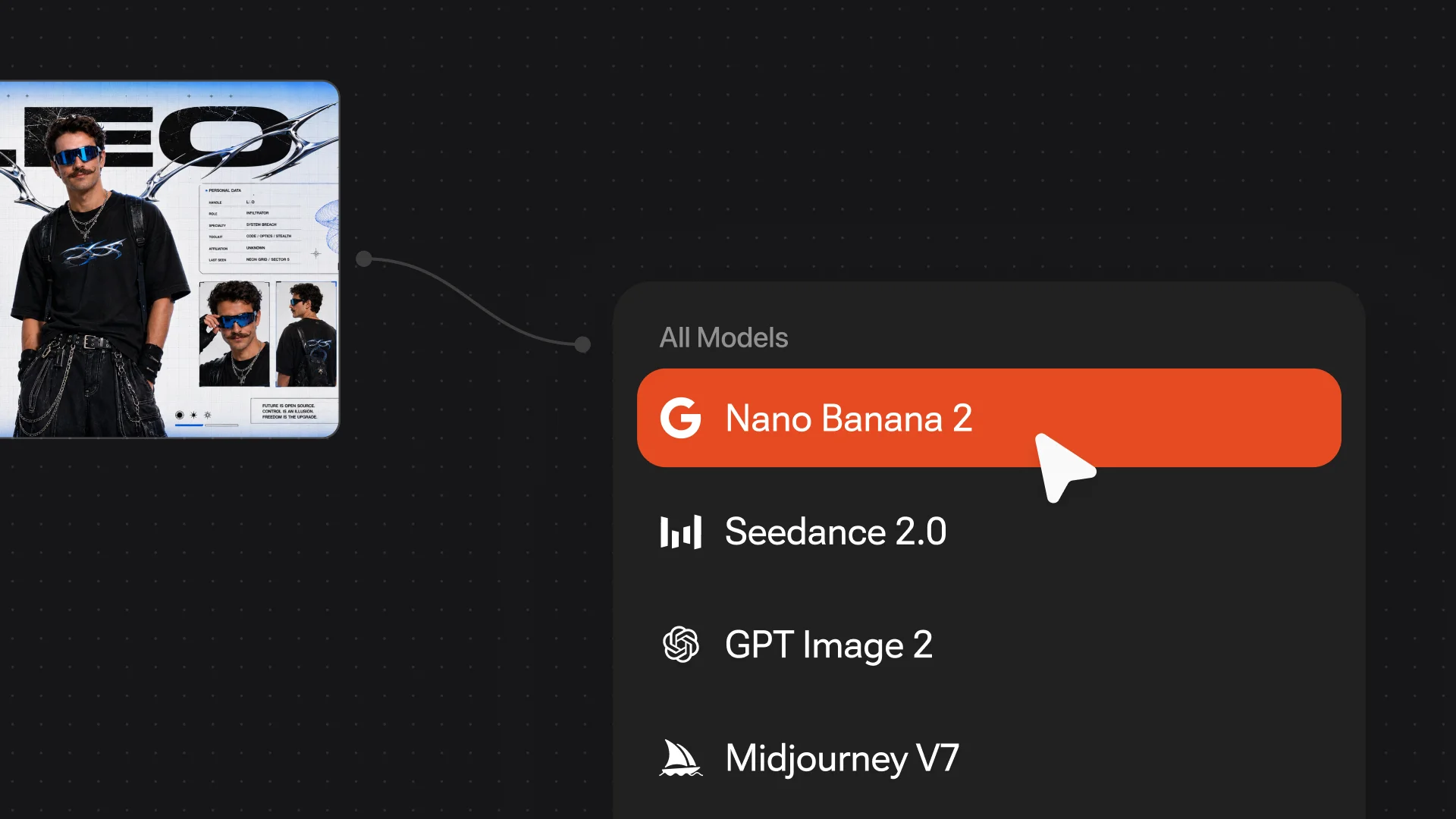
Click the template, then upload a clear photo of yourself — full-body for Kit Switch-Up, any celebration shot for Goal Moment or Glorious Moment. The template handles the rest.
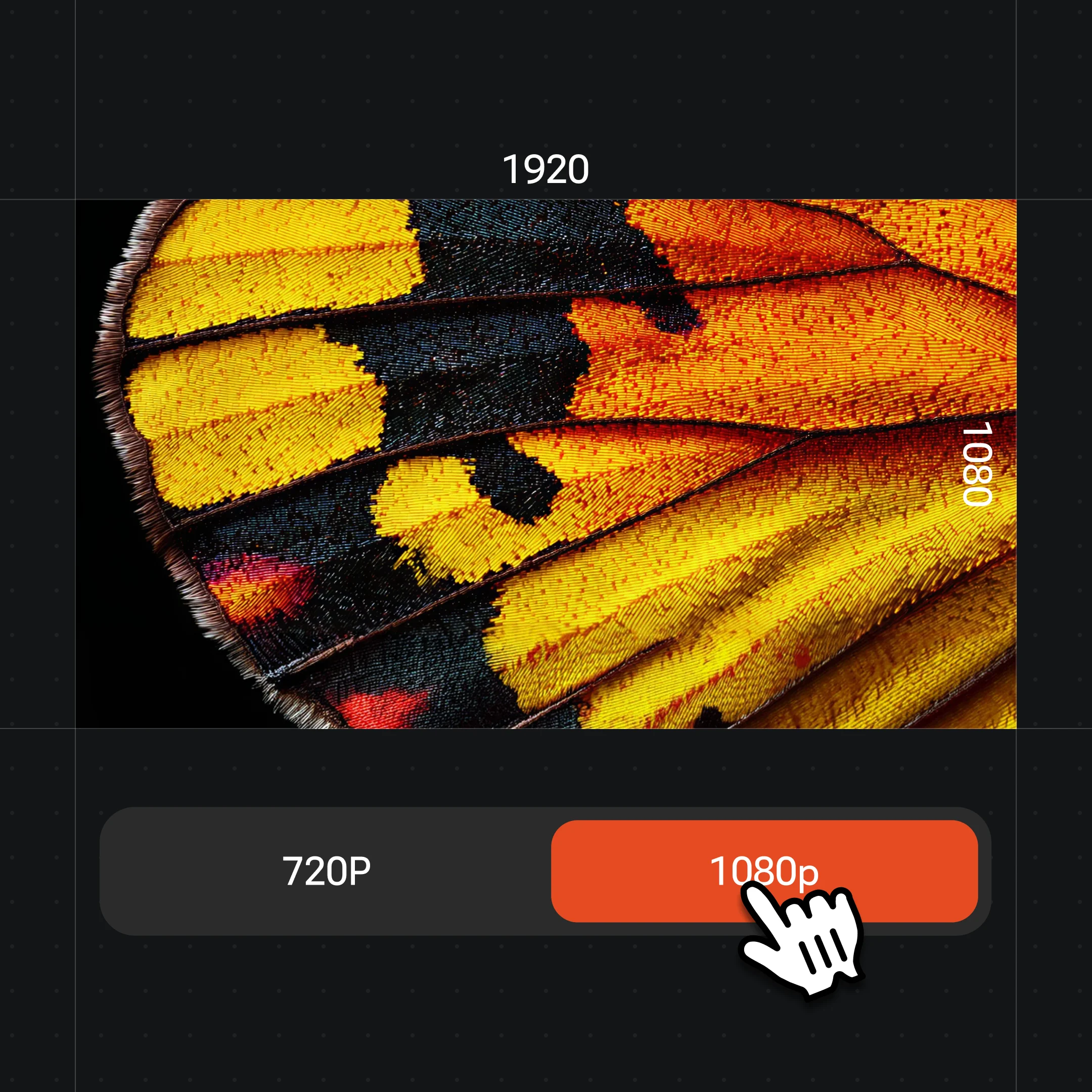
Click Generate. Seedance 2.0 renders your clip at up to 1080p — no watermark on paid plans. Download and post directly to Reels or TikTok.
Four templates ready to go — click any to open it in Renoise.
Beat-synced 15s reel through five national-team-inspired looks.
Cinematic goal-celebration clip with realistic crowd energy.
Slow-motion drama stretching the final seconds into a hero sequence.
Trophy lift and gold dust — victory scene from a single still.
Kit switch-up and goal-moment edits trend every time a major football tournament is on — the format is evergreen but the appetite spikes hard during group stages and knockouts. The four templates above were built for exactly this window: the Soccer Kit Switch-Up reel leans into the national-team-inspired looks that dominate Reels and TikTok during tournaments; Goal Moment and Stoppage-Time Hero ride the post-match clip loop that fans share right after the final whistle.
The practical thing to know: tournament season is when these formats have the highest chance of going wide, but the templates work just as well on a club match, a local game, or any kick-about footage you have. Outfit variety and real match energy are what make a football edit land, not an official licence.
Football edits draw on video generation and image features — all accessible via pre-built templates.
Renders all football template clips — cinematic motion, first-frame control, up to 1080p.
Generate national-team-inspired kit stills and celebration images up to 4K.
Four football templates ready to use — upload a photo and get the clip, no manual prompting.
Switch between image and video without leaving the Canvas when building custom edits.
One plan unlocks the video models your football edit needs.
For first-time AI content creators
Billed $168 annually
Upgrade PlanSave $72/year
For creators shipping content every week.
Billed $504 annually
Upgrade PlanSave $216/year
For studios and pros producing at commercial scale.
Billed $1680 annually
Upgrade PlanSave $720/year
For first-time AI content creators
Billed monthly
Upgrade PlanFor creators shipping content every week.
Billed monthly
Upgrade PlanFor studios and pros producing at commercial scale.
Billed monthly
Upgrade PlanRenews automatically each year until canceled.
Renews automatically each month until canceled.
Kit switch-ups, goal moments, victory scenes — watermark-free on paid plans.
Go to renoise.ai/viral-templates, pick a football template — Kit Switch-Up, Goal Moment, Stoppage-Time Hero, or Glorious Moment — upload your photo, and click Generate. Seedance 2.0 renders the clip automatically.
A football edit is a short video clip — usually 6–15 seconds — made from a match photo or a still. Common formats include beat-synced kit switch-ups, slow-motion goal moments, and victory-scene cutdowns designed for Reels or TikTok.
Yes. Open the Goal Moment template at renoise.ai/viral-templates, upload your photo, and click Generate. Seedance 2.0 animates from your photo as the first frame, keeping the look consistent across the clip.
No. Each Renoise football template has the prompt pre-written. You only need to upload your photo and click Generate — the template handles the motion direction and style.
Renoise templates use "national-team-inspired" football looks — they reference the colour palette and style of real kits without using official badge or FIFA-licensed designs. Keep your own captions similarly generic to stay clear of trademark issues.
Yes. The templates work for any football context — club matches, local games, training clips, or pure fan-made creative edits. Tournament season just amplifies the demand; the workflow is identical year-round.
Up to 1080p on Seedance 2.0. Choose 9:16 for Reels and TikTok or 16:9 for YouTube before generating. Renoise does not output 4K video.
Most clips render in under two minutes on Seedance 2.0. Longer templates (15 seconds) may take slightly more time than shorter ones (8 seconds).
Your privacy is important to us
We use cookies to improve your experience and for marketing. Read our Cookie Notice.