Native synced audio
Sound effects and voice generated in the same pass as the video — no separate soundtrack or dubbing step.
Google’s video model with native synced audio — sound and voice generated in the same pass, no post-dubbing. On the Renoise Canvas.
Gemini Omni Flash is Google’s (Vertex) video model, integrated in Renoise since July 2026. Its headline trait is native synced audio — it generates the sound and voice together with the picture in a single pass, so a clip lands with audio and needs no post-dubbing. It outputs 720p, 3–10 second clips in 16:9 or 9:16, and takes up to 6 reference images (first frame and references together). In Renoise it runs on the Canvas next to Seedance 2.0, Kling 3.0 Omni and the rest.
Need 1080p or 4K instead? See Seedance 2.0
Google’s audio-video model, on the Renoise Canvas.
Sound effects and voice generated in the same pass as the video — no separate soundtrack or dubbing step.
At 13 credits/sec it undercuts Seedance 2.0 at 720p — and comes with audio built in.
Use a first frame plus up to 6 reference images together, addressed by @name in the prompt for precise control.
Switch between Gemini Omni Flash, Seedance 2.0 and Kling without leaving the page.
Three steps to a clip that already has sound.
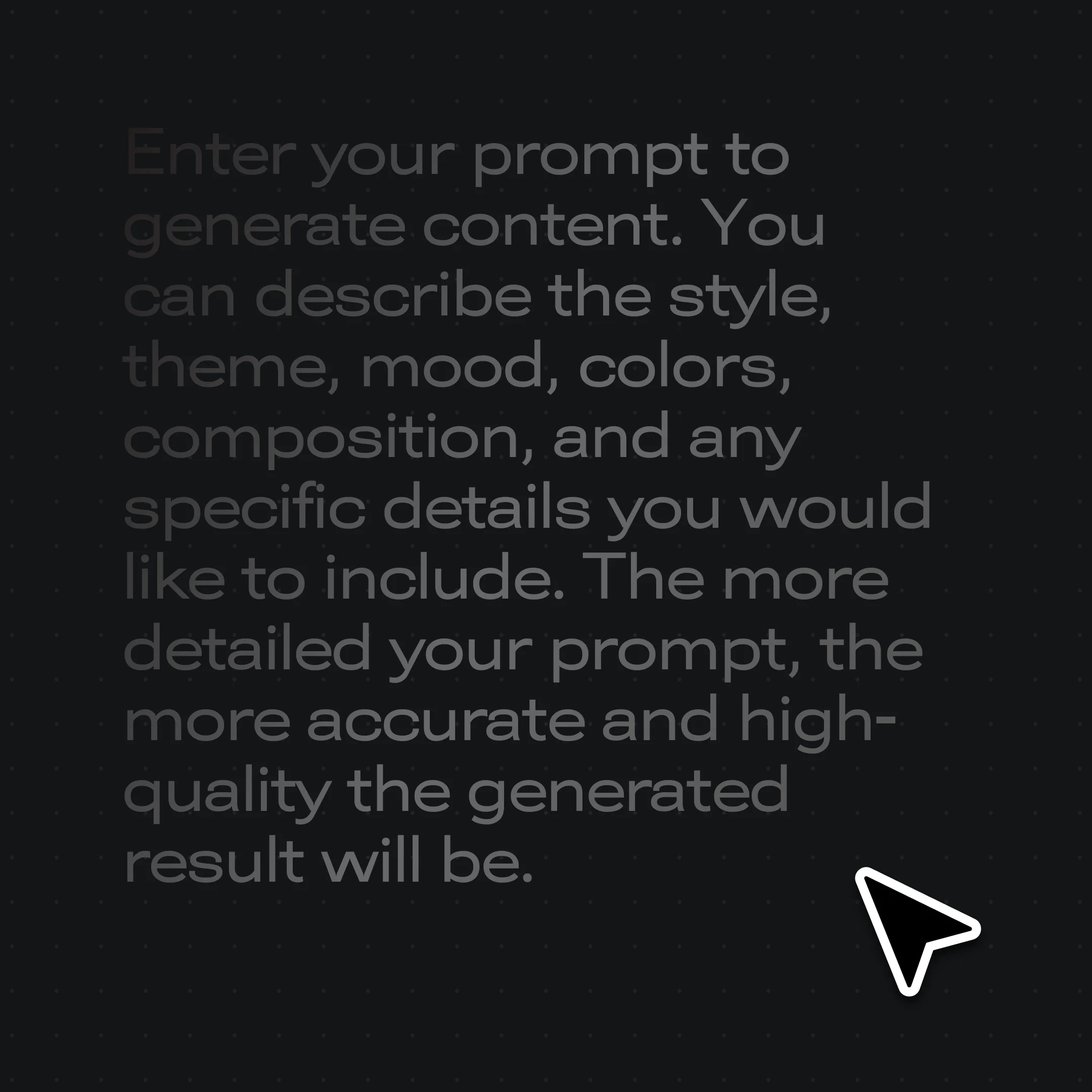
Write what you want to see and hear — the model generates picture and audio together. Add up to 6 reference images if you need to lock a subject.
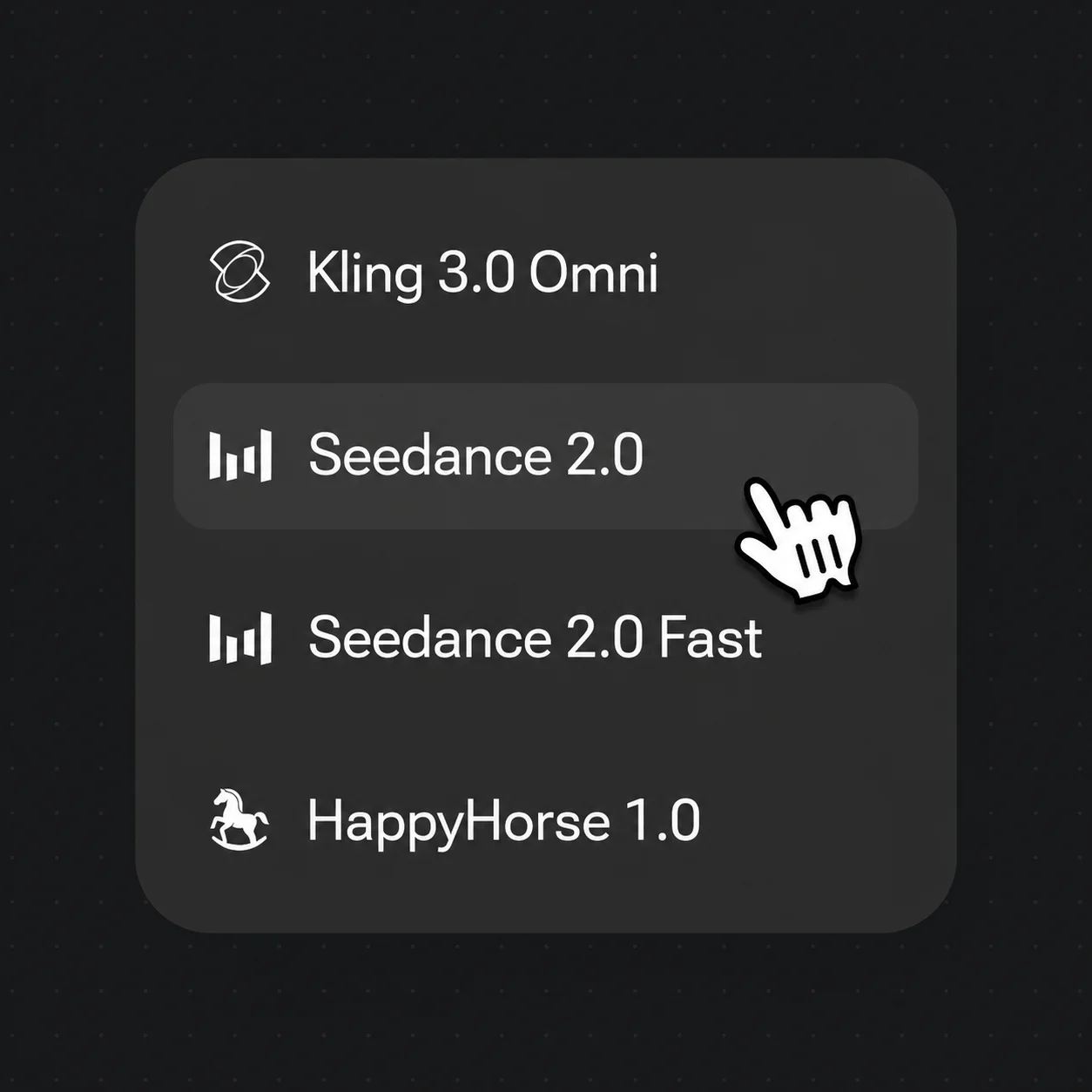
Select it in the model menu — it runs on the same Canvas as Seedance 2.0 and Kling.
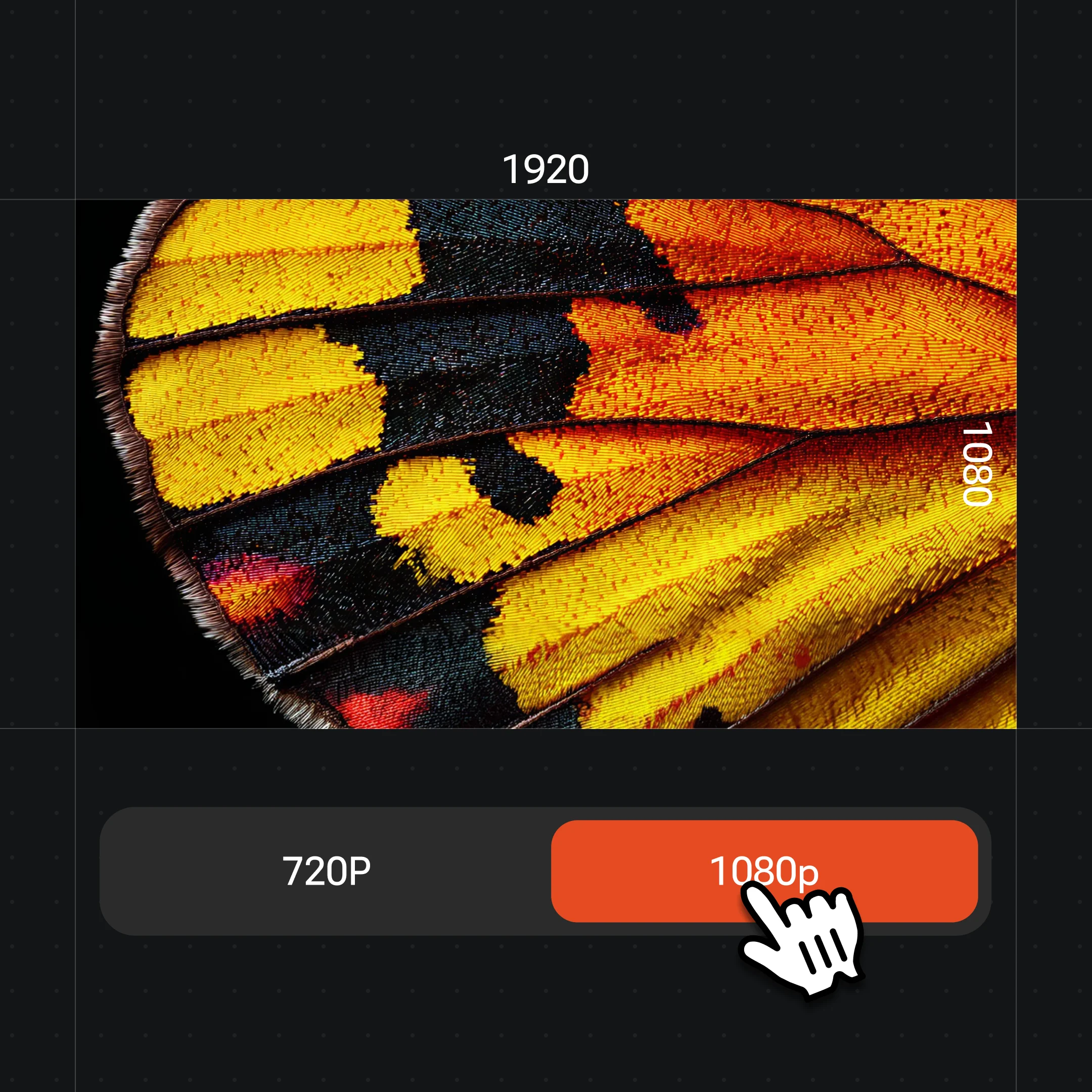
Pick 16:9 or 9:16 and 3–10 seconds — clips generate at 720p with synced audio built in.
Clips generated with Renoise video models — draft your shot, then run it with Gemini Omni Flash for built-in sound.
A city-hopping montage from one prompt — street food, skating, rooftops and parks.
Rain-slicked streets, a red scarf, flowers dropping stem by stem — film-grade atmosphere from text.
A knight faces a diving dragon at dusk — complex creature motion in one shot.
A cowboy duels a robot gunslinger at sundown — genre mashups on demand.
Two video models on the same Canvas — pick by what the shot needs.
| At 720p | Gemini Omni FlashRecommended | Seedance 2.0 |
|---|---|---|
| Native synced audio | Yes | Audio supported |
| Max resolution | 720p | 720p / 1080p / 4K |
| Clip length | 3–10s | 4–15s |
| Cost per second (Advance) | $0.130 | $0.200 |
| Reference images | Up to 6 | Up to 9 |
Most AI video models return a silent clip — you then find music, source effects, or record a voiceover and sync it all in an editor. Gemini Omni Flash collapses that: it generates the audio in the same pass as the picture, so ambient sound, effects and voice land already matched to the action.
That makes it a fast pick for social clips, product shots and quick concepts where a silent result would need a whole second stage of work. When you need higher resolution or a longer take, switch to Seedance 2.0 (up to 4K, 4–15s) on the same Canvas — Gemini Omni Flash is capped at 720p and 3–10 seconds, and it does not accept video or audio references.
In Renoise it sits alongside every other model on one subscription, so you can draft with sound on Gemini Omni Flash and finish elsewhere without changing tools.
One plan unlocks Gemini Omni Flash, Seedance 2.0, Kling and every other model.
Generate on Gemini Omni Flash — on the Canvas with every other model.
Yes. Renoise integrated Gemini Omni Flash (by Google) in July 2026. Choose it in the video model selector on the Canvas, alongside Seedance 2.0, Kling 3.0 Omni and HappyHorse 1.0.
Native synced audio. It generates sound and voice in the same pass as the video, so clips arrive with audio already matched — no separate soundtrack or dubbing step.
Gemini Omni Flash outputs 720p (16:9 or 9:16), in clips of 3 to 10 seconds. It does not offer 1080p or 4K — for those, use Seedance 2.0 on the same Canvas.
Up to 6 reference images, and you can combine a first frame with references, addressing each by @name in the prompt. It does not accept video or audio references.
Gemini Omni Flash is 13 credits per second — on the Advance plan about $0.130/second, which comes in under Seedance 2.0 at 720p while adding native audio.
Gemini Omni Flash is Google’s model, served via Google Vertex. Renoise integrates it alongside Seedance 2.0 (ByteDance), Kling 3.0 Omni (Kuaishou) and others — Renoise does not train video models itself.