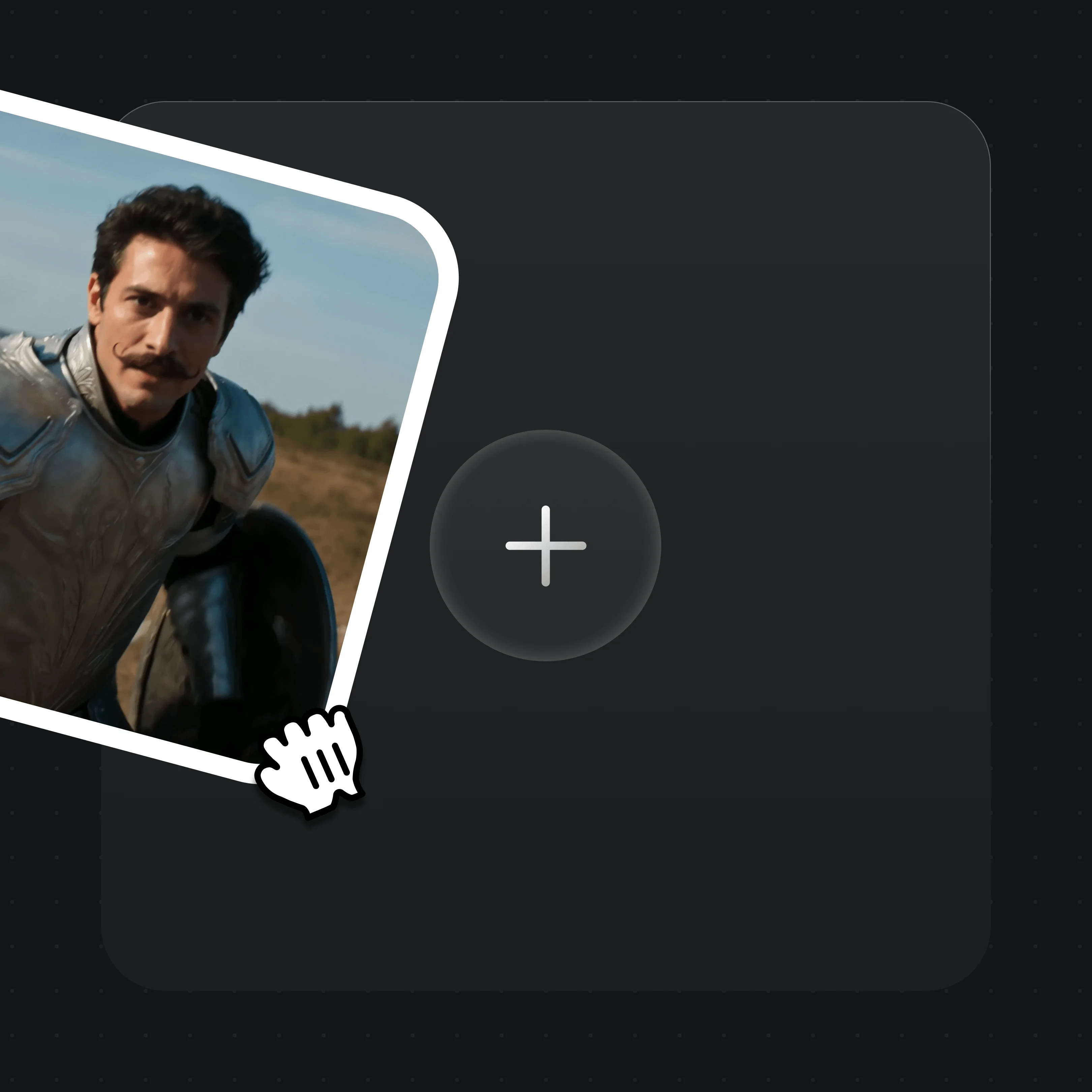
O modelo de vídeo omnimodal da MiniMax: clipes de 4 a 15 s com áudio estéreo nativo, até 2K, em um só Canvas.
O que é o MiniMax H3?
O MiniMax H3 é o modelo de vídeo omnimodal da MiniMax — a mídia o apelidou de Hailuo 3.0. Um único modelo lê texto, imagem, vídeo e áudio juntos e devolve um clipe de 4 a 15 segundos em até 2K, com áudio estéreo nativo na mesma passada. Em agosto de 2026, a MiniMax publicou os pesos abertos do modelo.
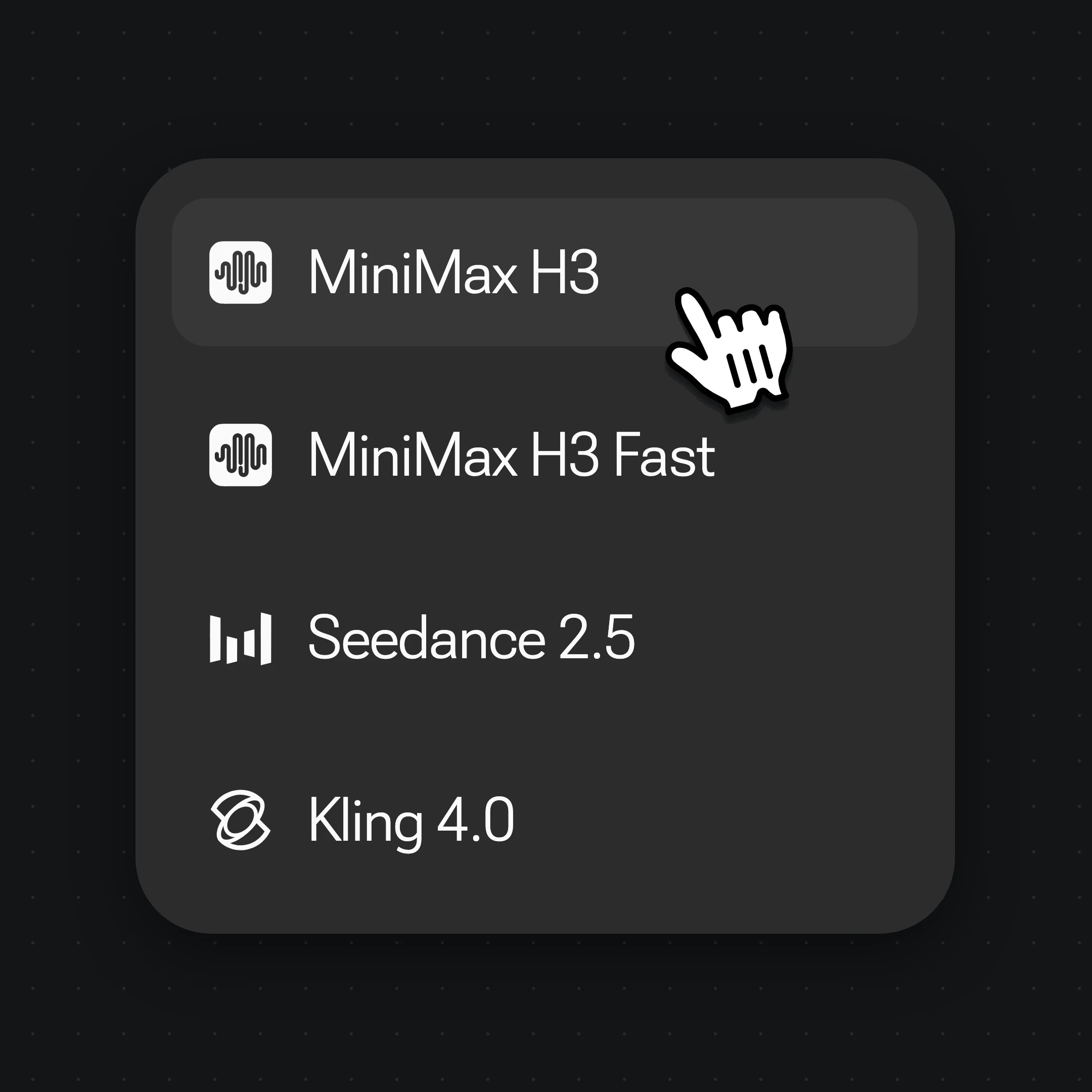
No Renoise, o MiniMax H3 roda no Canvas ao lado do Seedance 2.0 e do Kling 3.0 Omni.
Os três funcionam dentro do Renoise — escolha por plano, sem um vencedor. Recorra ao MiniMax H3 para clipes em 2K com som estéreo e baixo custo em créditos; ao Seedance 2.0 para 4K nativo e 21:9 cinematográfico; ao Kling 3.0 Omni para lipsync nativo e vários planos.
Em outubro de 2026, mais de 100.000 criadores em mais de 170 países e regiões usam o Renoise AI, uma plataforma de vídeo, imagem e áudio com IA, para gerar mais de 300.000 imagens e vídeos com mais de 30 modelos.
Criadores
100K+
Contas registradas no Renoise desde março de 2026
Países e regiões
170+
De onde os criadores fizeram login nos últimos 90 dias
Imagens e vídeos gerados
300K+
Gerações concluídas, março–outubro de 2026
Modelos de IA
30+
Seedance, Kling, GPT Image, Midjourney e mais em uma única assinatura
Fonte: dados internos do Renoise, março–outubro de 2026. Os números são arredondados para baixo e atualizados a cada trimestre. Última atualização
O que os criadores dizem sobre o Renoise
Feedback real de criadores que usam o Renoise AI para fazer vídeos, imagens e anúncios.
LLộc Bùi Nguyễn Vinh
Renoise is pretty easy to use, with a clean and smooth interface. The results from Seedance 2.5 also feel noticeably smoother in action sequences.
FFaith Joy Cloma
Renoise Ai is a good tool for making ai videos and photos. it puts several Ai models in one place, so you don't need to use many different apps.
Renoise has been a great platform for AI creativity. The tools are easy to use, the experience is smooth, and it makes creating content more enjoyable and efficient. I really appreciate the work the team is doing and look forward to seeing more improvements. Highly recommended!
Ssergio ramos
What I like about Renoise AI compared to other platforms: Fast generation speed: Slow generation takes up way too much time, but Renoise AI is surprisingly about 30% faster. Intuitive and user-friendly UI: Cheaply made platforms have terrible UIs that make me not even want to log in, but Renoise is very clean and convenient. Remembers my previous settings: It helpfully remembers my last workspace settings. Some odd platforms force you to re-adjust everything every single time you generate a video, which is extremely frustrating. Overall preference: For all these reasons, Renoise AI is definitely my preferred platform. Thank you!
ZZeus
Renoise is your go to one stop all for ai creators. all view and use all models in one place, for any type of content you have your mind on!
MMichał Reszka
I have a creat experience with the app. Consistent characters but also unique. THere were some issues with storyline continuity and non-typical humanoid characters.
LLộc Bùi Nguyễn Vinh
Renoise is pretty easy to use, with a clean and smooth interface. The results from Seedance 2.5 also feel noticeably smoother in action sequences.
FFaith Joy Cloma
Renoise Ai is a good tool for making ai videos and photos. it puts several Ai models in one place, so you don't need to use many different apps.
Renoise has been a great platform for AI creativity. The tools are easy to use, the experience is smooth, and it makes creating content more enjoyable and efficient. I really appreciate the work the team is doing and look forward to seeing more improvements. Highly recommended!
Ssergio ramos
What I like about Renoise AI compared to other platforms: Fast generation speed: Slow generation takes up way too much time, but Renoise AI is surprisingly about 30% faster. Intuitive and user-friendly UI: Cheaply made platforms have terrible UIs that make me not even want to log in, but Renoise is very clean and convenient. Remembers my previous settings: It helpfully remembers my last workspace settings. Some odd platforms force you to re-adjust everything every single time you generate a video, which is extremely frustrating. Overall preference: For all these reasons, Renoise AI is definitely my preferred platform. Thank you!
ZZeus
Renoise is your go to one stop all for ai creators. all view and use all models in one place, for any type of content you have your mind on!
MMichał Reszka
I have a creat experience with the app. Consistent characters but also unique. THere were some issues with storyline continuity and non-typical humanoid characters.
LLộc Bùi Nguyễn Vinh
Renoise is pretty easy to use, with a clean and smooth interface. The results from Seedance 2.5 also feel noticeably smoother in action sequences.
FFaith Joy Cloma
Renoise Ai is a good tool for making ai videos and photos. it puts several Ai models in one place, so you don't need to use many different apps.
Renoise has been a great platform for AI creativity. The tools are easy to use, the experience is smooth, and it makes creating content more enjoyable and efficient. I really appreciate the work the team is doing and look forward to seeing more improvements. Highly recommended!
Ssergio ramos
What I like about Renoise AI compared to other platforms: Fast generation speed: Slow generation takes up way too much time, but Renoise AI is surprisingly about 30% faster. Intuitive and user-friendly UI: Cheaply made platforms have terrible UIs that make me not even want to log in, but Renoise is very clean and convenient. Remembers my previous settings: It helpfully remembers my last workspace settings. Some odd platforms force you to re-adjust everything every single time you generate a video, which is extremely frustrating. Overall preference: For all these reasons, Renoise AI is definitely my preferred platform. Thank you!
ZZeus
Renoise is your go to one stop all for ai creators. all view and use all models in one place, for any type of content you have your mind on!
MMichał Reszka
I have a creat experience with the app. Consistent characters but also unique. THere were some issues with storyline continuity and non-typical humanoid characters.
LLộc Bùi Nguyễn Vinh
Renoise is pretty easy to use, with a clean and smooth interface. The results from Seedance 2.5 also feel noticeably smoother in action sequences.
FFaith Joy Cloma
Renoise Ai is a good tool for making ai videos and photos. it puts several Ai models in one place, so you don't need to use many different apps.
Renoise has been a great platform for AI creativity. The tools are easy to use, the experience is smooth, and it makes creating content more enjoyable and efficient. I really appreciate the work the team is doing and look forward to seeing more improvements. Highly recommended!
Ssergio ramos
What I like about Renoise AI compared to other platforms: Fast generation speed: Slow generation takes up way too much time, but Renoise AI is surprisingly about 30% faster. Intuitive and user-friendly UI: Cheaply made platforms have terrible UIs that make me not even want to log in, but Renoise is very clean and convenient. Remembers my previous settings: It helpfully remembers my last workspace settings. Some odd platforms force you to re-adjust everything every single time you generate a video, which is extremely frustrating. Overall preference: For all these reasons, Renoise AI is definitely my preferred platform. Thank you!
ZZeus
Renoise is your go to one stop all for ai creators. all view and use all models in one place, for any type of content you have your mind on!
MMichał Reszka
I have a creat experience with the app. Consistent characters but also unique. THere were some issues with storyline continuity and non-typical humanoid characters.
Escolha seu plano
Um único plano do Renoise libera o MiniMax H3, além de todos os modelos de vídeo e imagem disponíveis.
Plano atualExclusivo para novos usuários
Starter
30% OFF
Para quem está criando conteúdo com IA pela primeira vez
O MiniMax H3 é desenvolvido pela MiniMax. O Renoise o integra ao lado do Seedance 2.0, Kling 3.0 Omni, Grok Imagine Video, Nano Banana 2 / Pro, GPT Image 2 e Midjourney V7 — o Renoise não treina modelos de vídeo por conta própria.
2.O MiniMax H3 é a mesma coisa que o Hailuo 3.0?
+
Na prática, sim. “Hailuo 3.0” é o apelido comum usado pela mídia; o nome oficial é MiniMax H3, parte da série Hailuo H da MiniMax, que sucede o Hailuo 01 e o 02.
3.O que há de novo no MiniMax H3?
+
Ele é omnimodal — um único modelo lê texto, imagem, vídeo e áudio juntos, gera áudio estéreo nativo na mesma passada e, segundo a MiniMax, faz transferência de movimento a partir de um vídeo de referência.
4.O MiniMax H3 gera áudio?
+
Sim. Efeitos sonoros, ambiência e diálogo são gerados na mesma passada que a imagem e sincronizados à ação — não há etapa de áudio à parte.
5.O MiniMax H3 edita vídeo?
+
Não no Renoise. A MiniMax descreve recursos de referência e edição, mas o Renoise não recebe um vídeo de origem para editar com o H3. Um vídeo de referência guia o movimento e a câmera de um plano novo, gerado do zero.
6.Quantas entradas de referência o MiniMax H3 aceita?
+
Até 9 imagens, 3 vídeos e 3 clipes de áudio, 12 no total, em uma geração. O áudio precisa vir junto de uma imagem ou de um vídeo. O Renoise reenvia as referências para sua biblioteca de recursos com deduplicação automática por MD5.
7.O MiniMax H3 gera em 4K?
+
Não. O MiniMax H3 gera vídeo em até 2K. Se você precisa de vídeo em 4K nativo, use o Seedance 2.0.
8.O MiniMax H3 é de código aberto?
+
A MiniMax publicou os pesos do H3-Base no Hugging Face em 3 de agosto de 2026, sob a própria licença MiniMax H3 Community License. Rodando localmente, a saída é 768p; a etapa de 2K continua na API da MiniMax. No Renoise você tem 2K sem hospedar uma GPU.
9.Posso usar o rosto de uma pessoa real com o MiniMax H3?
+
Só com autorização. Use apenas rostos para os quais você tem autorização de uso de imagem. Não são permitidos figuras públicas, celebridades nem menores de idade, e você deve seguir as leis locais.
10.MiniMax H3, Seedance 2.0 ou Kling 3.0 — qual escolher?
+
Recorra ao MiniMax H3 para clipes em 2K com som estéreo e baixo custo em créditos, ao Seedance 2.0 para 21:9 cinematográfico e 4K nativo, e ao Kling 3.0 Omni para lipsync nativo e sequências de vários planos. Os três ficam no mesmo Canvas, então você pode alternar por plano.
11.Quanto custa o MiniMax H3 no Renoise?
+
No Renoise, o MiniMax H3 custa 12 créditos por segundo em 768p e 18 em 2K, então um clipe de 5 segundos sai por 60 ou 90 créditos. H3 Fast, H3 Max e H3 Max Turbo custam menos, a partir de 5 créditos por segundo. Sem assinatura à parte da MiniMax. Veja os planos.
By Renoise AILast reviewed Models verified: MiniMax H3