Keep Kling 3.0 Omni
Use Kling for the right shot, then switch models without leaving the project.
Kling 3.0 Omni stays at home on Kling, while Renoise brings it into a Canvas shared by 20 models.
Renoise keeps Kling in the workflow while adding model choice and connected shot planning.
Use Kling for the right shot, then switch models without leaving the project.
Connect first frames, last frames, references, and follow-up generations on Canvas.
Move to Seedance 2.5 when a concept needs up to 30 seconds.
Plan in Renoise Agent or generate through official plugins and MCP.
Verified against renoise.ai and klingai.com on August 25, 2026.
Official sources checked August 25, 2026.
| Comparison point | Renoise (Recommended) | Kling AI |
|---|---|---|
| Longest single clip | 30 seconds on Seedance 2.5 | 15 seconds; Extend chains clips to three minutes total |
| Native video resolution | Native 4K on Seedance 2.0; Kling 3.0 Omni at 720p or 1080p | VIDEO 3.0 supports 720p and 1080p |
| Model line-up | Kling 3.0 Omni, Seedance 2.5, Nano Banana, GPT Image 2 and more | Kling 3.0 series |
| API entry requirement | Your monthly plan credits, with no minimum spend | Separate prepaid API packs; validity depends on the pack |
| Editor and CLI access | Plugins for Claude Code, Codex and OpenClaw, plus MCP | An official CLI and an official MCP server |
| Model credit cost | The required Renoise credits are shown before generation and depend on the selected model and settings | Kling Video 3.0: 720p without/with native audio uses 6/9 credits per second; 1080p uses 8/12 credits per second |
Add a reference, write your prompt, pick a model — your Kling prompts carry straight over.
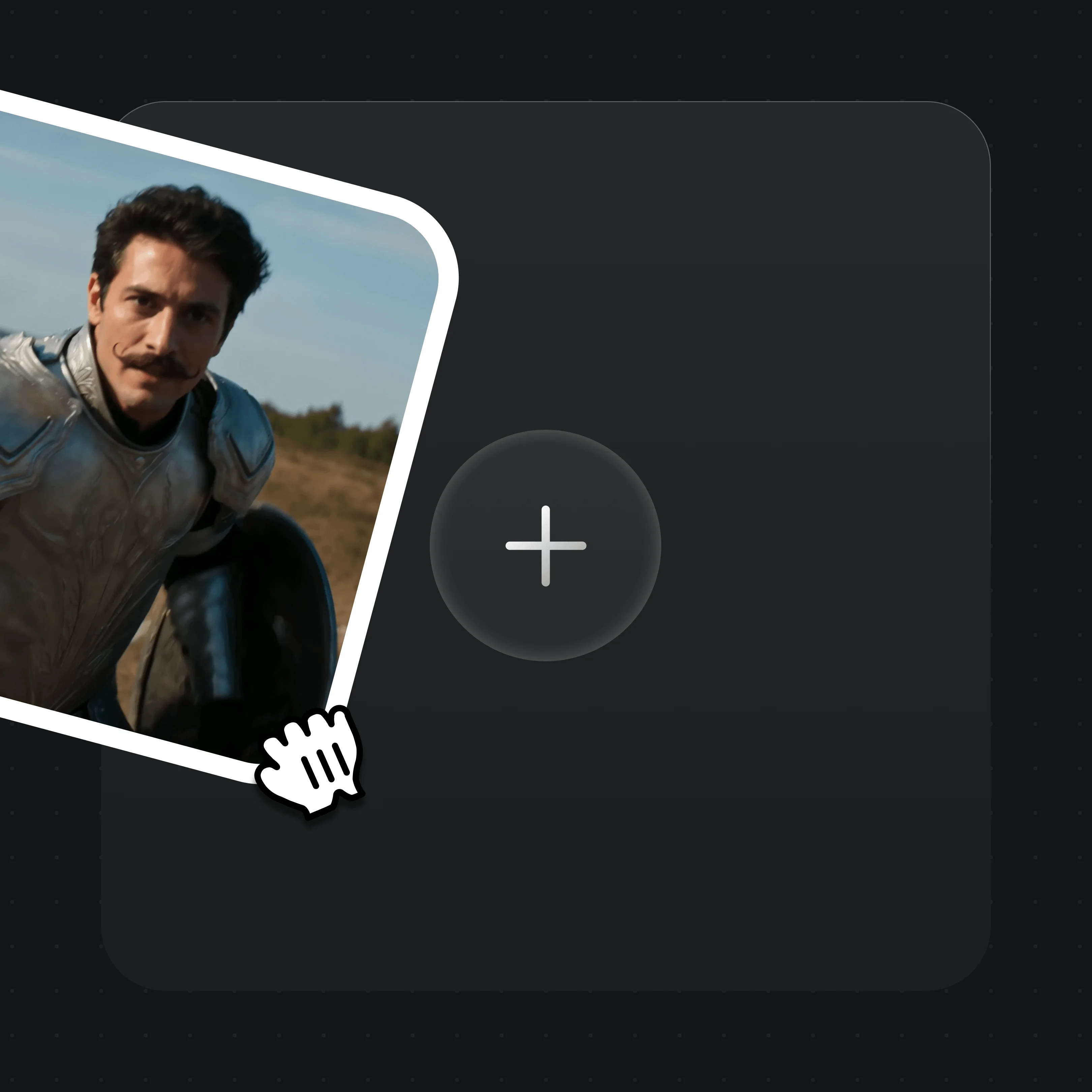
Drag reference images, video, or first/last frames into the upload card. MD5 dedup is automatic.
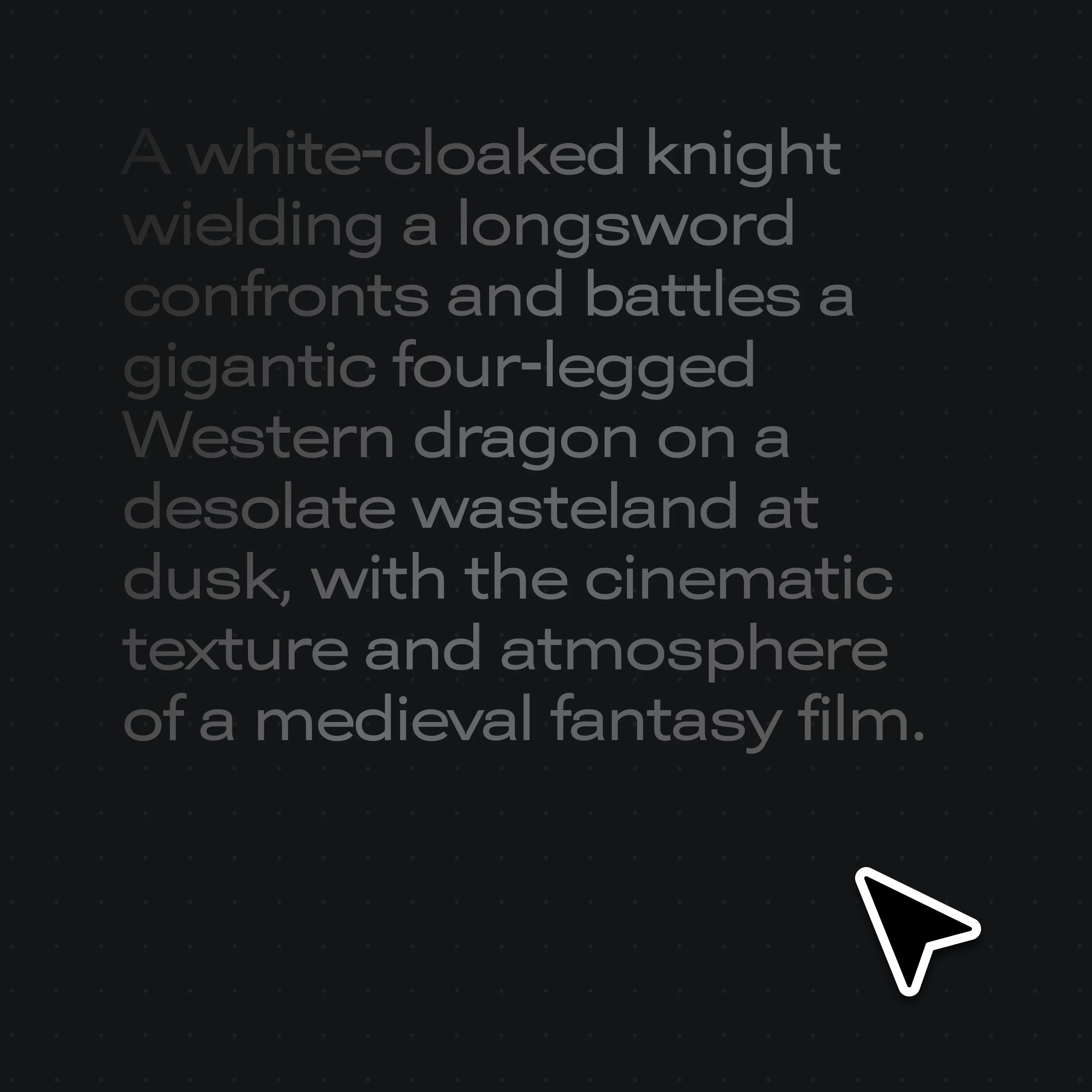
Describe the shot in plain text — your Kling prompts copy across directly.
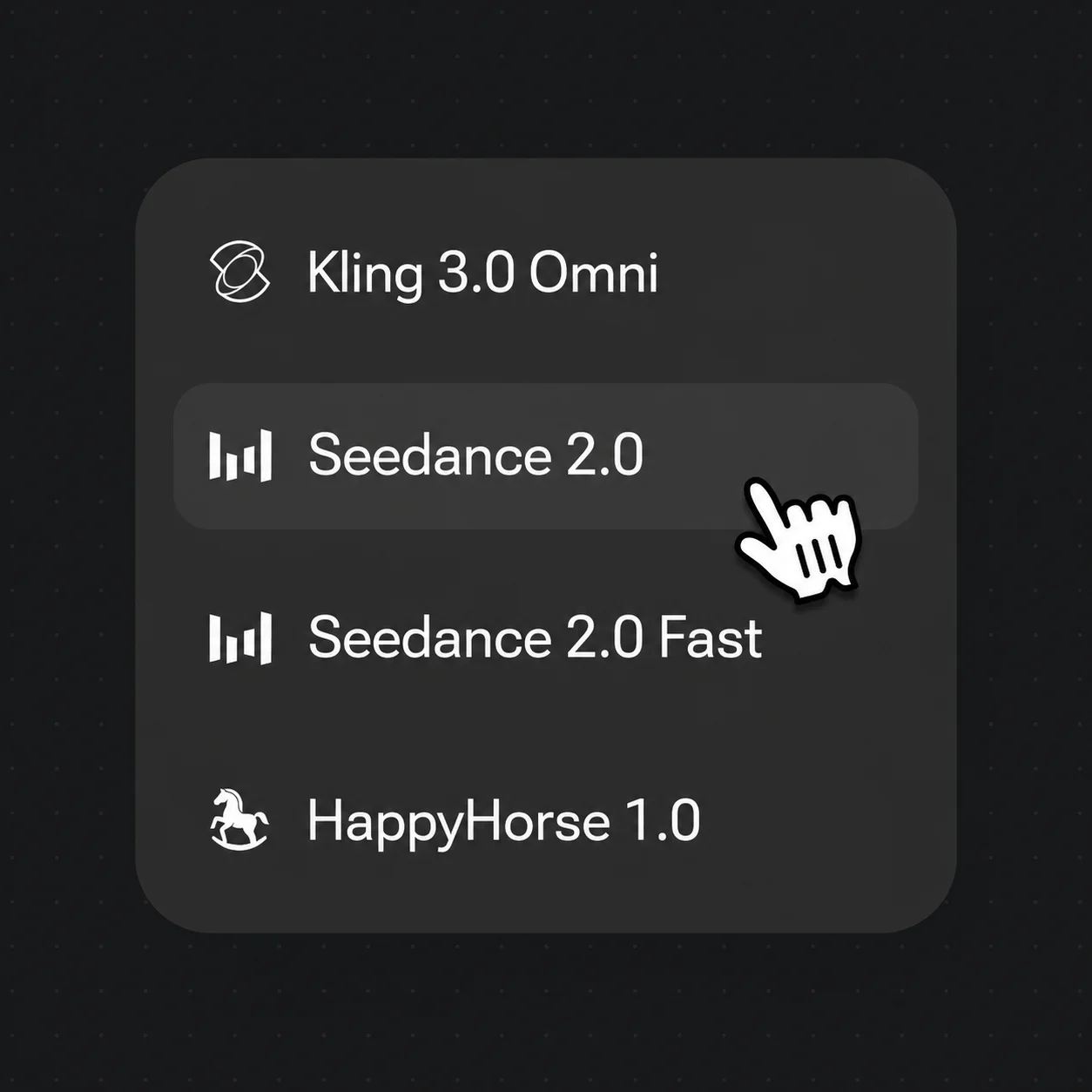
Choose Kling 3.0 Omni, Seedance 2.5, Seedance 2.0 or Nano Banana Pro from the selector, then generate.
Real Renoise outputs across multiple models — one Canvas.
A cinematic dragon duel rendered from a single prompt.
A cosmic butterfly sequence with fluid, physics-aware movement.
A woman-to-cat transition holding the subject across the morph.
The same character across an action run, carried by an image reference in the prompt.
Choose Renoise when Kling is one model in a wider workflow.
For first-time AI content creators
Billed $168 annually
Upgrade PlanSave $72/year
For creators shipping content every week.
Billed $504 annually
Upgrade PlanSave $216/year
For studios and pros producing at commercial scale.
Billed $1680 annually
Upgrade PlanSave $720/year
For first-time AI content creators
Billed monthly
Upgrade PlanFor creators shipping content every week.
Billed monthly
Upgrade PlanFor studios and pros producing at commercial scale.
Billed monthly
Upgrade PlanRenews automatically each year until canceled.
Renews automatically each month until canceled.
Yes — and Renoise includes the Kling model. Renoise integrates Kling 3.0 Omni alongside Seedance 2.5, Seedance 2.0 and Nano Banana Pro in one Canvas, with automatic safeguards for authorized real-face references and agent-first generation.
Yes. Kling 3.0 Omni is one of the integrated video models in Renoise, selectable from the model picker. You can also switch to Seedance 2.5, Seedance 2.0 or Nano Banana Pro on the same Canvas without changing tools.
Kling AI offers a dedicated Creative Studio whose native UI is purpose-built around the Kling models, which may feel more streamlined for Kling-only work. Kling AI also ships an API platform, an official CLI, an official MCP server and an agent Skill, and Kling AI subscribers draw an included daily credit allowance. Confirm current Kling AI features and limits on klingai.com, since both products evolve.
Yes. Seedance 2.0 standard outputs native 4K video, billed at 100 credits per second. Kling 3.0 Omni runs 720p or 1080p, and Seedance 2.5 reaches up to 1080p. Image models Nano Banana Pro and GPT Image 2 also reach 4K.
Prompts copy across directly, since the cinematic vocabulary is mostly model-agnostic. Reference images, video, and first/last frames re-upload into the Renoise asset library, with MD5 dedup keeping storage clean. Project files are not interoperable.
Yes. Renoise publishes plugins for Claude Code, Codex, and OpenClaw, plus a public MCP manifest. You chat in natural language; the plugin handles prompt construction, model selection, and result polling.
Yes — reference an image in your prompt to carry a character or product across clips. That is a model-layer capability, not a guarantee. For real human faces, use references only with likeness authorization. Renoise applies safeguards automatically; public figures, celebrities and minors are not supported.
Sora is another single-model platform. Like the Kling comparison, Renoise differs by running multiple models in one Canvas with safeguards for authorized real faces and agent-first generation. See our Renoise vs Sora page for the side-by-side.
Open the Canvas and generate with Kling 3.0 Omni, Seedance 2.5, and more from one prompt.