Clip length
4–15 seconds per clip on Seedance 2.0; stitch several for a full :30 spot.
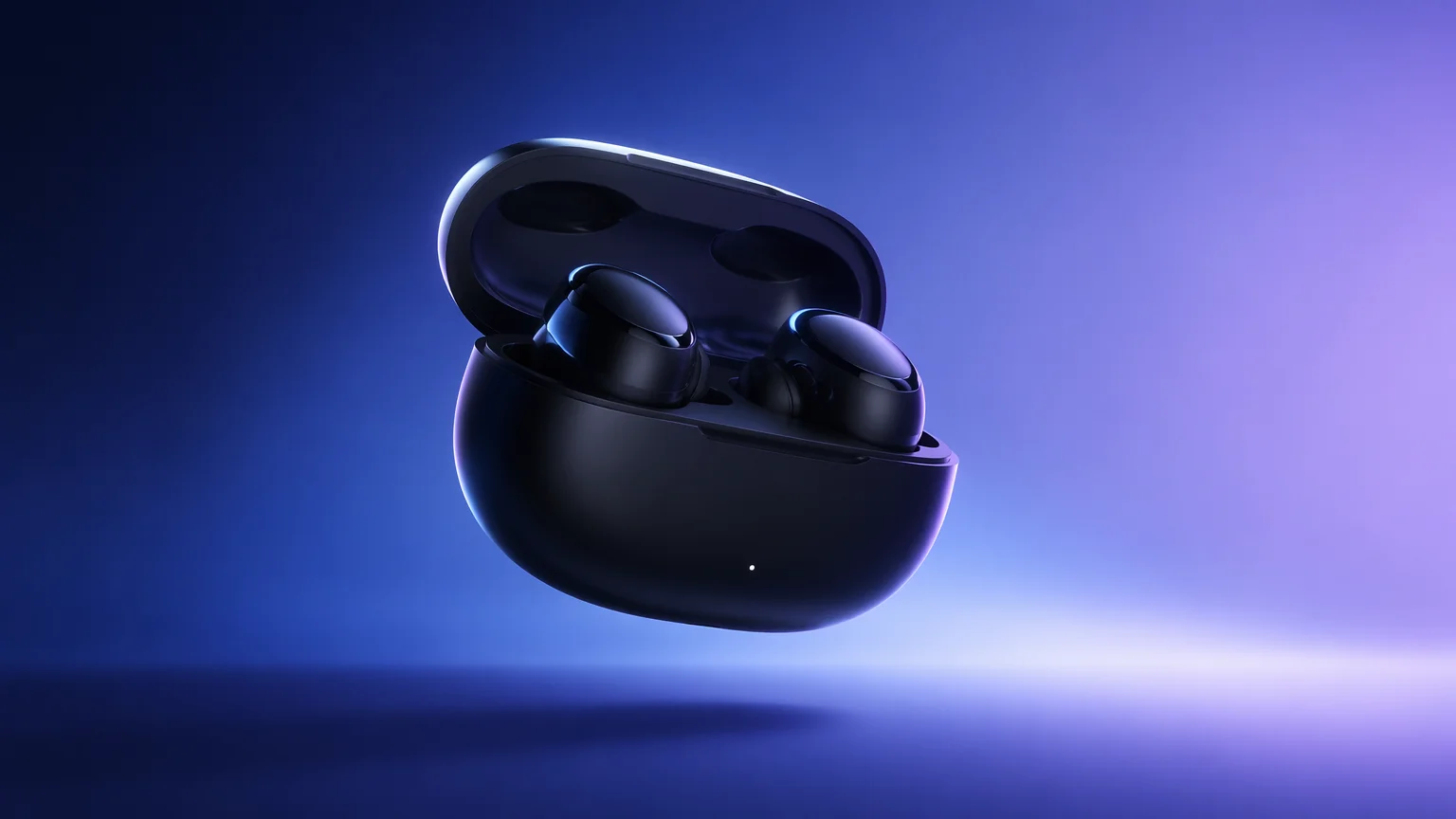
Generate video ads and commercials from a product shot and a prompt — across every aspect ratio.
Drop a product photo onto the Canvas, write one prompt per scene, and generate clips on Seedance 2.0 — it accepts up to nine image, three video, and three audio references per shot. For a spokesperson, clear real talent through FacePass and lip-sync on Kling 3.0 Omni. Export 9:16, 1:1, and 16:9 from one job.
Selling one product on a clean background? See the AI product video guide
4–15 seconds per clip on Seedance 2.0; stitch several for a full :30 spot.
Render 9:16, 1:1, and 16:9 natively from one render for Reels, feed, and YouTube.
Feed up to 9 image, 3 video, and 3 audio references per Seedance 2.0 shot.
FacePass clears a real spokesperson you have rights to before they appear on camera.
The flow we recommend for a short product or commercial spot. Add more scenes to build out a full campaign.

Open Canvas, add your product photo, then pick Seedance 2.0 — or Kling 3.0 Omni when a spokesperson needs lip-sync.
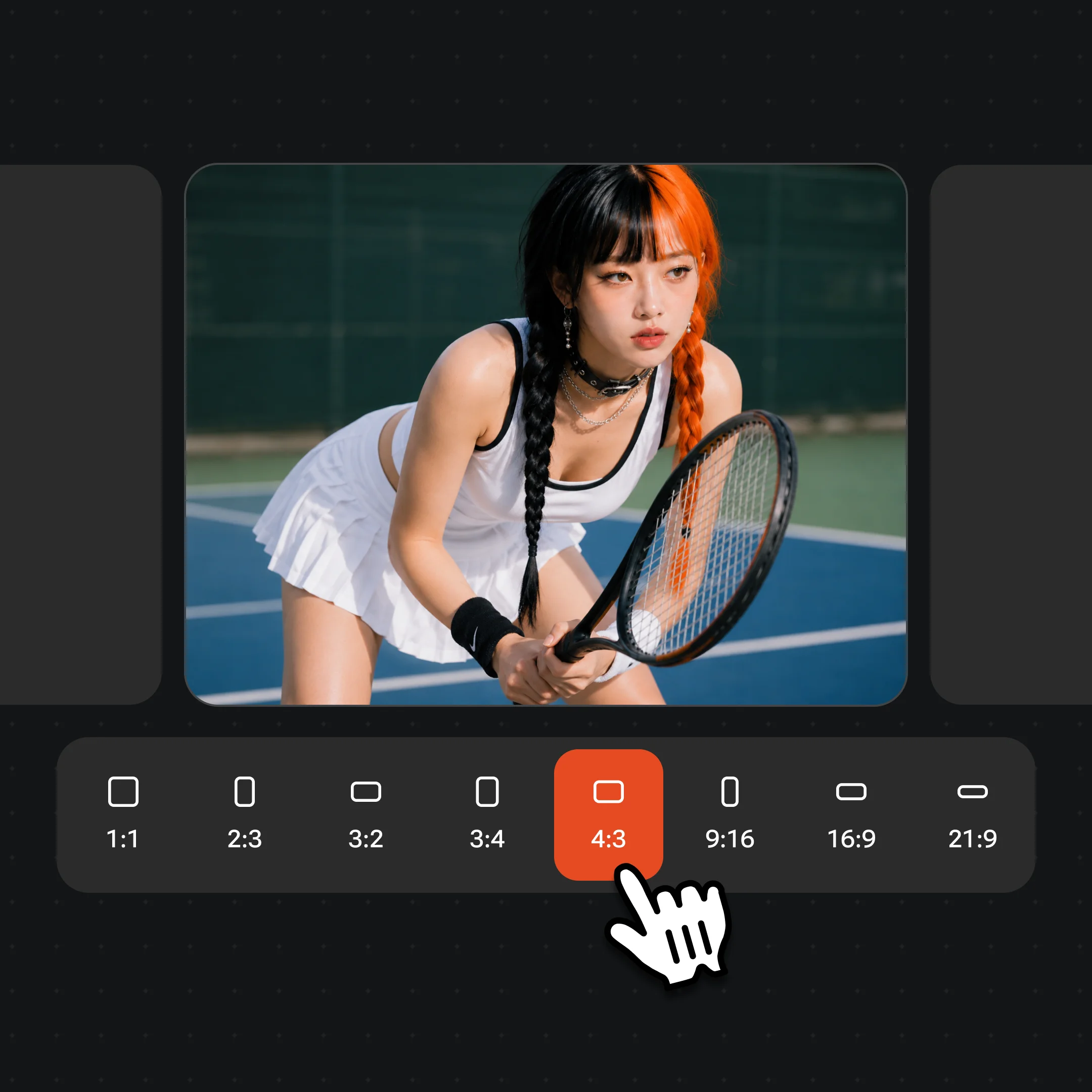
Check 9:16, 1:1, and 16:9 on the clip so each placement renders natively instead of a post-crop.
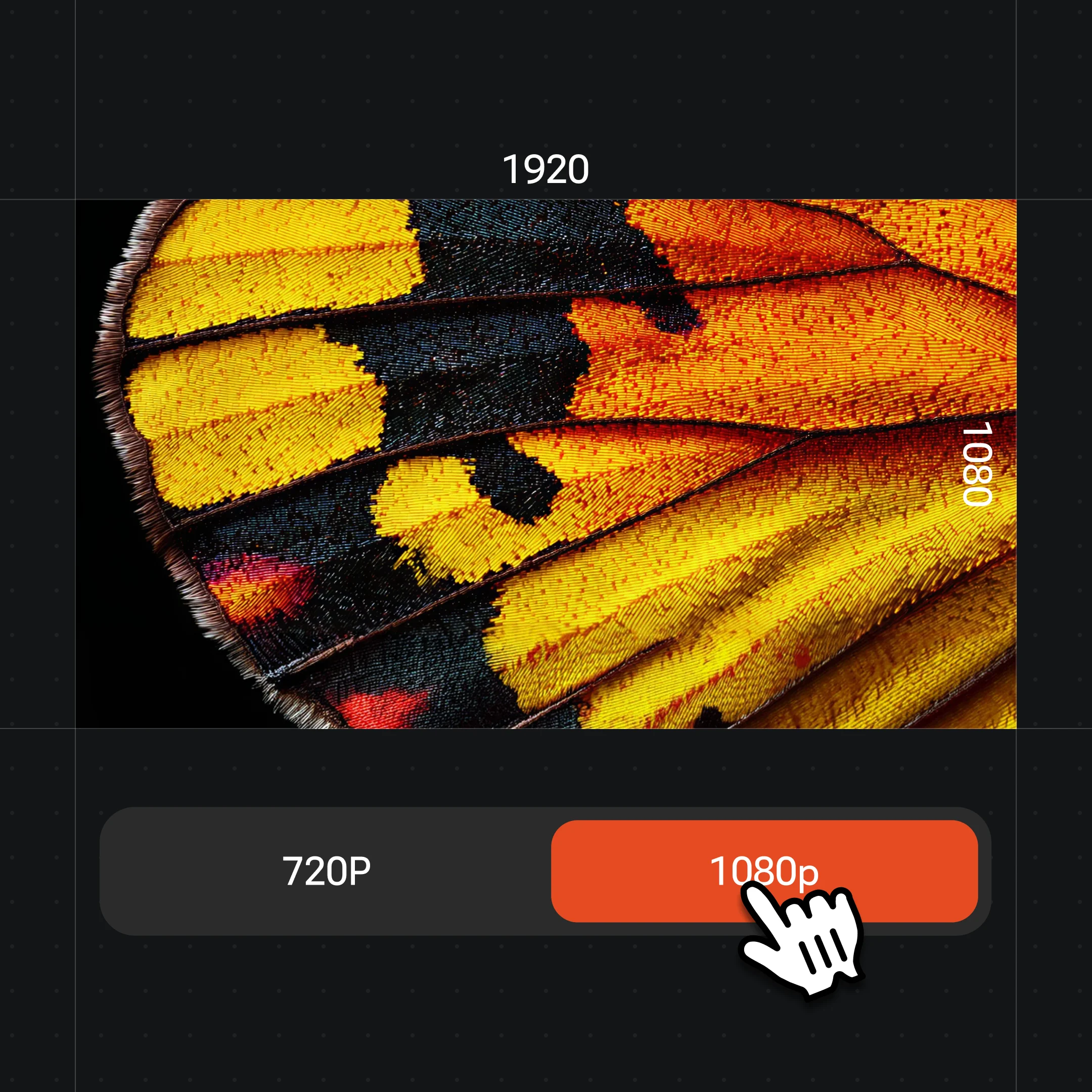
Write one prompt per scene, @-reference your product, generate each clip, then set resolution up to 4K for still frames.
A few of the ad and commercial frames you can generate — product hero spots, UGC-style talking shots, lifestyle b-roll, and social-first cuts.
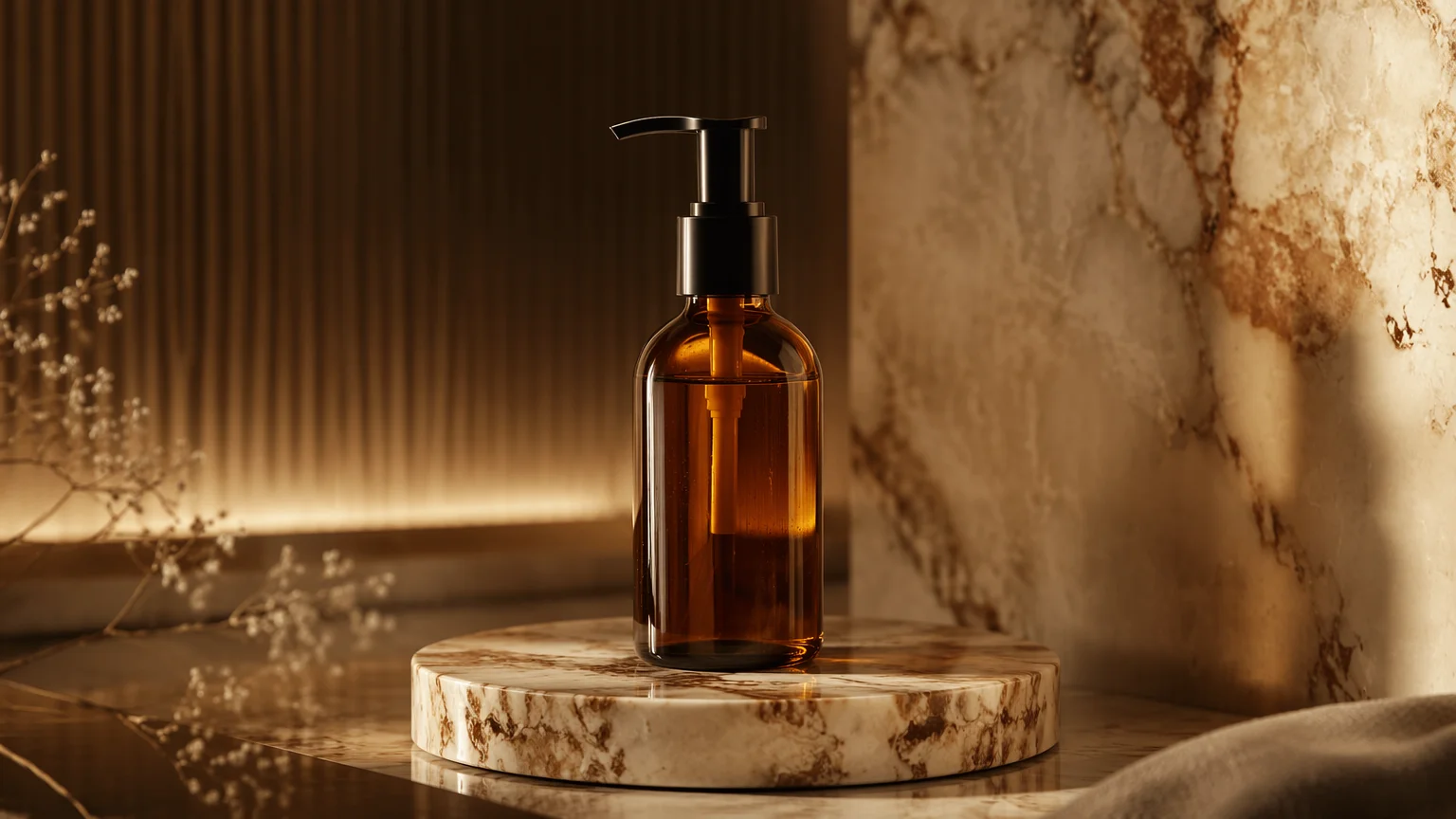
A polished product hero frame — an original product lit like a premium commercial.
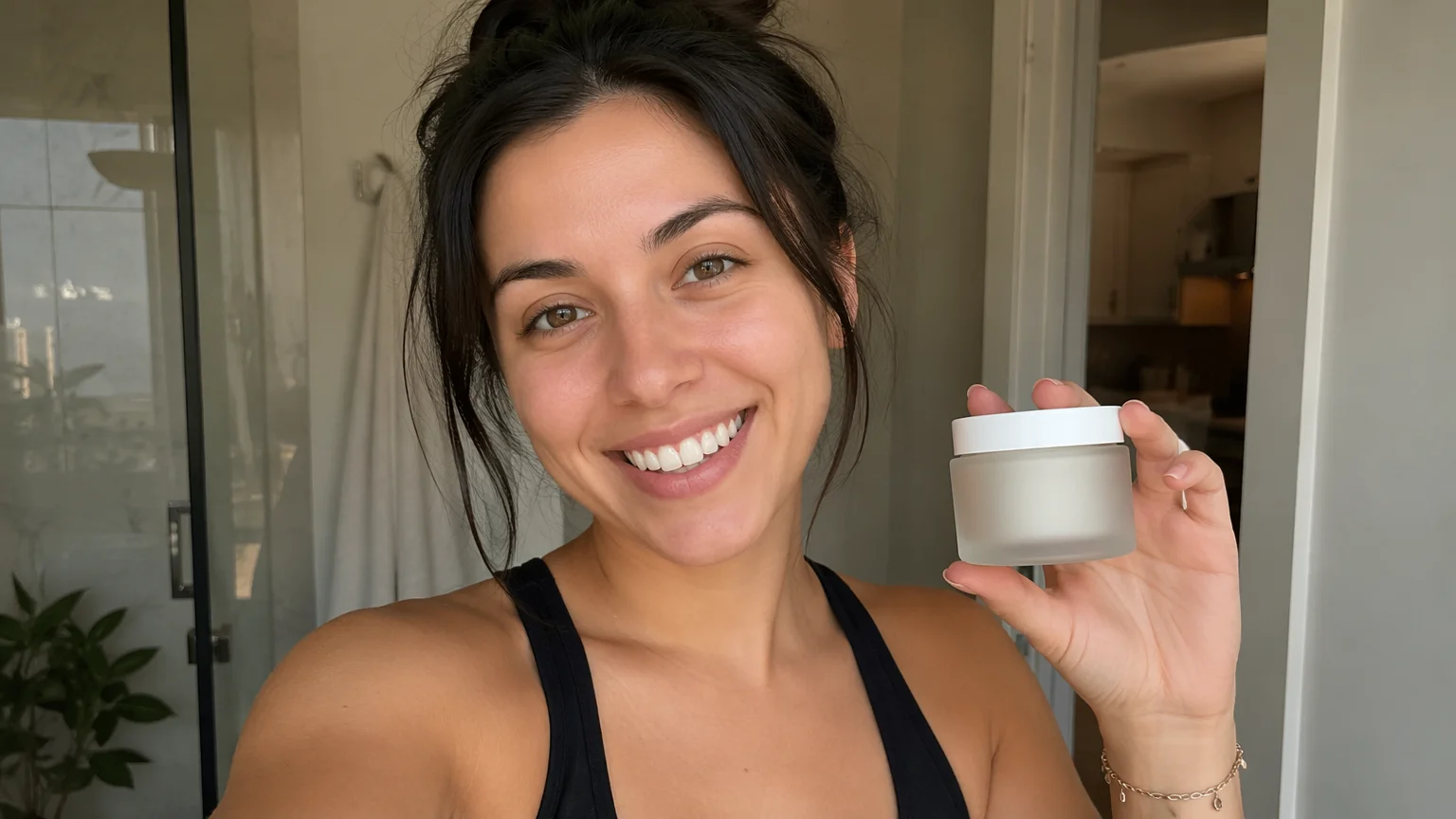
A creator-style talking spot — an original presenter holding the product to camera.

Energetic lifestyle b-roll for the cutdown.
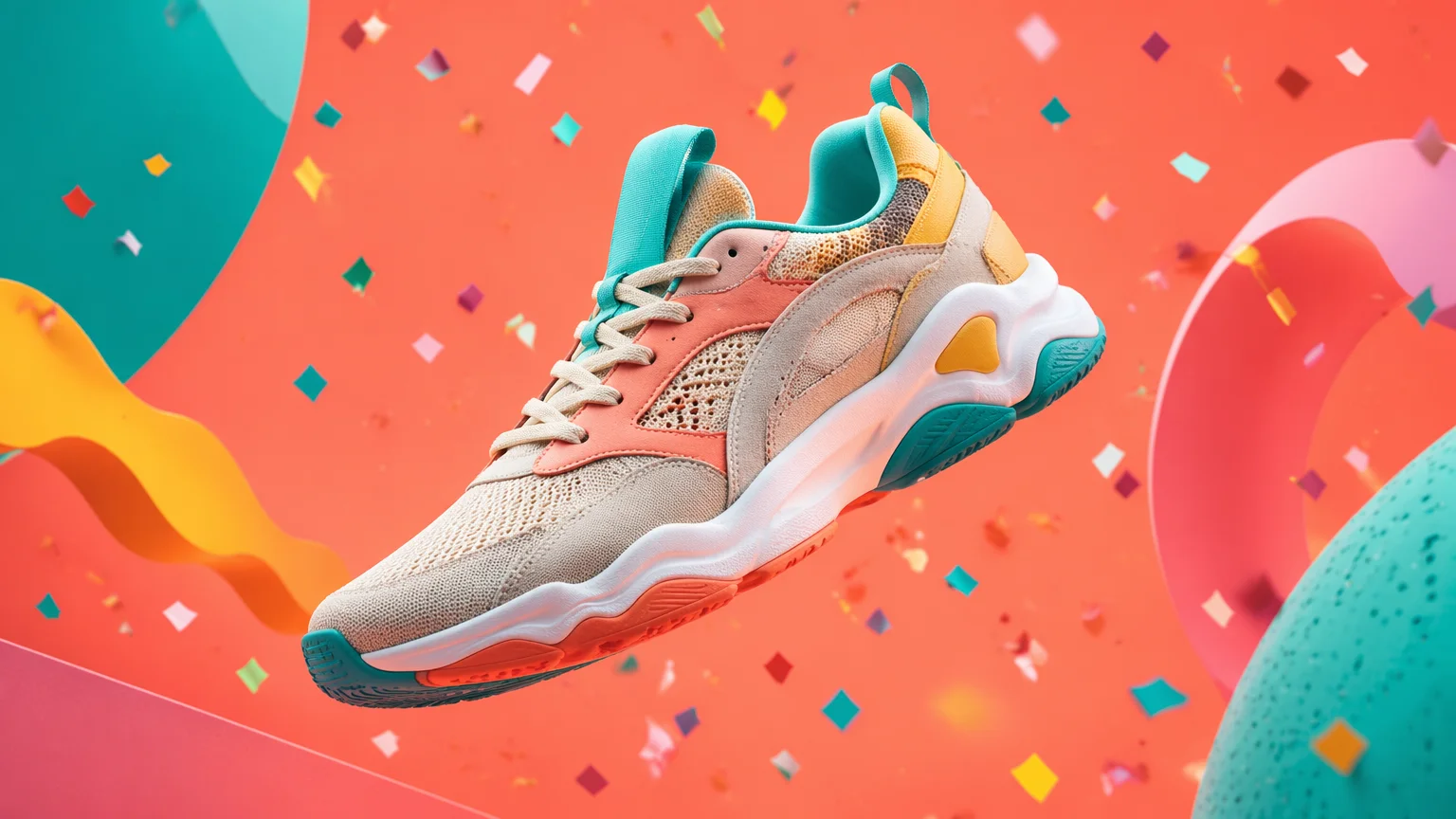
A punchy social-first frame sized for the feed.
Both video models live in the same Renoise Canvas — pick per scene. Seedance 2.0 for product-driven cinematic shots and multimodal references; Kling 3.0 Omni when a spokesperson needs native lip-sync.
| For a video ad | Seedance 2.0 (Recommended) | Kling 3.0 Omni |
|---|---|---|
| Best for | Product & b-roll shots | Spokesperson & UGC |
| Clip length | 4–15s | 3–15s |
| Image references | Up to 9 | Up to 7 |
| Native lip-sync | — | ✓ |
| Multi-subject consistency | Good | Best |
| Same canvas | ✓ | ✓ |
Most "AI ad generator" tools are template-and-avatar engines: you pick a stock avatar, paste a script, and the tool drops it into a fixed layout. That is fast for a talking-head UGC ad, but the output is built from the tool's presets, not from your brand. Your product, your packaging, and your specific spokesperson are bolted on afterward rather than driving the shot.
A reference-driven ad inverts that. In Renoise you start from your own assets — a product photo, a brand color frame, a reference clip for motion — and @-reference them directly in each prompt. Seedance 2.0 accepts up to nine image, three video, and three audio references per shot, so the ad is generated around your inputs instead of a template. That is the difference between a generic spot and one that looks like your campaign.
For a real spokesperson, the two approaches diverge again. Stock-avatar tools hand you a synthetic face; Renoise lets you cast a real person you hold rights to. Clear their photo once through FacePass — a likeness-clearance whitelist, not a consistency trick — then generate the talking scenes on Kling 3.0 Omni for native lip-sync. The result is a real face, on the record, the brand actually licensed.
The pieces that do the heavy lifting for ad and commercial work.
Generates product and b-roll clips from up to 9 image, 3 video, and 3 audio references per shot.
Native lip-sync and multi-subject consistency for spokesperson and UGC-style scenes.
Clears a real spokesperson you hold rights to past the model's face block via likeness clearance.
Render 9:16, 1:1, and 16:9 from one job so every placement is framed natively.
One plan unlocks every model your ad campaign needs.
For first-time AI content creators
Billed $168 annually
Upgrade PlanSave $72/year
For creators shipping content every week.
Billed $504 annually
Upgrade PlanSave $216/year
For studios and pros producing at commercial scale.
Billed $1680 annually
Upgrade PlanSave $720/year
For first-time AI content creators
Billed monthly
Upgrade PlanFor creators shipping content every week.
Billed monthly
Upgrade PlanFor studios and pros producing at commercial scale.
Billed monthly
Upgrade PlanRenews automatically each year until canceled.
Renews automatically each month until canceled.
Yes. Add a product photo to the Renoise Canvas, write one prompt per scene, and generate clips on Seedance 2.0. Stitch several 4–15 second clips into a full spot, then export every aspect ratio your placements need.
Each clip runs 4–15 seconds on Seedance 2.0 and 3–15 seconds on Kling 3.0 Omni. For a standard :15 or :30 commercial, stitch multiple clips on the Canvas — that is the normal workflow inside Renoise.
Yes, if you hold rights to their likeness. Clear their photo through FacePass first — video models block reference images with a real human face, and FacePass is the compliant whitelist path. Then generate their scenes on Kling 3.0 Omni for native lip-sync.
Reference your product photo in every prompt. Seedance 2.0 takes up to nine image references per shot, so the same packaging carries across scenes. Consistency is a strong model-level improvement, not a guarantee, so review each clip.
Check 9:16, 1:1, and 16:9 on each clip before rendering. Renoise generates each aspect natively rather than cropping, so framing stays correct for Reels, feed, and YouTube without re-rendering.
Use Seedance 2.0 for product shots and cinematic b-roll, where its multimodal references shine. Switch to Kling 3.0 Omni for spokesperson or UGC scenes that need native lip-sync and multi-subject consistency. Both run on the same Canvas.
Yes. Renoise ships third-party Skills and plugins for Claude Code, Codex, and OpenClaw, plus an MCP manifest, so you can describe an ad in natural language and have your agent run the generation through the Renoise API.