Readable text overlay
Nano Banana Pro renders on-image copy at ~94% accuracy — quote the text and name the style.
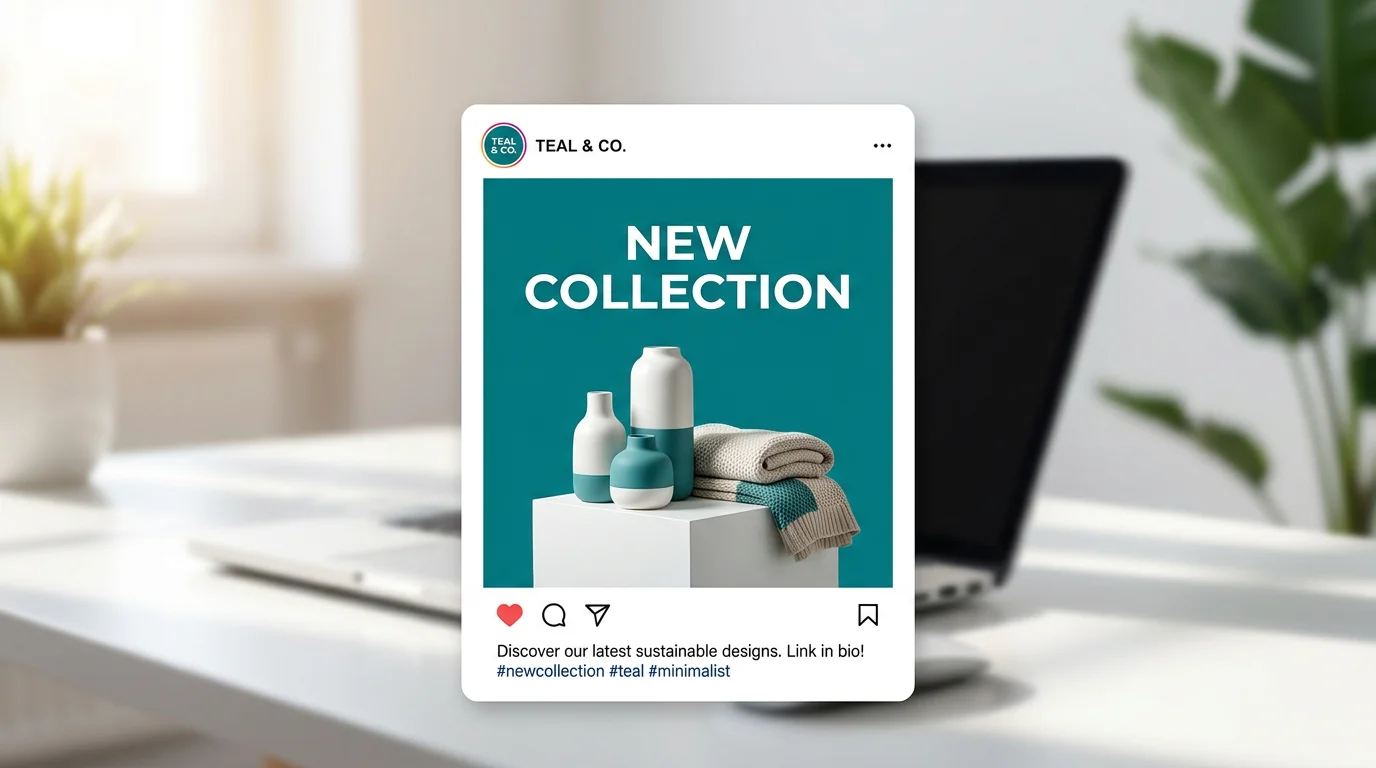
Branded Instagram, Facebook, and X posts with on-image text — in the right platform ratio.
Describe the post in Renoise Canvas — brand palette, the text overlay in quotes, and the platform ratio (1:1 for Instagram square, 9:16 for Stories, 16:9 for Facebook/X cover) — then generate on Nano Banana Pro. It renders in-image text at ~94% accuracy and supports ten ratios, so the post comes out sized right and the copy reads cleanly.
Making a YouTube thumbnail instead? See the YouTube thumbnail guide
What social media post generation looks like in Renoise.
Nano Banana Pro renders on-image copy at ~94% accuracy — quote the text and name the style.
Set 1:1 for Instagram feed, 9:16 for Stories and Reels, 16:9 for Facebook and X — all from one model.
Prompt the palette, mood, and visual style so posts stay consistent across a campaign.
From a brief to a platform-ready branded post with legible text.

Name the platform ratio and put the text overlay in quotes — "1:1 Instagram, reading NEW DROP, bold sans, brand-blue background".
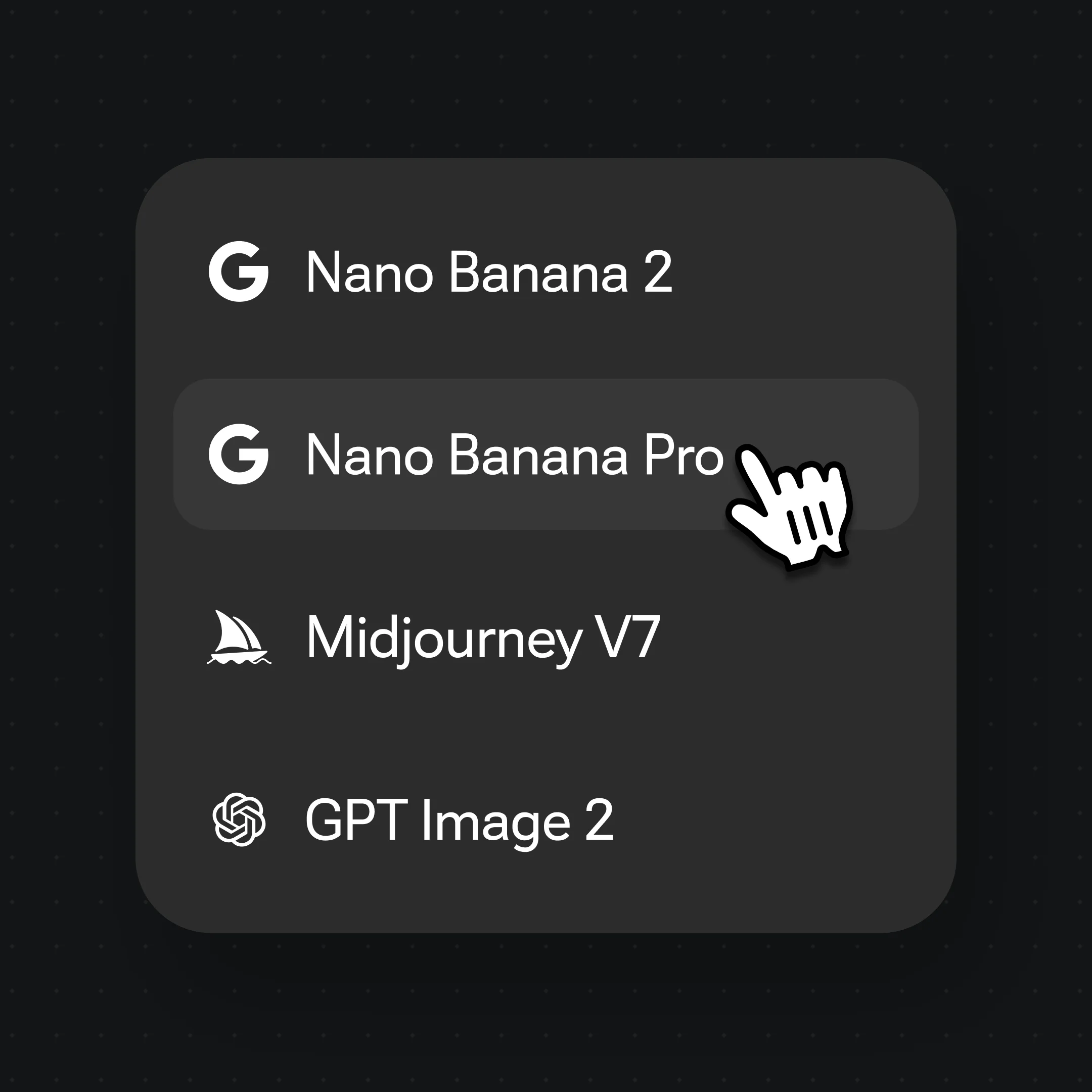
Pick Nano Banana Pro from the model bar — Studio-grade finish with multi-ratio support and strong text rendering.
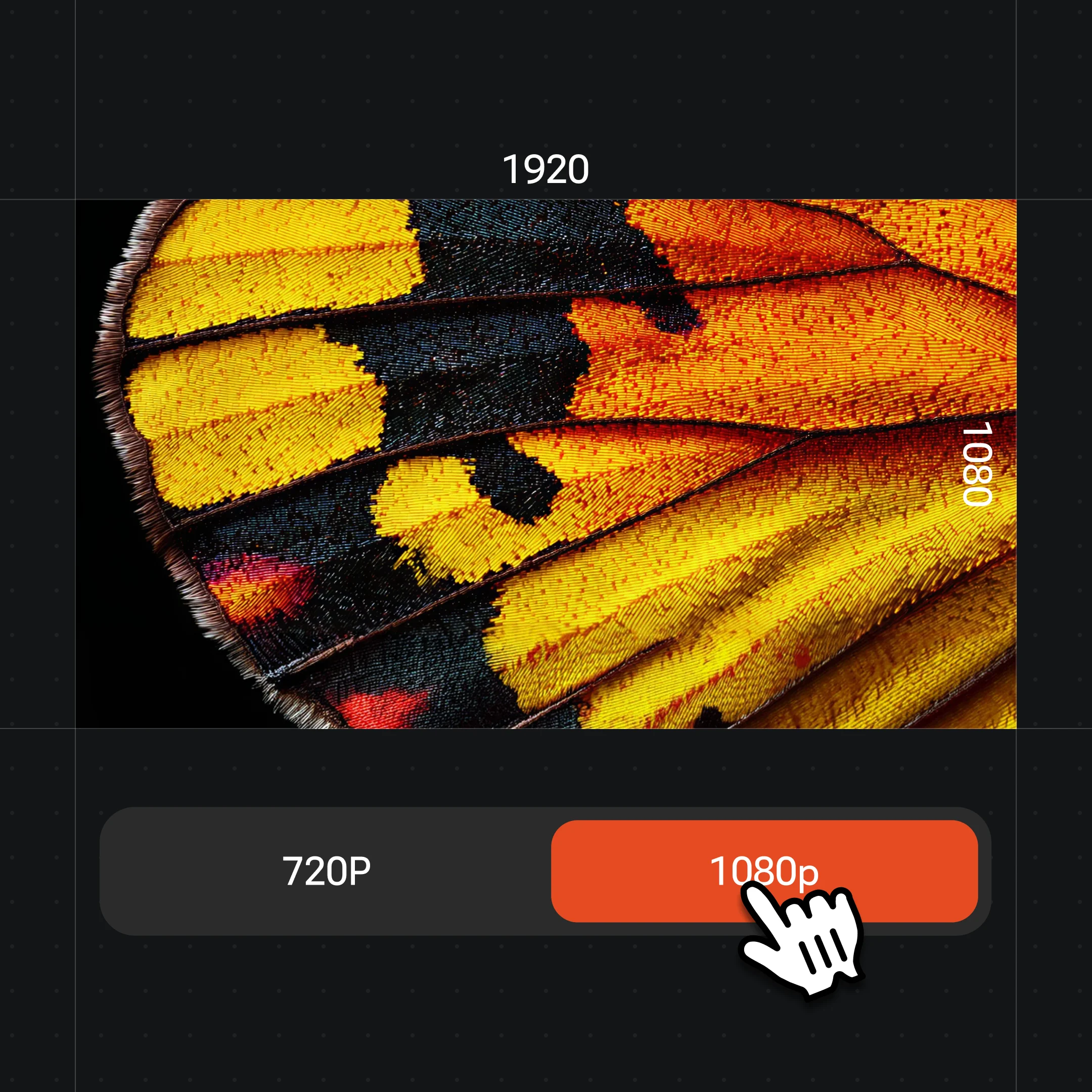
Generate, tweak colors or copy, then export at up to 4K. Proofread the text overlay before posting.
Instagram feed, Stories, Facebook, X — all from one canvas session.
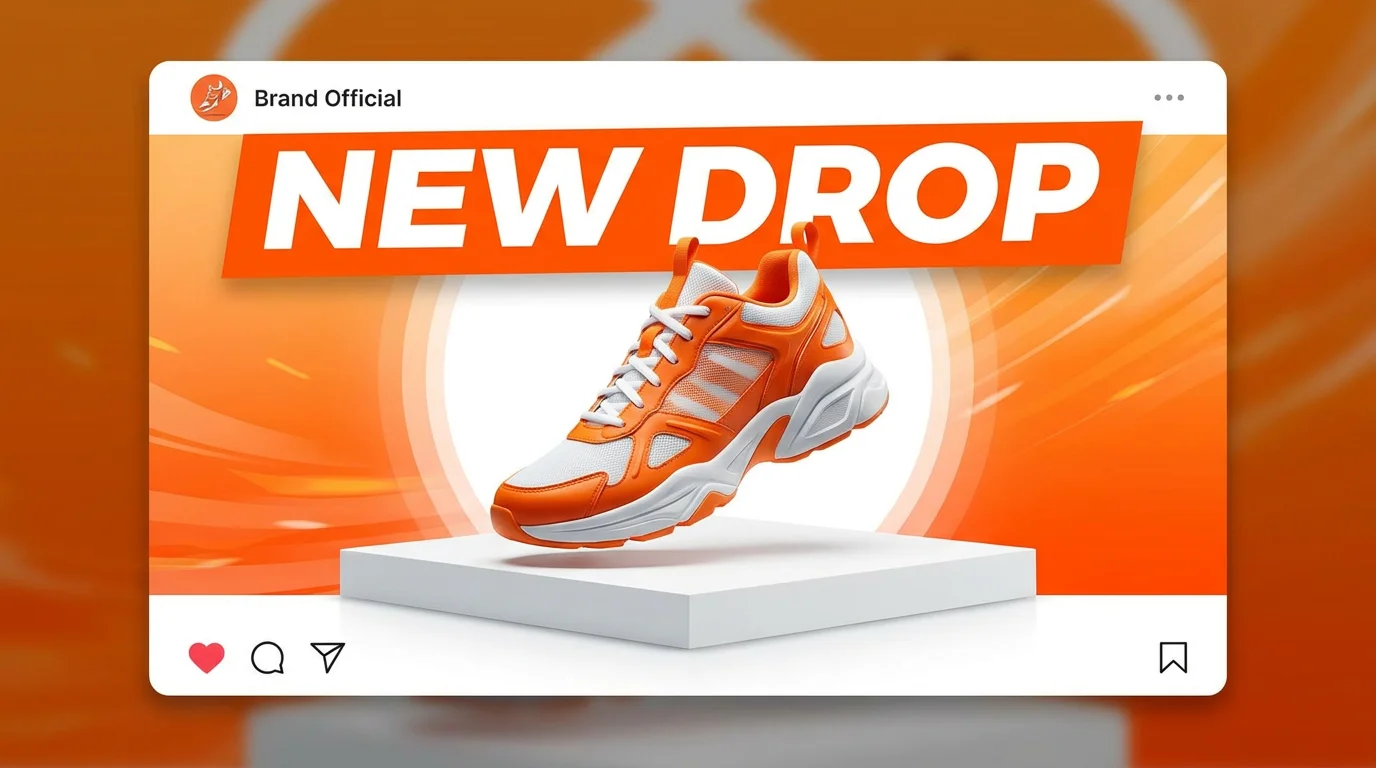
A 1:1 branded product post with a short text overlay and punchy color palette.
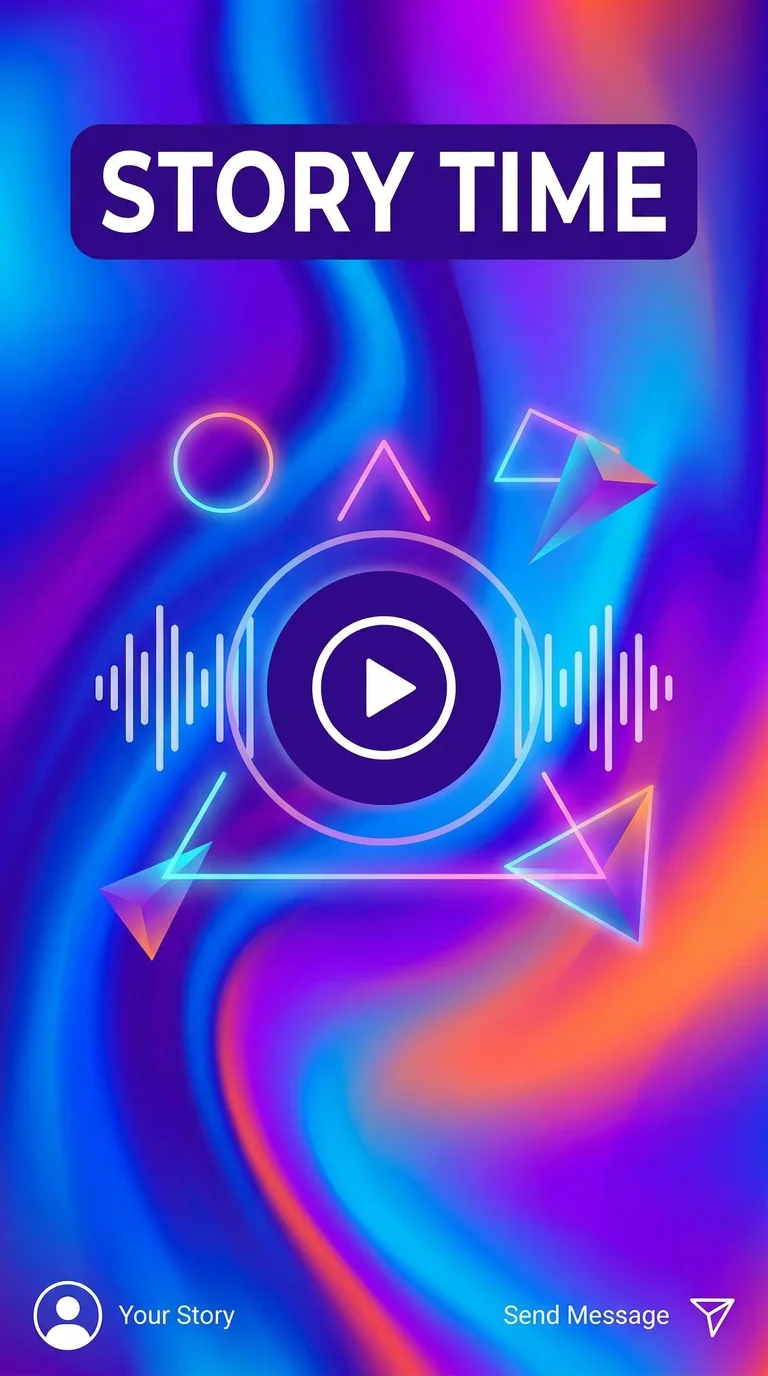
A 9:16 portrait Story card with a full-bleed visual and a bold caption.
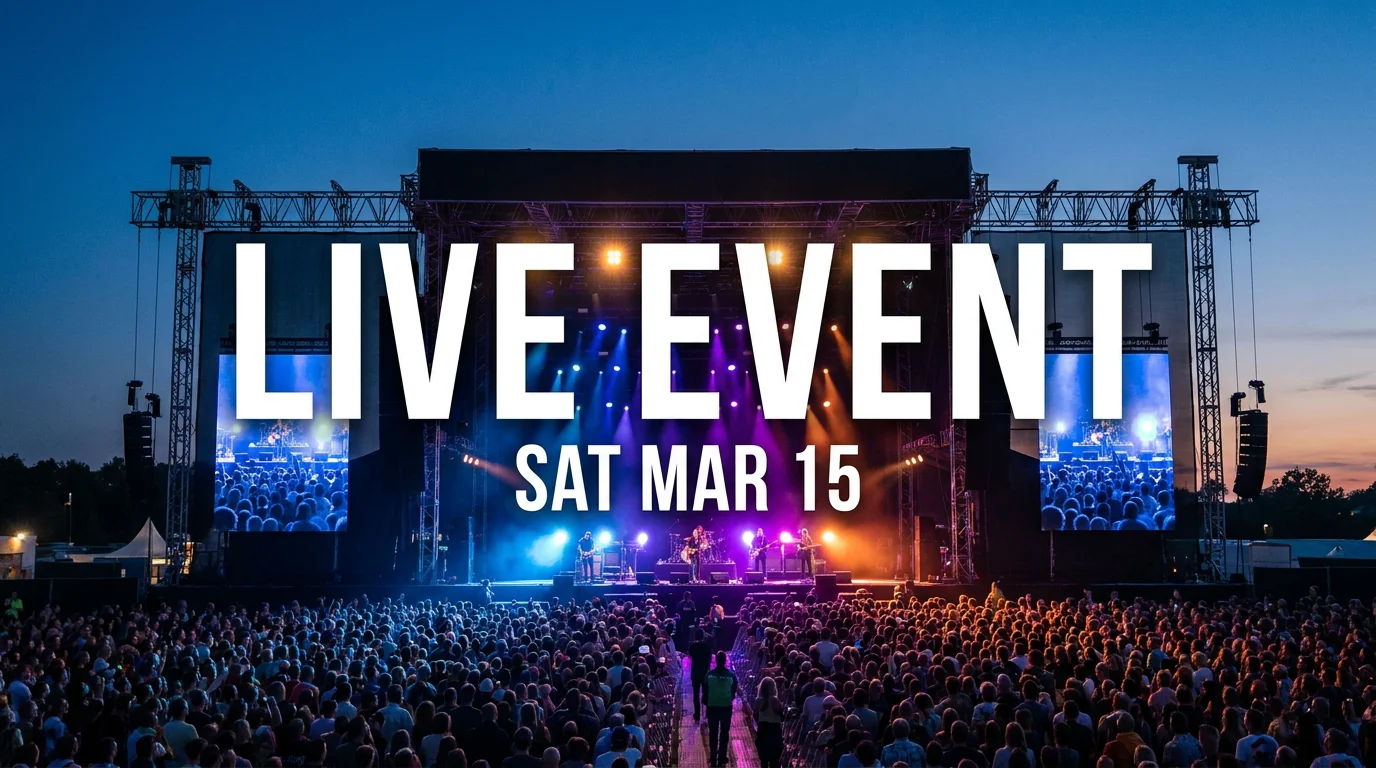
A wide landscape post for a Facebook event with headline, date, and cover imagery.
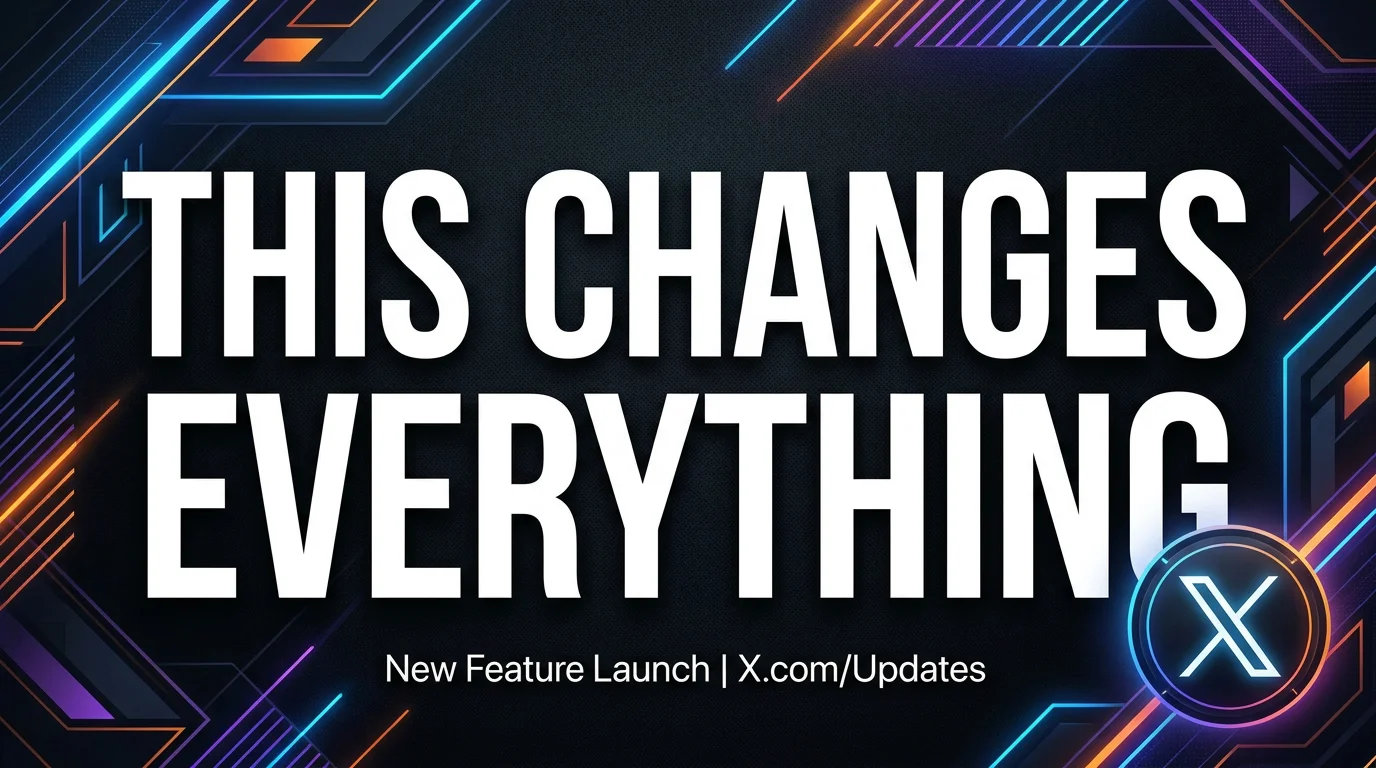
A 16:9 card for X with a one-liner hook, brand visual, and high contrast.
Both live in the same Renoise Canvas. Nano Banana Pro for most branded posts — strong text rendering and multi-ratio. GPT Image 2 when the brief is complex or you fuse reference images from a brand library.
| For social posts | Nano Banana Pro (Recommended) | GPT Image 2 |
|---|---|---|
| Best for | Branded posts with text overlay | Complex multi-ref or instruction-heavy briefs |
| In-image text | ~94% accuracy | Good |
| Ratio support | 10 ratios | 8 ratios |
| Reference images | Image-to-image | Up to 16 |
| Up to 4K export | ✓ | ✓ |
| Same canvas | ✓ | ✓ |
Two things kill a social post before anyone reads it: the wrong crop and unreadable text. Each platform has a native ratio — Instagram feed expects 1:1 or 4:5, Stories and Reels are 9:16, Facebook and X links render best at 16:9. Generating at the wrong ratio means the platform auto-crops the image and your text disappears into the bleed. Setting the ratio explicitly in the Renoise Canvas prompt before generating avoids the re-crop entirely.
Text overlay is the second variable. Nano Banana Pro renders in-image copy at around 94% accuracy — higher than most image models, but not infallible. The technique that makes the biggest difference is quoting the exact words: 'reading "NEW DROP THURSDAY"' tells the model to treat that string as literal copy rather than a stylistic texture. Keep overlay copy short: a headline up to five or six words renders far more cleanly than a long sentence. If the post needs a longer caption, that lives in the social platform's post field, not in the image.
For a campaign where every post needs to match a brand guide, use an earlier post as a reference image in the next Canvas generation. Prompt for the same palette, typeface style, and layout, and the model carries consistency across the batch without you rebuilding the brief each time. The output is generative — not a locked template — so there is natural variation, which is actually fine for feed aesthetics.
Social post generation leans on Nano Banana Pro, GPT Image 2, and multi-ratio output in one Canvas.
Studio-grade model with ~94% text rendering and 10 ratios — anchor for social post work.
Up to 16 reference images for brand-library fusion and precise text-heavy briefs.
1:1, 9:16, 16:9, 4:5, and more — set the ratio in the prompt, no manual crop.
Export pixel-crisp social assets at 1K, 2K, or 4K — watermark-free on paid plans.
One plan unlocks Nano Banana Pro, GPT Image 2, and every other image model.
For first-time AI content creators
Billed $168 annually
Upgrade PlanSave $72/year
For creators shipping content every week.
Billed $504 annually
Upgrade PlanSave $216/year
For studios and pros producing at commercial scale.
Billed $1680 annually
Upgrade PlanSave $720/year
For first-time AI content creators
Billed monthly
Upgrade PlanFor creators shipping content every week.
Billed monthly
Upgrade PlanFor studios and pros producing at commercial scale.
Billed monthly
Upgrade PlanRenews automatically each year until canceled.
Renews automatically each month until canceled.
Branded posts with on-image text in the right platform ratio — watermark-free exports on paid plans.
Describe the post in Renoise Canvas — platform ratio, text overlay in quotes, brand colors — then generate on Nano Banana Pro. It renders in-image text at ~94% accuracy across ten ratios. Proofread the copy, export at up to 4K.
Square 1:1 for the feed, 4:5 portrait for a taller feed card, and 9:16 for Stories and Reels. Set the ratio in your prompt; Nano Banana Pro handles it natively — no manual crop after export.
Yes. Facebook event headers and link previews render best at 16:9; X cards are also 16:9. Name the ratio and the platform in the brief and the model generates to fit.
Social posts are sized for platform feeds and optimized for quick scroll-stopping impact — short copy, platform-native ratios. Flyers are compact handouts for events with more detail. Posters are larger print or display pieces. For event flyers, see the flyer guide; for print posters, see the poster guide.
Use an earlier generated post as a reference image in the next Canvas generation and prompt for the same palette, typeface style, and layout. The model carries the visual style forward. Results will have natural variation — which looks natural in a feed — but the brand feel holds.
Nano Banana Pro for most posts — strong text rendering, multi-ratio output, and Studio-grade finish. GPT Image 2 is the better pick when you fuse multiple brand-library reference images or need precise instruction-following on a complex brief. Both are in the same Canvas.
No. The same Canvas that generates paid ad creatives works just as well for organic feed posts, Stories, and X cards. If you do run ads, see the ad generator guide for conversion-focused framing alongside the social post workflow.