Sketch → rendered image
Upload a pencil or digital line sketch, describe the finished style, and render it into a full-color illustration.
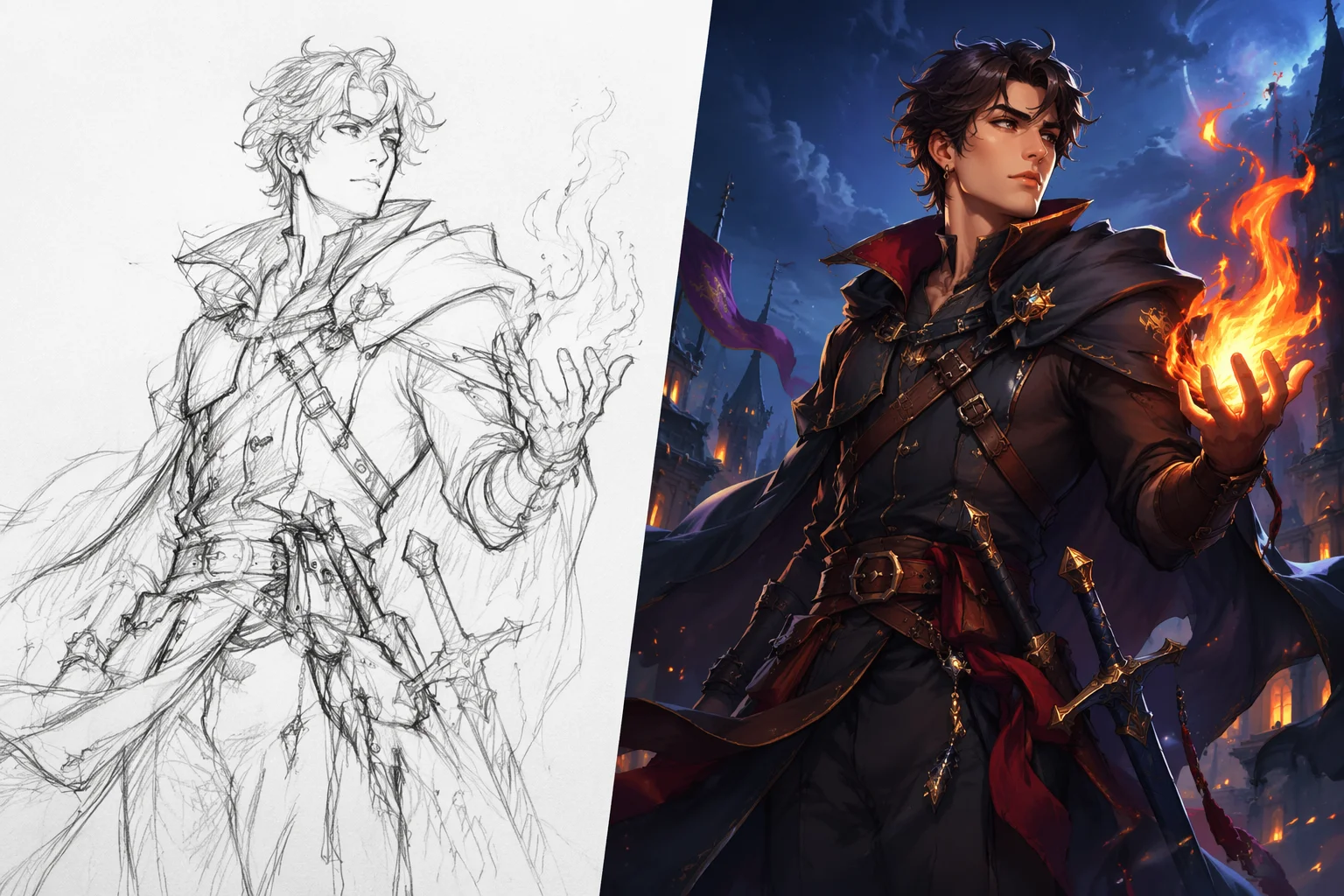
Upload a rough sketch and render it into a finished image — or convert a photo into clean line art.
Upload the sketch or line art to Renoise Canvas, pick Nano Banana 2 (fast) or GPT Image 2 (detailed), and prompt "render this sketch into a finished digital illustration — detailed shading, vibrant colors". The model treats the lines as a structural guide and generates a rendered version on top of them. For the reverse — photo to line art — prompt "convert to clean line art, black lines on white background".
Starting from a text description instead of a sketch? See the AI drawing guide
Both directions — sketch to render and photo to line art — run on the same canvas.
Upload a pencil or digital line sketch, describe the finished style, and render it into a full-color illustration.
Convert a photo or rendered image into clean black-line art — useful for reference sheets, stencils, or coloring pages.
Steer the render style: anime, comic, watercolor, oil painting, architectural blueprint — describe it in the prompt.
From line art to a finished render — or the reverse — in a single canvas session.

Drag your pencil sketch, line art, or source photo onto the Canvas upload card. Clear lines give the model more to work with.
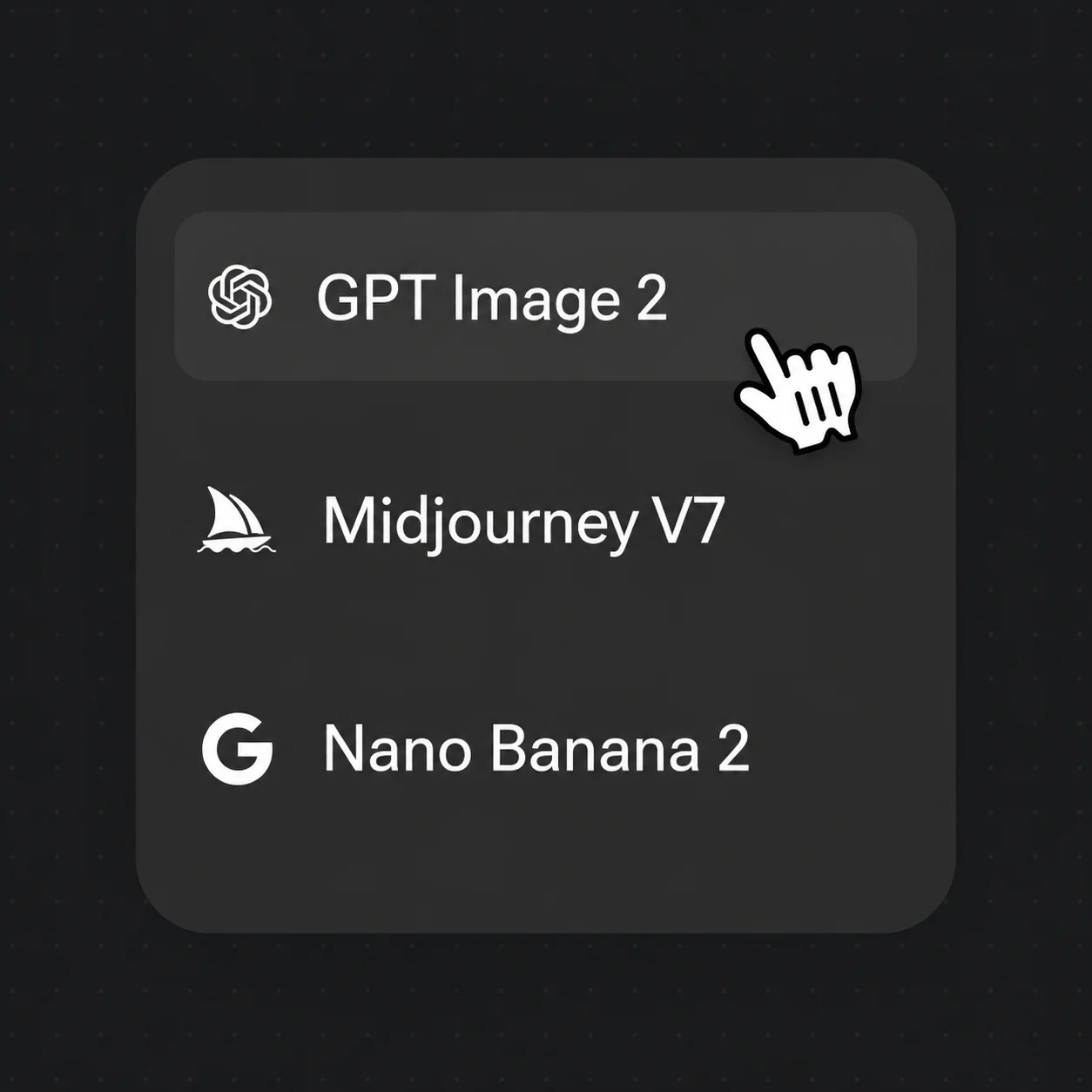
Pick Nano Banana 2 for quick tests or GPT Image 2 for detailed control. Prompt the render style in the text field.

Review the result, adjust the prompt for style or detail, and iterate. Export at up to 4K.
Line art rendered into finished illustrations, and photos converted back to line art.
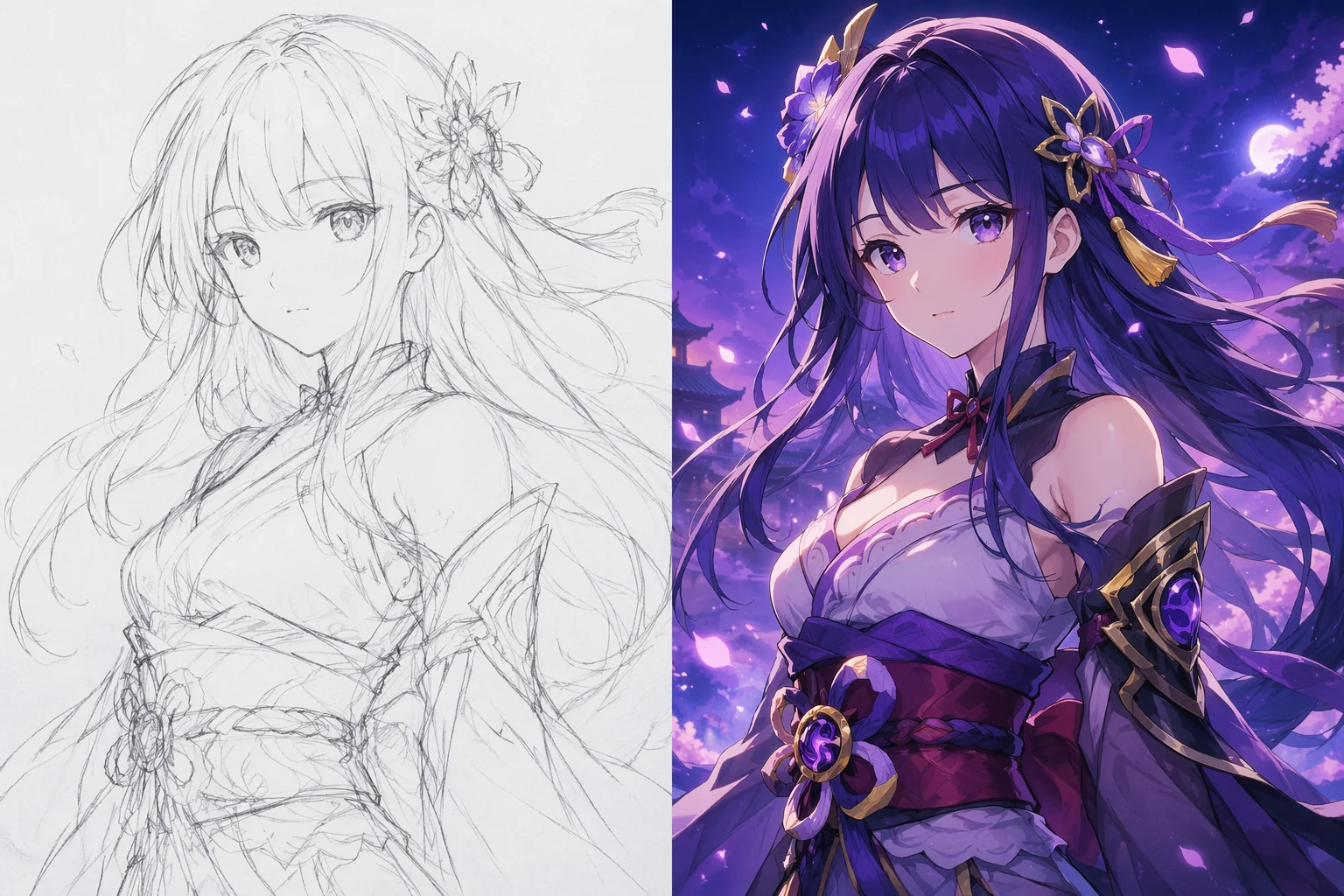
A rough character sketch rendered into a vibrant anime illustration with shading and color.
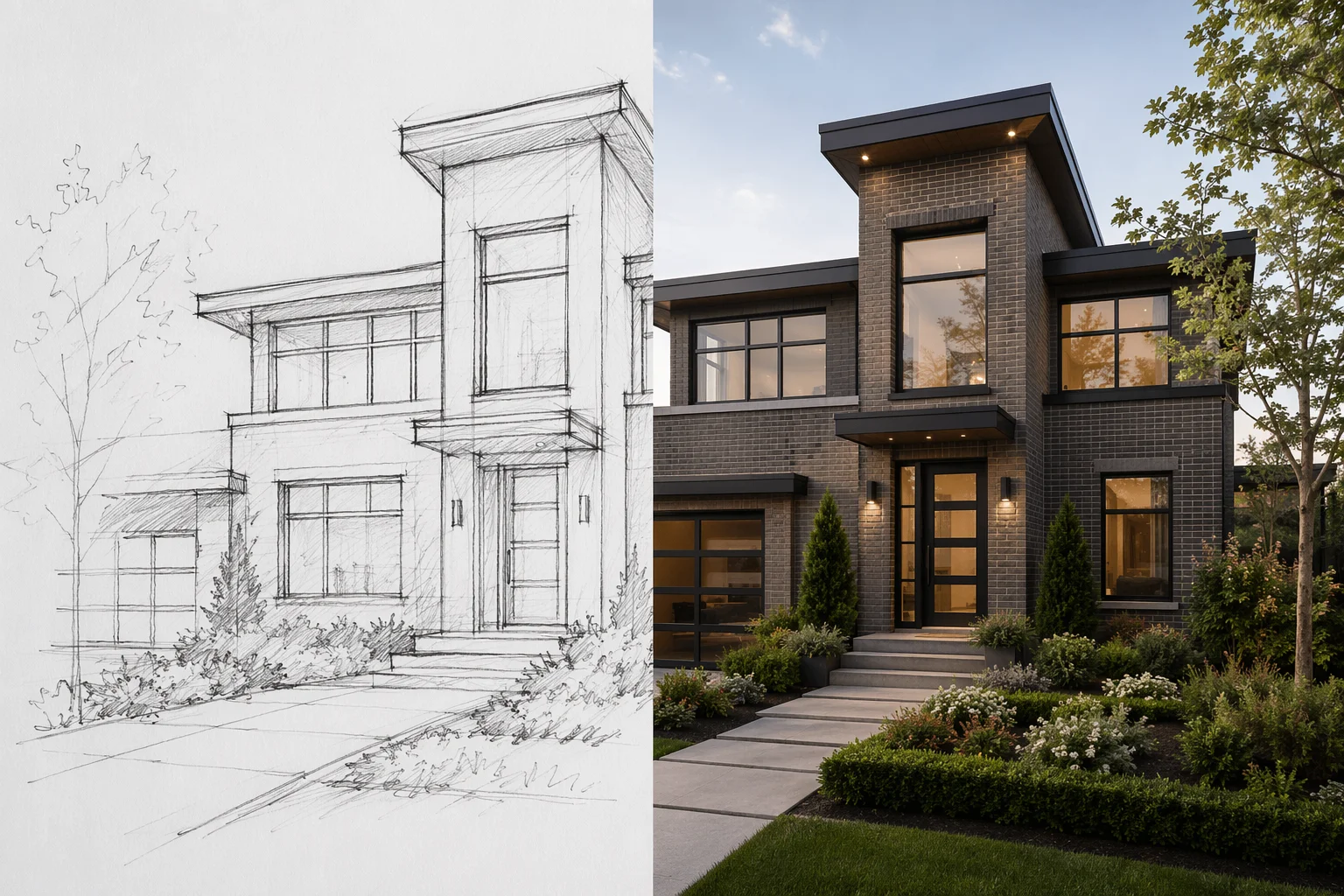
A hand-drawn floor plan or exterior sketch rendered into a photorealistic building visualization.
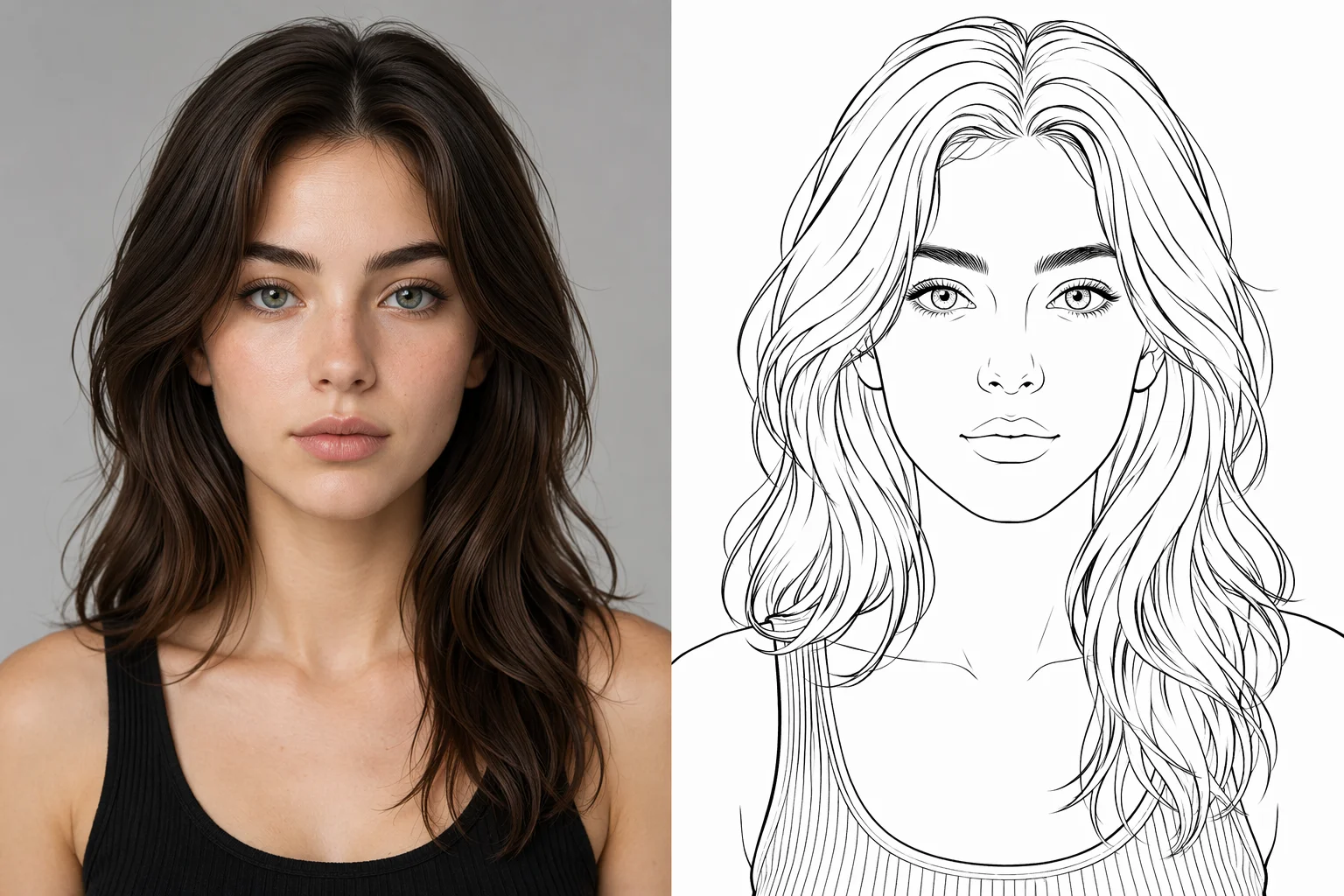
A portrait photo converted to clean black-line art for use as a reference sheet or stencil.
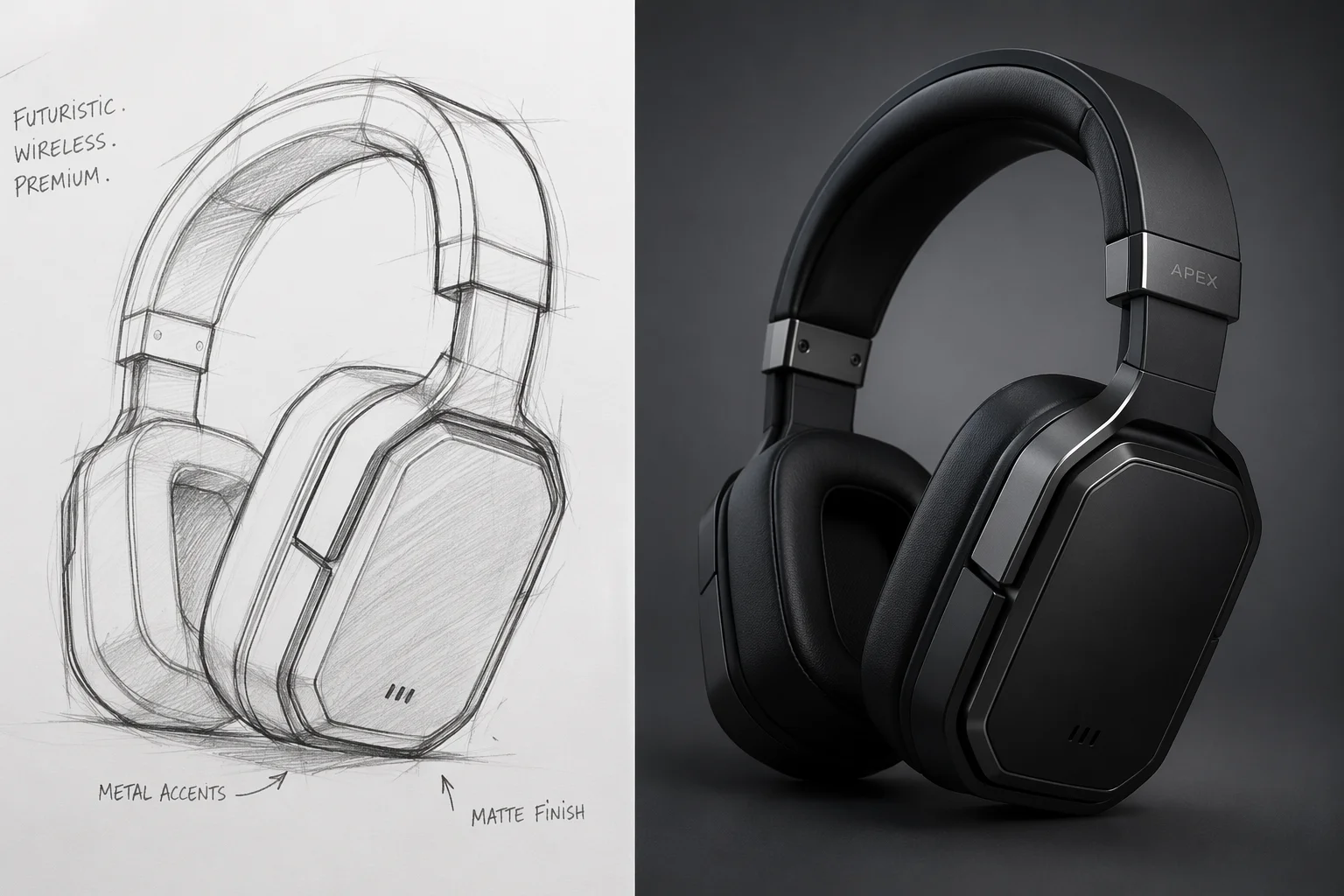
A quick product concept sketch turned into a detailed rendered visualization.
Nano Banana 2 is the fast iteration lane; GPT Image 2 gives detailed instruction following and multi-reference fusion.
| For sketch / line art | Nano Banana 2 (Recommended) | GPT Image 2 |
|---|---|---|
| Best for | Fast render tests | Detailed or reference-guided renders |
| Speed | Faster | Mid |
| Reference images | 1 | Up to 16 |
| Style control | Good | Very strong |
| Up to 4K export | ✓ | ✓ |
Three things that sound similar are actually different starting points. AI drawing (text-to-drawing) starts from a written description and produces a sketch or illustration from scratch — no source image needed. Sketch-to-image starts from a sketch you already have and renders it into a finished piece. And coloring pages are a specific output format: clean black-line art with no fill, designed to be colored in — Renoise can produce those too, but from the coloring-page guide.
For sketch-to-image, the model treats your uploaded lines as a compositional anchor. It will not trace them pixel-for-pixel, but it uses the shapes, proportions, and spatial arrangement as the foundation for the rendered output. The closer your sketch is to the final intent — even rough, but with clear shapes — the more predictable the render.
The reverse direction (photo → line art) works the same way: image-to-image with a prompt describing the output format. Clean line art for stencils or coloring typically comes out best when you specify "black lines on white background, no shading, no fill". For more stylized outputs like comic inking or blueprint-style drawings, describe that style in the prompt.
Sketch-to-image in Renoise draws on these models and features.
Fast image-to-image for quick sketch render iterations — 15–60 second turnaround.
Detailed instruction following and up to 16 reference images for guided renders.
Export the finished render at 1K, 2K, or 4K — watermark-free on paid plans.
Render your sketch into an anime or cartoon style on the same canvas.
One plan unlocks Nano Banana 2, GPT Image 2, and every other image model.
Upload a sketch or line art and generate a finished image — watermark-free exports on paid plans.
You upload a sketch or line art alongside a prompt describing the finished style. The model uses your lines as a compositional anchor and generates a rendered image — adding color, shading, texture, and detail according to the prompt. It does not trace the lines pixel-for-pixel but preserves the overall shapes and proportions.
No. Even rough pencil sketches with basic shapes work — the model infers the intent from the forms. Cleaner, more defined lines give more predictable results, but loose gesture sketches can produce interesting interpretations too.
Yes. Upload the photo and prompt "convert to clean line art, black lines on white background, no fill". For more stylized outputs like comic inking or architectural drawings, describe the specific style in the prompt.
The AI drawing guide generates illustrations entirely from a text description — no source image needed. Sketch-to-image starts from a sketch you provide and renders it into a finished piece, using your lines as the structural foundation.
You can generate line art from a photo or render using image-to-image, but the AI coloring page guide is focused specifically on producing clean, print-ready coloring pages — that guide covers coloring-page-specific prompting and output tips.
Any style you describe in the prompt: anime, comic book, watercolor, oil painting, architectural visualization, blueprint, flat graphic, and more. Nano Banana 2 is the fast lane for testing styles; GPT Image 2 gives the tightest instruction following for specific stylistic briefs.
