Fictional model
Generates a new, non-real person wearing your garment — no FacePass, no likeness rights.
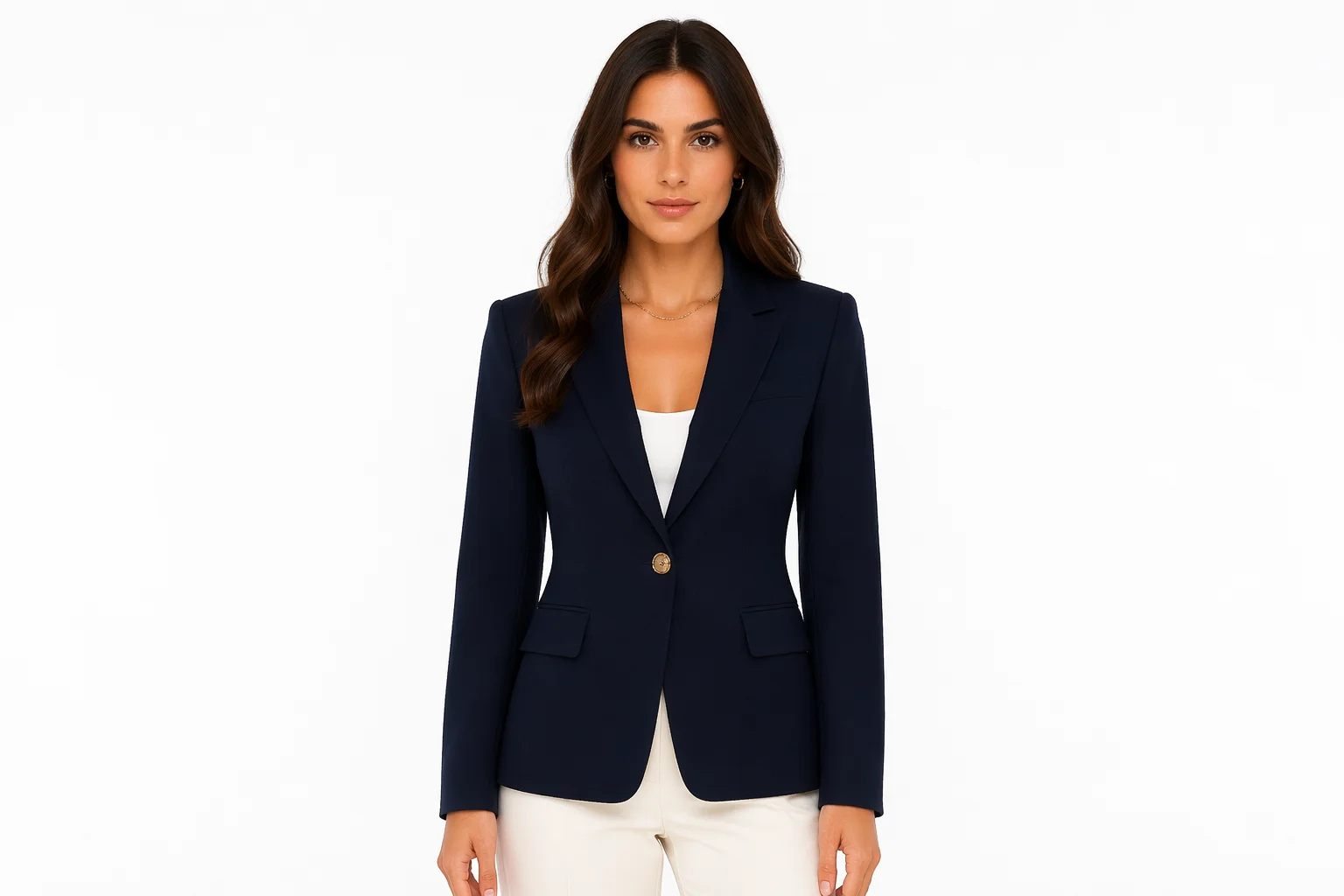
Generate a photoreal model wearing your garment — listing-ready, no photo shoot.
Upload your garment photo to Renoise Canvas, pick GPT Image 2, reference up to 16 garment images, and prompt the body type and setting you want. The model generates a fictional person wearing the garment — listing-ready at up to 4K, no photo shoot required.
Need to swap clothes on an existing person instead? See the clothes changer guide
From a flat garment to a catalog-ready model shot — no studio, no casting.
Generates a new, non-real person wearing your garment — no FacePass, no likeness rights.
Feed GPT Image 2 multiple angles, colorways, or detail shots to get a consistent render.
Prompt the body type, pose, and backdrop you need — studio white, lifestyle, or editorial.
From a product flat to a catalog shot, all in one Canvas.

Drag your garment image onto the upload card. Add extra angles or colorways as references.
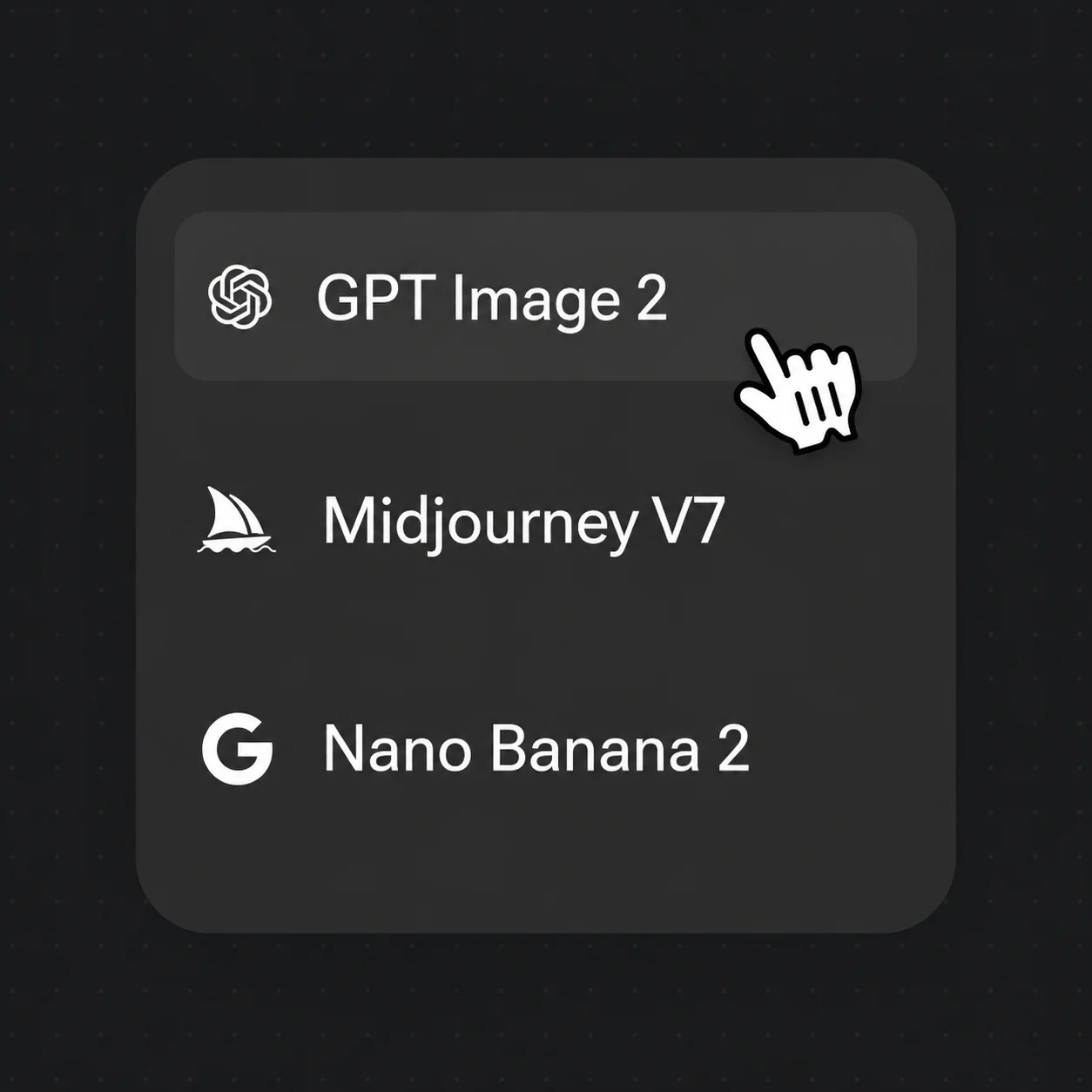
Select GPT Image 2, then prompt body type, pose, ethnicity, and backdrop for the model.
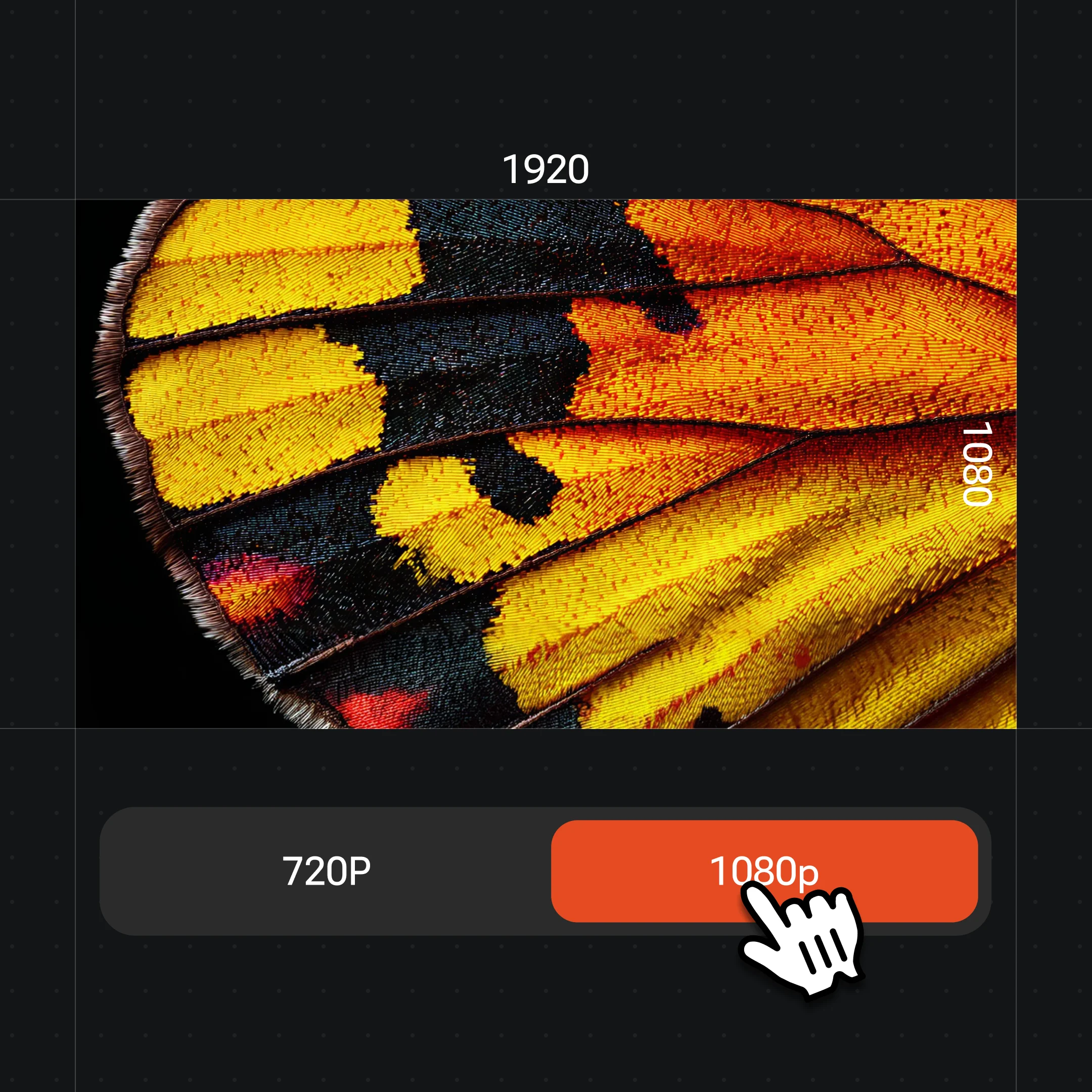
Generate at up to 4K and review the fit. Swap in Nano Banana Pro for more photoreal lighting.
Photoreal models wearing client garments — generated from product flats and reference images.
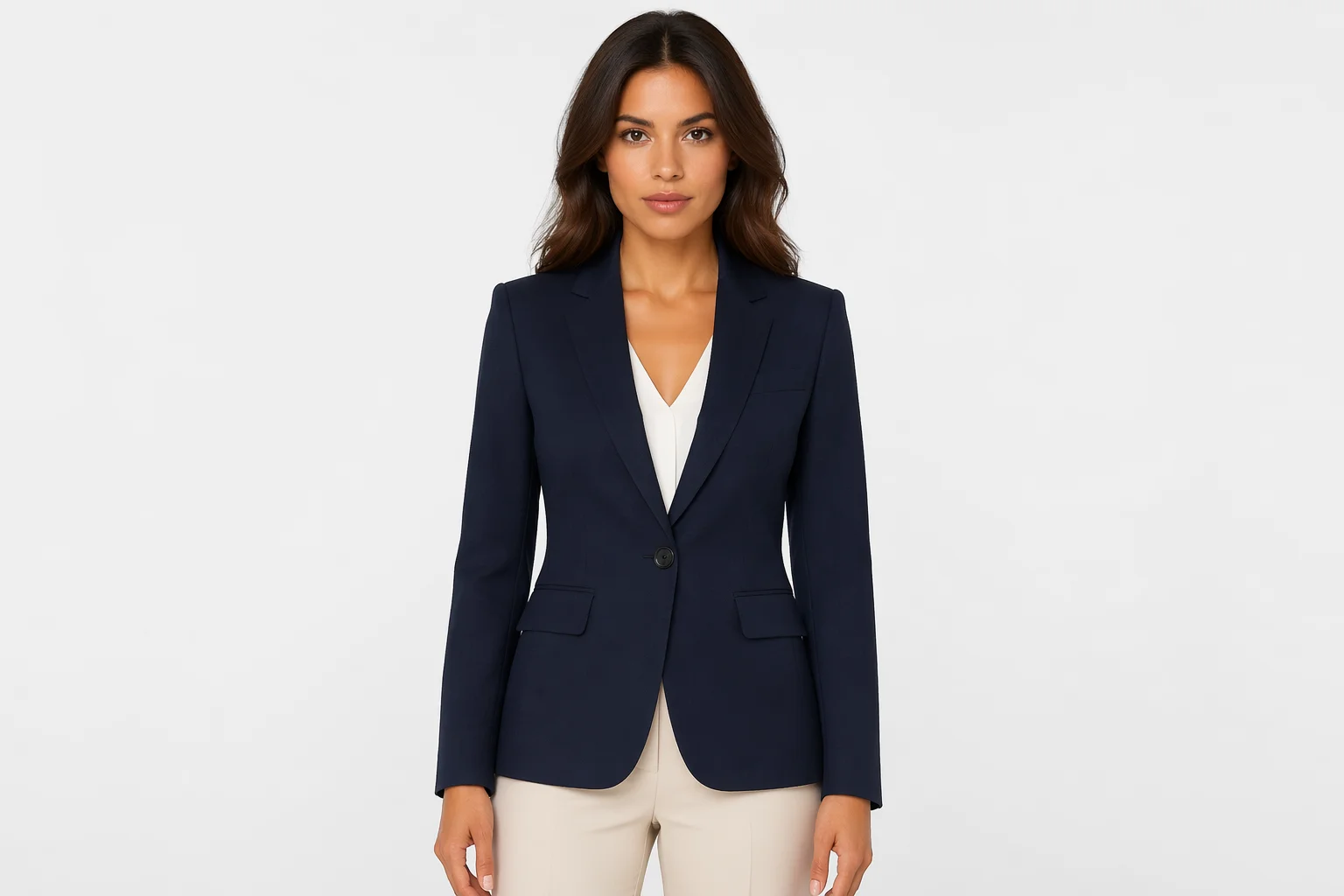
Tailored jacket on a fictional model against a clean backdrop — standard listing format.
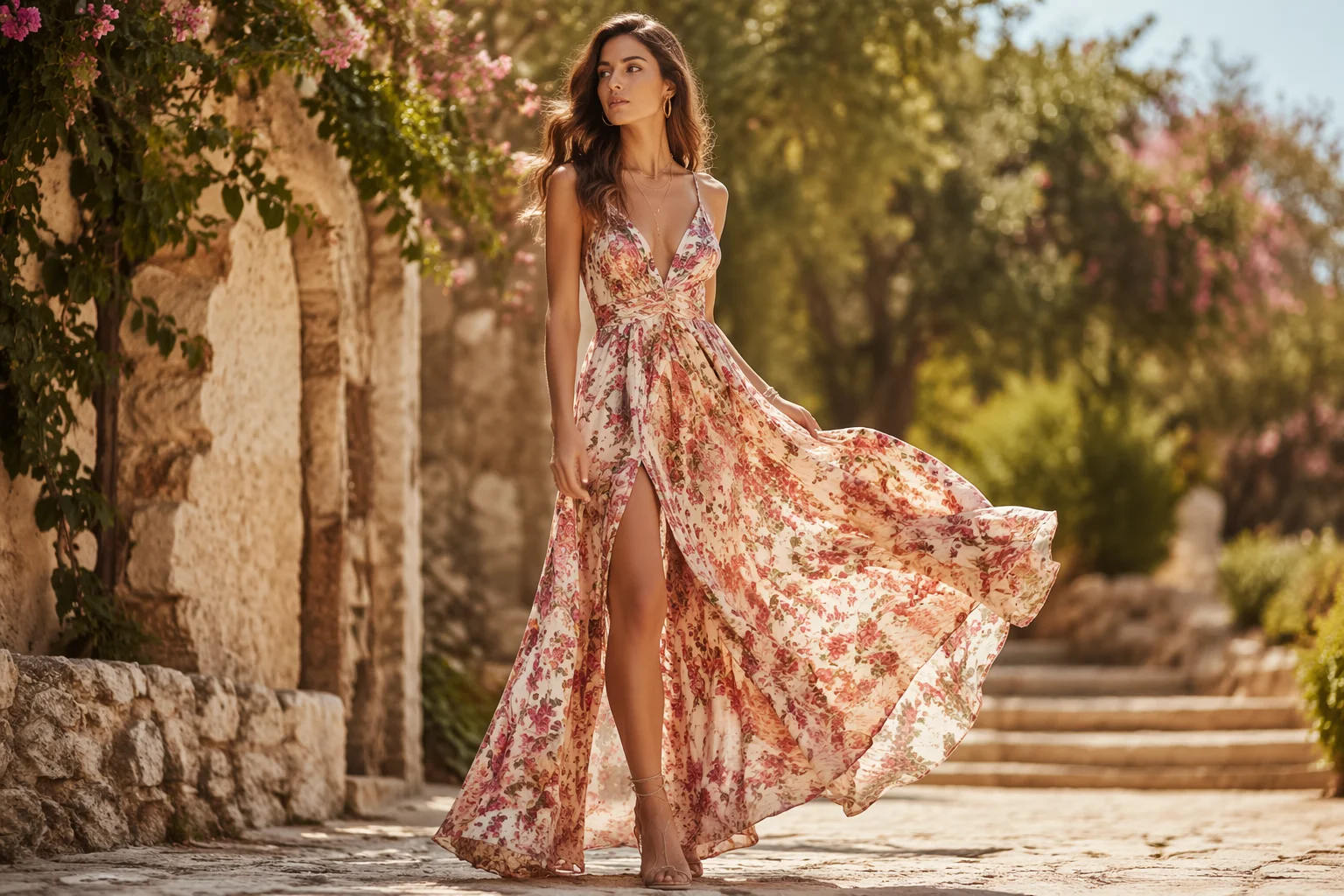
Maxi dress on a model with a warm outdoor lifestyle background for a lookbook spread.
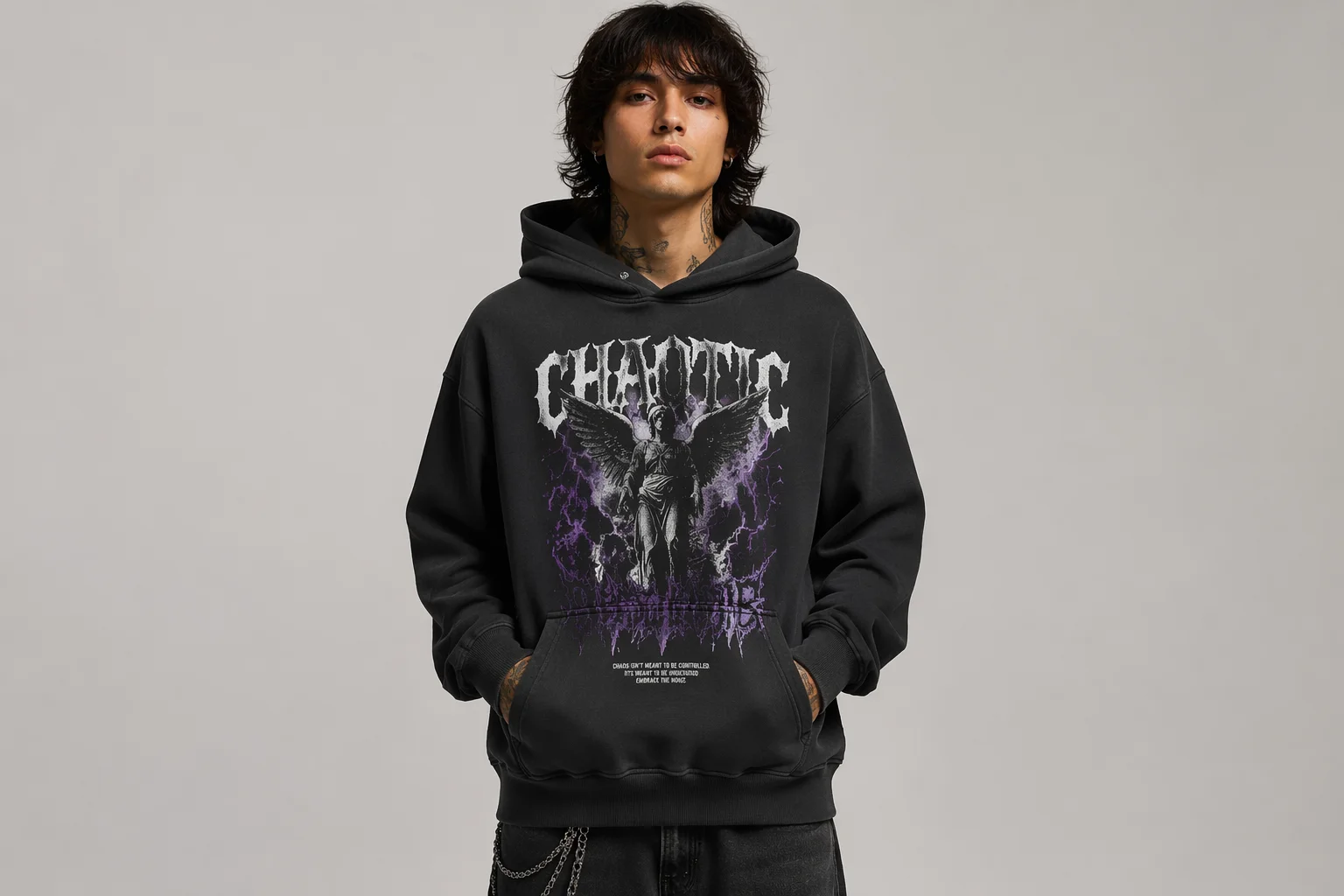
Hoodie rendered front-view and back-view on the same fictional model for a full-detail listing.
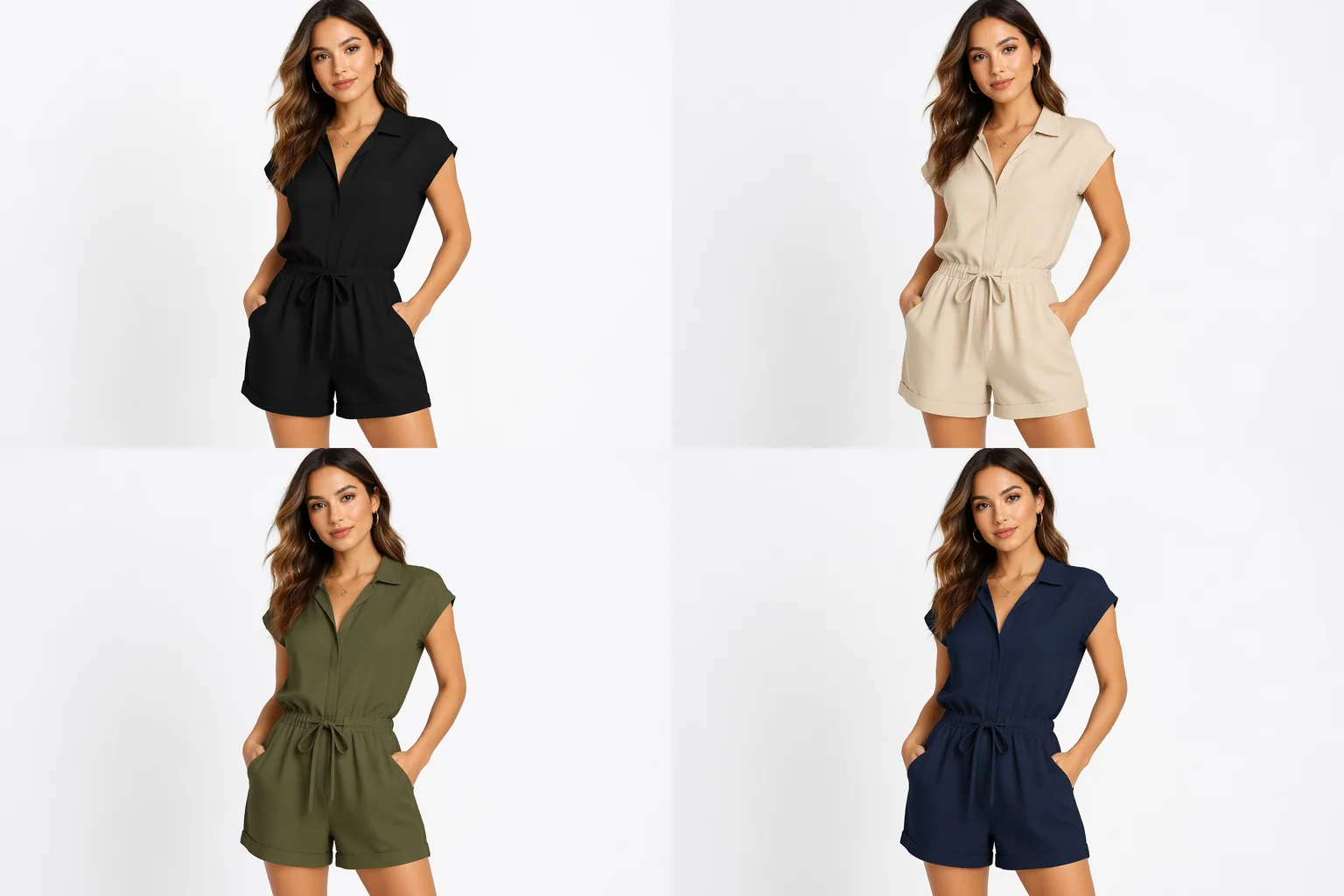
The same silhouette in four colorways — consistent model, consistent lighting, one canvas.
GPT Image 2 for complex multi-reference garment fusing; Nano Banana Pro when you want the most photoreal lighting on a single reference.
| For fashion model generation | GPT Image 2 (Recommended) | Nano Banana Pro |
|---|---|---|
| Best for | Multi-angle garment fusing | Photoreal lighting and skin |
| Reference images | Up to 16 | Image-to-image |
| Garment detail fidelity | Best | Good |
| Up to 4K export | ✓ | ✓ |
| Same canvas | ✓ | ✓ |
Every model generated here is a fictional person who does not exist — a face and body created by the image model from your prompt and garment references. Because the face is generated, not borrowed, no FacePass clearance is required. The person in the image has no identity to protect.
The distinction matters when you want to use a specific real person's face. If you want a known model, a brand ambassador, or any real human as the face, that face carries a real-person likeness — and using it in a generated image requires FacePass clearance first. FacePass is Renoise's likeness authorization and whitelist system: you submit the authorized face once, it clears review, and you can use it in generated outputs. It is not automatic approval; it is a one-time consent and clearance process.
For most ecommerce and lookbook use, fictional faces are exactly what you need — you control every physical trait through the prompt, the face never belongs to anyone, and the listing is clean of any likeness liability.
Fashion model generation draws on a few things — all in one canvas.
Fuses up to 16 garment references for accurate detail and consistent renders.
Studio-level photorealism and lighting when a single reference is enough.
Listing-ready resolution at 1K, 2K, or 4K — watermark-free on paid plans.
Using a real person's face? Submit it through FacePass for likeness clearance first.
One plan unlocks GPT Image 2, Nano Banana Pro, and every other image model.
For first-time AI content creators
Billed $168 annually
Upgrade PlanSave $72/year
For creators shipping content every week.
Billed $504 annually
Upgrade PlanSave $216/year
For studios and pros producing at commercial scale.
Billed $1680 annually
Upgrade PlanSave $720/year
For first-time AI content creators
Billed monthly
Upgrade PlanFor creators shipping content every week.
Billed monthly
Upgrade PlanFor studios and pros producing at commercial scale.
Billed monthly
Upgrade PlanRenews automatically each year until canceled.
Renews automatically each month until canceled.
Generate a photoreal fashion model wearing your product — listing-ready at up to 4K.
No. The model is a fictional person generated entirely by the image model — no real human identity is involved. Because the face is not borrowed from anyone, no FacePass clearance is needed. If you want to use a specific real person's face, that requires FacePass likeness clearance.
Use GPT Image 2 and supply multiple garment reference images — up to 16 angles, colorways, or detail shots. The more garment context you give, the more accurate the drape and texture render. For a single reference, Nano Banana Pro gives the most photoreal result.
FacePass is Renoise's likeness authorization and whitelist system for real human faces. If the model you generate uses a fictional face (the default), you do not need FacePass. If you want to use a real person's face — a brand ambassador, a known model with a signed agreement — submit that face through FacePass for clearance first.
Yes. Prompt "the same model, same pose, same backdrop" while swapping the colorway description and referencing the new garment color. You can also use Renoise Canvas to iterate the same generation with small prompt edits to keep the model consistent.
The AI photoshoot guide is about placing your existing product in a scene — a table, a studio set, a lifestyle backdrop. This guide is about generating a person wearing your garment. If you need a model in the shot, you're in the right place; if you need a product-only scene, see the photoshoot guide.
Up to 4K for images. Choose 1K for web thumbnails, 2K for most listing grids, or 4K for lookbook spreads and banner ads. Exports are watermark-free on paid plans.