An everyday photo, dancing
A plain full-body snapshot in a kitchen — no pose, no studio, arms at his sides. The clip keeps the room, the clothes and the framing exactly as the photo had them and only adds the movement.
Upload a photo and get a 4-second clip of that person dancing. Your first video is free after signup; it runs at 480p and takes about two minutes.
Follow us and get 20 free credits — about 1 video
For photos of yourself or people who agreed to appear.
Real output, playing on loop.
Subscribe for more credits and more models.
Every clip is a real run from this page — an ordinary photo off a camera roll in, four seconds of movement out. Nothing here was shot; the still that went in is described in each row.
A plain full-body snapshot in a kitchen — no pose, no studio, arms at his sides. The clip keeps the room, the clothes and the framing exactly as the photo had them and only adds the movement.
The prompt says “the person in the photo”, and the model applies it to whatever is standing in frame. A dog photo off the living-room rug comes back bouncing on the beat.
Three friends in a park in one still. They all pick up the rhythm together rather than one dancing and two standing there — no second upload needed when they are already in the same picture.
Two friends on a balcony in one ordinary photo, both picking up the same routine. This is the shot people take before they film a trend — here the routine is added instead of rehearsed.
The AI dance generator above takes one photo of a person and gives back a 4-second clip of them dancing. Upload, press generate, and in about two minutes you have it. Following us on X and YouTube earns 20 free credits and a clip here costs 20 at list price, so your first video is free; after that each clip is billed per generation, and a failed generation refunds itself.
Want two people in an embrace instead of a dance? Use the AI kissing video generator
One upload, one button — the framing of your photo decides the framing of the dance.

A full-body photo gives a full-body dance. A head-and-shoulders shot gives an upper-body move — the clip keeps whatever framing you give it.
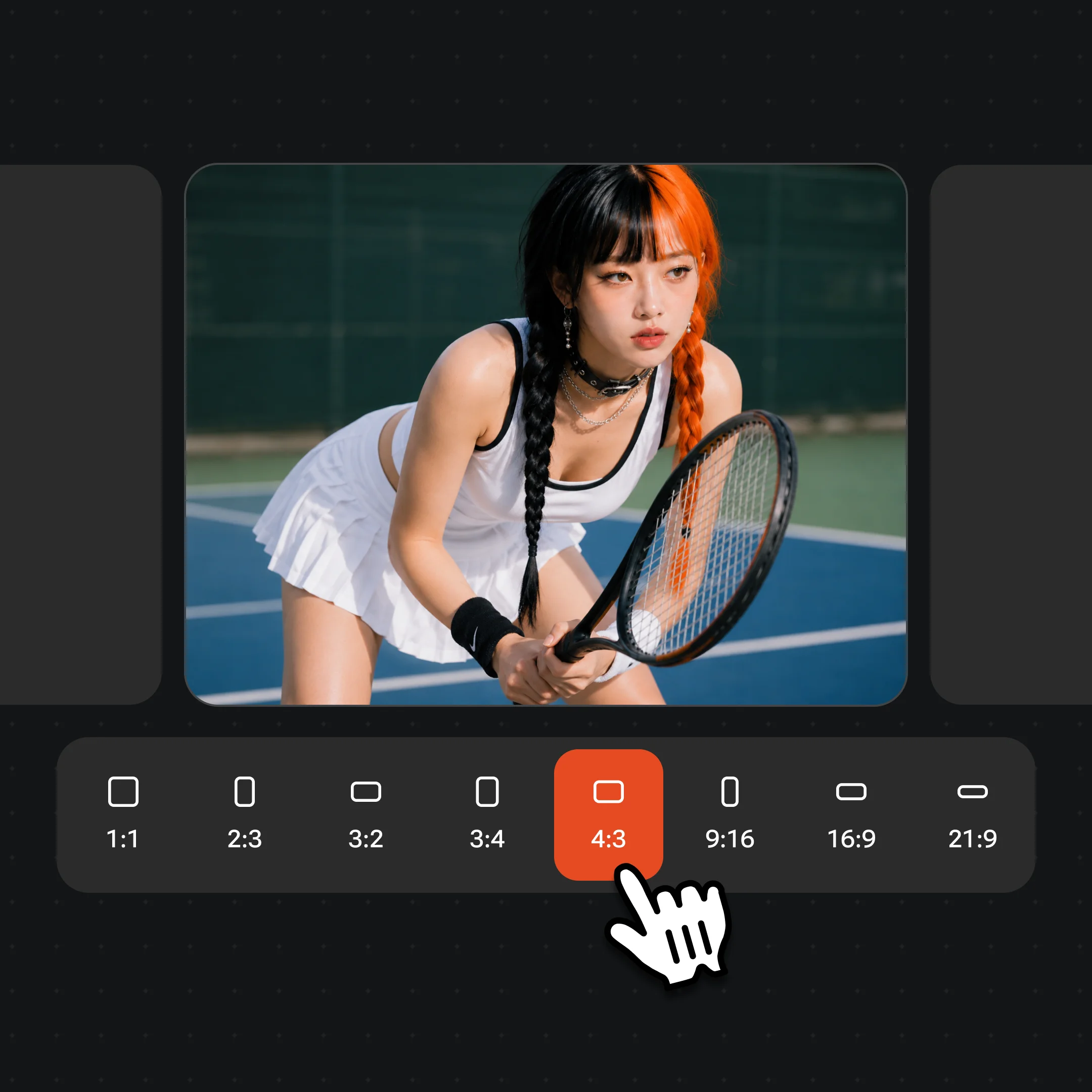
480p and 4 seconds is preselected — what the free credits cover. The line above the button opens the model, the resolution and the length, and reprices as you pick, so a sharper or longer clip costs what it says before you run it.
The clip renders server-side. You can leave the page and come back — video takes about a hundred seconds, not the few seconds an image edit takes.
This is the part most pages in this category leave out, so here it is from our own runs. Four seconds holds ONE move. A lean-in and an arm raise fits. A turn with the hair following fits. A routine — eight counts, a chorus, a sequence of steps — does not, and asking for one produces a rushed clip that drifts. If you are picturing a dance, picture a single beat of it.
The framing you upload is the framing you get back. We ran a head-and-shoulders portrait through it: the result was a genuinely good upper-body move, arm up, head turning, hair following the motion — and no legs, because there were no legs in the photo. A full-body dance needs a full-body photo. This is the single most likely way to be disappointed here, and it is entirely under your control.
The numbers for the free clip: 4 seconds at 480p, which comes out around 560×752 for a portrait input, a silent H.264 file, roughly 1.5MB, 97 to 107 seconds end to end including queue time. It carries a watermark. That is a real clip you can send to someone, and it is deliberately not a finished video.
Some photos will not animate well no matter what. A body cropped tight at the shoulders, a person turned away, deep shadow, or motion blur all give the model too little to work with. Moderation also declines some photos of people outright. When either happens the generation fails and the credits come straight back, so a bad attempt costs time rather than money.
Almost every result on this search page says free and almost none says what that buys. Ours: following us on X and YouTube earns 20 credits, one clip at the default tier costs 20 credits at list price, so the first video is free — no card, no trial period, no plan to cancel. After that you are on per-generation pricing. A free tier is not something we have, and calling the free credits one would be a lie you would find out about on your second clip.
Two things make that honest rather than a technicality. Failed generations refund automatically, so a photo the model cannot use does not silently eat your one free run. And the tier this page runs is deliberately the cheap one: a stronger model or a longer clip costs several times as much, which is why the line above the button prices every combination as you pick it instead of quietly charging you for one.
The free clip is watermarked. Watermark-free exports come with a paid plan, which is the honest trade for something that costs real compute to make.
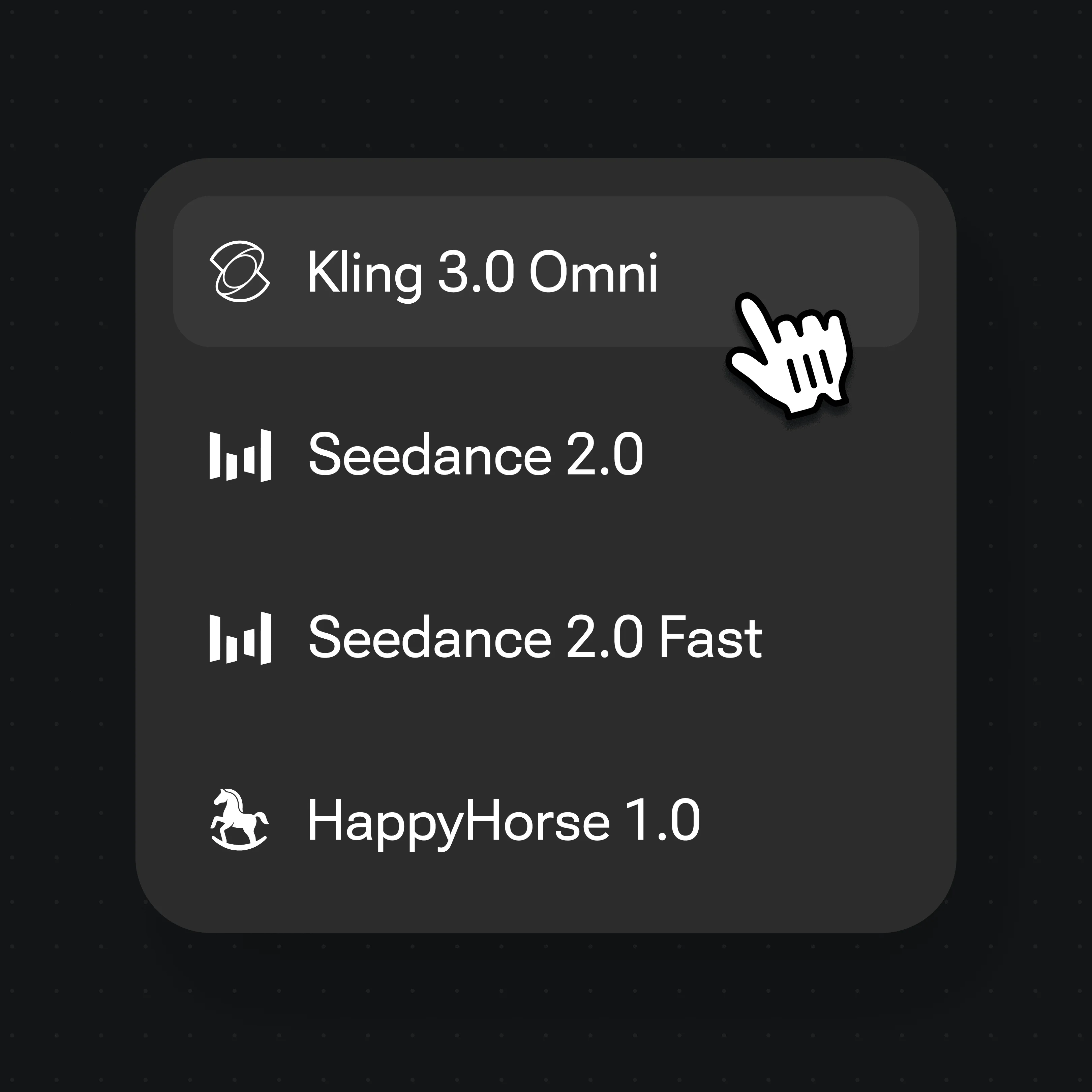
The widget above defaults to the fast, cheap tier so the first clip can be free, but it also lets you choose two Seedance models, up to 1080p and 15 seconds. The video surface adds ratios, longer clips and the full model lineup.
| What you get | This page | Renoise video models (Recommended) |
|---|---|---|
| Resolution | Up to 1080p | Up to native 4K |
| Clip length | 4–15 seconds | 4–30 seconds |
| Choose the dance | One fixed instruction | You write the prompt |
| First one free | ✓ | — |
| Watermark | Yes | Watermark-free on paid plans |
| Where | This page | The video surface |
Use photos of yourself, or of people who agreed to appear in a clip. Animating a stranger, a celebrity, or someone who never consented is non-consensual synthetic media — do not use this for that, and in most places it is illegal as well as harmful. Never use photos of minors.
Face compliance runs automatically on every generation, which is why you are not asked to register anything first. But an automated check is a floor, not permission: it cannot know whether the person in your photo agreed, and nothing on this page can. That judgement is yours, for making the clip and for sharing it.
Your uploads are not a gallery. Nothing is stored until you sign in, generations are private to your account, and the photo you upload is used for that generation rather than added to a public feed.
What happens to an upload on this page.
Picking a file only previews it on your device. Not one byte is stored until you sign in and click generate.
Uploads land in your private library, never a public gallery, and re-running the same photo stores nothing new.
Remove uploads and results from your library whenever you want.
One plan unlocks Seedance, Kling 3.0 Omni and every other video model.
For first-time AI content creators
Billed $168 annually
Upgrade PlanSave $72/year
For creators shipping content every week.
Billed $504 annually
Upgrade PlanSave $216/year
For studios and pros producing at commercial scale.
Billed $1680 annually
Upgrade PlanSave $720/year
For first-time AI content creators
Billed monthly
Upgrade PlanFor creators shipping content every week.
Billed monthly
Upgrade PlanFor studios and pros producing at commercial scale.
Billed monthly
Upgrade PlanRenews automatically each year until canceled.
Renews automatically each month until canceled.
Your first video is free. Following us on X and YouTube earns 20 credits and a clip at the default 480p, 4-second tier costs 20 at list price, so the first one is covered. After that each generation is billed per clip — there is no free plan and no trial period, just the credits you were given and then per-generation pricing.
Not on this page. The widget runs one fixed instruction, which is what lets it be a single button instead of a prompt box — you get a natural rhythmic move, not a style you picked. If you want a specific dance, a specific track or a longer routine, describe it yourself on the video surface where you write the prompt.
Because that is what your photo showed. The clip keeps the framing of the input: a head-and-shoulders portrait produces an upper-body move, and a full-body photo produces a full-body dance. We measured this — same prompt, different crops, different results. Upload more of the person if you want more of the dance.
You were not charged — failed and cancelled generations refund their credits automatically. The two common causes are moderation declining a photo of people, and a body the model cannot work with: cropped tight, turned away, deep shadow, or blurred. A clear photo with more of the person in frame is the fix.
Yes. 480p and 4 seconds is only the default, because that is what the free credits cover. The line above the button goes to 720p on Seedance 2.0 Mini, 1080p on Seedance 2.5 and up to 15 seconds either way, and it shows the price before you commit. Ratios, still longer clips and the rest of the models live on the video surface.
About two minutes. Our own runs took 97 to 107 seconds end to end including queue time — an order of magnitude longer than an image edit, because the clip is rendered frame by frame. You can leave the page while it works.
Yes — add a second photo in the optional slot and both people appear in the clip. Note the trade-off we measured on the kissing tool, which works the same way: when the two people come from separate photos the model has to invent a shared scene, so it makes up a background and the likeness of at least one person drifts. One photo containing both people is always the stronger input.
Share clips of yourself, or of people who agreed to both the clip and the sharing. Free clips carry a watermark; watermark-free exports come with a paid plan. Four seconds at 480p reads fine in a feed on a phone and will not hold up as a finished piece — treat it as a moment, not a post you build a channel on.