20 credits for a follow
Follow us on X and YouTube and receive 20 credits.
Camera presets define Higgsfield. Renoise starts with 20 credits for a follow and extends into official Renoise agent plugins.
Renoise does not claim a blanket price advantage over Higgsfield. Its clearest differences are free credits, model access, Canvas, and official Renoise plugins.
Follow us on X and YouTube and receive 20 credits.
Use Seedance 2.5, Kling 3.0 Omni, Midjourney, and other models in one account.
Generate through Renoise Agent or official Claude Code, Codex, and OpenClaw plugins.
Connect references and generated shots, then carry one shot into the next.
Verified against renoise.ai and higgsfield.ai on August 25, 2026.
Official sources checked August 25, 2026.
| Comparison point | Renoise (Recommended) | Higgsfield |
|---|---|---|
| Entry plan | Follow us on X and YouTube and receive 20 credits | Limited entry access; paid Starter is $15/mo with 200 credits |
| Seedance 2.5 access | Available on Starter | Available from Plus; not included on Starter |
| Agent-channel entitlements | Same credit pool and the same rate as the web app | Unlimited excludes MCP, CLI, Canvas and studio surfaces; those spend credits |
| Host-app plugins | Plugins for Claude Code, Codex and OpenClaw, plus MCP | A standalone CLI plus Figma, Photoshop and Premiere plugins |
Add a reference, write your prompt, pick a model — your shot ideas port over in minutes.
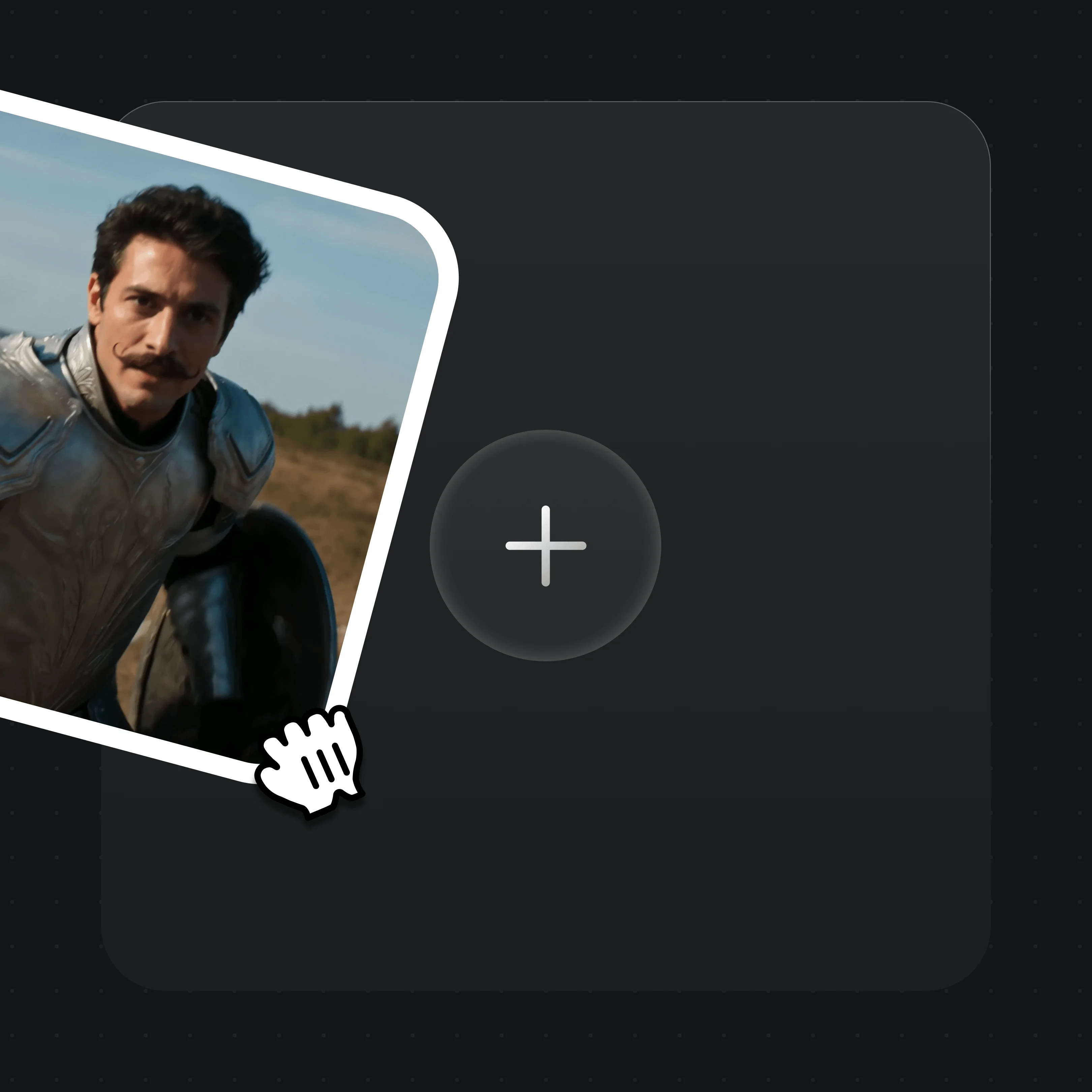
Drag reference images, keyframes, or brand assets into the upload card. MD5 dedup is automatic.

Describe the shot and camera motion in plain text — your Higgsfield prompts copy across directly.

Choose Seedance 2.5, Seedance 2.0 or Kling 3.0 Omni from the selector, then generate.
Real Renoise outputs across multiple models — one Canvas.
A BMW morphs into a robot — dynamic motion driven from a single prompt.
A dragon duel in a lava cave — cinematic lighting and atmosphere.
A jungle warrior faces a beast — proof of range across genres.
The same character across a parkour sequence, carried by an image reference in the prompt.
Compare Renoise plans for Canvas, multiple models, and plugin workflows.
For first-time AI content creators
Billed $168 annually
Upgrade PlanSave $72/year
For creators shipping content every week.
Billed $504 annually
Upgrade PlanSave $216/year
For studios and pros producing at commercial scale.
Billed $1680 annually
Upgrade PlanSave $720/year
For first-time AI content creators
Billed monthly
Upgrade PlanFor creators shipping content every week.
Billed monthly
Upgrade PlanFor studios and pros producing at commercial scale.
Billed monthly
Upgrade PlanRenews automatically each year until canceled.
Renews automatically each month until canceled.
Yes, especially when you want 20 credits for a follow, a curated model mix with Midjourney, or one account across Canvas and official Renoise Agent plugins. Higgsfield remains stronger for one-click presets and deep host-app integrations.
Higgsfield is stronger for one-click camera-motion and VFX presets, trained characters, and host-app integrations. Its broader plugin ecosystem includes Figma, Photoshop, Premiere Pro, After Effects and DaVinci Resolve.
Renoise lists 20 curated video, image and audio models, including Seedance 2.5, Seedance 2.0 and Kling 3.0 Omni. Higgsfield advertises 50+ models and includes the same Seedance family, but model access varies by plan.
Yes. Seedance 2.0 standard outputs native 4K video, billed at 100 credits per second. Seedance 2.5 supports up to 1080p, Seedance 2.0 Fast up to 720p, and Kling 3.0 Omni up to 1080p. Image models Nano Banana 2, Nano Banana Pro and GPT Image 2 also reach 4K.
Prompts copy across directly, since shot and camera vocabulary is mostly model-agnostic. Reference images and keyframes re-upload into Renoise's asset library, with MD5 dedup keeping storage clean. Project files are not interoperable; both tools use proprietary scene formats.
Yes. Renoise publishes official plugins for Claude Code, Codex, and OpenClaw, plus a public MCP manifest at /.well-known/mcp/manifest.json. You chat in natural language; the plugin handles prompt construction, model selection, and result polling.
Use real-face references only when you hold the required likeness authorization. Renoise applies its safeguards automatically; do not use public figures, celebrities, or minors, and follow local law.
Renoise also has side-by-side comparisons against Runway, Pika, and Luma. Those pages cover multi-model, agent-first video generation versus single-tool workflows.
Renoise uses monthly credit plans. Follow us on X and YouTube and receive 20 credits. See the live pricing section for current tiers and do not infer a platform-wide cost advantage from raw credit balances.
Add a reference, write a prompt, and generate across models in one Canvas.