9:16 native output
Generate directly in 9:16 — no cropping, no reframing. The vertical format is set before generation starts.
Generate vertical 9:16 short videos for Instagram Reels — from text or an image in seconds.
Open Renoise Canvas, describe your Reel or upload a reference image, pick Seedance 2.0 or Kling 3.0 Omni, set the ratio to 9:16, and generate. The output is a 3–15s vertical video ready to upload to Instagram Reels. No editing or post-production required.
Need a multi-ratio or longer-form video instead? See the full AI Video guide
Reels-ready generation with the right ratio from the start.
Generate directly in 9:16 — no cropping, no reframing. The vertical format is set before generation starts.
Reels-length clips: 3s punchy loops or 15s full story beats — pick the duration that fits the hook.
Describe the Reel in a prompt or upload a still to animate — the model does the motion.
From a prompt to a 9:16 vertical clip ready for Instagram.

Open Renoise Canvas and type what you want — a product demo, a lifestyle scene, a fashion moment.

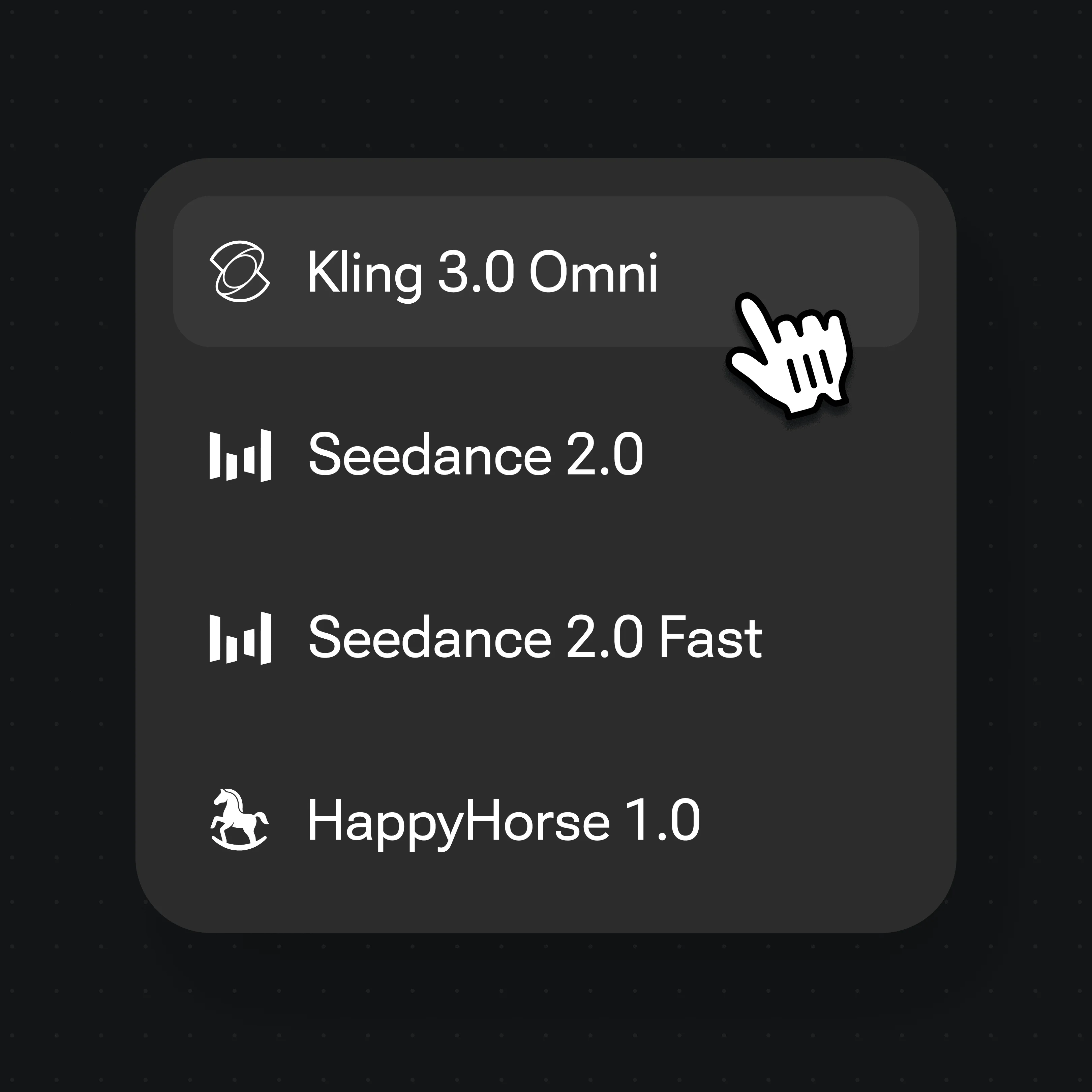
Choose Seedance 2.0 or Kling 3.0 Omni, set ratio to 9:16, and set duration (3–15s).
Generate the clip, review it, then export. Exports are watermark-free on paid plans — upload directly to Instagram.
9:16 short videos generated on Seedance 2.0 and Kling 3.0 Omni — fashion, lifestyle, product, and creative Reels.
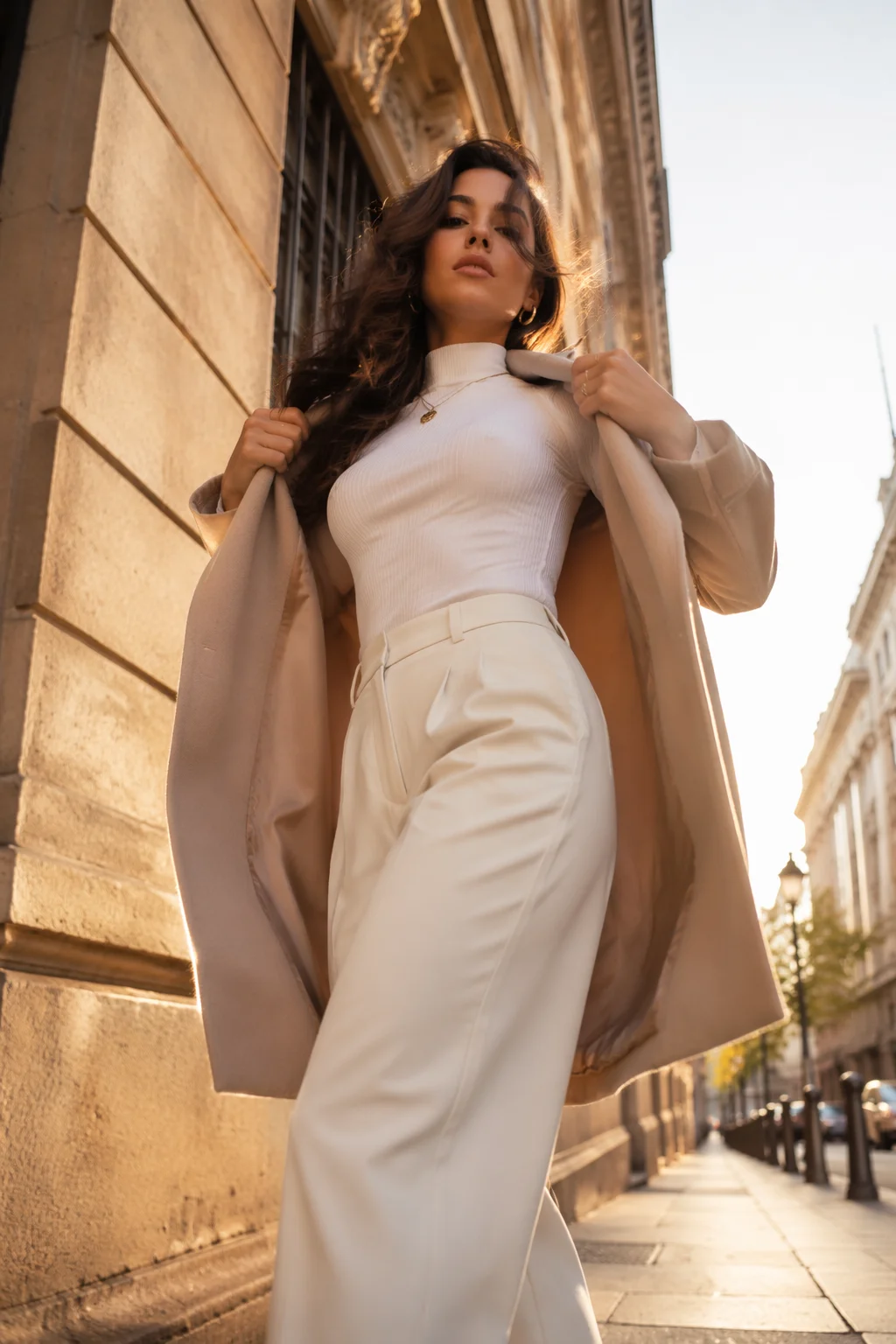
A vertical fashion moment — outfit reveal, walking shot, style cut.

A short lifestyle clip — coffee morning, gym, street walk — in 9:16.
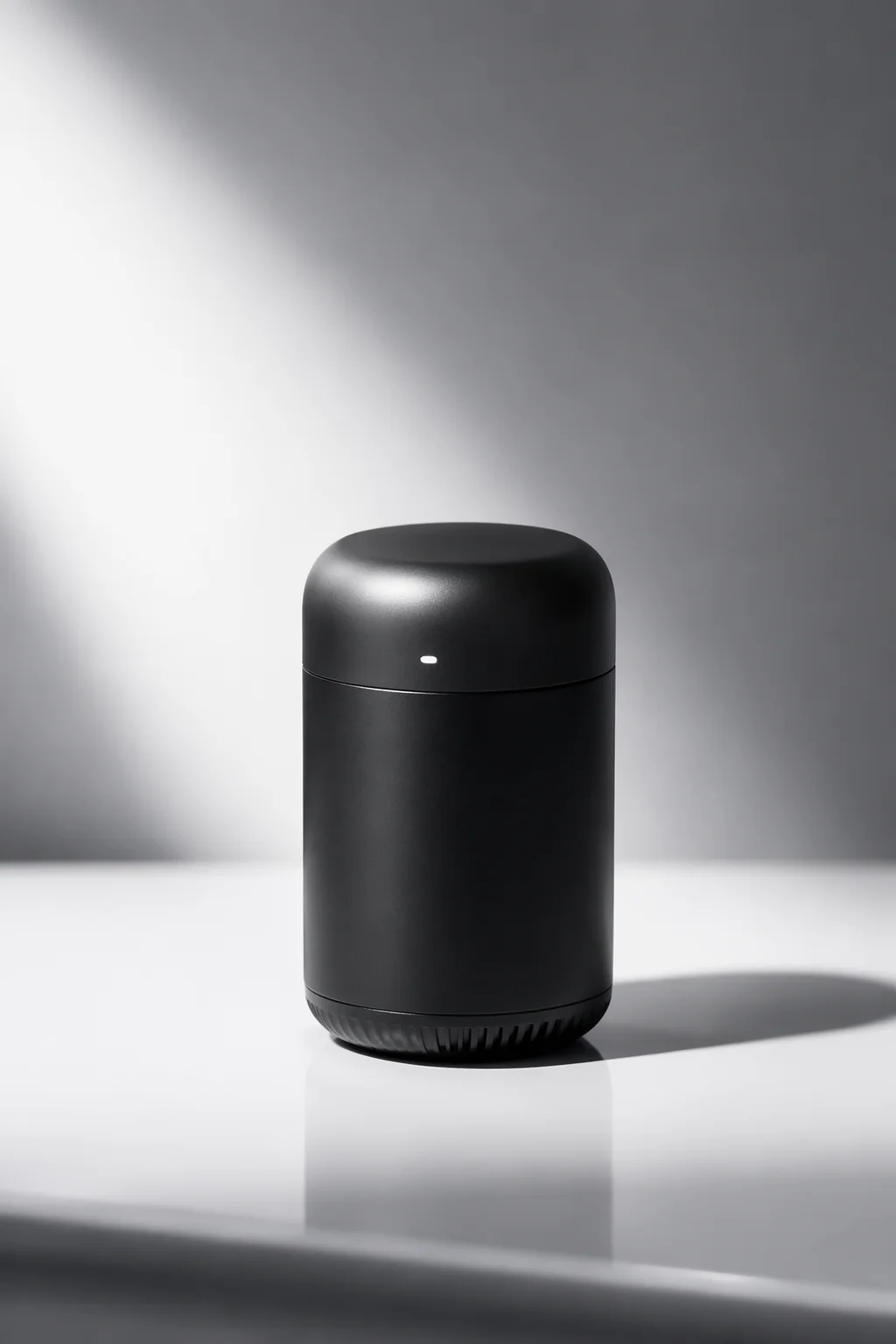
A product reveal or demo clip in vertical format for a Reels ad.

A visual creative — abstract motion, neon loop, text animation — sized for Reels.
Both output 9:16 — pick by the type of motion your Reel needs.
| For 9:16 Reels | Seedance 2.0 (Recommended) | Kling 3.0 Omni |
|---|---|---|
| Best for | Smooth image-to-video, multi-modal reference | Physics-based motion, character dynamics |
| Duration | 4–15s | 3–15s |
| 9:16 ratio | ✓ | ✓ |
| 1080p output | ✓ | ✓ |
| Audio reference | ✓ (up to 3) | — |
Instagram Reels are vertical (9:16), short (up to 90s, with the sweet spot at 7–15s for algorithmic reach), and watched without sound before the viewer taps. The generation workflow in Renoise targets this exactly: you set 9:16 before generating, so the model composes the scene for a phone screen — not a widescreen crop.
Seedance 2.0 from ByteDance handles smooth motion from text prompts or reference images and supports multimodal reference (up to 9 images, 3 video clips, 3 audio clips). This is useful if you want a Reel anchored to a specific product or person. Kling 3.0 Omni from Kuaishou adds physics-based dynamics — more natural fabric movement, water splashing, character weight — which reads better for lifestyle and fashion Reels.
A practical note: Renoise generates 3–15s clips per generation task. For a longer Reel (30s+), plan multiple generation tasks and assemble them in the Canvas Timeline. The generative step takes 20–90s per clip depending on model and resolution, so plan your shoot list in advance for a batch workflow.
Reels generation uses Renoise video models and Canvas in one workflow.
ByteDance video model: smooth motion, 9:16, multimodal reference, 1080p.
Kuaishou video model: physics dynamics, 9:16, multi-subject consistency.
Set the ratio before generating — no post-crop reframing.
Assemble multiple clips into a longer Reel sequence if needed.
One plan unlocks Seedance 2.0, Kling 3.0 Omni, and 9:16 generation for Reels.
Vertical 9:16 short video — text or image to Instagram-ready clip. Watermark-free on paid plans.
Instagram Reels plays in 9:16 vertical format on mobile. Both Seedance 2.0 and Kling 3.0 Omni in Renoise support 9:16 natively — set the ratio before generating so the model composes the scene for a vertical screen.
Each generation task produces 3–15s. For a Reel up to 90s, plan multiple generation tasks and assemble the clips in the Canvas Timeline. A 9:16, 15s clip is the most efficient single-generation target for Reels.
If you want to use a real, identifiable person, that face must go through FacePass first — likeness clearance adds them to a whitelist so the model can use the reference. Fictional or AI-generated characters need no FacePass.
The AI Video guide on /features/ai-video covers all ratios (21:9 to 9:16) and general video generation workflows. This page is specifically for the 9:16 vertical Reels use case — the generation method is the same but the intent, ratio, and output target are different.
Yes. For product ads and paid social Reels, see also /guides/ai-ad-generator which covers the advertising creative workflow in more depth — including product reference, brand consistency, and multiple creative variants.
Seedance 2.0 outputs 720p (Fast) or 720p/1080p (standard). Kling 3.0 Omni outputs 720p/1080p. Video resolution is not 4K — 4K is image-only in Renoise. Exports are watermark-free on paid plans.
