Any haircut
Bob, pixie, layers, fringe, buzz, long waves — describe the cut and try it on.
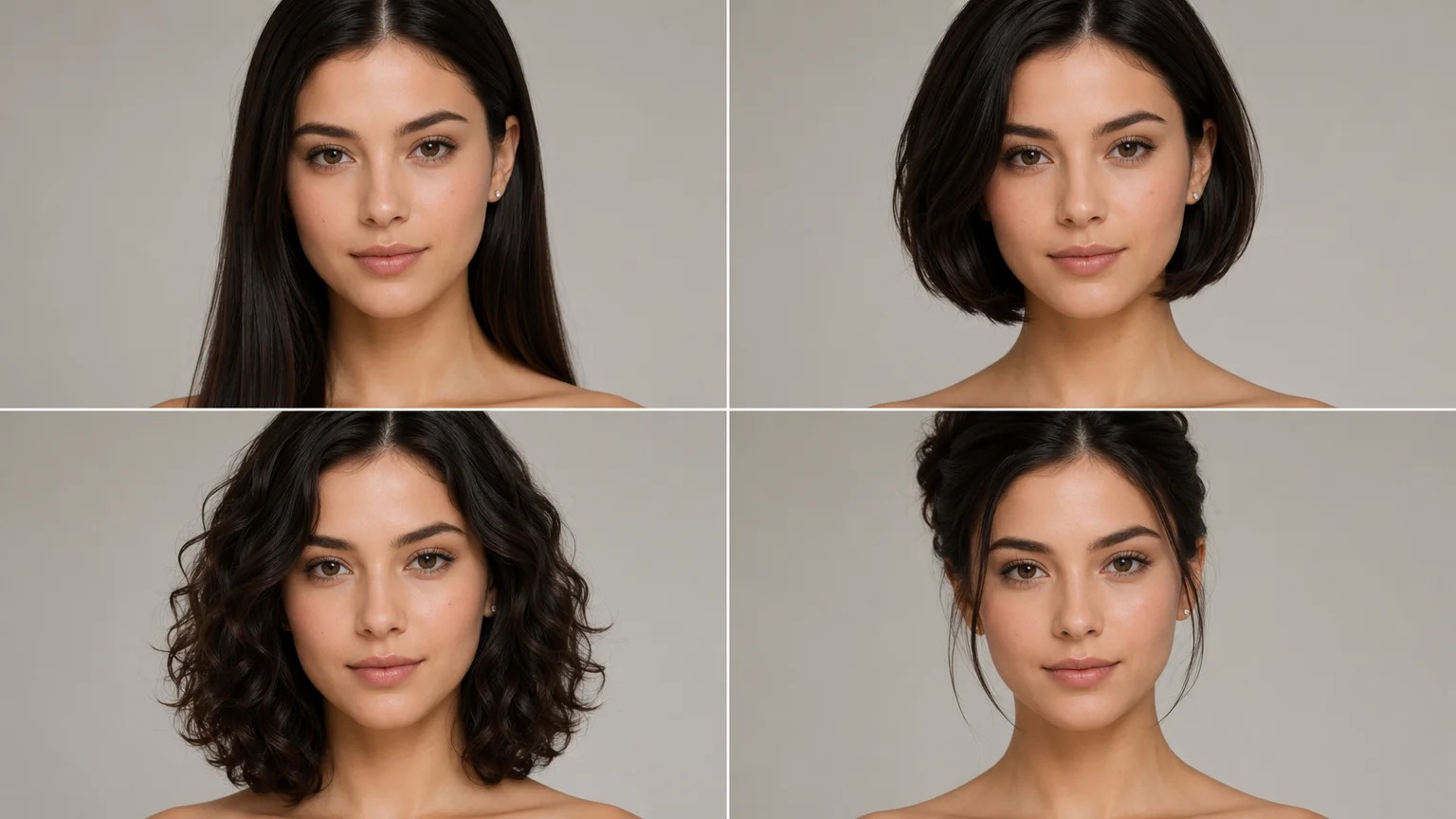
Upload your photo and try new haircuts, styles, and hair colors — same face.
Upload a clear photo of yourself to Renoise Canvas, pick Nano Banana Pro, and prompt the cut, style, or color you want — "shoulder-length wavy bob, warm copper" — and the model repaints the hair while keeping your face. Try as many looks as you like, then export at up to 4K. When the photo shows a real face, clear it through FacePass first.
Want to swap the outfit instead of the hair? See the clothes changer guide
What an AI hairstyle try-on does in Renoise.
Bob, pixie, layers, fringe, buzz, long waves — describe the cut and try it on.
Balayage, copper, platinum, jet black — preview a color before the salon.
Your face, skin, and expression stay put — only the hair changes.
Export each look at 1K, 2K, or 4K for a profile photo or a salon reference.
From one photo to a full set of haircut and color options.
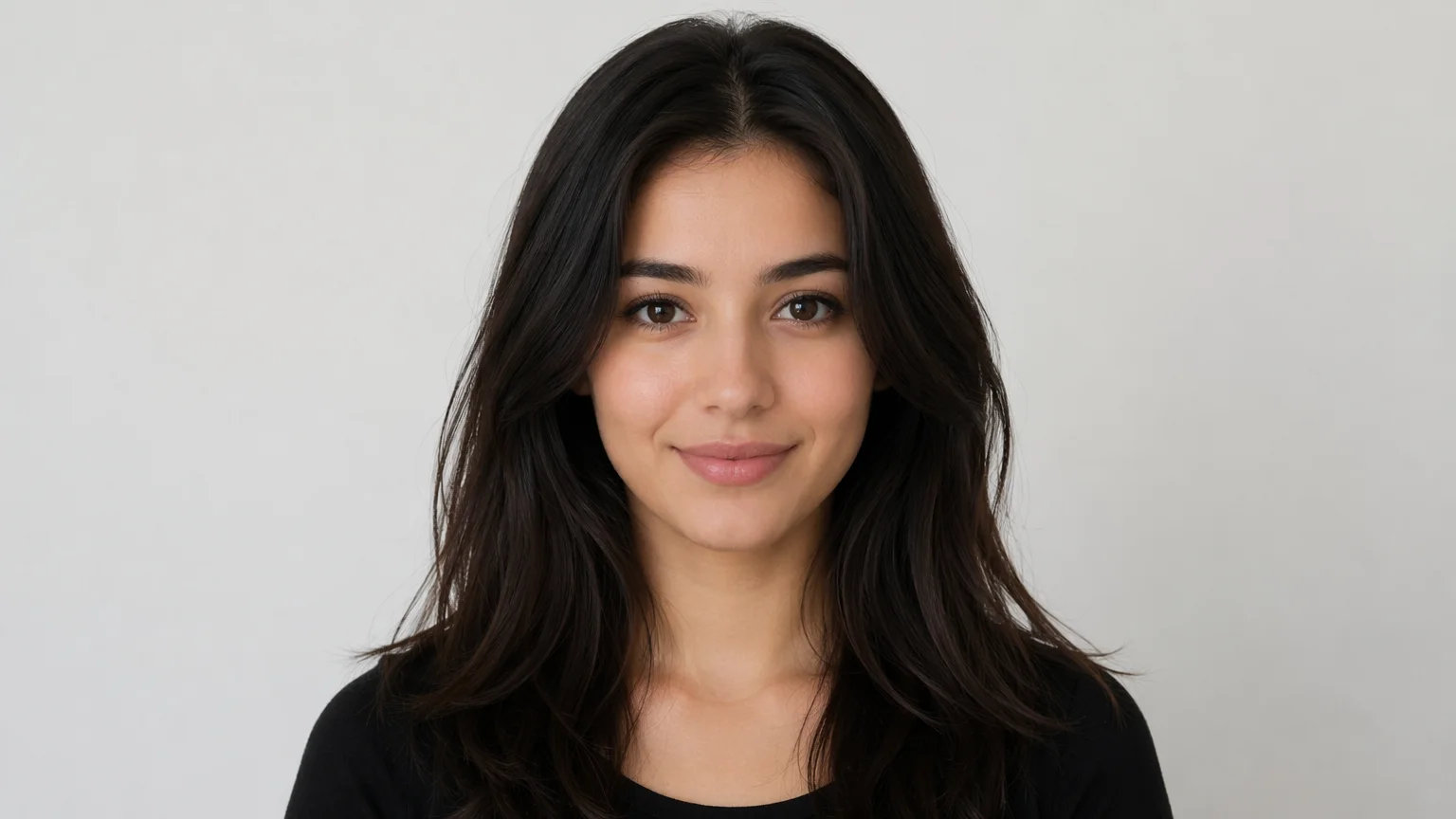
Drag in one clear, front-facing photo. For a real face, register it as a FacePass first.
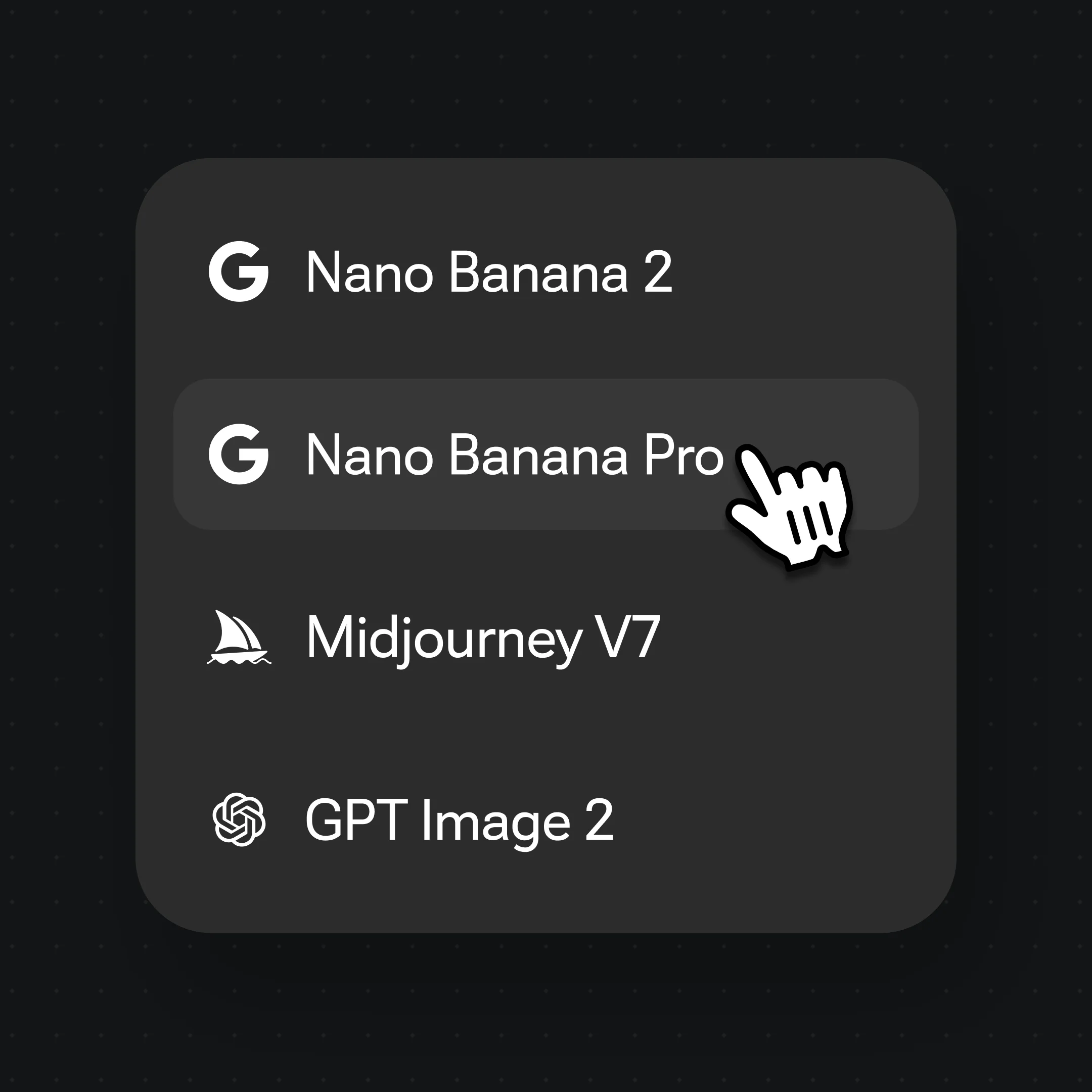
Pick Nano Banana Pro, then prompt the cut and color — "blunt collarbone cut, ash blonde, keep my face".
Generate, try other cuts and colors on the same photo, then export your favorite at up to 4K.
The same face, restyled across cuts, lengths, and colors — only the hair changes.
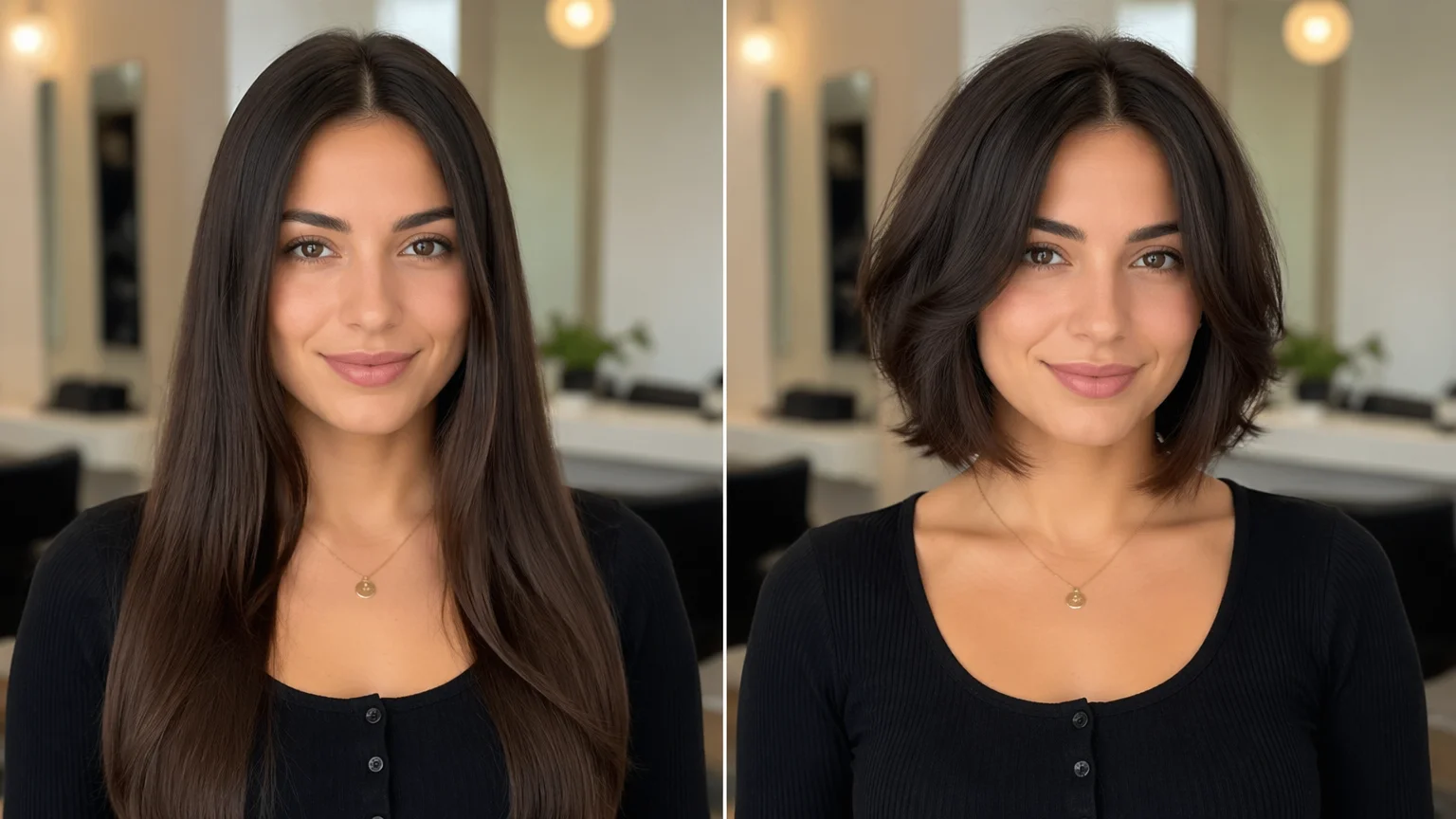
Preview several haircuts on the same photo — short, layered, long — before you commit.
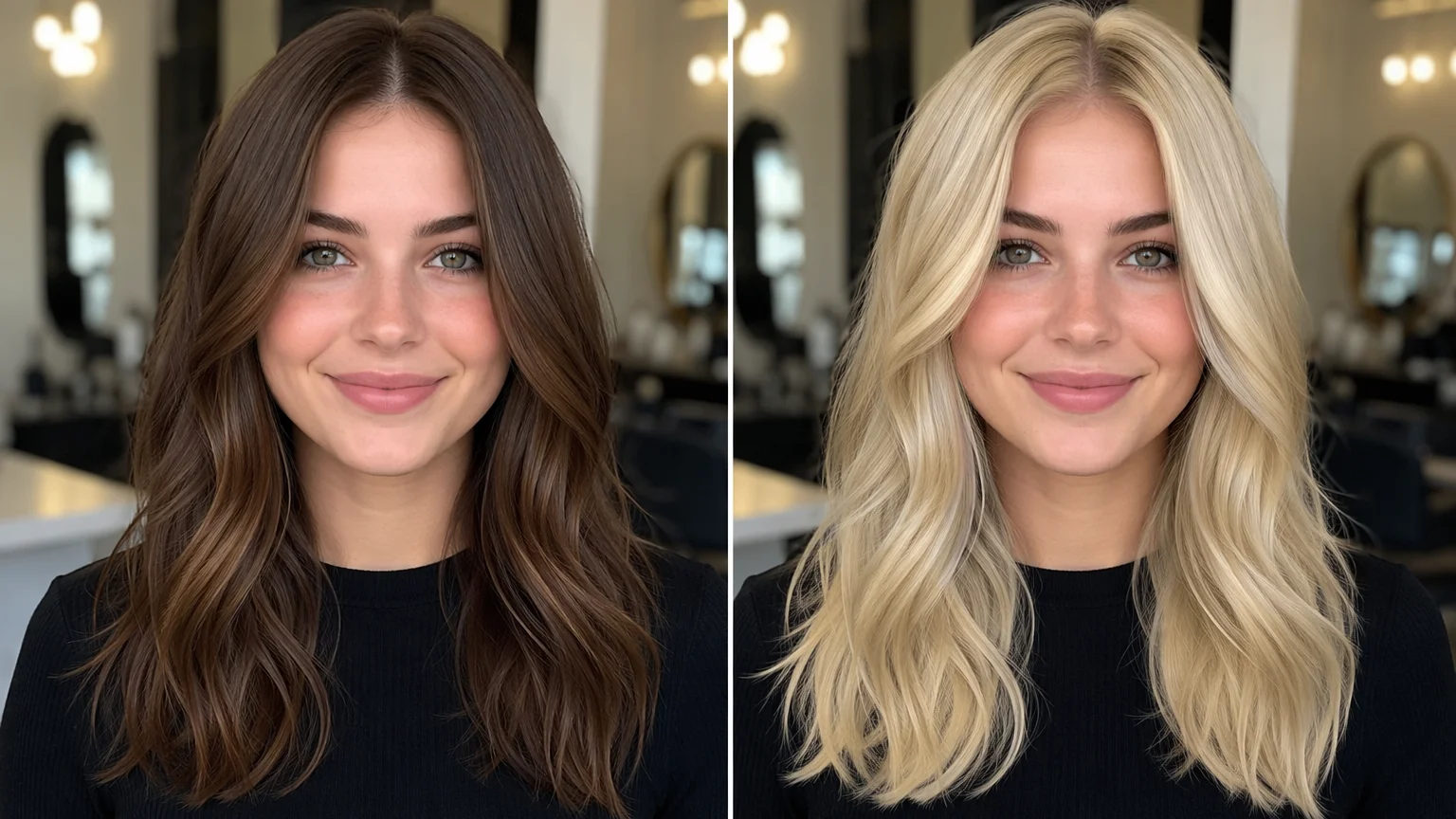
See balayage, copper, or platinum rendered on your own hair instead of a swatch.
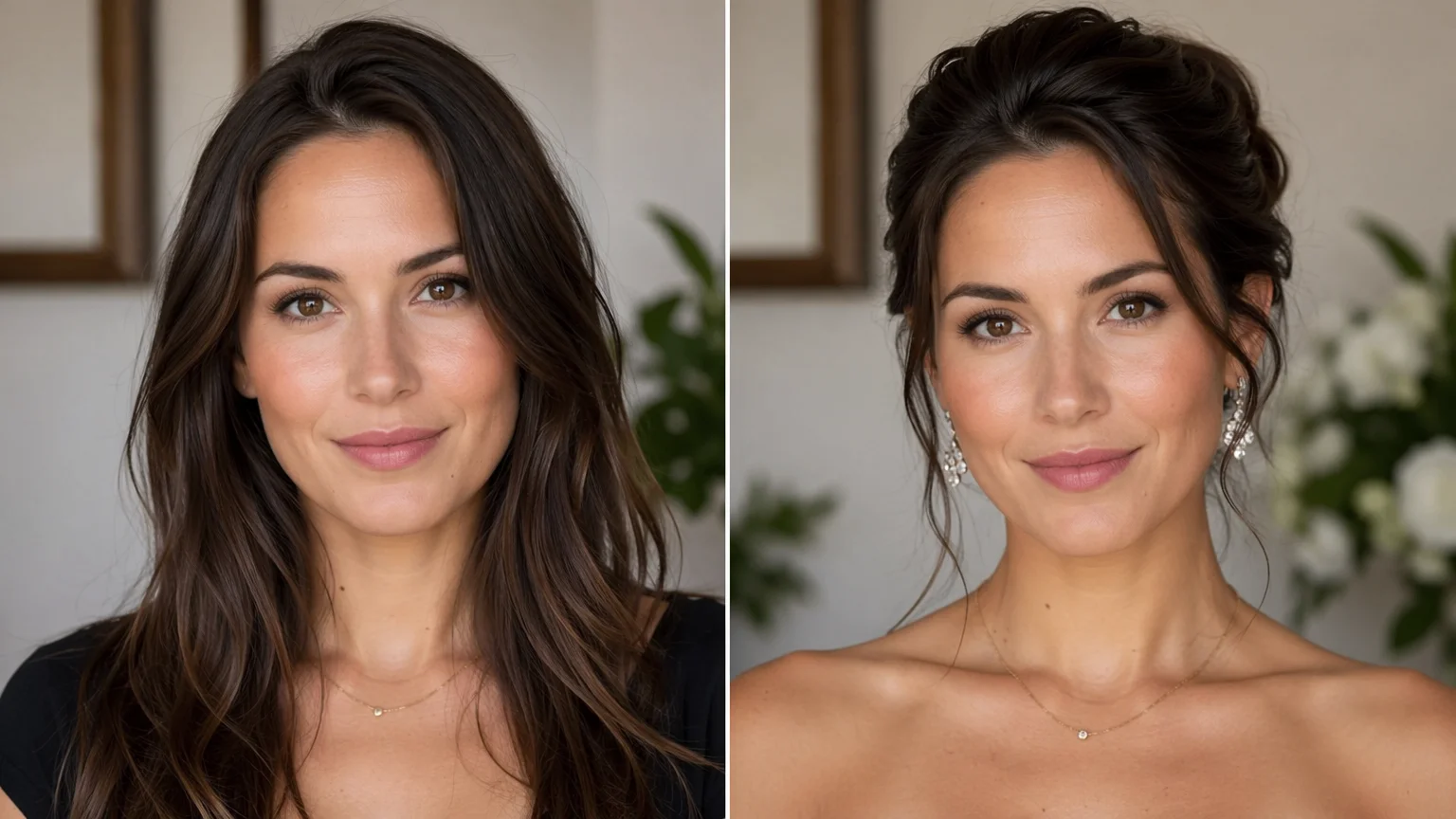
Try an updo or a sleek blowout for a wedding, shoot, or red-carpet look.
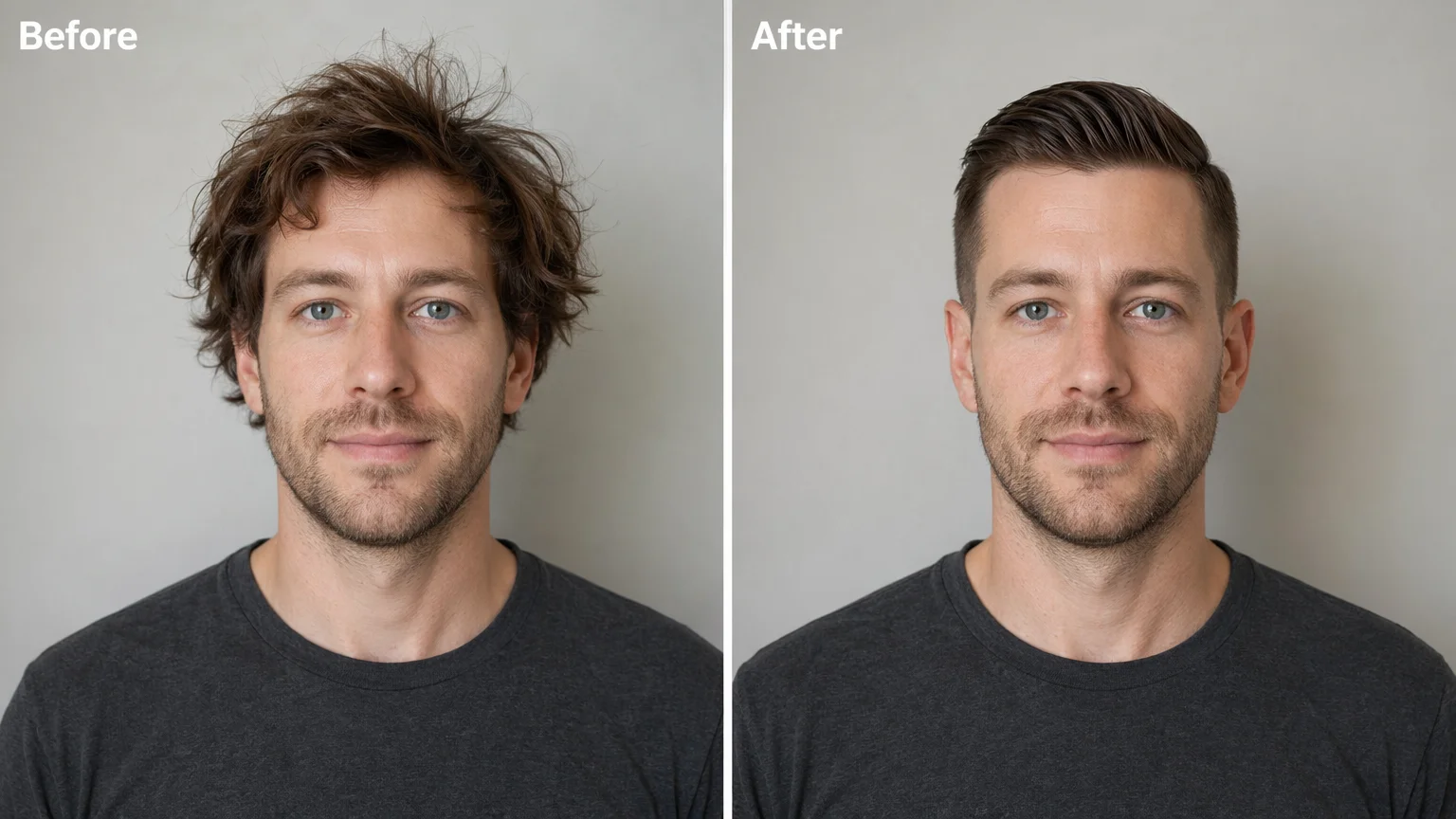
Render a clean, polished cut for a headshot or work profile photo.
People search for two related but distinct jobs. A hairstyle changer alters the shape of the hair — the cut, length, parting, texture, and styling (a blunt bob, a shag with curtain bangs, a slicked-back updo). A hair color changer keeps the shape and changes the tone — balayage, copper, platinum, jet black, or a soft root melt. In Renoise both are the same image-to-image workflow: you upload one photo and describe what to change, and the model repaints just the hair.
The craft is in being specific. "Nice hair" gives a generic result; "shoulder-length wavy bob, center part, warm copper balayage, keep my face and skin tone" gives a look you can actually judge against the salon. Spell out length, shape, texture, and color separately, and add "keep my face" so the model rebuilds the hair rather than reimagining the person. Generate on Nano Banana Pro for photoreal strands and lighting; switch to GPT Image 2 when the brief is precise and detail-heavy.
Because it is a generative re-render, fine strand-level detail is an interpretation rather than a pixel-faithful edit of your real hair — so try a few variations and compare against your original photo before you bring one to your stylist.
A hairstyle try-on leans on a few things — Nano Banana Pro for the look, FacePass for real faces, and one canvas to keep iterating.
Re-renders photoreal hair, strands, and lighting so a new cut or color looks believable.
When the photo shows a real face, clear it once — own face or written consent, no public figures.
Tight instruction following for precise, detail-heavy briefs; fuses up to 16 reference images.
Stack cuts and colors on the same photo, then restyle or animate the result on one canvas.
Both live in the same Renoise canvas — pick by what the look needs. Nano Banana Pro for photoreal hair and skin; GPT Image 2 when the brief is precise and detail-heavy.
| For hairstyle changes | Nano Banana Pro (Recommended) | GPT Image 2 |
|---|---|---|
| Best for | Photoreal hair and skin | Precise, detail-heavy briefs |
| Color realism | Best | Good |
| Keeps the same face | ✓ | ✓ |
| Reference images | Multi-reference | Up to 16 |
| Up to 4K export | ✓ | ✓ |
One plan unlocks Nano Banana Pro, GPT Image 2, FacePass, and more.
Preview cuts and colors, with watermark-free exports on paid plans.
You upload one photo and describe the cut, style, or color you want. Renoise re-renders the hair on Nano Banana Pro while keeping your face, skin, and expression — so it looks like the same you with different hair, not a different person.
Yes. Describe the color — balayage, copper, platinum, jet black, or a soft root melt — and the model repaints just the hair while holding the cut. You can change the cut and the color in the same prompt or one at a time.
That is the point. Your face, skin, and expression stay consistent while only the hair changes, so a set of looks is directly comparable. Add "keep my face" to the prompt, and for a real face FacePass keeps your likeness locked across every look.
No — this page is hair only: cuts, styles, lengths, and colors. To swap the outfit on a photo instead, use the AI clothes changer guide. Both use the same upload-and-describe workflow on the same canvas.
Up to 4K. Choose 1K for a social profile, 2K for most uses, or 4K for a high-detail headshot or a salon reference. Set the output resolution before you generate so the look is rendered at the size you need.
Nano Banana Pro for most looks — it re-renders photoreal hair, strands, and lighting. Switch to GPT Image 2 for precise, detail-heavy briefs. Both keep the same face and live in the same canvas, so you can switch per look.
Only with their permission. For any real face, FacePass requires likeness clearance — your own face or one with written consent. Do not upload someone who has not agreed, and no public figures or minors.
