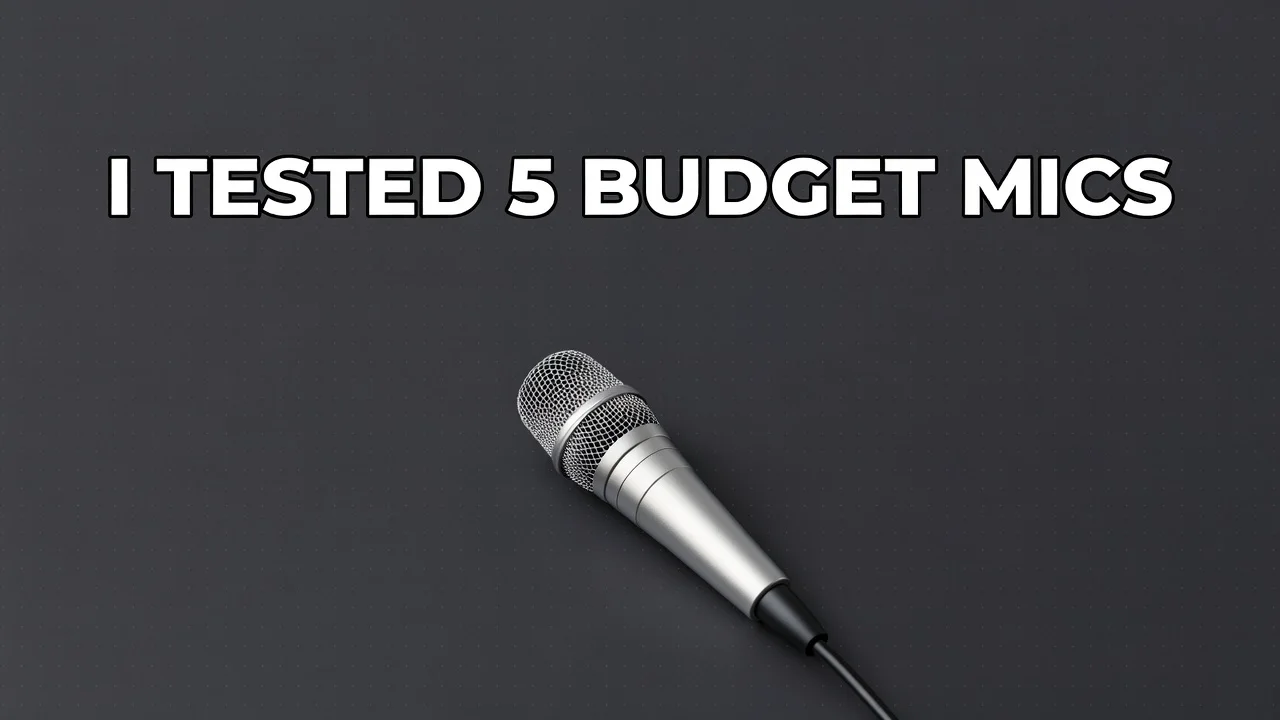
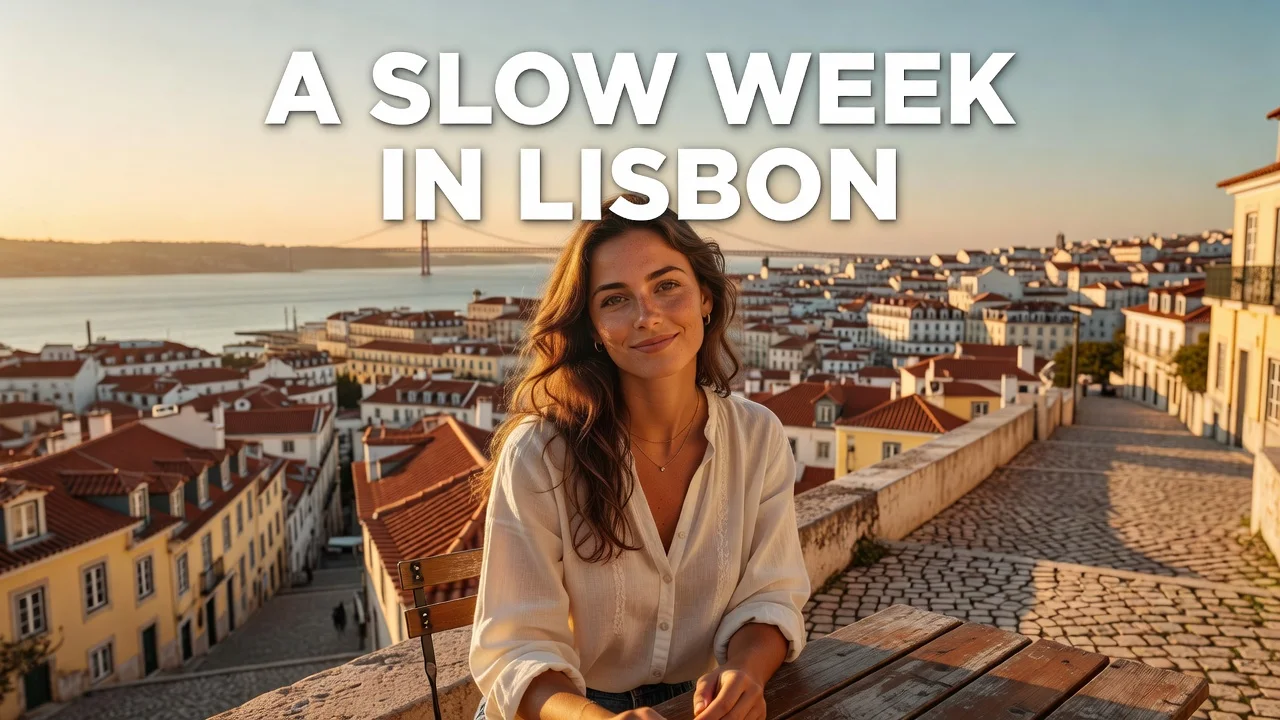
썸네일에 넣을 제목을 쓰고 다섯 가지 스타일 중 하나를 고른 뒤 생성하세요. 1280×720 — 유튜브 자체 썸네일 규격 — 이 나오고, 글자가 이미 그림의 일부로 그려져 있어 디자인 프로그램에서 한 단계 더 손볼 필요가 없습니다. 약 15초 걸립니다. X와 YouTube를 팔로우하면 20 credits가 주어지고 이 페이지는 1회 3 credits이므로 처음 6장이 무료입니다. ⚠️ 한글 제목은 아래 설명을 꼭 읽어 주세요.
보기 좋은 16:9 그림은 이제 웬만한 AI 도구가 다 만듭니다. 거기에 지정한 다섯 단어를 철자 안 틀리고 얹는 도구는 많지 않습니다. 「썸네일 글자」 같은 검색이 존재하는 이유가 그것입니다. 제목이 없는 썸네일은 썸네일이 아니라, 결국 디자인 프로그램에서 마무리해야 하는 배경 이미지일 뿐입니다.
이 페이지가 사이트에서 가장 싼 모델이 아니라 Grok Imagine Image를 돌리는 이유가 여기 있습니다. 빠른 등급 중에서는 자형이 가장 버티는 편이고, 영문 제목 네 개를 실측했을 때 오자가 나오지 않았습니다. 1회 4 credits가 아니라 3 credits라서 팔로우 credits로 6번 — 제목 두 개 × 스타일 세 개를 비교할 수 있는 횟수이고, 실제 작업 방식과 대체로 맞습니다.
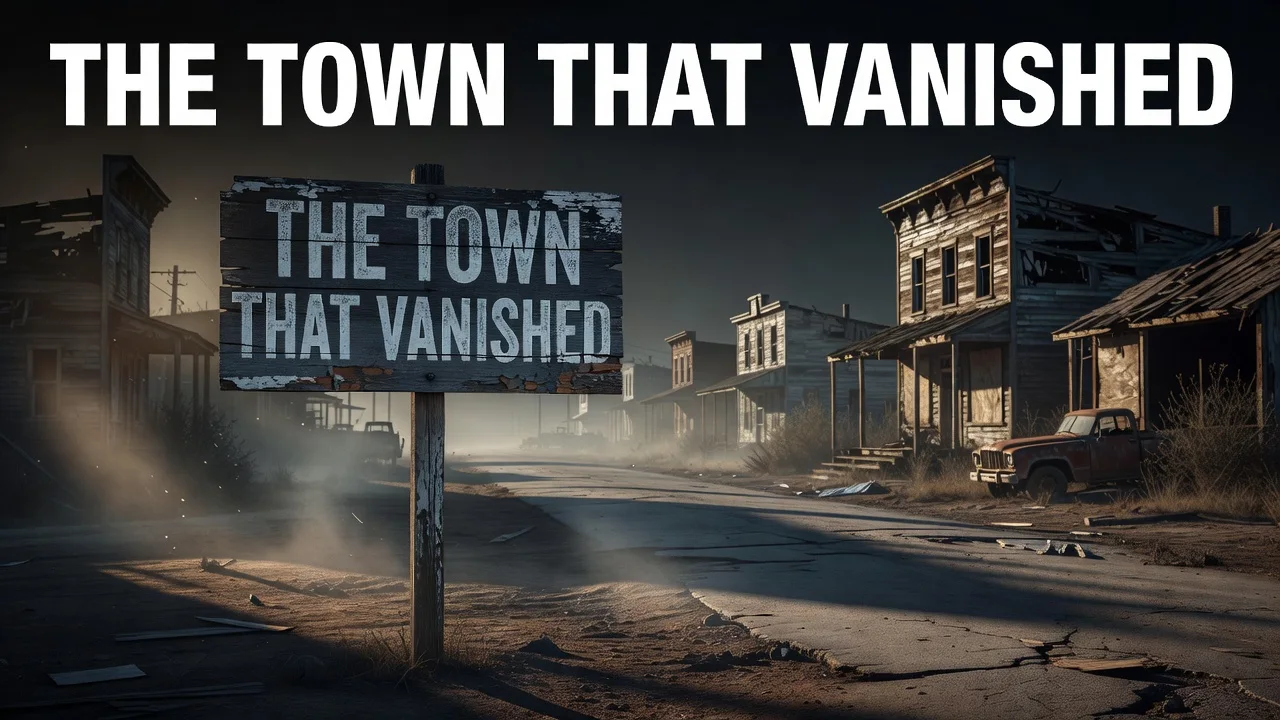
정직한 경계도 같은 자리에 있습니다. **제목은 여섯 단어 안팎까지.** 모델은 들어가도록 글자 크기를 줄이므로 긴 문장은 작아지고, 작은 글자가 휴대폰에서 가장 먼저 무너집니다. 그리고 가끔 벌어지는 이상한 일도 예상해 두세요. 시네마틱 회차에서 모델은 제목을 위쪽에 제대로 놓고는, 같은 문구를 화면 속 나무 간판에도 그려 넣었습니다. text-to-image에서 정상적인 행동입니다. 당신의 단어를 제목으로도, 장면의 일부로도 취급한 것이죠. 다시 돌리거나 제목을 줄이면 대개 사라집니다. 위 그리드에 그 장면을 바꿔치기하지 않고 그대로 남겨 뒀습니다.
**한글 제목은 별도로 검증하지 않았습니다.** 이 등급에서 우리가 확인한 것은 라틴 문자뿐이고(영문 4장 오자 0), 라틴 문자보다 훨씬 넓은 자형 공간을 요구하는 문자 체계에서 이 모델이 실패하는 것을 직접 봤습니다 — 중국어 실측에서 `三里屯`이 `三里电`으로 나왔습니다. 그러니 한글 결과는 글자 단위로 확인하고, 그 영상이 중요하다면 이미지 페이지의 글자에 강한 모델로 조판하는 편이 안전합니다.
마지막으로, 이 페이지가 일부러 못 하는 것: **내 얼굴 넣기.** 업로드 칸이 없는 건 의도입니다. 여기는 text-to-image 도구이고, 실제 인물 사진이 얽히는 순간 필요한 건 생성기가 아니라 편집 화면이니까요. 여기서 구도를 만들고 나중에 합성하거나, 참고 이미지와 상위 모델을 쓸 수 있는 이미지 페이지로 가세요.
무엇을 받고 얼마를 쓰나
credit을 쓰기 전에 알아둘 사실:
1280×720
유튜브 자체 썸네일 규격. 자르거나 줄일 필요가 없습니다.
약 15초
1회 1장. 스타일을 바꿔 다시 돌리는 건 credit 한 번이지 긴 대기가 아닙니다.
6회 무료, 이후 장당 과금
X와 YouTube를 팔로우하면 20 credits, 1회 3 credits. 무료 요금제도 체험 기간도 없습니다.
Renoise has been a great platform for AI creativity. The tools are easy to use, the experience is smooth, and it makes creating content more enjoyable and efficient. I really appreciate the work the team is doing and look forward to seeing more improvements. Highly recommended!
Ssergio ramos
What I like about Renoise AI compared to other platforms: Fast generation speed: Slow generation takes up way too much time, but Renoise AI is surprisingly about 30% faster. Intuitive and user-friendly UI: Cheaply made platforms have terrible UIs that make me not even want to log in, but Renoise is very clean and convenient. Remembers my previous settings: It helpfully remembers my last workspace settings. Some odd platforms force you to re-adjust everything every single time you generate a video, which is extremely frustrating. Overall preference: For all these reasons, Renoise AI is definitely my preferred platform. Thank you!
ZZeus
Renoise is your go to one stop all for ai creators. all view and use all models in one place, for any type of content you have your mind on!
MMichał Reszka
I have a creat experience with the app. Consistent characters but also unique. THere were some issues with storyline continuity and non-typical humanoid characters.
LLộc Bùi Nguyễn Vinh
Renoise is pretty easy to use, with a clean and smooth interface. The results from Seedance 2.5 also feel noticeably smoother in action sequences.
FFaith Joy Cloma
Renoise Ai is a good tool for making ai videos and photos. it puts several Ai models in one place, so you don't need to use many different apps.
Renoise has been a great platform for AI creativity. The tools are easy to use, the experience is smooth, and it makes creating content more enjoyable and efficient. I really appreciate the work the team is doing and look forward to seeing more improvements. Highly recommended!
Ssergio ramos
What I like about Renoise AI compared to other platforms: Fast generation speed: Slow generation takes up way too much time, but Renoise AI is surprisingly about 30% faster. Intuitive and user-friendly UI: Cheaply made platforms have terrible UIs that make me not even want to log in, but Renoise is very clean and convenient. Remembers my previous settings: It helpfully remembers my last workspace settings. Some odd platforms force you to re-adjust everything every single time you generate a video, which is extremely frustrating. Overall preference: For all these reasons, Renoise AI is definitely my preferred platform. Thank you!
ZZeus
Renoise is your go to one stop all for ai creators. all view and use all models in one place, for any type of content you have your mind on!
MMichał Reszka
I have a creat experience with the app. Consistent characters but also unique. THere were some issues with storyline continuity and non-typical humanoid characters.
만들 수 있습니다. 그것도 예전에 가장 안 되던 「글자까지 얹은」 형태로요. 이 페이지 위쪽 도구가 제목을 받아 그것을 축으로 구도를 짜고, 1280×720 그림 안에 글자를 그려 넣습니다. 실제 제약은 길이이고 3~6단어가 믿을 만한 구간입니다. 모델이 들어가도록 글자를 줄이기 때문에 긴 문장은 휴대폰에서 안 읽히는 크기가 됩니다.
2.썸네일 크기는 얼마인가요?
+
1280×720 픽셀, 16:9입니다. 유튜브가 권장하는 썸네일 크기 그대로라 업로드 전에 자르거나 늘릴 필요가 없습니다.
3.썸네일 만들기는 무료인가요?
+
새 계정은 X와 YouTube를 팔로우하면 20 credits를 받고 이 페이지는 1회 3 credits이므로 처음 6장이 무료입니다. 이후에는 장당 과금됩니다. 무료 요금제나 체험 기간은 없고 한 번 주는 credits입니다.
4.한글 제목도 되나요?
+
넣을 수는 있지만 글자 단위로 확인해야 합니다. 이 등급에서 우리가 검증한 것은 라틴 문자뿐이고(영문 4장 오자 0), 자형 공간이 훨씬 넓은 문자 체계에서 이 모델이 실패하는 것을 직접 봤습니다 — 중국어 실측에서 한 글자가 틀렸습니다. 중요한 영상이라면 이미지 페이지의 글자에 강한 모델로 조판하시길 권합니다.
5.내 얼굴이나 채널 로고를 넣을 수 있나요?
+
이 페이지에서는 안 됩니다. 순수 text-to-image이고 업로드 칸을 일부러 두지 않았습니다. 생성된 로고는 특히 좋지 않아서, 지어낸 형태에 뭉개진 글자가 붙습니다. 진짜 로고는 나중에 아무 편집기로 올리세요. 본인 인물이 들어가야 한다면 참고 이미지를 쓸 수 있는 이미지 페이지로 가시면 됩니다.
6.제목이 화면 속 간판에도 나오는 건 왜죠?
+
text-to-image 모델은 당신의 단어를 제목으로도, 장면의 일부로도 취급해서 가끔 두 번 그립니다 — 한 번은 제목으로, 한 번은 화면 속 간판으로. 고장이 아니라 정상 동작입니다. 다시 돌리거나 제목을 줄이면 대개 해결됩니다. 위 그리드에 실제 사례를 남겨 뒀습니다.
7.한 번에 여러 장 뽑아서 고를 수 있나요?
+
1회 1장입니다. 다만 스타일을 바꿔 다시 돌리는 데 3 credits, 15초면 되므로 무료 6회는 사실상 「제목 두 개 × 스타일 세 개」를 비교할 여지입니다. 실제로도 대부분 그렇게 씁니다.
By Leon, RenoiseLast reviewed Models verified: Grok Imagine Image